1. Εισαγωγή
Thank you for choosing the LG 34 Inch UltraWide WQHD Curved Monitor. This manual provides essential information for the safe and efficient use of your new monitor. Please read it thoroughly before operating the device and keep it for future reference.
Περιεχόμενα συσκευασίας
- LG 34 Inch UltraWide Curved Monitor
- Βάση οθόνης (Βάση και λαιμός)
- Καλώδιο τροφοδοσίας
- Καλώδιο HDMI
- Καλώδιο DisplayPort
- Καλώδιο USB-C
- Εγχειρίδιο χρήστη και κάρτα εγγύησης
2. Βασικά Χαρακτηριστικά
- 34-inch WQHD UltraWide Curved Display: Expansive 21:9 screen (3440 x 1440) for enhanced productivity and immersive viewing.
- HDR Display with 99% sRGB: Delivers vibrant, natural colors and distinct image layers, supporting HDR brightness performance.
- Υψηλός ρυθμός ανανέωσης 120Hz: Ensures fluid scrolling and dynamic content for a comfortable visual experience.
- Χρόνος απόκρισης 5ms (GTG): Provides quick pixel response for smooth motion.
- LG Switch for Multitasking & Eye Care: Enables quick split-screen functionality, customizable layouts, and Reader Mode to reduce eye strain.
- Ρυθμιζόμενη βάση: Supports height, tilt, and swivel adjustments for optimal viewγωνίες.
- Ενσωματωμένα ηχεία: Ενσωματωμένος ήχος για ευκολία.
- Πολλαπλές επιλογές συνδεσιμότητας: Includes DisplayPort and HDMI inputs.
3. Ρύθμιση
3.1 Συναρμολόγηση της βάσης
Carefully remove the monitor and stand components from the packaging. Follow the instructions below to attach the stand to the monitor.
- Τοποθετήστε την οθόνη με την όψη προς τα κάτω σε μια μαλακή, καθαρή επιφάνεια για να αποφύγετε γρατσουνιές.
- Συνδέστε τον λαιμό της βάσης στο πίσω πλαίσιο της οθόνης. Βεβαιωθείτε ότι έχει ασφαλίσει στη θέση του με ένα κλικ.
- Attach the stand base to the bottom of the stand neck. Tighten the screw(s) firmly to secure the base.
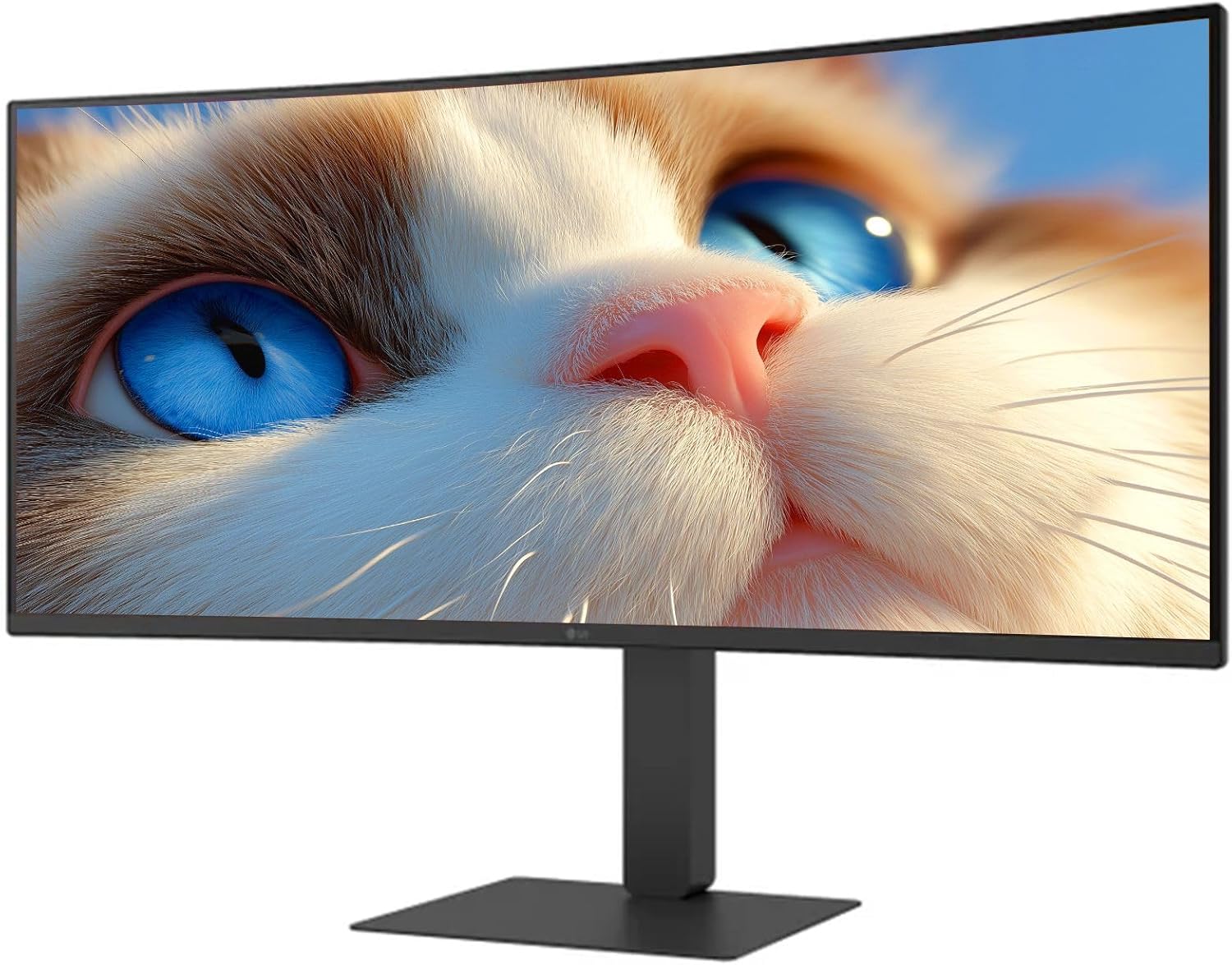
Εικόνα 1: Εμπρός view of the LG 34 Inch UltraWide Curved Monitor with stand.

Εικόνα 2: Πλευρά view of the LG 34 Inch UltraWide Curved Monitor with stand.
3.2 Σύνδεση της οθόνης
Συνδέστε την οθόνη στον υπολογιστή σας ή σε άλλες συσκευές χρησιμοποιώντας τα κατάλληλα καλώδια.
- Συνδέστε το καλώδιο τροφοδοσίας στην είσοδο τροφοδοσίας της οθόνης και στη συνέχεια σε μια πρίζα.
- For video input, connect either an HDMI cable or a DisplayPort cable from your computer's graphics card to the corresponding port on the monitor.
- If your computer supports USB-C, you can use the provided USB-C cable for video, audio, and data transfer.

Εικόνα 3: Πίσω view of the monitor showing available ports for connectivity.
4. Λειτουργία της οθόνης
4.1 Ενεργοποίηση/Απενεργοποίηση
Press the power button, usually located on the bottom center of the monitor, to turn the monitor on or off. The power indicator light will illuminate when the monitor is on.
4.2 Μενού εμφάνισης στην οθόνη (OSD)
The OSD menu allows you to adjust various monitor settings. Use the joystick button (typically located on the bottom center) to navigate the menu.
- Λειτουργία εικόνας: Select from various preset modes (e.g., Custom, Reader, HDR Effect) or customize settings like brightness, contrast, and sharpness.
- Εισαγωγή: Manually select the input source (HDMI, DisplayPort, USB-C).
- Γενικός: Access settings for language, OSD transparency, and power-saving options.
4.3 Ρύθμιση της βάσης
The monitor stand offers ergonomic adjustments for your comfort:
- Ρύθμιση ύψους: Gently push or pull the monitor up or down to your desired height.
- Ρύθμιση κλίσης: Hold both sides of the monitor and tilt it forwards or backwards.
- Ρύθμιση περιστροφής: Περιστρέψτε την οθόνη αριστερά ή δεξιά στη βάση της.
5. Συντήρηση
5.1 Καθαρισμός της οθόνης
Για να διασφαλίσετε τη μακροζωία και τη βέλτιστη απόδοση της οθόνης σας, ακολουθήστε αυτές τις οδηγίες καθαρισμού:
- Πάντα να αποσυνδέετε την οθόνη από την πρίζα πριν από τον καθαρισμό.
- Χρησιμοποιήστε ένα μαλακό πανί που δεν αφήνει χνούδι ελαφρώς dampμε νερό ή με ένα ειδικό καθαριστικό οθόνης.
- Μην ψεκάζετε καθαριστικό απευθείας στην οθόνη.
- Avoid using abrasive cleaners, solvents, or ammonia-based products.
6. Αντιμετώπιση Προβλημάτων
Εάν αντιμετωπίσετε προβλήματα με την οθόνη σας, ανατρέξτε στις ακόλουθες συνήθεις λύσεις:
- Χωρίς ισχύ: Βεβαιωθείτε ότι το καλώδιο τροφοδοσίας είναι καλά συνδεδεμένο τόσο στην οθόνη όσο και στην πρίζα. Ελέγξτε αν η πρίζα λειτουργεί.
- Χωρίς σήμα: Verify that the video cable (HDMI, DisplayPort, or USB-C) is correctly connected to both the monitor and your computer. Ensure the correct input source is selected in the OSD menu.
- Οθόνη που τρεμοπαίζει: Check the video cable connection. Try adjusting the refresh rate in your computer's display settings.
- Παραμόρφωση εικόνας: Reset the monitor to factory settings via the OSD menu. Ensure your computer's display resolution matches the monitor's native resolution (3440 x 1440).
- Δεν υπάρχει ήχος από τα ενσωματωμένα ηχεία: Check the volume settings on both the monitor and your computer. Ensure the audio output is correctly routed to the monitor.
If the problem persists after trying these steps, please contact LG customer support.
7. Προδιαγραφές
| Χαρακτηριστικό | Προσδιορισμός |
|---|---|
| Μάρκα | LG |
| Αριθμός μοντέλου | 195174134092 |
| Μέγεθος οθόνης | 34 ίντσες |
| Μέγιστη Ανάλυση | WQHD (3440 x 1440) |
| Ρυθμός ανανέωσης | 120Hz |
| Χρόνος απόκρισης | 5 ms (GTG) |
| Αναλογία διαστάσεων | 21:9 |
| Χρωματική γκάμα | sRGB 99% |
| Υποστήριξη HDR | HDR10 |
| Viewγωνιά | 178 degrees (R/L), 178 degrees (U/D) |
| Υποδοχές οθόνης | 1 x HDMI, 1 x DisplayPort |
| Eye Relief Features | Low blue light, Flicker-free, Anti-glare, Reader Mode |
| Ενσωματωμένα ηχεία | Ναί |
| Διαστάσεις προϊόντος (με βάση) | 8.7" Β x 32.1" Π x 19.2" Υ |
| Βάρος προϊόντος (με βάση) | 16.8 λίρες |
8. Εγγύηση και υποστήριξη
Your LG 34 Inch UltraWide Curved Monitor comes with a standard manufacturer's warranty. Please refer to the warranty card included in your package for detailed terms and conditions.
For technical support, service, or further inquiries, please visit the official LG website or contact their customer service hotline. Keep your purchase receipt and product serial number (located on the back of the monitor) handy when contacting support.