1. Einleitung
This manual provides essential information for setting up, operating, maintaining, and troubleshooting your OPPO A6 Pro 5G smartphone. Please read this guide thoroughly to ensure proper use and to maximize the device's capabilities.
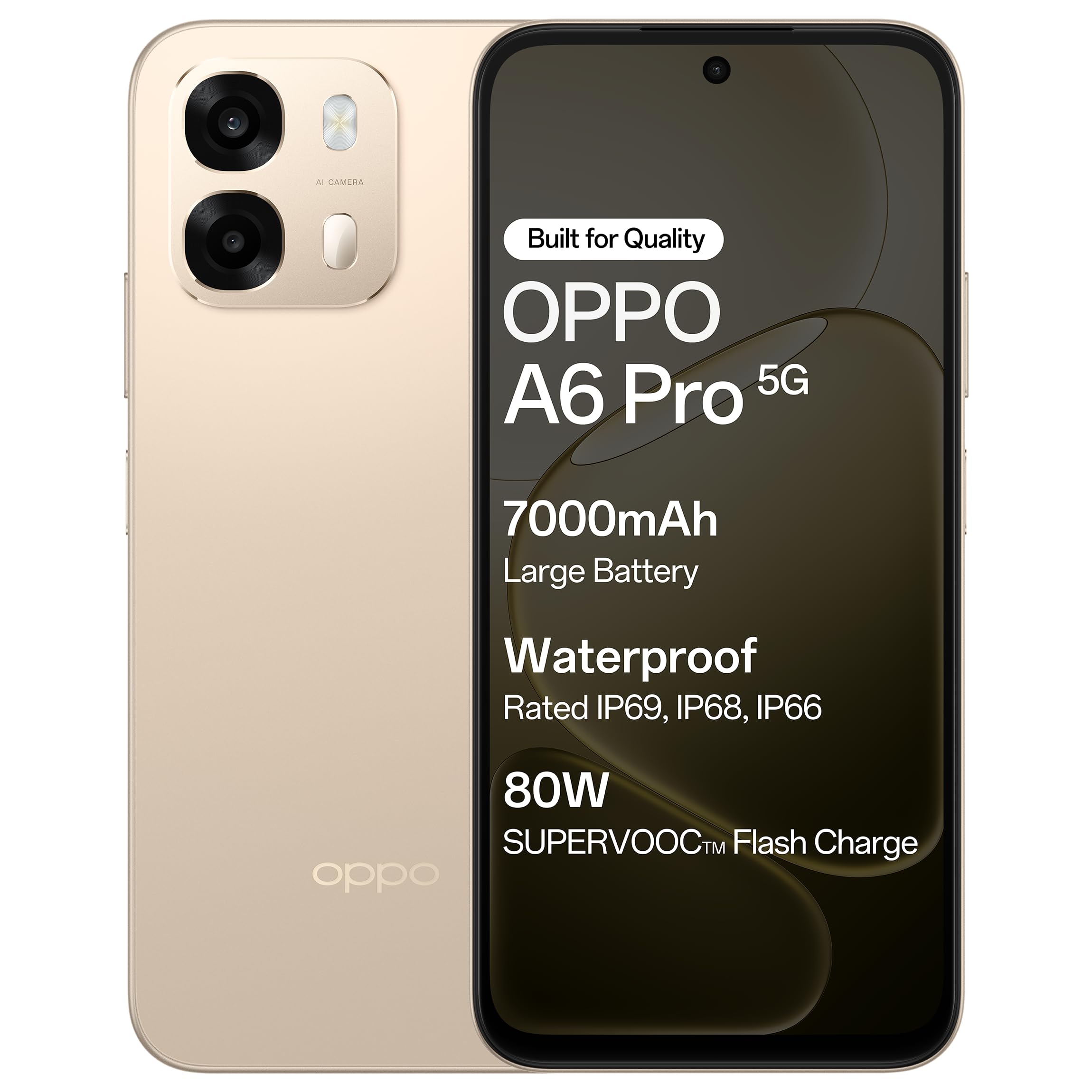
Abbildung 1.1: Vorderseite view of the OPPO A6 Pro 5G smartphone.
2. Packungsinhalt
Prüfen Sie, ob alle Artikel in Ihrer Produktverpackung enthalten sind:
- OPPO A6 Pro 5G Smartphone
- Netzteil
- USB-Kabel
- Handyhülle
- SIM-Fach-Auswerfer
3. Einrichtung
3.1. Einlegen der SIM-Karte und der SD-Karte
- Suchen Sie das SIM-Kartenfach an der Seite des Geräts.
- Führen Sie das SIM-Karten-Auswurfwerkzeug in die kleine Öffnung neben dem Fach ein und drücken Sie vorsichtig, bis das Fach herausspringt.
- Legen Sie Ihre Nano-SIM-Karte(n) und/oder microSD-Karte in die dafür vorgesehenen Steckplätze des Kartenfachs ein. Achten Sie darauf, dass die goldenen Kontakte nach unten zeigen.
- Setzen Sie das Fach vorsichtig wieder in das Telefon ein, bis es einrastet.
3.2. Erstes Aufladen
Before first use, it is recommended to fully charge your device. Connect the USB cable to the power adapter and then to the phone's charging port. Plug the power adapter into a wall outlet.

Figure 3.1: The device screen displaying 80W SUPERVOOC Flash Charge status.
3.3. Einschalten und Erstkonfiguration
- Halten Sie den Ein-/Ausschalter (auf der rechten Seite) gedrückt, bis das OPPO-Logo erscheint.
- Folgen Sie den Anweisungen auf dem Bildschirm, um Ihre Sprache und Region auszuwählen, eine WLAN-Verbindung herzustellen und Ihr Google-Konto einzurichten.
- Configure security features such as fingerprint unlock or face unlock as desired.
4. Bedienungsanleitung
4.1. Grundlegende Navigation
- Netzschalter: Zum Ein-/Ausschalten oder Neustarten gedrückt halten. Kurz drücken, um den Bildschirm zu sperren/entsperren.
- Lautstärketasten: Medienlautstärke, Anruflautstärke oder Klingeltonlautstärke anpassen.
- Touch-Gesten: Zum Auswählen tippen, zum Scrollen wischen, zum Zoomen zusammenziehen.
4.2. Anrufe tätigen und Nachrichten senden
Tap the Phone icon to make calls. Tap the Messages icon to send and receive text messages.
4.3. Kameranutzung
Open the Camera app to capture photos and videos. Tap the shutter button to take a picture. Swipe left or right to switch between modes like Photo, Video, Portrait, etc.

Figure 4.1: The 50MP Ultra-Clear Camera capturing a detailed landscape.
4.4. Konnektivität
Access Wi-Fi and Bluetooth settings from the Quick Settings panel (swipe down from the top of the screen) or through the Settings app.

Figure 4.2: AI LinkBoost 3.0 ensures stable online connectivity.
5. Hauptmerkmale
5.1. Anzeige
The OPPO A6 Pro 5G features a 17.14 cm (6.75-inch) HD+ IPS LCD Ultra Bright 1125 nits Display with a 120Hz high refresh rate, providing smooth visuals and enhanced outdoor visibility.

Figure 5.1: The 120Hz Ultra Bright Display offers fluid visuals.
5.2. Akku und Aufladen
Equipped with a massive 7000mAh battery, the device supports extended usage. The 80W SUPERVOOC Flash Charge technology allows for rapid charging. Additionally, the phone supports wired reverse charging, enabling it to charge other devices using a C-to-C data cable.
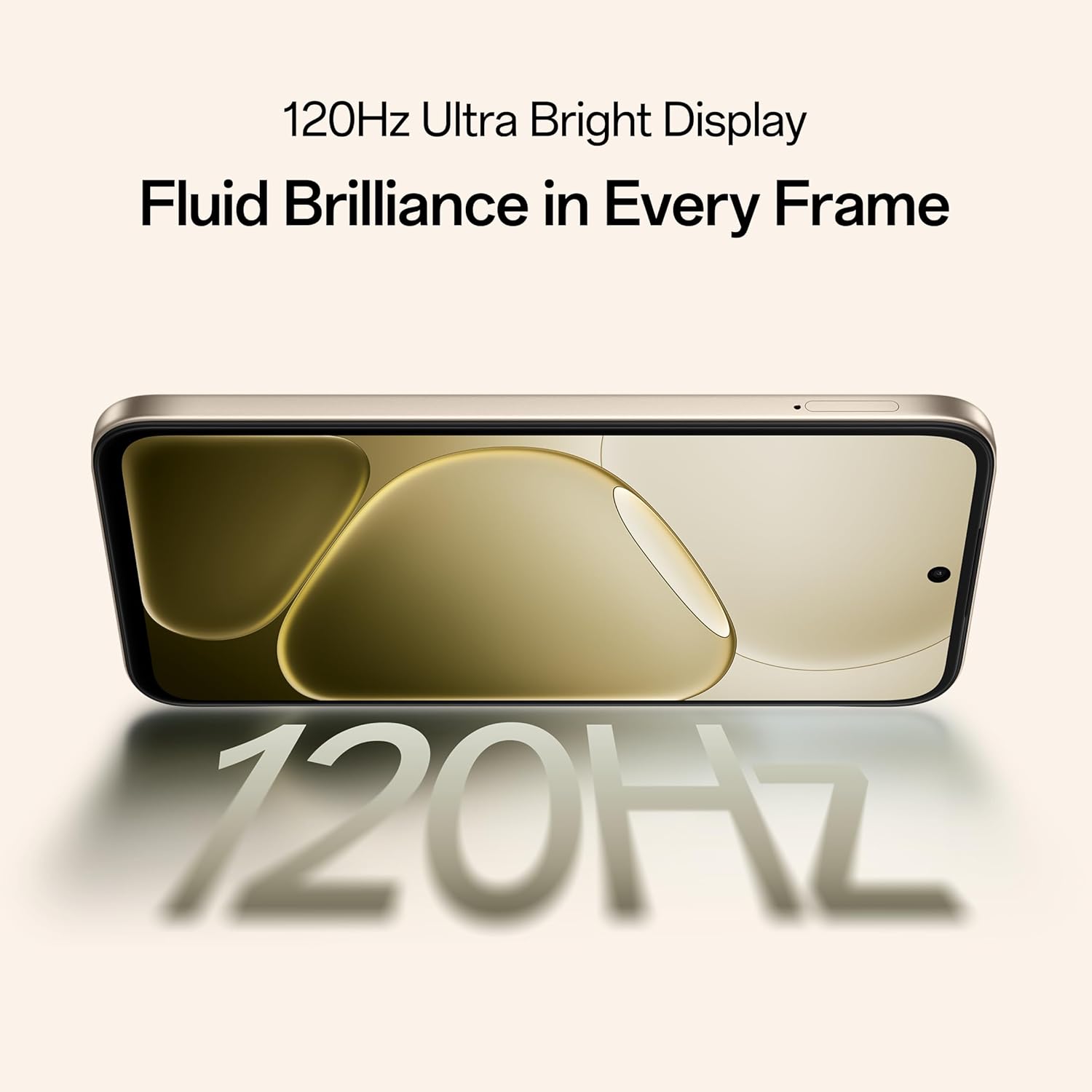
Figure 5.2: Internal representation of the 7000mAh large battery.

Figure 5.3: The device performing reverse wired charging to another gadget.
5.3. Haltbarkeit
The OPPO A6 Pro 5G features triple IP-rated durability (IP69, IP68, and IP66), providing protection against water jets, immersion, hot water, steam, and dust.

Figure 5.4: The device demonstrating IP69 water and dust resistance.
5.4. Leistung
Powered by the 6nm MediaTek Dimensity 6300 chipset, the phone offers enhanced performance and power efficiency with reliable 5G connectivity. It is optimized for long-lasting smoothness, tested to deliver up to 60 months of fluency.

Figure 5.5: The MediaTek Dimensity 6300 mobile platform.

Figure 5.6: The device designed for 60-month fluency protection.
5.5. Kühlsystem
An advanced cooling system, featuring a large vapor chamber and expanded graphite layers, helps maintain low temperatures during intensive use, ensuring stable performance.

Abbildung 5.7: Explosionsdarstellung view illustrating the SuperCool VC System.
5.6. Kamera
The 50MP AI camera includes intelligent features like AI Eraser, AI Recompose, and AI Perfect Shot for enhanced photography.
6. Wartung
6.1. Reinigen des Geräts
Use a soft, lint-free cloth to clean the screen and body of the phone. Avoid using harsh chemicals or abrasive materials. For stubborn stains, slightly dampspülen Sie das Tuch mit Wasser aus.
6.2. Software-Updates
Prüfen Sie regelmäßig, ob Software-Updates verfügbar sind, und installieren Sie diese, um optimale Leistung, Sicherheit und Zugriff auf neue Funktionen zu gewährleisten. Navigieren Sie zu Einstellungen > Über das Gerät > Aktuell um nach Updates zu suchen.
6.3. Batteriepflege
Um die Akkulaufzeit zu verlängern, vermeiden Sie extreme Temperaturen für Ihr Telefon. Es wird empfohlen, den Akku im täglichen Gebrauch zwischen 20 % und 80 % zu laden.
6.4. Speicherverwaltung
Löschen Sie regelmäßig unnötige files, cache data, and uninstall unused applications to free up storage space and maintain device speed. You can manage storage in Einstellungen > Speicher.
7. Fehlerbehebung
This section addresses common issues you might encounter with your OPPO A6 Pro 5G.
| Problem | Lösung |
|---|---|
| Gerät lässt sich nicht einschalten | Ensure the battery is charged. Connect to the charger for at least 10 minutes, then try powering on again. If it still doesn't work, perform a force restart by holding the Power button and Volume Up button simultaneously for about 10 seconds. |
| Apps stürzen ab oder frieren ein. | Leeren Sie den App-Cache (Einstellungen > Apps > [App-Name] > Speicher > Cache leeren). Sollte das Problem weiterhin bestehen, deinstallieren Sie die App und installieren Sie sie anschließend neu. Stellen Sie sicher, dass die Software Ihres Geräts auf dem neuesten Stand ist. |
| Poor Wi-Fi or mobile data connection | Restart your phone. Check if Wi-Fi is enabled and you are within range of a known network. For mobile data, ensure your SIM card is properly inserted and mobile data is enabled in settings. Contact your service provider if the issue persists. |
| Der Akku entlädt sich schnell | Reduce screen brightness, disable unused features like Bluetooth/GPS, close background apps, and check battery usage in Settings to identify power-hungry applications. |
8. Spezifikationen
Key technical specifications for the OPPO A6 Pro 5G (Model CPH2827):
| Besonderheit | Detail |
|---|---|
| Modellnummer | CPH2827 |
| Betriebssystem | Android 15 |
| Anzeige | 17.14 cm (6.75") HD+ IPS LCD, 120Hz, 1125 nits |
| Prozessor | MediaTek Dimensity 6300 (6nm) |
| RAM | 8 GB |
| Interner Speicher | 256 GB |
| Rückfahrkamera | 50MP KI-Kamera |
| Batteriekapazität | 7000 mAh |
| Laden | 80W SUPERVOOC Flash Charge, Wired Reverse Charging |
| Konnektivität | 5G, Bluetooth, USB, WLAN |
| Abmessungen (LxBxH) | 15.8 x 7.5 x 0.7 cm |
| Gewicht | 198 g |
| Haltbarkeitsbewertung | IP69, IP68, IP66 |
9. Garantie und Support
9.1. Herstellerinformationen
Hersteller: OPPO MOBILES INDIA PVT LTD.
Adresse: 5th FLOOR, Tower B, BUILDING, N-8, DLF Cyber City, DLF Phase 2, Gurugram, Haryana 122002, India
9.2. Kundendienst
For technical support, warranty claims, or service inquiries, please contact OPPO customer service at 18001032777 or visit the official OPPO webWebsite für weitere Informationen.


