1. Einleitung
This manual provides essential information for the safe and efficient use of your realme 14 Pro Lite Smartphone. Please read it carefully before using your device.
Packungsinhalt:
Prüfen Sie beim Auspacken, ob alle Artikel vorhanden sind:
- realme 14 Pro Lite Smartphone
- USB-Kabel
- 45W Adapter
- Schutzhülle
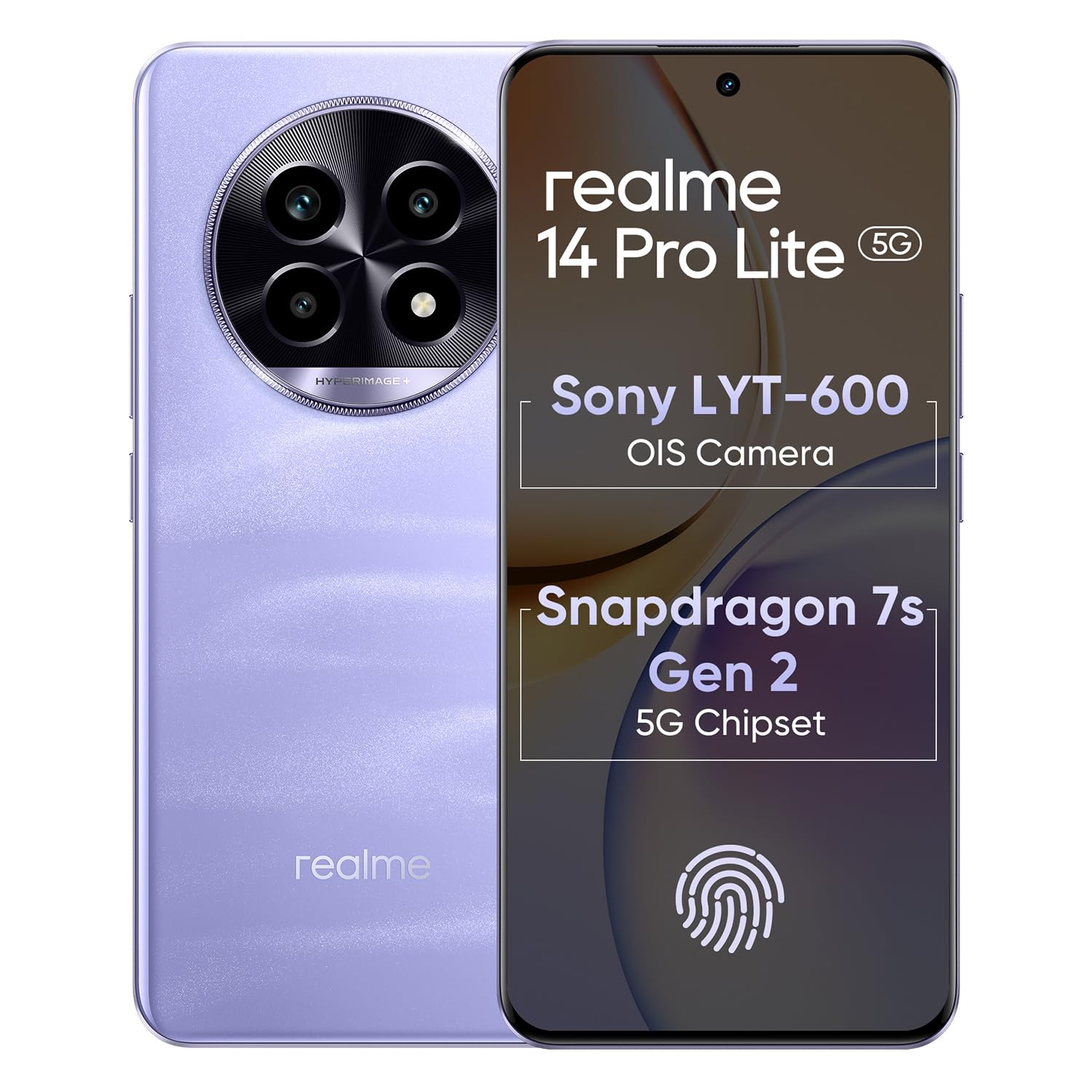
Image 1.1: The realme 14 Pro Lite Smartphone, showcasing sein Design.
2. Einrichtung
2.1. Installation der SIM-Karte und der microSD-Karte
- Suchen Sie den SIM-Karten-Einschub an der Seite Ihres Geräts.
- Führen Sie das SIM-Auswurfwerkzeug in die kleine Öffnung neben dem Fach ein und drücken Sie vorsichtig, bis das Fach herausspringt.
- Legen Sie Ihre Nano-SIM-Karten (bis zu zwei) und/oder eine microSD-Karte in die dafür vorgesehenen Steckplätze des Kartenfachs ein. Achten Sie darauf, dass die goldenen Kontakte nach unten zeigen.
- Setzen Sie das Fach vorsichtig wieder in das Telefon ein, bis es einrastet.
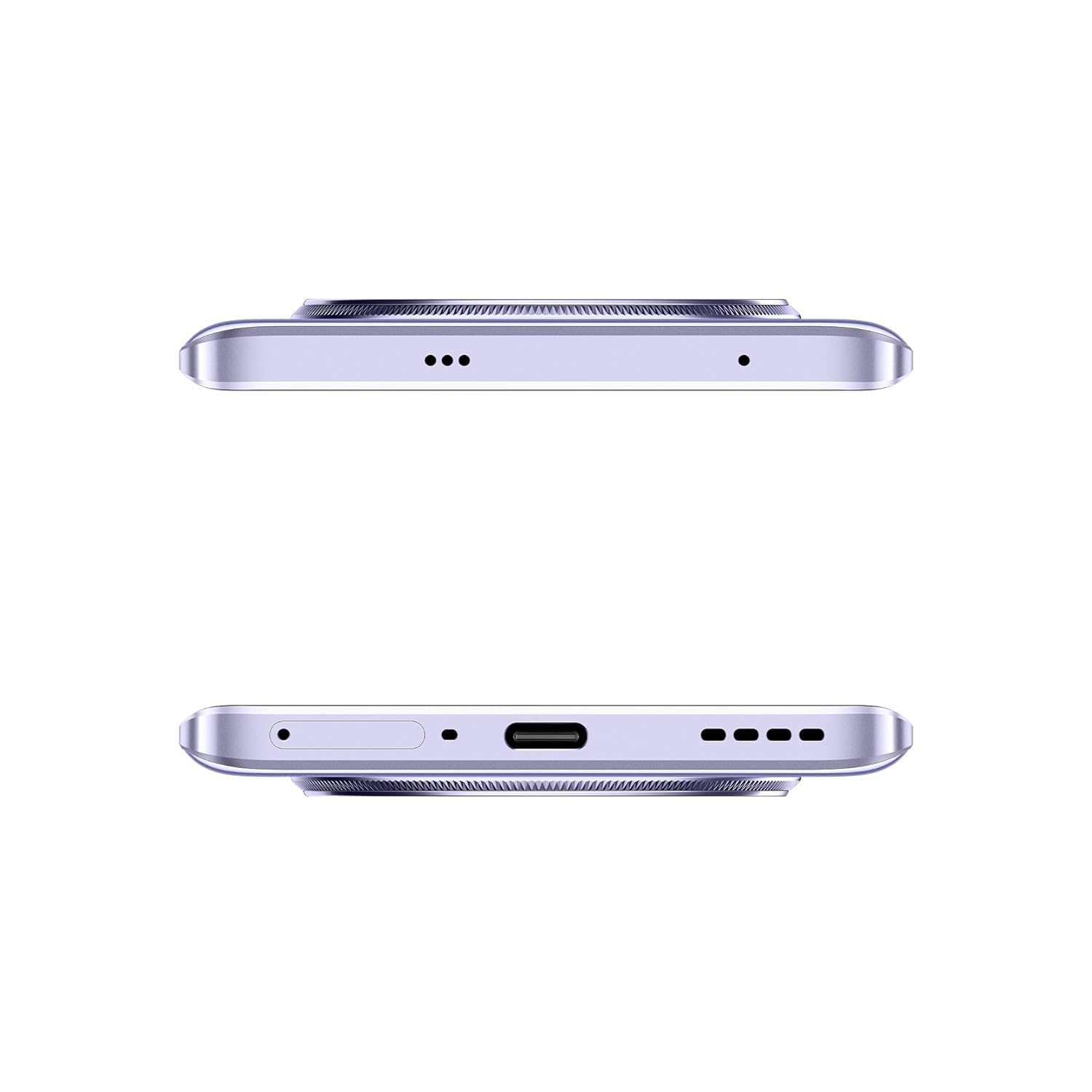
Abbildung 2.1: Seite view of the realme 14 Pro Lite, indicating the SIM card tray position.
2.2. Aufladen des Geräts
Connect the 45W adapter to a power outlet and the USB cable to the phone's charging port. The device supports 45W SuperVOOC fast charging. It is recommended to fully charge the device before first use.
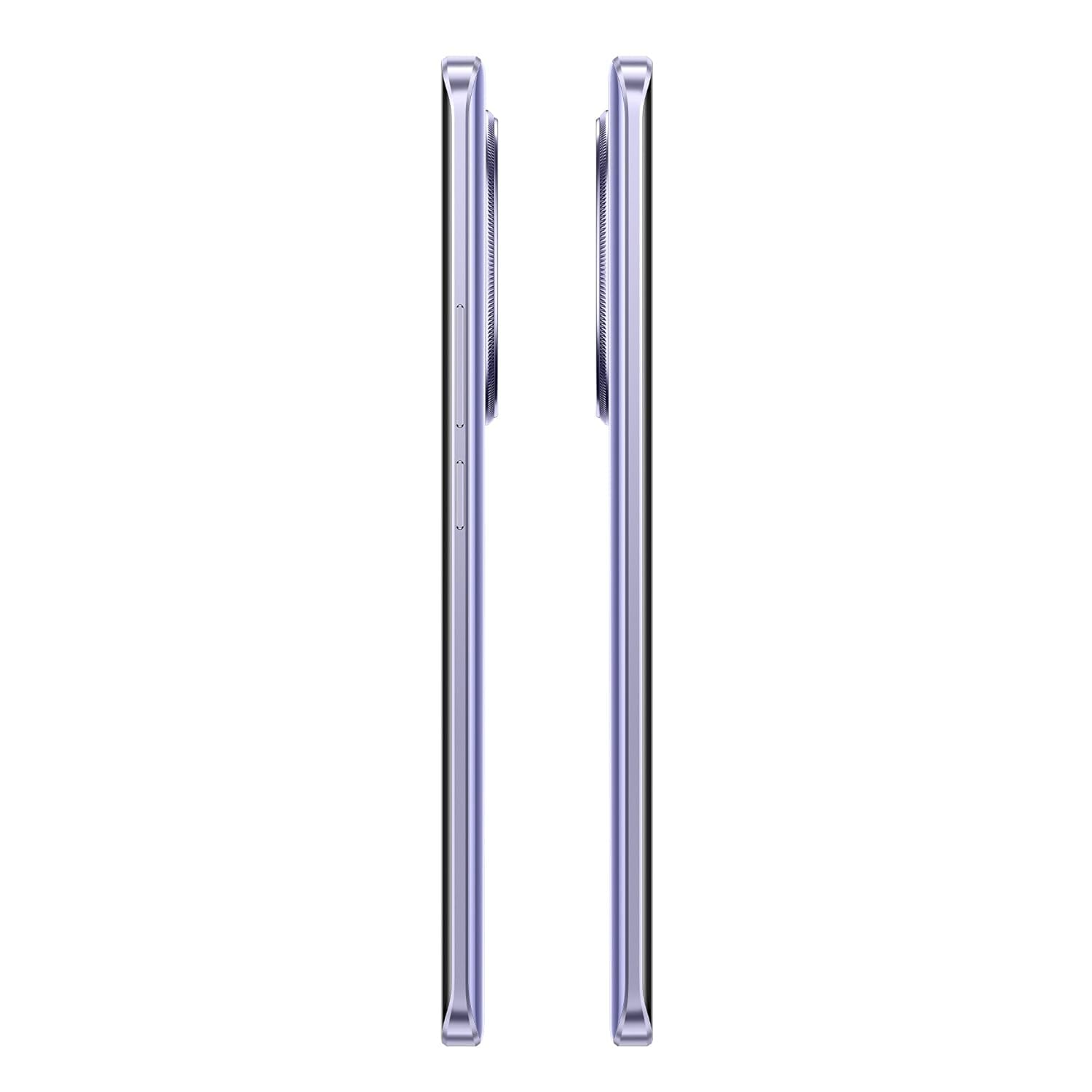
Abbildung 2.2: Unterseite view of the realme 14 Pro Lite, highlighting the USB-C charging port.
2.3. Einschalten und Ersteinrichtung
Press and hold the Power button located on the side of the device until the realme logo appears. Follow the on-screen instructions to select your language, connect to Wi-Fi, and set up your Google account.
3. Bedienungsanleitung
3.1. Anzeige und Navigation
Your realme 14 Pro Lite features a 6.7-inch OLED Flow Display with a 120Hz refresh rate for smooth visuals and a 2000Hz instant touch sampling rate for responsive interaction. Navigate the Android 14 operating system with realme UI 5.0 using gestures or on-screen buttons.
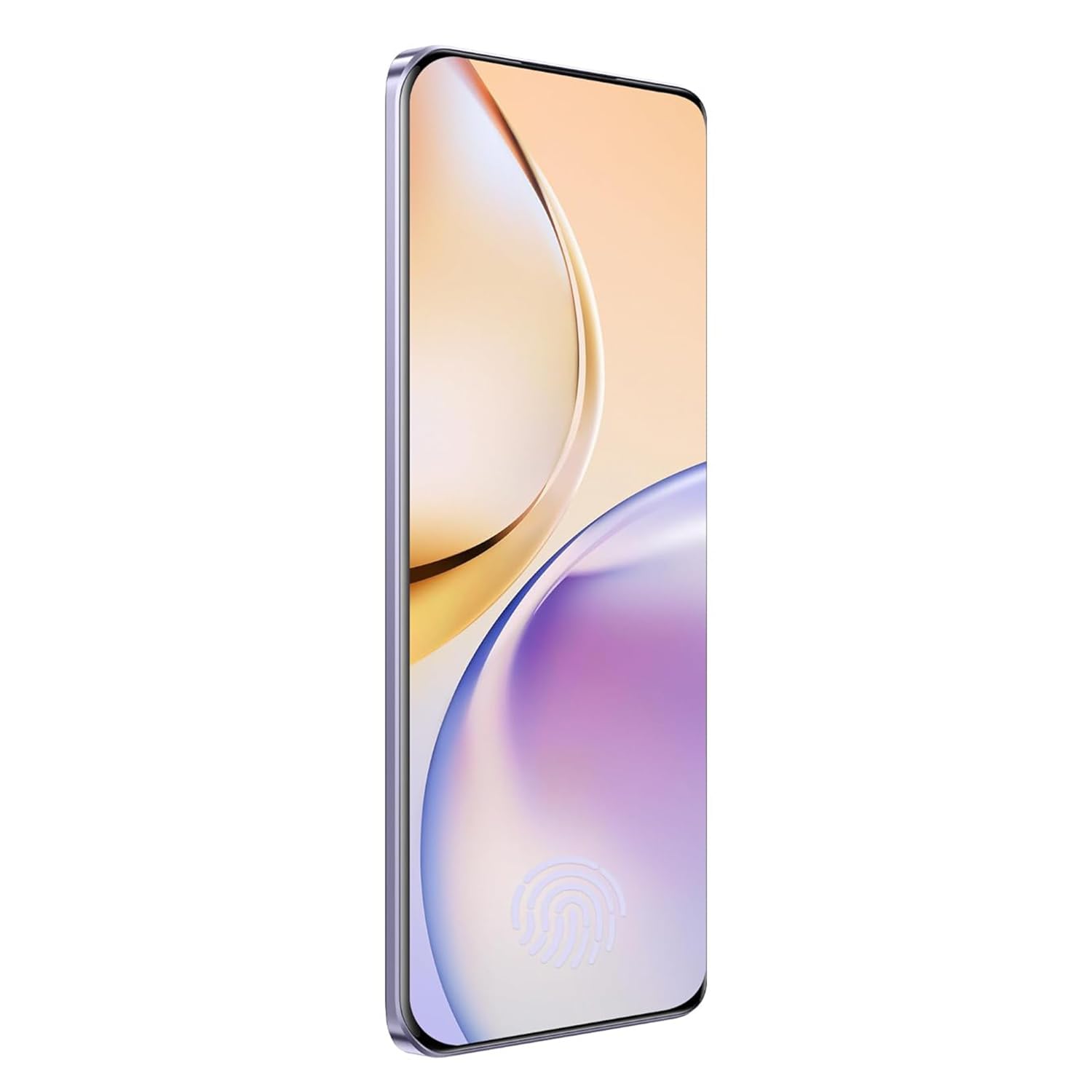
Bild 3.1: Vorderseite view of the realme 14 Pro Lite, showcasing seine Anzeige.
3.2. Leistung und Konnektivität
The device is powered by a Snapdragon 7s Gen 2 4nm 5G Chipset, ensuring efficient performance for various tasks. Connectivity options include Bluetooth, USB, and Wi-Fi. For 5G network access, ensure you have a compatible SIM card and service plan.
3.3. Kameranutzung
Utilize the integrated camera system for photography and videography. Open the Camera application from your home screen or app drawer. Select modes such as Photo, Video, Portrait, or Night mode as desired. Tap the shutter button to capture images or start/stop video recording.

Abbildung 3.2: Rückseite view of the realme 14 Pro Lite, highlighting the camera module.
4. Wartung
4.1. Batteriepflege
- Vermeiden Sie es, das Gerät extremen Temperaturen auszusetzen.
- Use only the provided 45W adapter and USB cable for charging.
- Lassen Sie das Gerät nicht über längere Zeiträume am Ladevorgang angeschlossen, nachdem es 100 % geladen hat.
4.2. Software-Updates
Prüfen Sie regelmäßig, ob Software-Updates verfügbar sind, und installieren Sie diese, um optimale Leistung, Sicherheit und Zugriff auf neue Funktionen zu gewährleisten. Navigieren Sie zu Einstellungen > Über das Gerät > realme UI-Version um nach Updates zu suchen.
4.3. Reinigen Ihres Geräts
Use a soft, lint-free cloth to clean the screen and body of the phone. Avoid using harsh chemicals or abrasive materials. Do not immerse the device in water.
5. Fehlerbehebung
5.1. Gerät lässt sich nicht einschalten
- Stellen Sie sicher, dass der Akku geladen ist. Schließen Sie das Ladegerät an und warten Sie einige Minuten, bevor Sie versuchen, das Gerät erneut einzuschalten.
- Halten Sie den Netzschalter mindestens 10-15 Sekunden lang gedrückt, um einen Neustart zu erzwingen.
5.2. Verbindungsprobleme (WLAN/Bluetooth)
- Toggle Wi-Fi or Bluetooth off and on again.
- Starten Sie Ihr Gerät neu.
- Forget the network/device and attempt to reconnect.
5.3. Abstürzende oder einfrierende Apps
- Clear the cache and data for the problematic app via Einstellungen > Apps > [App-Name] > Speicher.
- Deinstallieren Sie die App und installieren Sie sie erneut.
- Stellen Sie sicher, dass die Software Ihres Geräts auf dem neuesten Stand ist.
6. Spezifikationen
| Besonderheit | Detail |
|---|---|
| Modellname | realme 14 Pro Lite |
| Betriebssystem | Android 14 (with realme UI 5.0) |
| Prozessor | Snapdragon 7s Gen 2 4nm 5G Chipset |
| Anzeige | 6.7-inch OLED Flow Display, 120Hz Refresh Rate, 2412x1080 Resolution |
| RAM | 8 GB |
| Interner Speicher | 128GB (expandable up to 1TB with microSD) |
| Batteriekapazität | 5200 mAh |
| Laden | 45W SuperVOOC Charge |
| Konnektivität | 5G, Bluetooth, USB, Wi-Fi, GPS |
| Abmessungen (LxBxH) | 16.13 x 7.39 x 0.82 cm |
| Gewicht | 183 g |
7. Garantie und Support
7.1. Garantieinformationen
Your realme 14 Pro Lite Smartphone comes with a standard manufacturer's warranty. Please refer to the warranty card included in your package or visit the official realme webAuf der Webseite finden Sie die detaillierten Garantiebedingungen und deren Dauer.
7.2. Kundendienst
For technical assistance, service, or further inquiries, please contact realme customer support. You can find contact details, FAQs, and support resources on the official realme webWebsite:
8. Offizielle Produktvideos
No official product videos from the seller were found in the provided data. Please visit the official realme webWebsite oder autorisierte Kanäle für verfügbare Videoanleitungen oder -demonstrationen.


