1. Einleitung
Thank you for choosing the Delton Wireless Ergonomic Keyboard. This full-size keyboard is designed to provide a comfortable and efficient typing experience with its ergonomic split design, integrated wrist rest, and quiet, responsive keys. It connects wirelessly via a 2.4G USB dongle, offering broad compatibility with various devices.

Image 1: Delton Wireless Ergonomic Keyboard with its 2.4G USB dongle.
2. Packungsinhalt
Bitte überprüfen Sie, ob alle Artikel in Ihrem Paket vorhanden sind:
- Delton Wireless Ergonomic Keyboard
- 2.4G-USB-Dongle
- Benutzerhandbuch (dieses Dokument)
3. Einrichtung
3.1. Einlegen der Batterie
- Suchen Sie das Batteriefach an der Unterseite der Tastatur.
- Öffnen Sie die Abdeckung des Batteriefachs.
- Legen Sie zwei (2) AA-Batterien ein und achten Sie dabei auf die richtige Polarität (+/-). Batterien sind nicht im Lieferumfang enthalten.
- Schließen Sie den Batteriefachdeckel fest.

Image 2: Illustration of battery installation in the keyboard's underside compartment.
3.2. Connecting the USB Dongle
The keyboard utilizes 2.4GHz wireless technology for a stable connection.
- Locate the 2.4G USB dongle, typically found in the battery compartment or packaged separately.
- Plug the USB dongle into an available USB port on your computer, laptop, or compatible smart device.
- The keyboard should automatically connect to your device within a few seconds. No additional drivers or software installation is required.

Image 3: The 2.4G USB dongle being inserted into a laptop's USB port for automatic pairing.
3.3. Kompatibilität
This keyboard is widely compatible with:
- PCs (Windows operating systems)
- Laptops
- Mac devices (macOS)
- Tablet PCs (iOS and other compatible systems)
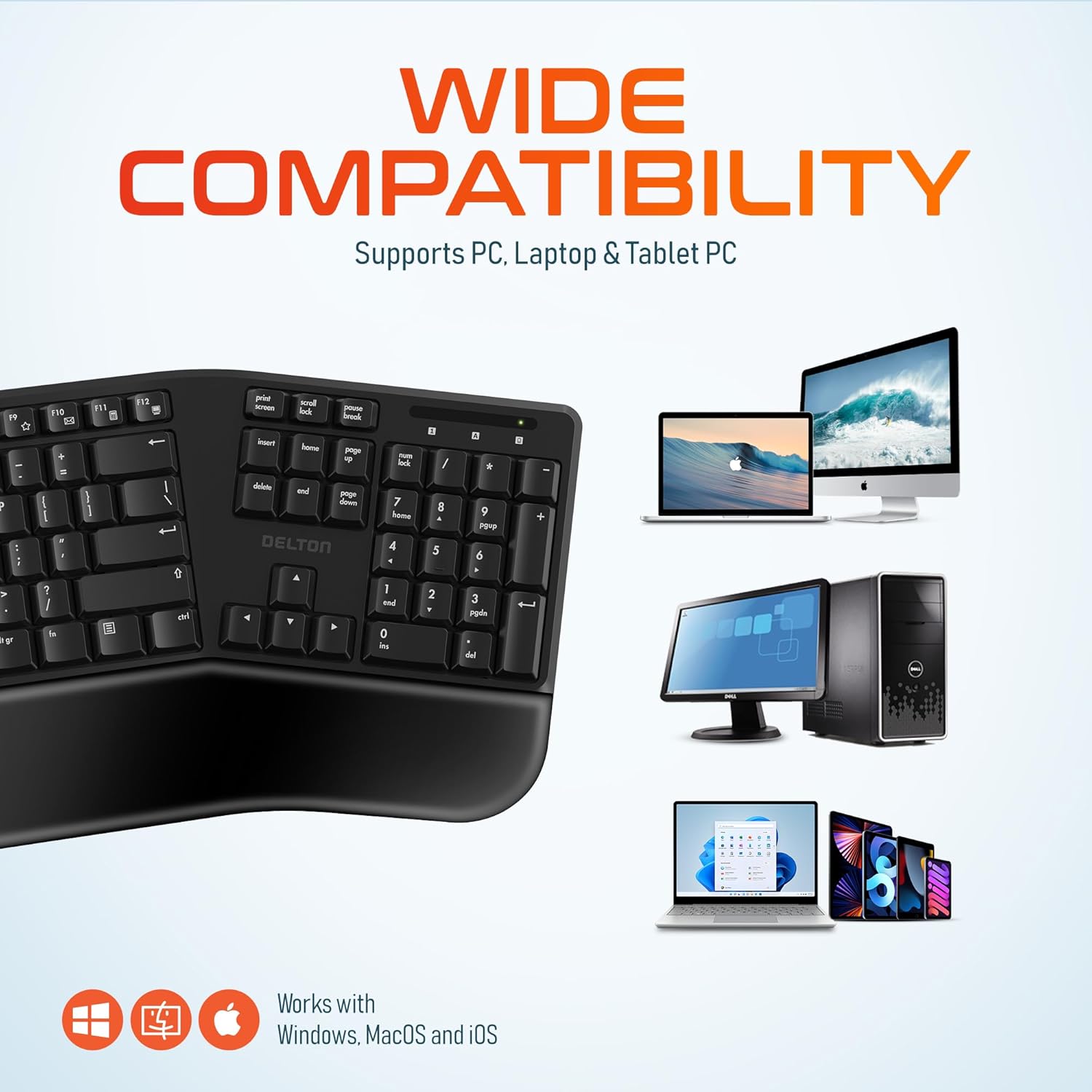
Image 4: Visual representation of the keyboard's wide compatibility with different operating systems and device types.
4. Bedienungsanleitung
4.1. Grundlegendes Tippen
Once connected, the keyboard functions like a standard full-size keyboard. The keys are designed for quiet and precise typing, with a smooth feel and ergonomic curvature for comfort.
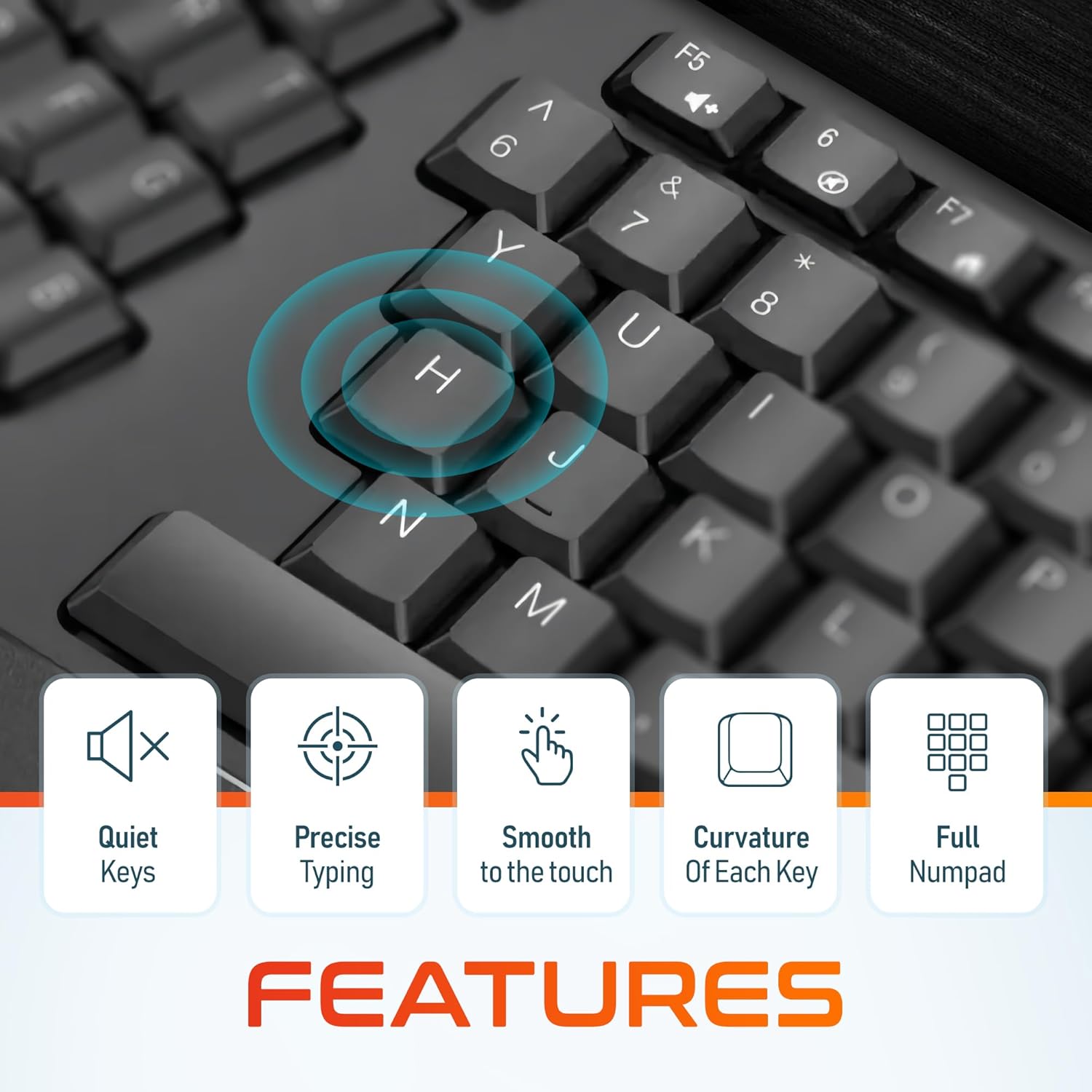
Bild 5: Nahaufnahme view of the keyboard keys, illustrating their quiet operation, precise response, smooth texture, and ergonomic curvature.
4.2. Function Keys and Hotkeys
The keyboard includes a full set of 105 keys, including a dedicated numpad and various function keys (F1-F12) and media hotkeys. These hotkeys provide quick access to functions such as volume control, media playback, and more. Refer to your device's operating system documentation for specific hotkey functionalities.
4.3. Energiesparmodus
To conserve battery life, the keyboard features an automatic power saver mode. If inactive for 10 minutes, the keyboard will enter a sleep state. To wake it up, simply press any key. The keyboard will instantly reconnect to your device.
5. Funktionen
- Ergonomisches Design: Features a split keyset design and a comfortable, pillowed wrist rest to reduce strain and promote a natural typing posture. This design is intended to improve comfort during extended use.
- 2.4-GHz-Funkverbindung: Provides a reliable wireless connection with an impressive maximum range of 8 meters (approximately 26 feet).
- Leise und reaktionsschnelle Tasten: Engineered for a quiet typing experience with precise and smooth key presses.
- Layout in voller Größe: Includes 105 keys with a full numpad for comprehensive functionality.
- Verlängerte Akkulaufzeit: With the auto power saver mode, two AA batteries can last up to 15 months.
- Langlebige Konstruktion: Built with quality materials to withstand daily use.

Image 6: Comparison illustrating the ergonomic benefits of the split keyboard design over a traditional flat keyboard, showing reduced wrist strain.

Image 7: Diagram illustrating the 2.4GHz wireless connectivity with an 8-meter maximum range for stable operation.
6. Wartung
6.1. Reinigung
Um das Aussehen und die Funktionalität der Tastatur zu erhalten:
- Verwenden Sie ein weiches, trockenes, fusselfreies Tuch, um die Oberfläche der Tastatur abzuwischen.
- Bei hartnäckigen Verschmutzungen leicht dampBefeuchten Sie das Tuch mit Wasser oder einem milden, nicht scheuernden Reinigungsmittel. Vermeiden Sie übermäßige Feuchtigkeit.
- Reinigungsmittel dürfen nicht direkt auf die Tastatur gesprüht werden.
- Verwenden Sie Druckluft, um Ablagerungen zwischen den Tasten zu entfernen.
6.2. Batteriewechsel
When the keyboard's performance diminishes or it fails to connect, it may be time to replace the batteries. Follow the steps in Section 3.1 to replace the two AA batteries.
7. Fehlerbehebung
If you encounter issues with your Delton Wireless Ergonomic Keyboard, please refer to the following common solutions:
| Problem | Mögliche Ursache | Lösung |
|---|---|---|
| Tastatur reagiert nicht | Niedrige oder leere Batterien | Ersetzen Sie die beiden AA-Batterien. |
| Tastatur reagiert nicht | USB dongle not connected or loose | Ensure the USB dongle is securely plugged into a working USB port. Try a different USB port. |
| Tastatur reagiert nicht | Störungen oder außerhalb der Reichweite | Move the keyboard closer to the USB dongle (within 8 meters). Remove any objects that might be causing interference. |
| Die Tasten klemmen oder reagieren nicht. | Schmutz oder Ablagerungen unter den Tasten | Clean the keyboard using compressed air or a soft brush. |
| Tastatur trennt häufig die Verbindung | Weak signal or battery | Replace batteries. Ensure the dongle is in line of sight and close to the keyboard. |
8. Spezifikationen

Image 8: Diagram illustrating the physical dimensions of the Delton Wireless Ergonomic Keyboard.
| Besonderheit | Detail |
|---|---|
| Modellnummer | KB200 |
| Konnektivitätstechnologie | 2.4-GHz-Funk (USB-Dongle) |
| Drahtlose Reichweite | Bis zu 8 Meter |
| Tastaturlayout | Full-Size, 105 Keys with Numpad |
| Besondere Merkmale | Ergonomic Split Keyset Design, Wrist Rest, Hotkeys, Media Keys, Stain Resistant |
| Kompatible Geräte | Desktop, Laptop, Mac, PC |
| Stromquelle | 2 x AA-Batterien (nicht im Lieferumfang enthalten) |
| Akkulaufzeit | Up to 15 months (with auto power saver) |
| Technische Daten | 19.7 x 8.3 x 1.6 Zoll (50.04 x 21.08 x 4.06 cm) |
| Artikelgewicht | 2.4 Pfund (1.09 kg) |
| Material | Plastik |
| Farbe | Schwarz |
| Hersteller | Delton |
9. Garantie und Support
For warranty information and customer support, please refer to the warranty card included with your product or visit the official Delton website. You may also contact Delton customer service directly for assistance with product inquiries or technical support.
Delton Customer Support: Please refer to the contact information provided on the product packaging or the official Delton webWebsite.


