1. Einleitung
The Logitech MK950 Signature Slim Wireless Keyboard and Mouse Combo provides a versatile and efficient input solution for multiple devices. Designed for quiet operation and extended battery life, this combo enhances productivity across various operating systems.
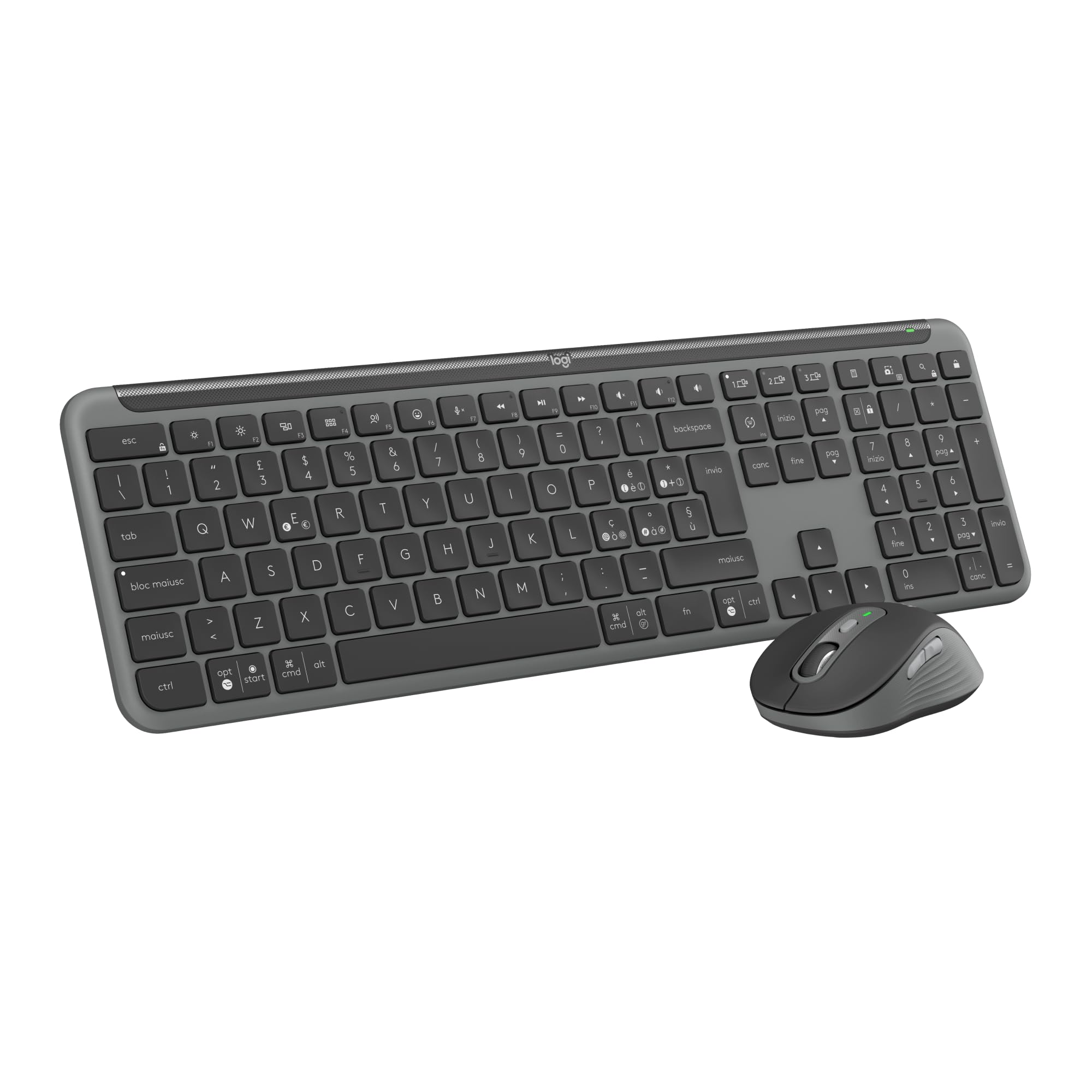
Image: The Logitech MK950 Signature Slim Wireless Keyboard and Mouse Combo, showcasing both the keyboard and mouse in Graphite Grey.
2. Einrichtung
2.1 Auspacken und erste Inbetriebnahme
Upon unboxing, ensure all components are present: the wireless keyboard, wireless mouse, and Logi Bolt USB receiver. The keyboard and mouse come with pre-installed AAA batteries. Remove any protective tabs from the battery compartments to activate them.
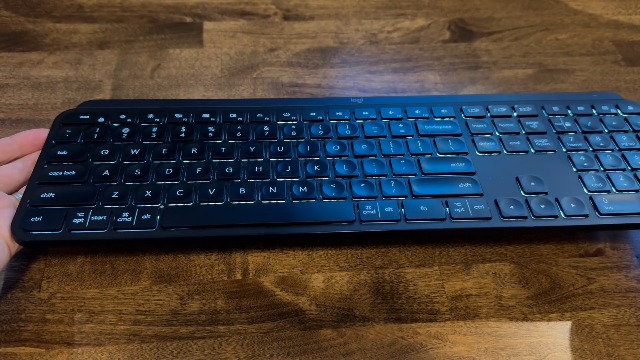
Image: A hand opening the battery compartment of the Logitech MK950 keyboard, revealing the pre-installed batteries and a storage slot for the Logi Bolt USB receiver.
2.2 Konnektivitätsoptionen
The MK950 combo offers two primary connection methods:
- Logi Bolt USB-Empfänger: Plug the Logi Bolt USB receiver into an available USB port on your computer. The keyboard and mouse are pre-paired with the receiver for immediate use.
- Bluetooth: For devices without a USB port or to free up a port, connect via Bluetooth. Activate Bluetooth on your device and follow the pairing instructions in your device's settings. The keyboard and mouse feature Easy-Switch buttons to manage connections across up to three devices.
3. Bedienungsanleitung
3.1 Tastaturbedienung
The K950 Signature Slim keyboard provides a familiar typing experience similar to a laptop. It includes a full numeric keypad and dedicated media keys for convenience.
3.2 Mausbedienung
The M750 Signature Plus wireless mouse features SilentTouch technology, reducing click sounds by 90% for a quieter work environment. The SmartWheel allows for precise line-by-line scrolling or fast scrolling through long documents and web Seiten.
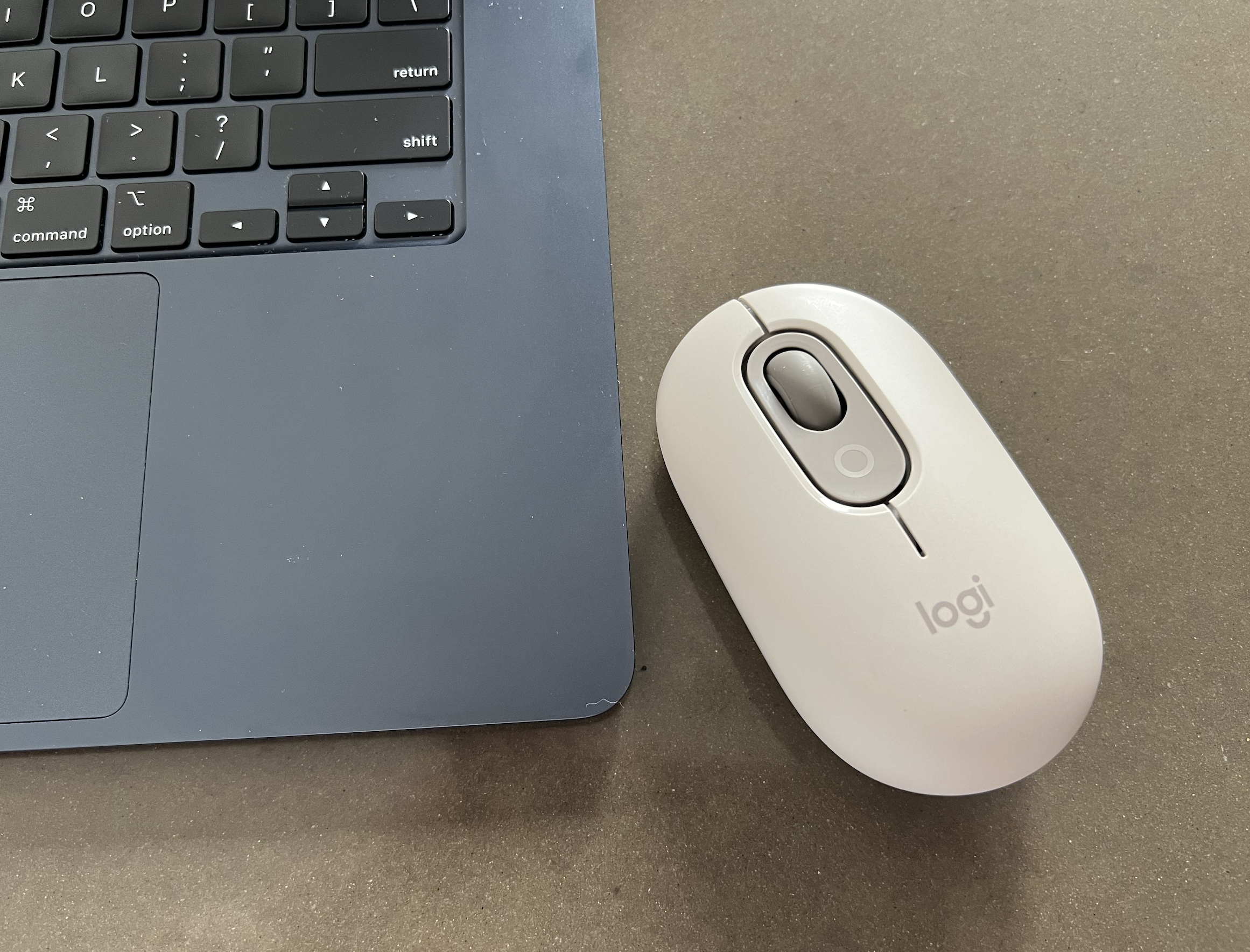
Image: The Logitech M750 Signature Plus wireless mouse, highlighting its ergonomic design and scroll wheel.
3.3 Umschaltung mehrerer Geräte
Both the keyboard and mouse are equipped with Easy-Switch buttons, allowing you to seamlessly switch between up to three connected devices (e.g., laptop, tablet, smartphone) with a single tap.
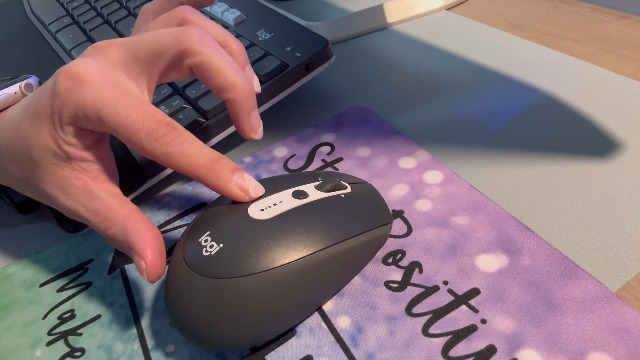
Image: A hand demonstrating the multi-device switching function on the Logitech MK950 keyboard, with numbered keys indicating different device connections.
4. Anpassung
Enhance your workflow by customizing keys, buttons, and shortcuts using the Logi Options+ App. This application is available for Windows and macOS, providing extended possibilities for personalized control over your wireless mouse and keyboard.
5. Battery Life and Maintenance
The keyboard offers up to 36 months of battery life, while the mouse provides up to 24 months, ensuring long periods of uninterrupted use. Both devices use standard AAA alkaline batteries. Replace batteries when the low battery indicator illuminates.
5.1 Batterien austauschen
To replace batteries, open the designated battery compartment on the underside of the device. Insert new AAA batteries, ensuring correct polarity, and close the compartment securely.
5.2 Reinigung
Zum Reinigen von Tastatur und Maus verwenden Sie ein weiches, feuchtes Tuch.amp cloth. Avoid harsh chemicals or abrasive materials that could damage the surfaces.
6. Kompatibilität
The Logitech MK950 Signature Slim combo is compatible with a wide range of operating systems, including:
- Windows 10, 11 oder höher
- macOS 11 oder höher
- Chrome OS
- Linux
- iPadOS and iOS 14 or later
- Android 9.0 oder höher
7. Spezifikationen
| Besonderheit | Detail |
|---|---|
| Marke | Logitech |
| Modellnummer | 920-012488 |
| Konnektivitätstechnologie | Bluetooth, Logi Bolt USB-Empfänger |
| Tastaturbeschreibung | Membran |
| Bewegungserkennungstechnologie | Optisch |
| Handausrichtung | Beidhändig |
| Besondere Merkmale | Connect up to three devices, Noiseless Clicks, Programmable Buttons, Shortcuts & Media Buttons, Smartwheel |
| Stromquellentyp | Batteriebetrieben (2 AAA-Batterien im Lieferumfang enthalten) |
| Material | Plastic parts include certified recycled consumer plastic (minimum 48% for keyboard, 25% for mouse) |
8. Fehlerbehebung
8.1 Verbindungsprobleme
- Stromversorgung sicherstellen: Check that the keyboard and mouse are powered on and have sufficient battery life.
- Empfängerprüfung: If using the Logi Bolt receiver, ensure it is securely plugged into a working USB port. Try a different USB port if necessary.
- Bluetooth-Pairing: For Bluetooth connections, verify that Bluetooth is enabled on your device and the keyboard/mouse are in pairing mode. Re-initiate the pairing process if connection is lost.
- Einfacher Wechsel: Confirm that the correct Easy-Switch channel (1, 2, or 3) is selected on both the keyboard and mouse for the device you intend to use.
8.2 Unresponsive Keys/Clicks
- Batteriewechsel: Replace batteries in both devices, even if the indicator light is not yet active.
- Interferenz: Move the devices closer to the receiver or Bluetooth-enabled computer to minimize potential wireless interference.
- Software-Update: Ensure the Logi Options+ App and your operating system are up to date.
9. Garantie und Support
Detaillierte Garantieinformationen und technischen Support finden Sie auf der offiziellen Logitech-Website. website or contact Logitech customer service. Product registration may be required to activate your warranty.


