1. Wichtige Sicherheitshinweise
Bitte lesen Sie vor der Inbetriebnahme des Geräts alle Anweisungen sorgfältig durch und bewahren Sie diese zum späteren Nachschlagen auf. Die Nichtbeachtung dieser Anweisungen kann zu Stromschlag, Brand oder schweren Verletzungen führen.
- Stellen Sie immer sicher, dass die LautstärketagDie auf dem Typenschild angegebene Lautstärke entspricht der Lautstärke Ihres Netzgeräts.tage.
- Das Bügeleisen, die Ladestation und das Kabel dürfen nicht in Wasser oder andere Flüssigkeiten getaucht werden.
- Bewahren Sie das Bügeleisen und sein Kabel außerhalb der Reichweite von Kindern auf, wenn es eingeschaltet ist oder abkühlt.
- Never leave the iron unattended while it is connected to the power supply or resting on its charging base.
- Use the iron only for its intended household purpose, which is ironing clothes.
- Ziehen Sie den Netzstecker des Bügeleisens, bevor Sie den Wassertank befüllen oder entleeren und wenn Sie das Bügeleisen nicht benutzen.
- Betreiben Sie kein Gerät mit beschädigtem Kabel oder Stecker oder nachdem das Gerät nicht richtig funktioniert oder fallen gelassen oder in irgendeiner Weise beschädigt wurde.
- The soleplate and steam functions produce high temperatures. Exercise caution to avoid contact with hot surfaces.
- Only use distilled or demineralized water in the water tank to prevent mineral buildup.
2. Produktüberschreitungview
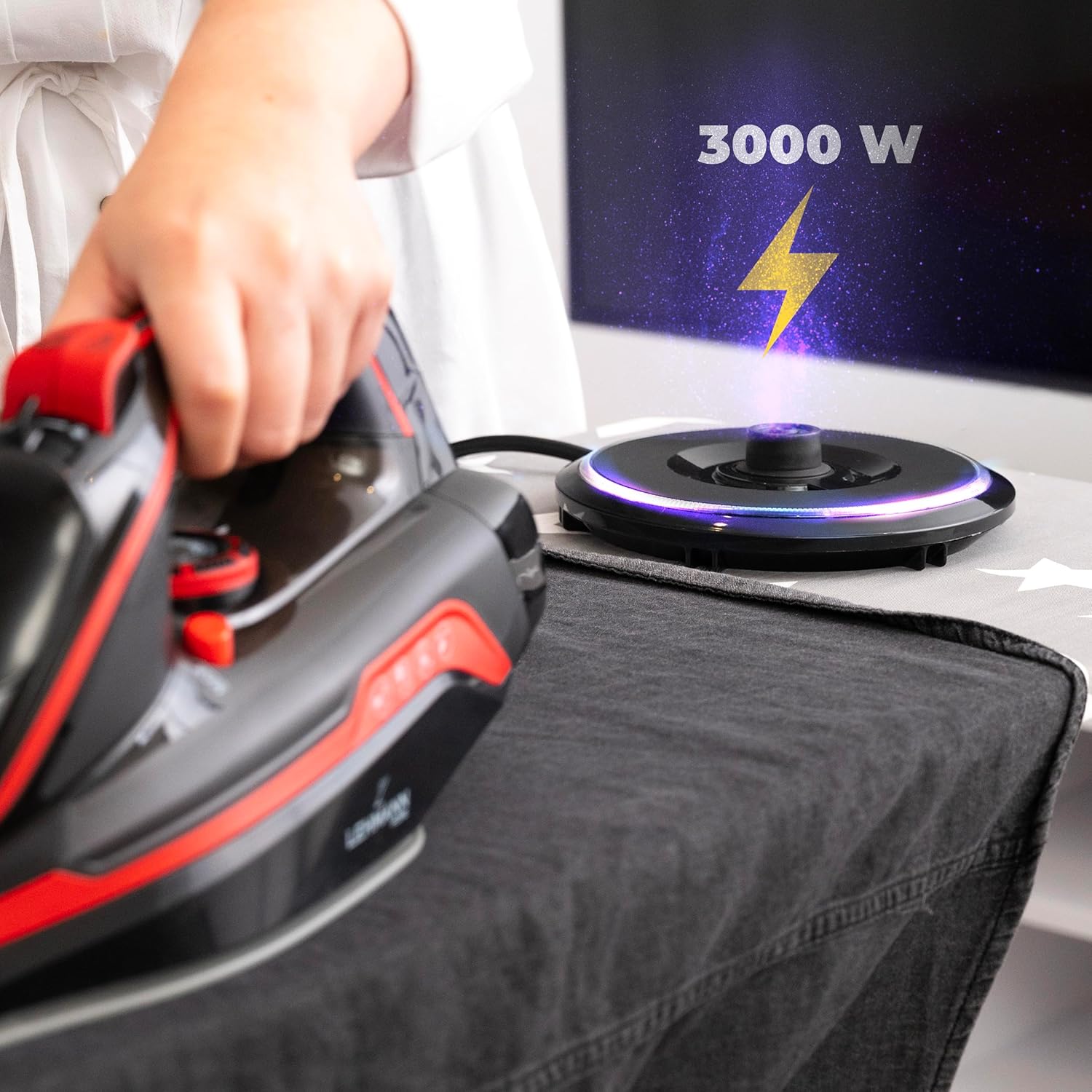
The LEHMANN LGOIR-2632 is a 3000W cordless steam iron designed for efficient and convenient garment care. It features a ceramic soleplate for smooth gliding and even heat distribution, a 320 ml water tank, and an anti-drip system.

Komponenten:
- Keramik-Bügelsohle: Provides uniform heat and smooth gliding.
- Water Tank (320 ml): Zur Dampferzeugung.
- Temperaturregler: Passt die Wärme für verschiedene Stoffarten an.
- Dampfstoß-Taste: Delivers an extra shot of steam.
- Sprühknopf: Besprüht Stoff mit Wasser.
- Selbstreinigungstaste: Aktiviert die Selbstreinigungsfunktion.
- Ladestation: Heats the iron and provides cordless operation. Features an LED light indicator.
- Netzkabel: Connects the charging base to the electrical outlet.
3. Einrichtung
Before first use, remove any protective film or stickers from the soleplate. It is recommended to iron an old piece of fabric first to ensure no residue is transferred to your garments.
Befüllen des Wassertanks:
- Ensure the iron is unplugged from the power outlet and has cooled down.
- Open the water tank filler cap, usually located at the front of the iron.
- Gießen Sie mithilfe eines Messbechers vorsichtig destilliertes oder demineralisiertes Wasser bis zur „MAX“-Fülllinie in den Tank. Nicht überfüllen.
- Den Einfülldeckel fest verschließen.

Connecting the Charging Base:
- Place the charging base on a stable, heat-resistant surface, preferably near an electrical outlet.
- Plug the power cord of the charging base into a suitable electrical outlet. The LED light on the base will illuminate, indicating it is powered on.

4. Bedienungsanleitung
Initial Heating and Cordless Use:
- Place the iron firmly onto the charging base. The iron will begin to heat up. The 3000W power ensures rapid heating, typically within 25 seconds.
- The LED light on the base will indicate when the iron has reached the selected temperature and is ready for use.
- Once heated, lift the iron from the base to begin ironing. The cordless design allows for unrestricted movement.
- When the iron's temperature begins to drop during use, place it back on the charging base for a few seconds to reheat. The base provides quick re-heating to maintain optimal ironing temperature.
Temperaturauswahl:
- Rotate the temperature control dial to select the appropriate heat setting for your fabric type (e.g., Nylon, Silk, Wool, Cotton, Linen). Always check the garment's care label.
- Start with lower temperatures for delicate fabrics and gradually increase for heavier materials.

Dampffunktionen:
- Kontinuierlicher Dampf: For continuous steam, ensure the water tank is filled and the temperature dial is set to a steam-appropriate setting (usually indicated by a steam icon). Steam will be generated automatically when the iron is hot enough.
- Dampfstoß: Press the steam burst button for an extra powerful shot of steam to remove stubborn wrinkles. Wait a few seconds between bursts to allow the steam chamber to refill.
- Vertikales Dämpfen: The iron can be used for vertical steaming to refresh hanging garments, curtains, or drapes. Hold the iron vertically a few inches away from the fabric and press the steam burst button.

Wassersprühfunktion:
- Press the spray button to mist water onto dry areas of fabric, making it easier to iron out creases.
5. Wartung
Reinigung der Bügelsohle:
- Lassen Sie das Bügeleisen vor der Reinigung vollständig abkühlen.
- Wischen Sie die Bügelsohle mit ad . abamp cloth and a non-abrasive liquid cleaner. Do not use harsh scouring pads or metal cleaners, as these can damage the ceramic coating.
- For stubborn stains, a specialized iron soleplate cleaner can be used following its instructions.
Anti-Calc System / Self-Clean Function:
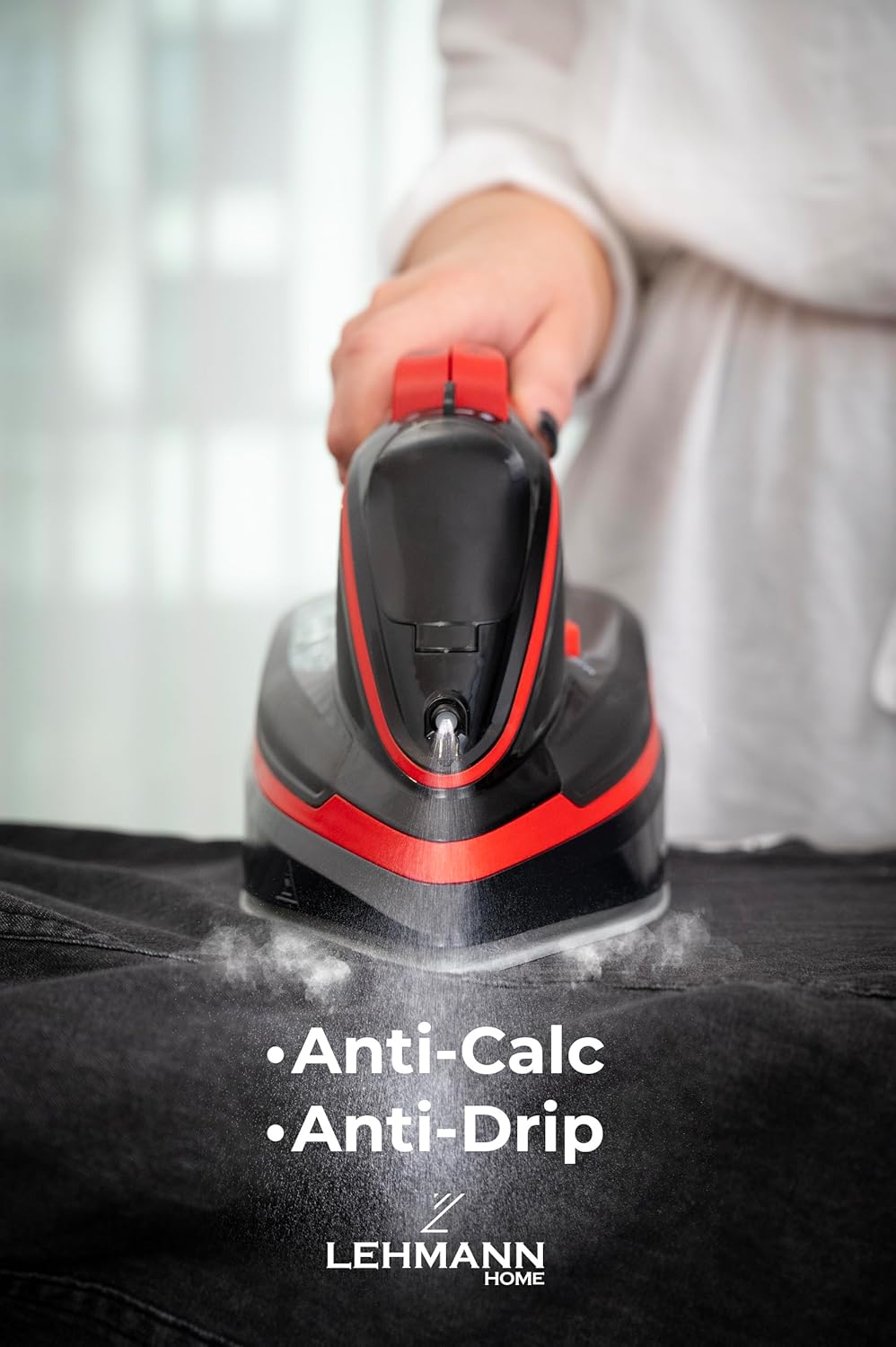
The iron is equipped with an anti-calc system to reduce mineral buildup. For optimal performance, use the self-clean function regularly, especially if you live in an area with hard water.
- Fill the water tank to the 'MAX' line with water.
- Stellen Sie den Temperaturregler auf die maximale Einstellung.
- Plug in the iron and allow it to heat up until the indicator light goes out.
- Ziehen Sie den Stecker des Bügeleisens aus der Steckdose.
- Hold the iron horizontally over a sink. Press and hold the self-clean button. Hot water and steam will be expelled from the soleplate, flushing out mineral deposits.
- Schütteln Sie das Bügeleisen vorsichtig hin und her, bis der Wassertank leer ist.
- Lassen Sie die Selbstreinigungstaste los.
- Reheat the iron and iron an old cloth to dry the soleplate.
Lagerung:
- Leeren Sie nach jedem Gebrauch das restliche Wasser aus dem Tank, um Mineralablagerungen und Gerüche zu vermeiden.
- Lassen Sie das Bügeleisen vollständig abkühlen, bevor Sie es verstauen.
- Store the iron upright on its charging base in a safe, dry place.
6. Fehlerbehebung
| Problem | Mögliche Ursache | Lösung |
|---|---|---|
| Das Eisen erhitzt sich nicht. | Not properly placed on charging base; power cord not plugged in; power outlet malfunction. | Ensure iron is correctly seated on the base. Check if the power cord is securely plugged into a working outlet. |
| Kein oder zu wenig Dampf. | Wassertank leer; Temperatur zu niedrig für Dampf; Dampfventile verstopft. | Fill water tank. Set temperature to a steam-appropriate setting. Perform self-clean function. |
| Wasser tritt von der Sohle aus. | Temperatur zu niedrig für Dampf; Wassertank überfüllt; Antitropfsystem defekt. | Increase temperature. Do not overfill the tank. If problem persists, contact customer support. |
| Die Sohle ist schmutzig oder klebrig. | Residue from fabrics or starch buildup. | Reinigen Sie die Sohle wie im Wartungsabschnitt beschrieben. |
7. Spezifikationen
| Besonderheit | Spezifikation |
|---|---|
| Modellnummer | LGOIR-2632 |
| Leistung | 3000 W |
| Fassungsvermögen des Wassertanks | 320 ml |
| Sohlenplattenmaterial | Keramik |
| Farbe | Schwarz und Rot |
| Abmessungen (Eisen) | Ca. 30 x 13.5 x 0.1 cm (L x B x H) |
| Gewicht | 1.6 kg |
| Besondere Merkmale | Cordless operation, Anti-Drip System, Self-Clean Function, Vertical Steam |
8. Garantie und Support
LEHMANN products are manufactured to high-quality standards. In the unlikely event of a defect due to faulty materials or workmanship, your product is covered by a warranty from the date of purchase.
Please retain your proof of purchase (receipt) as this will be required for any warranty claims. For detailed warranty terms and conditions, or for technical support and service, please refer to the warranty card included with your product or visit the official LEHMANN webWebsite.
Versuchen Sie nicht, das Gerät selbst zu reparieren. Jegliche nicht autorisierte Reparatur führt zum Erlöschen der Garantie.


