LEFON Multifunction Digital FM Radio Media Speaker MP3 Music Player
Model: Y618 Radio
Einführung
This manual provides detailed instructions for the operation and maintenance of your LEFON Multifunction Digital FM Radio Media Speaker. This device combines an FM radio, MP3 music player, and speaker into a compact, portable unit, supporting various audio sources including TF cards, USB drives, and AUX input. Please read this manual thoroughly before use to ensure proper functionality and longevity of your device.

The LEFON Multifunction Digital FM Radio Media Speaker, showcasing its front panel with LED display, control buttons, and dual speakers.
Produkteigenschaften
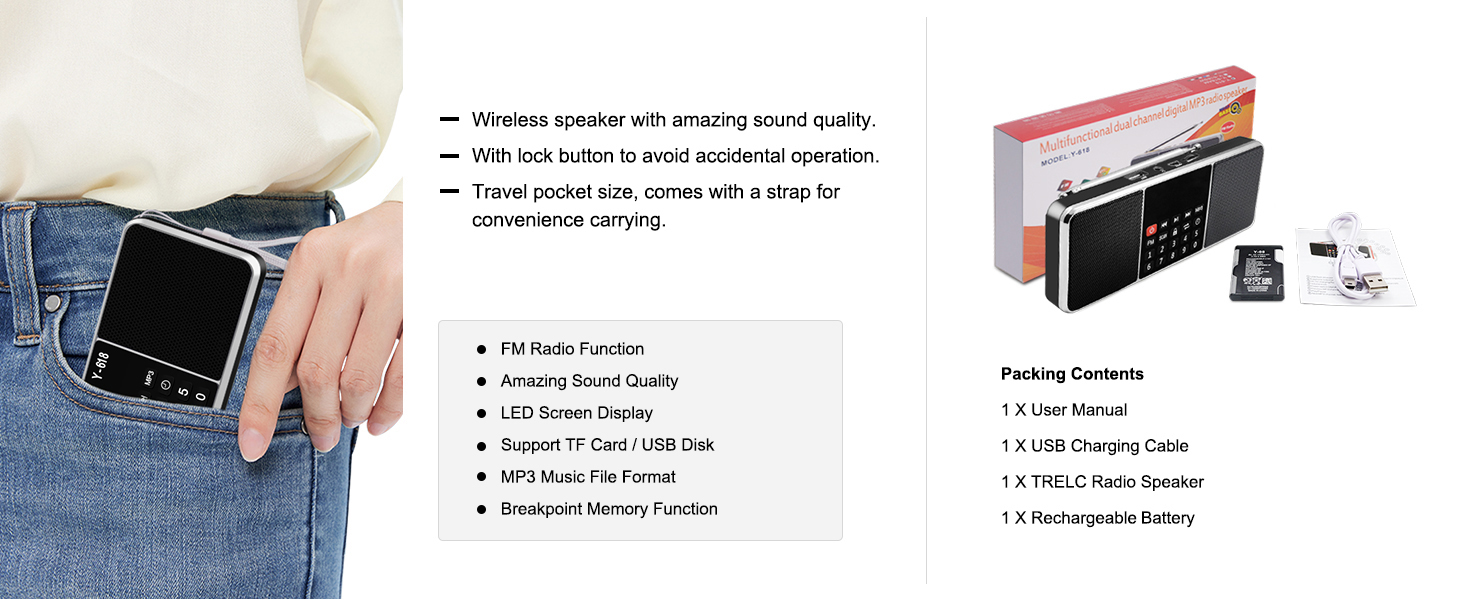
- FM-Radiofunktion: Enjoy clear reception of FM radio stations with an extendable antenna.
- Überlegene Klangqualität: Equipped with dual speakers for rich and clear stereo sound.
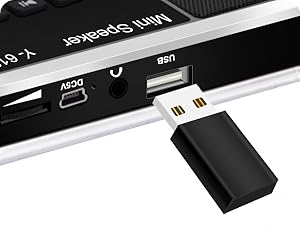
- MP3-Musikplayer: Supports playback from TF (Micro SD) cards and USB flash drives.
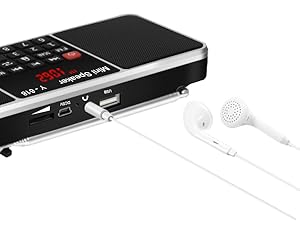
- AUX-Eingang: Connect external audio devices via the 3.5mm AUX jack.
- LED-Bildschirmanzeige: Large, easy-to-read LED screen for displaying frequency, track information, and time.
- Wiederaufladbarer Akku: Built-in 1200mAh Li-ion battery provides 6-12 hours of playtime.
- Timing Shutdown Function: Set an auto-off timer for convenient use, especially for falling asleep.
- Kompakt und tragbar: Lightweight design with a strap for easy carrying.

Illustration of the dual speaker system providing stereo surround sound.

Ein explodiert view demonstrating the internal components of the speaker for superior sound.
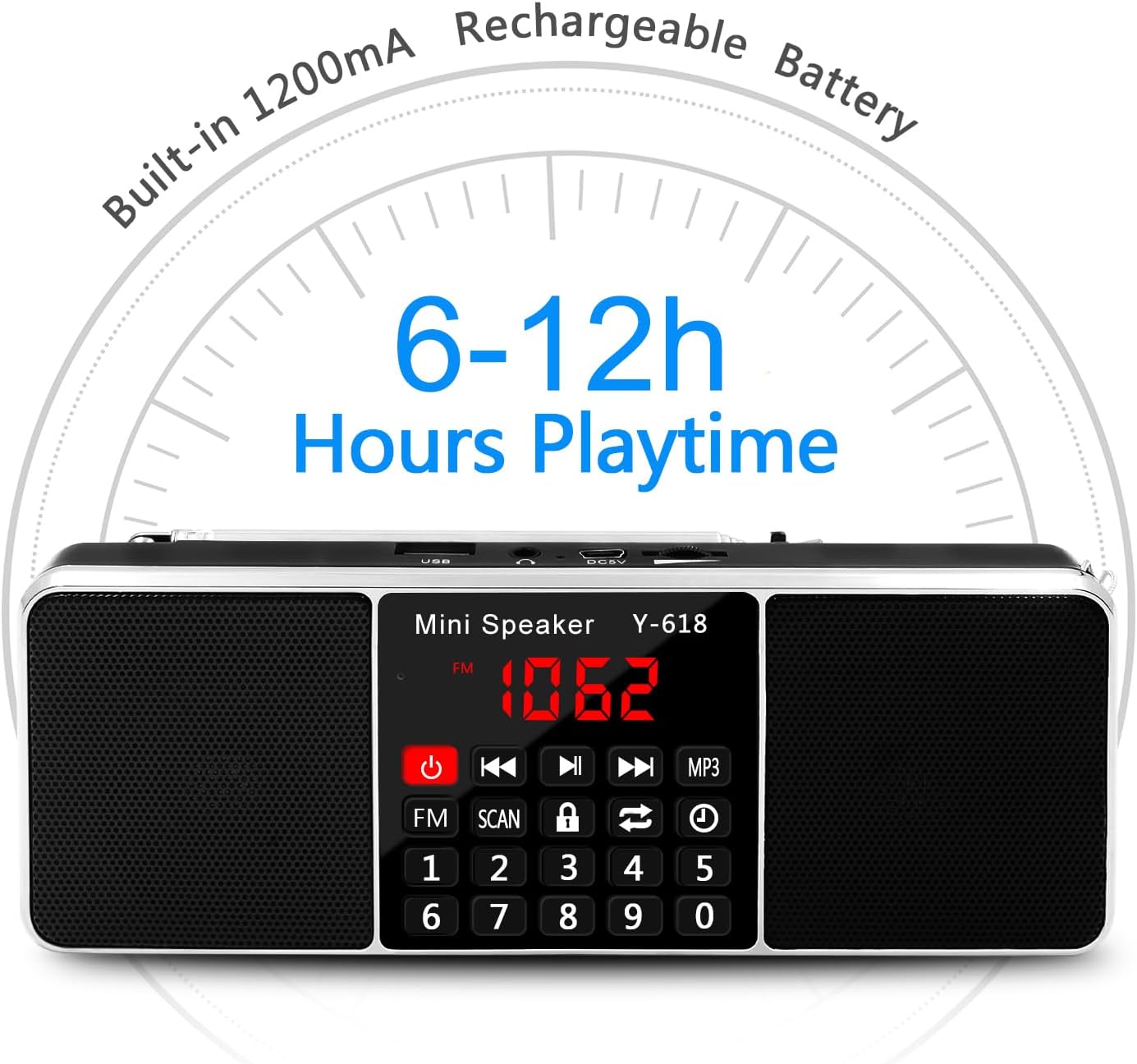
Visual representation of the built-in 1200mAh rechargeable battery, offering 6-12 hours of playtime.
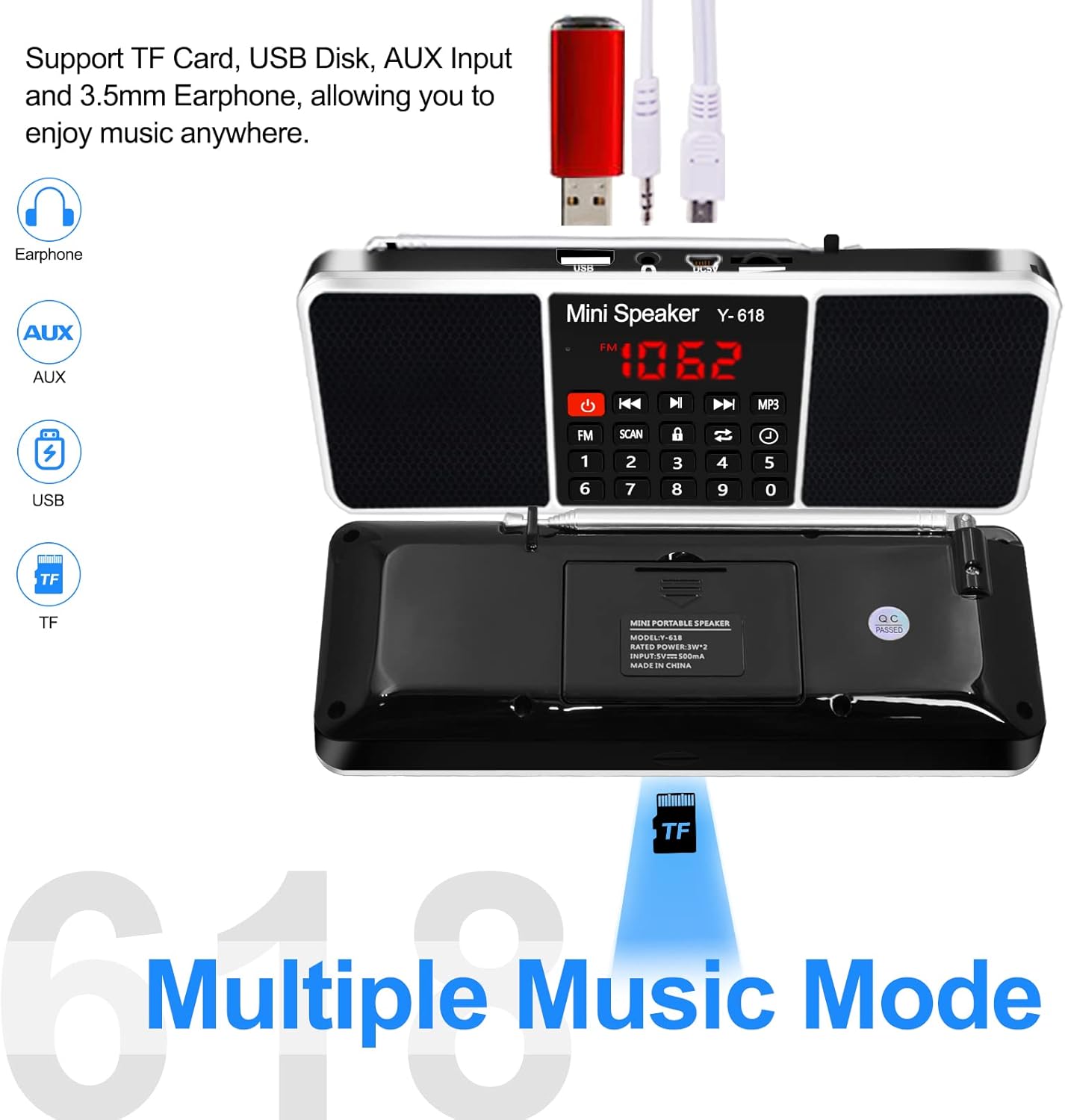
Diagram showing support for TF Card, USB Disk, AUX Input, and 3.5mm Earphone connectivity.
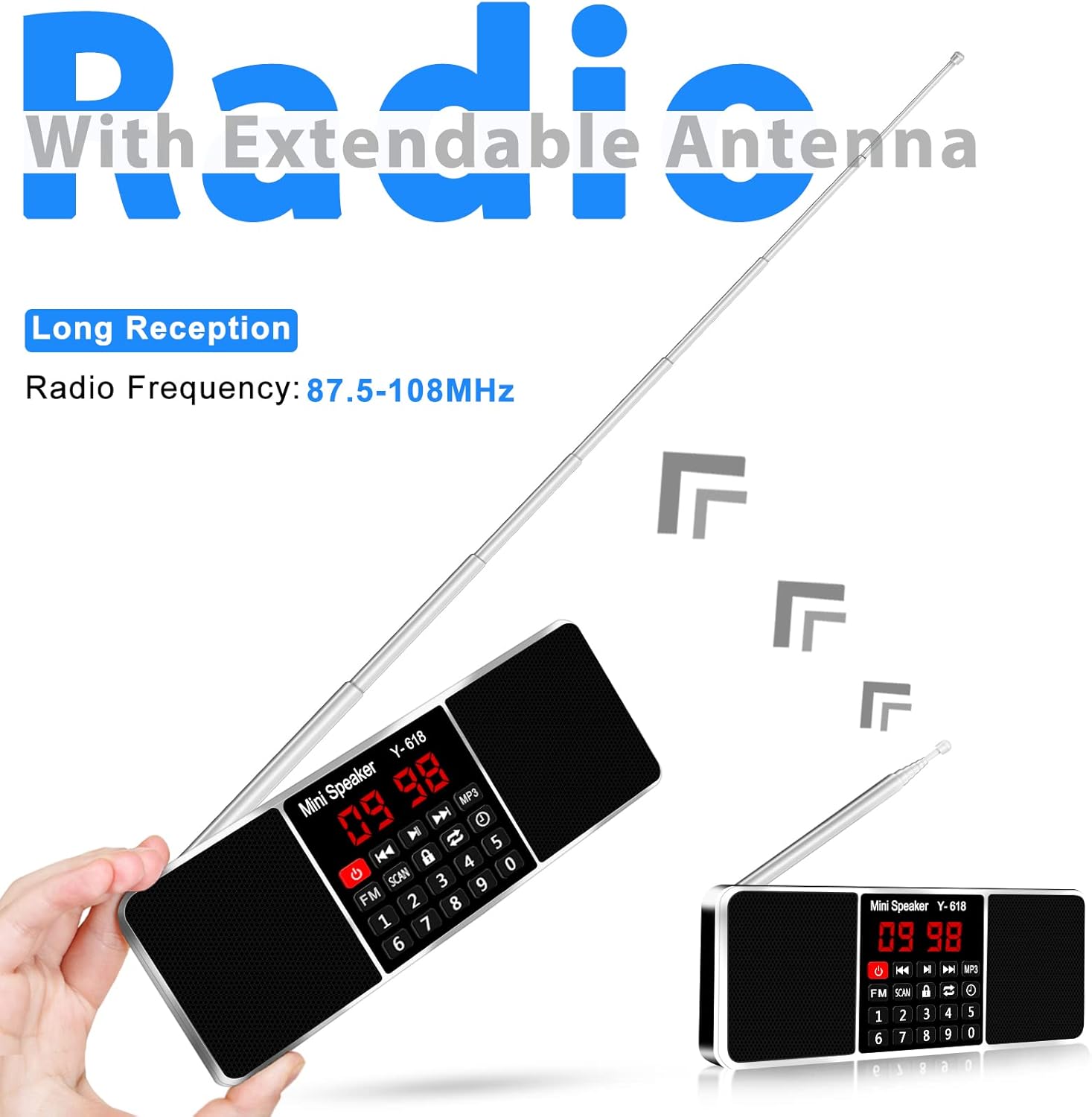
The device with its extendable antenna, highlighting its long reception capabilities for FM radio.
Close-up of the large LED screen display, convenient for use at night.
Aufstellen
Laden des Akkus
The device comes with a built-in rechargeable Li-ion battery. Before first use, fully charge the battery.
- Connect the provided USB cable to the DC5V port on the speaker.
- Verbinden Sie das andere Ende des USB-Kabels mit einem 5V/1A USB-Netzteil (nicht im Lieferumfang enthalten) oder einem USB-Anschluss Ihres Computers.
- The charging indicator light will illuminate during charging and change color or turn off when charging is complete.
Notiz: A full charge typically takes a few hours. Battery life varies depending on volume level and usage.
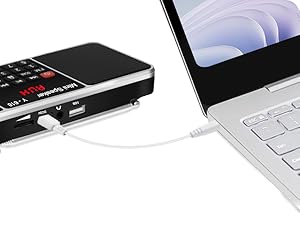
The radio connected to a laptop via USB for charging.
Bedienungsanleitung
Ein-/Ausschalten
- Halten Sie die Netztaste (
 ) um das Gerät ein- oder auszuschalten.
Lautstärkeregelung
- Use the dedicated volume up (+) and volume down (-) buttons to adjust the audio level.
FM-Radiobetrieb
- In den FM-Modus wechseln: Drücken Sie die FM-Taste to switch to FM radio mode. The LED display will show the current FM frequency.
- Auto-Scan and Store Stations: Halten Sie die SCAN-Taste (
 ) for approximately 3 seconds. The radio will automatically scan for available FM stations and store them as presets. The frequency numbers on the display will jump during scanning. Do not perform other operations during this process.
 - Manuelle Abstimmung/Voreinstellungsauswahl: Use the number pad (0-9) to directly input a frequency or a preset station number. Alternatively, use the Previous/Next track buttons to cycle through stored stations or fine-tune the frequency.
- Antenneneinstellung: Extend the telescopic antenna fully for optimal FM reception. Adjust its angle and position if reception is weak.
MP3 Music Player Operation (TF Card / USB Drive)
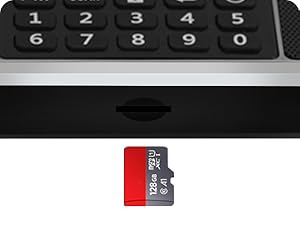
- Medien einfügen: Legen Sie eine TF-Karte (Micro-SD-Karte) oder einen USB-Stick mit MP3-Audiodateien ein. files into the respective slot. The device will automatically switch to MP3 playback mode.
- Abspielen/Pause: Drücken Sie die Wiedergabe-/Pause-Taste Wiedergabe starten oder pausieren.
- Nächster / Vorheriger Track: Drücken Sie die Nächster Titel or Vorheriger Titel Tasten zum Überspringen von Liedern.
- Wiederholen/Shuffle: Drücken Sie die Repeat/Shuffle button (
 ) to cycle through playback modes (e.g., repeat one, repeat all, shuffle).
Close-up of the TF (Micro SD) card slot.

A USB flash drive inserted into the USB port for MP3 playback.
AUX-Eingang
- Connect an external audio device (e.g., smartphone, tablet) to the AUX input jack using a 3.5mm audio cable (not included). The speaker will automatically switch to AUX mode.
- Wiedergabe und Lautstärke können über das angeschlossene externe Gerät gesteuert werden.
Earphones connected to the 3.5mm audio jack for private listening.
Timing Shutdown Function (Sleep Timer)
- Drücken Sie die Timer-Taste () repeatedly to cycle through available sleep timer settings (e.g., 15 minutes, 30 minutes, 60 minutes, up to 240 minutes).
- The device will automatically turn off after the selected time period.
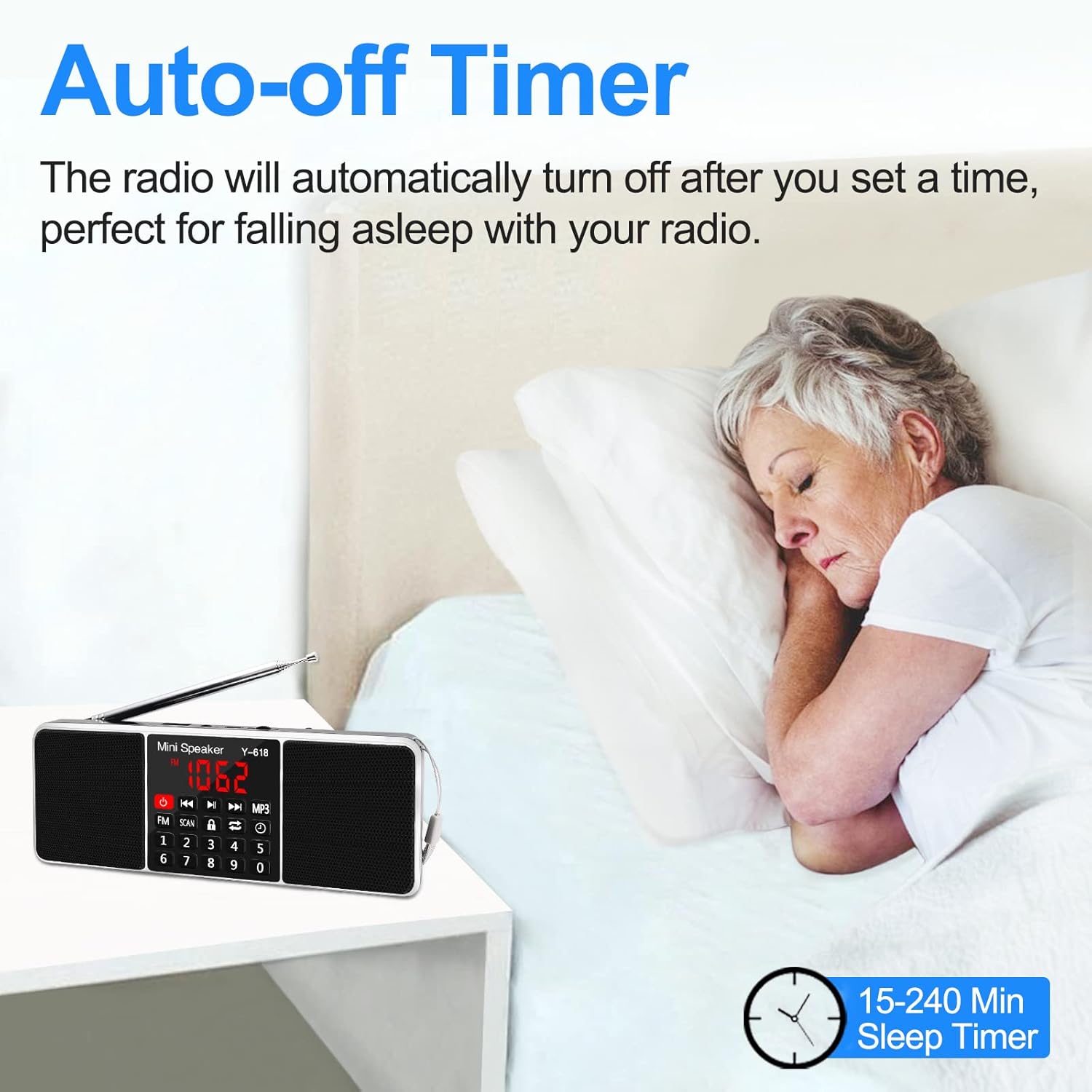
The auto-off timer feature, ideal for falling asleep while listening to the radio.
Sperrfunktion
- Drücken Sie die Sperrtaste (
 ) to lock the buttons and prevent accidental operation. Press it again to unlock.
Wartung
- Reinigung: Reinigen Sie die Oberfläche des Geräts mit einem weichen, trockenen Tuch. Verwenden Sie keine Scheuermittel oder Lösungsmittel.
- Lagerung: Bei längerer Nichtbenutzung sollte das Gerät an einem kühlen, trockenen Ort, vor direkter Sonneneinstrahlung und extremen Temperaturen geschützt aufbewahrt werden.
- Batteriepflege: Um die Akkulaufzeit zu verlängern, vermeiden Sie häufiges vollständiges Entladen des Akkus. Laden Sie das Gerät regelmäßig auf, auch wenn es nicht benutzt wird.
- Antenne: Behandeln Sie die Teleskopantenne vorsichtig, um ein Verbiegen oder Brechen zu vermeiden.
Fehlerbehebung
Sollten Sie Probleme mit Ihrem Gerät haben, beachten Sie bitte die folgenden gängigen Lösungsansätze:
- Weak Radio Signals:
- Antenne: Try adjusting the antenna's length and angle for better reception.
- Batterien: Weak batteries can affect signal strength. Ensure the radio is fully charged.
- Stimmung: Manually tune the radio slightly above or below the desired frequency to see if the signal improves.
- Standort: Move the radio to a different location, preferably near a window or higher up, to improve signal reception. Avoid placing the radio near electronic devices that might cause interference.
- Cannot Play Songs from USB Drive / TF Card:
- File Format: Stellen Sie den Ton sicher files sind im MP3-Format.
- USB/TF Card Condition: The USB port or TF card slot may be damaged or dirty. Try cleaning the port/slot or using a different USB drive/TF card to rule out issues with the current one.
- Laden nicht möglich:
- Please ensure you are using a 5V/1A adapter for charging. Check the USB cable for damage and try a different cable if necessary.
- How to Auto-Scan FM Channels:
- Drücken Sie die FM-Taste to change to FM radio mode. The symbol "FM" will appear on the display screen.
- Completely pull out the radio antenna, then long press the SCAN-Taste for over 3 seconds. The numbers on the display screen will jump up quickly from 87.5, indicating auto-scanning. Do not perform any other operations during this time.
- After 2-3 minutes, the product will finish scanning at 108.0. Once scanning is complete, it will automatically play the first channel found.

Visual representation of common troubleshooting steps for the radio.
Technische Daten
| Besonderheit | Detail |
|---|---|
| Modellnummer | Y618 Radio |
| Technische Daten | 6.93 x 2.58 x 0.98 Zoll (17.6 x 6.55 x 2.49 cm) |
| Artikelgewicht | 7.8 Unzen (220 Gramm) |
| Konnektivitätstechnologie | USB |
| Tuner-Technologie | FM |
| Unterstützte Funkbänder | FM (87.5-108 MHz) |
| Stromquelle | Battery Powered (Rechargeable Li-ion Battery) |
| Im Lieferumfang enthaltene Komponenten | USB cable, Rechargeable Li-ion Battery |
| Hersteller | LEFON |
| Ursprungsland | China |
Garantie und Support
For warranty information and customer support, please refer to the product packaging or contact the retailer where you purchased the device. Keep your purchase receipt as proof of purchase for any warranty claims.


