1. Einleitung
This manual provides comprehensive instructions for the Sony Cyber-shot DSC-W810 Digital Camera. It covers essential information for setting up, operating, maintaining, and troubleshooting your camera to ensure optimal performance and longevity. Please read this manual thoroughly before using your camera.
2. Produktüberschreitungview
Familiarize yourself with the components and controls of your Sony Cyber-shot DSC-W810 camera.
2.1 Kamerakomponenten
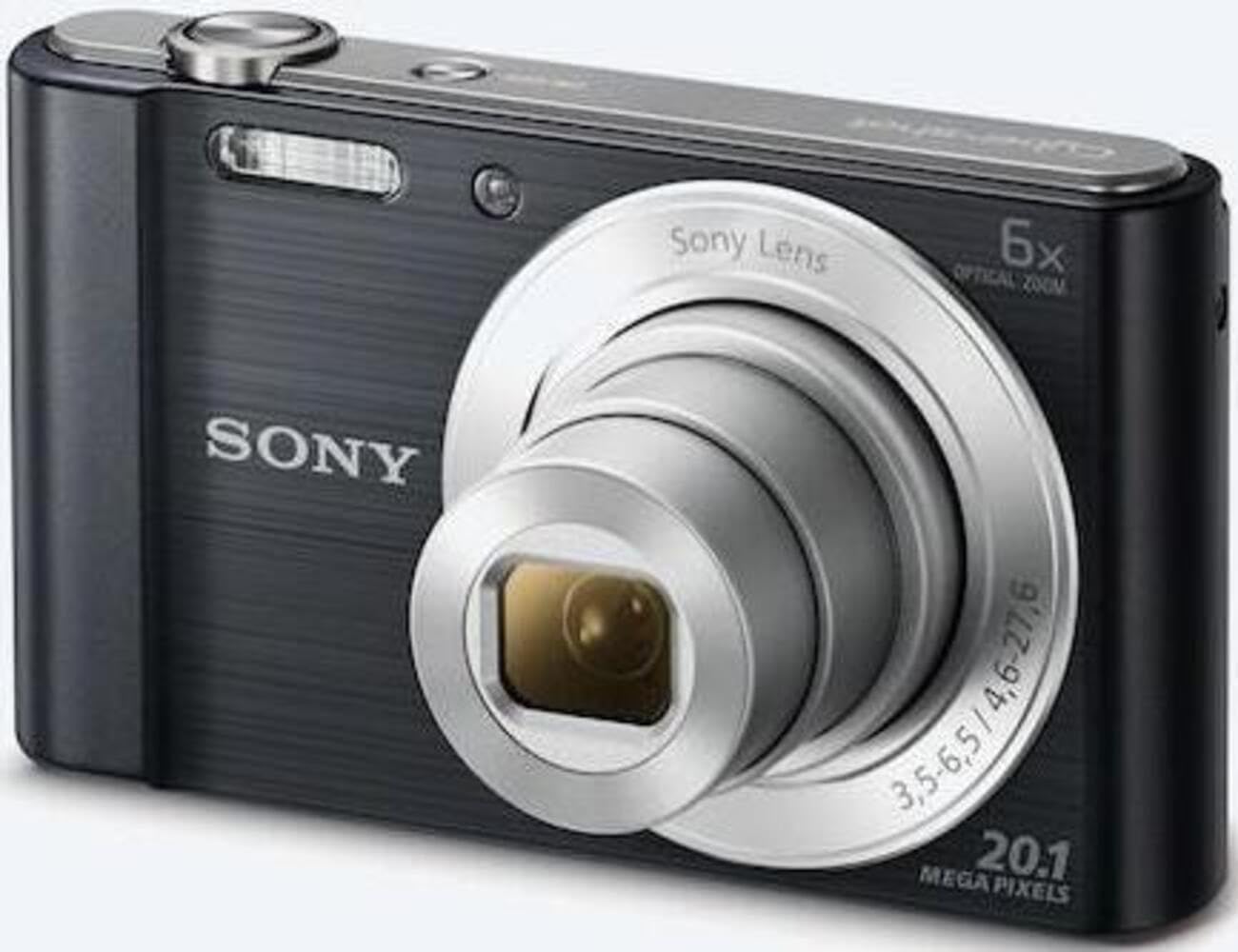
Abbildung 1: Vorderseite view of the camera with the lens retracted. This shows the lens, flash, and shutter button.
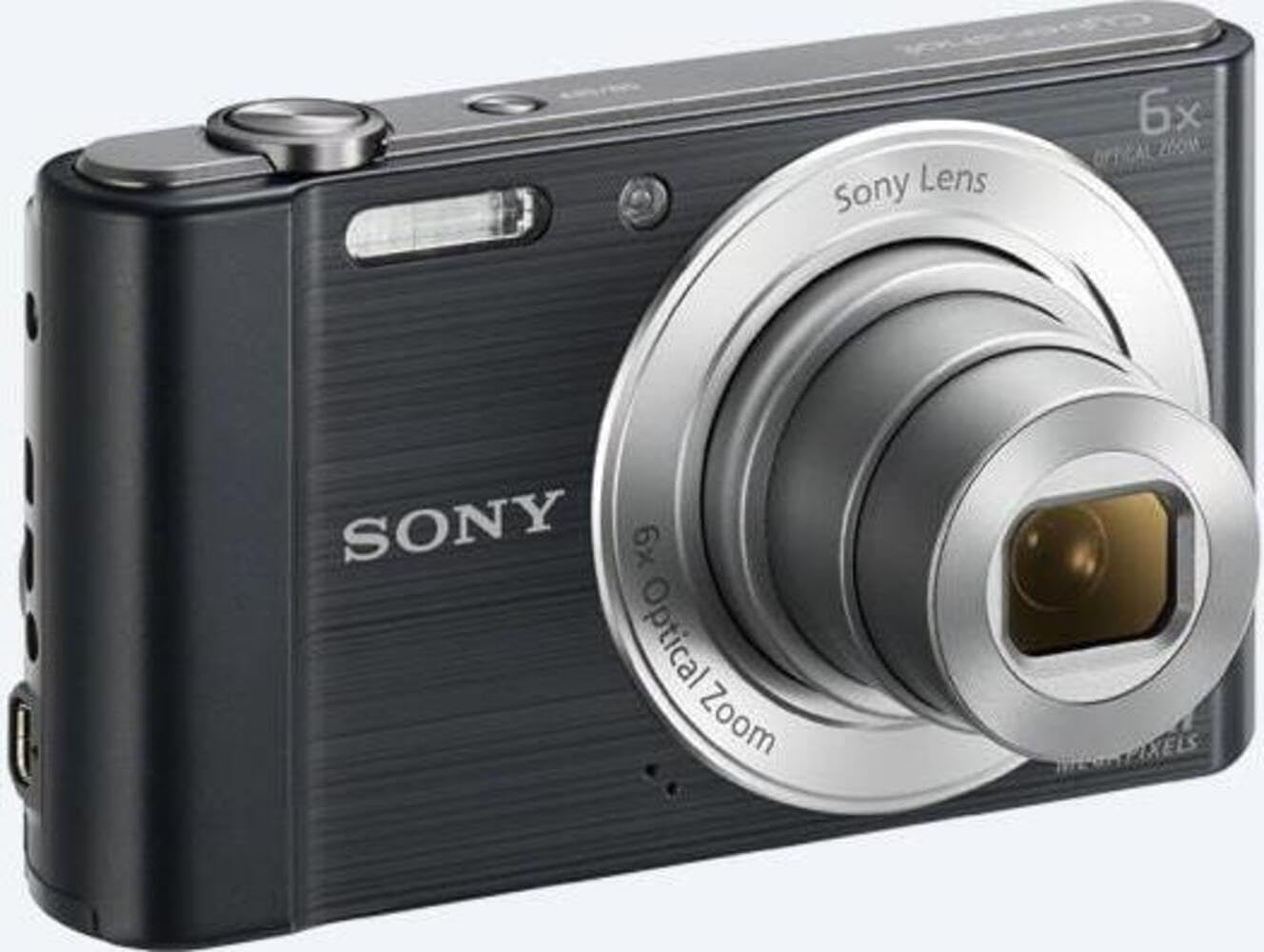
Abbildung 2: Vorderseite view of the camera with the lens extended, ready for shooting. This illustrates the camera's compact design when in use.

Abbildung 3: Rückseite view of the camera, highlighting the 2.7-inch LCD screen, navigation buttons, movie record button, and menu button.

Abbildung 4: Oben view of the camera, showing the power button, shutter button, and zoom lever.
2.2 Control Buttons and Functions
- Auslöser: Zum Fokussieren halb durchdrücken, zum Aufnehmen eines Bildes ganz durchdrücken.
- Zoomhebel (W/T): Adjusts optical and digital zoom. "W" for wide-angle, "T" for telephoto.
- Netzschalter: Schaltet die Kamera ein oder aus.
- Film-Button: Startet und stoppt die Videoaufzeichnung.
- Wiedergabetaste: Wechselt in den Wiedergabemodus view Fotos und Videos.
- Menü-Schaltfläche: Greift auf Kameraeinstellungen und -optionen zu.
- Richtungstasten: Navigate menus and select options. Also used for flash settings, self-timer, and display options.
- Blitz: Eingebauter Blitz für schlechte Lichtverhältnisse.
- LCD Bildschirm: 2.7-inch display for framing shots, viewAnzeigen von Bildern und Navigieren in Menüs.
3. Einrichtung
Follow these steps to prepare your camera for first use.
3.1 Einlegen des Akkus
- Öffnen Sie die Batterie-/Speicherkartenabdeckung an der Unterseite der Kamera.
- Insert the battery with the correct orientation, ensuring the terminals align. Push until it clicks into place.
- Schließen Sie die Abdeckung sicher.
Note: The camera does not include batteries. Please use compatible Sony NP-BN or NP-BN1 batteries.
3.2 Einlegen einer Speicherkarte
The camera supports SDXC or SDHC memory cards.
- Öffnen Sie die Batterie-/Speicherkartenabdeckung.
- Insert the memory card into the slot with the correct orientation until it clicks.
- Schließen Sie die Abdeckung sicher.
Note: A memory card is not included with the camera. Purchase a compatible SDXC or SDHC card separately.
3.3 Erstes Einschalten und Einstellungen
- Drücken Sie die Power-Taste, um die Kamera einzuschalten.
- The initial setup screen will appear. Follow the on-screen prompts to set the language, date, and time.
- Ensure the date and time are accurate for proper photo organization.
4. Bedienung der Kamera
Learn how to capture photos and videos with your DSC-W810.
4.1 Fotos aufnehmen
- Schalten Sie die Kamera ein.
- Verwenden Sie den LCD-Bildschirm, um den Bildausschnitt festzulegen.
- Mit dem Zoomhebel (W/T) lässt sich der 6-fache optische Zoom einstellen.
- Press the Shutter button halfway down to focus. The focus frame will turn green when focus is achieved.
- Drücken Sie den Auslöser vollständig durch, um das Foto aufzunehmen.
4.2 Using Flash Modes
The camera features a built-in flash with various modes. Press the right directional button (flash icon) to cycle through modes:
- Automatischer Blitz: Die Kamera erkennt automatisch, ob ein Blitz benötigt wird.
- Aufhellblitz: Bei jedem Schuss zündet ein Blitz.
- Langsame Synchronisierung: Flash fires, and shutter speed is slowed to capture background light.
- Kein Blitz: Flash ist deaktiviert.
Tip: For low-light environments, the "Party Mode" (accessible via the menu) can optimize settings for clearer images without harsh flash.
4.3 Videos aufnehmen
- Schalten Sie die Kamera ein.
- Drücken Sie die entsprechende Filmtaste, um die Aufnahme zu starten.
- Drücken Sie die Filmtaste erneut, um die Aufnahme zu beenden.
Note: Videos are recorded in 720p resolution in MP4 format.
4.4 Wiedergabemodus
- Drücken Sie die Wiedergabetaste, um in den Wiedergabemodus zu wechseln.
- Use the left/right directional buttons to browse through your photos and videos.
- Drücken Sie die mittlere Taste, um Videos abzuspielen.
- Press the Playback button again to return to shooting mode.
5. Wartung
Proper care ensures the longevity and performance of your camera.
5.1 Reinigung der Kamera
- Kameragehäuse: Mit einem weichen, trockenen Tuch abwischen. Bei hartnäckigem Schmutz ein Tuch leicht andrücken.ampmit Wasser auffüllen.
- Linse: Verwenden Sie einen Objektivpinsel, um Staub zu entfernen, und wischen Sie anschließend vorsichtig mit einem Objektivreinigungstuch nach. Vermeiden Sie es, die Objektivoberfläche mit den Fingern zu berühren.
- LCD Bildschirm: Use a soft, dry cloth specifically designed for LCD screens.
Caution: Do not use organic solvents such as alcohol or thinner to clean the camera.
5.2 Batteriepflege
- Laden Sie den Akku vor dem ersten Gebrauch vollständig auf.
- Wenn die Kamera längere Zeit nicht verwendet wird, entnehmen Sie die Batterie.
- Lagern Sie Batterien an einem kühlen, trockenen Ort.
5.3 Speicherung
When not in use, store the camera in a dry, well-ventilated area, away from direct sunlight, high temperatures, and humidity. Use a camera case for protection during transport.
6. Fehlerbehebung
In diesem Abschnitt finden Sie Lösungen für häufig auftretende Probleme.
| Problem | Lösung |
|---|---|
| Die Kamera schaltet sich nicht ein. |
|
| Bilder sind verschwommen. |
|
| Flash is too bright or too dim. |
|
| Speicherkartenfehler. |
|
7. Spezifikationen
Key technical specifications for the Sony Cyber-shot DSC-W810 Digital Camera.
| Besonderheit | Detail |
|---|---|
| Modellname | DSCW810B.CE3 |
| Effektive Standbildauflösung | 20.1 Megapixel |
| Fotosensor-Technologie | CCD |
| Optischer Zoom | 6x |
| Digital Zoom | 48x |
| Maximale Brennweite | 27.6 mm |
| Minimale Brennweite | 4.6 mm |
| Bildstabilisierung | Digital, optisch |
| Bildschirmgröße | 2.7 Zoll LCD |
| Videoauflösung | 720p |
| Unterstützt File Formate | JPEG, RAW (Foto), MP4 (Video) |
| Flash-Speichertyp | SDXC or SDHC |
| Konnektivität | USB, HDMI |
| Artikelgewicht | 111 Gramm |
| Farbe | Schwarz |
8. Garantie und Support
8.1 Garantieinformationen
This product comes with a 90-day Limited Hardware Warranty. For full details, please refer to the official warranty document:
View 90-day Limited Hardware Warranty
Note: This is an international version of the camera and may have warranty limitations in certain regions.
8.2 Kundendienst
Für weitere Hilfe, technischen Support oder Serviceanfragen besuchen Sie bitte die offizielle Sony-Supportseite. webWebsite oder wenden Sie sich an den Kundendienst.


