1. Introduktion
Thank you for choosing the Aolon GT5 Pro Smart Watch. This manual provides essential information for setting up, operating, and maintaining your device. Please read it carefully to ensure optimal performance and longevity of your smart watch.
2. Pakkens indhold
Når du åbner pakken, skal du kontrollere, at alle nedenstående varer er til stede:
- Aolon GT5 Pro Smart Watch (with one strap attached)
- Additional Strap (e.g., leather or silicone, depending on variant)
- Magnetisk opladningskabel
- Brugermanual

Image: Contents of the Aolon GT5 Pro Smart Watch package, showing the watch, an extra strap, a magnetic charging cable, and the user manual.
3. Produktet er slutview
The Aolon GT5 Pro Smart Watch features a robust design with a 1.6-inch HD display and multiple physical buttons for intuitive control, especially during outdoor activities.
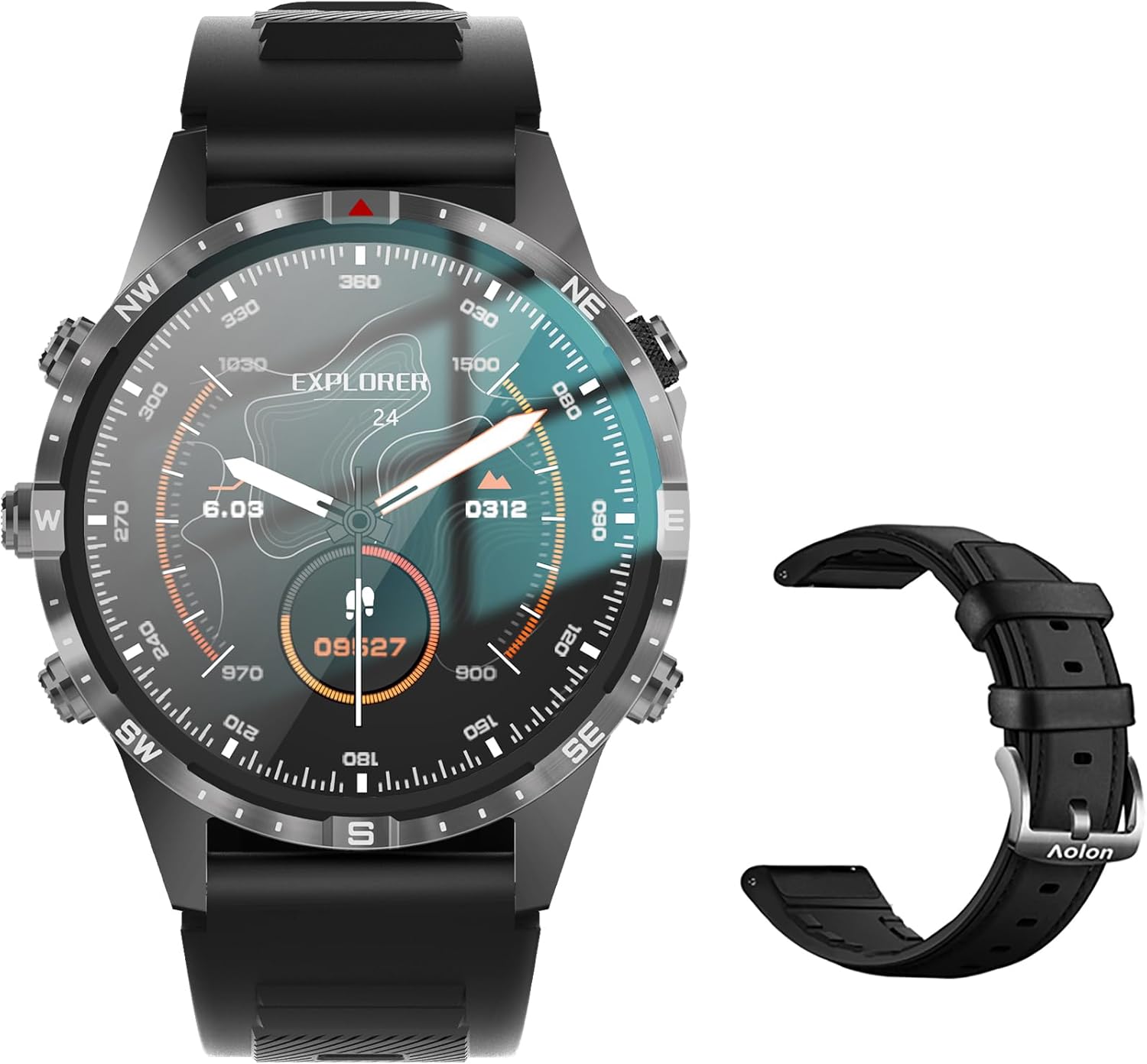
Image: The Aolon GT5 Pro Smart Watch displaying a compass-like watch face, alongside an additional black leather strap.
3.1. Urkomponenter
- Vise: 1.6-inch HD Large Screen (360x360 resolution IPS HD with ultra-narrow bezel).
- Knapper: 5 independent physical buttons for precise control and navigation.
- Sensorer: Heart rate sensor, blood oxygen sensor, motion sensor.
- Højttaler og mikrofon: For Bluetooth calling functionality.

Billede: Et nærbillede view of the Aolon GT5 Pro Smart Watch screen, emphasizing its 1.6-inch HD display with 360x360 pixel resolution and narrow bezel.
4. Opsætning
4.1. Opladning af smarturet
Before first use, fully charge your Aolon GT5 Pro Smart Watch. Connect the magnetic charging cable to the charging points on the back of the watch and plug the USB end into a power adapter (not included) or a computer's USB port.
- Opladningstid: Cirka 1.5 timer for en fuld opladning.
- Battery Life: Up to 7-10 days with typical use, 30 days standby time.

Image: Visual representation of the Aolon GT5 Pro's battery performance, indicating 30 days standby, 7-10 days typical use, and 1.5 hours charging time.
4.2. Appinstallation og parring
To unlock the full potential of your smart watch, download the companion app on your smartphone.
- Download appen: Scan the QR code in the manual or on the watch screen, or search for the app name (usually mentioned in the quick start guide) in your phone's app store (App Store for iOS, Google Play Store for Android).
- Registrer/Log ind: Åbn appen og følg instruktionerne på skærmen for at oprette en konto eller logge ind.
- Par uret: Ensure Bluetooth is enabled on your smartphone. In the app, navigate to the device pairing section and select your Aolon GT5 Pro from the list of available devices. Confirm the pairing request on both your phone and watch.
5. Betjeningsvejledning
5.1. Grundlæggende navigation
- Stryg op/ned: Rul gennem menuer og notifikationer.
- Stryg til venstre/højre: Få adgang til hurtige funktioner eller forskellige widgets.
- Tryk på knapper: Use the 5 independent buttons for specific functions like power on/off, back, or quick access to sports modes. Refer to the quick start guide for specific button assignments.
- Tap Screen: Vælg elementer eller bekræft handlinger.
5.2. Bluetooth-opkald
The Aolon GT5 Pro supports Bluetooth calling, allowing you to make and receive calls directly from your wrist.
- Sørg for, at dit ur er forbundet til din telefon via Bluetooth.
- Access the call function on your watch to dial numbers or answer incoming calls.
- Receive message notifications from your phone's apps directly on your watch.

Image: The Aolon GT5 Pro Smart Watch showing its Bluetooth calling feature, with icons representing call, music, and contact functions.
5.3. Sportstilstande
The watch supports over 100 sports modes, including swimming, running, cycling, and yoga. Select your desired activity to track specific metrics.
- Navigate to the Sports section on your watch.
- Choose your activity. The watch will record data such as calories burned, steps, distance, and pace.
- Connect to your phone's GPS via the app for detailed route tracking.
5.4. Sundhedsovervågning
The Aolon GT5 Pro continuously monitors various health metrics.
- Puls: Dynamic heart rate measurement 24/7.
- Blod ilt: Low power consumption blood oxygen level monitoring.
- Søvnsporing: Records your sleep status in real-time, providing data on deep, light, and awake times.

Image: The Aolon GT5 Pro Smart Watch screen showing health monitoring features, including heart rate, blood pressure, and blood oxygen levels.

Image: The Aolon GT5 Pro Smart Watch screen illustrating sleep quality monitoring, detailing sleep stages og varighed.
5.5. Compass Navigation
Utilize the built-in guide needle navigation for accurate direction during outdoor activities.
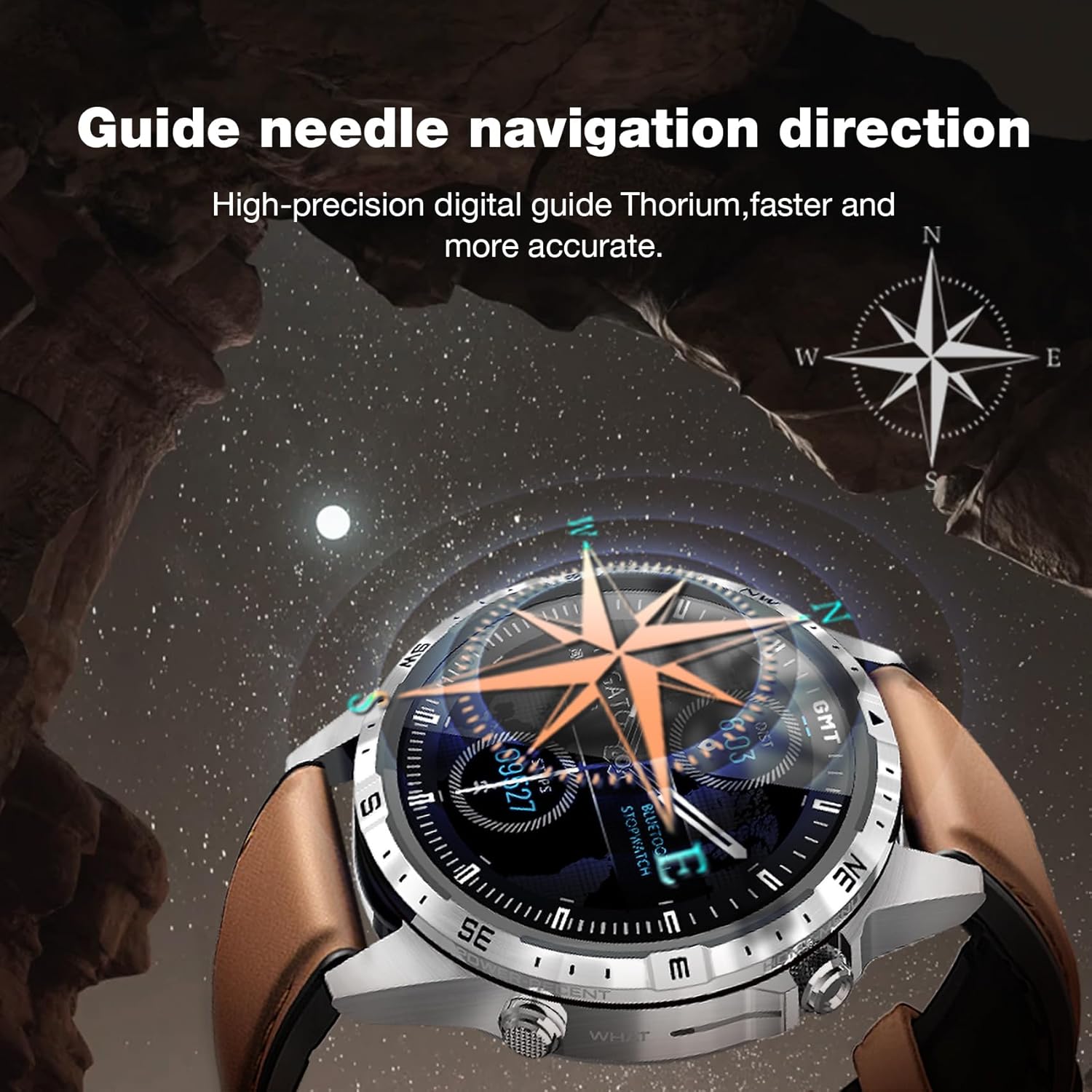
Image: The Aolon GT5 Pro Smart Watch showing its guide needle navigation feature, providing high-precision digital direction.
5.6. Andre funktioner
The watch includes various other essential functions:
- Musik kontrol
- Vejrudsigt
- Stopur
- Fjernkamera kontrol
- Ambient Sound Monitoring
- Find min telefon
- Vækkeur
- Stillesiddende påmindelse
- Medicinpåmindelse
- Women's Menstrual Health Tips
5.7. Ændring af urskiver
Personalize your watch by choosing from multiple types of dials available through the watch or the companion app.

Image: A selection of diverse watch faces for the Aolon GT5 Pro, demonstrating customization options.
6. Vedligeholdelse
6.1. Rengøring af uret
- Tør urets skærm og kabinet af med en blød, fnugfri klud.
- Til genstridigt snavs, let dampRengør kluden med vand. Undgå at bruge skrappe kemikalier eller slibende materialer.
- Sørg for, at opladningskontakterne er rene og tørre, før du oplader.
6.2. Vandafvisende
The Aolon GT5 Pro is IP67 waterproof. This means it is protected against dust and can withstand immersion in water up to 1 meter for 30 minutes.
- It is suitable for daily use, such as washing hands, face, or sweating during exercise.
- Undgå varmt vand, damp eller langvarig nedsænkning i vand.
- Betjen ikke knapperne under vandet.
6.3. Strap Care and Replacement
The watch comes with standard dual straps (silicone and leather). Clean straps regularly. The silicone strap is ideal for sports, while the leather strap offers a more formal look. Straps can be easily switched without tools.
7. Fejlfinding
If you encounter issues with your Aolon GT5 Pro Smart Watch, refer to the following common solutions:
| Problem | Løsning |
|---|---|
| Uret tænder ikke | Sørg for, at uret er fuldt opladet. Tryk på tænd/sluk-knappen og hold den nede i flere sekunder. |
| Kan ikke parres med smartphone | Ensure Bluetooth is enabled on your phone. Restart both the watch and phone. Make sure the watch is not already paired with another device. Check app permissions. |
| Unøjagtige sundhedsdata | Sørg for, at uret sidder tæt på dit håndled, ikke for stramt eller for løst. Rengør sensorområdet på bagsiden af uret. |
| Notifikationer ikke modtaget | Check app notification settings on your phone and within the watch app. Ensure the watch is connected via Bluetooth. |
| Kort batterilevetid | Reduce screen brightness, turn off unnecessary features (e.g., continuous heart rate monitoring if not needed), and ensure proper charging. |
8. Specifikationer
| Feature | Detalje |
|---|---|
| Model | GT5 Pro |
| Vise | 1.6-inch HD IPS, 360x360 Pixel Resolution |
| Batterikapacitet | 340 mAh Lithium Polymer |
| Batterilevetid | 7-10 dage (typisk brug), 30 dage (standby) |
| Opladningstid | Ca. 1.5 timer |
| Vandmodstand | IP67 |
| Forbindelse | Bluetooth |
| Kompatibilitet | Android & iOS |
| Dimensioner | 16.3 x 10 x 2.5 cm (Package); Watch: 47.5mm diameter, 22mm strap width |
| Vægt | 180 g (pakke) |
9. Sikkerhedsoplysninger
- Forsøg ikke at skille uret ad eller modificere det.
- Hold uret væk fra ekstreme temperaturer og direkte sollys.
- Consult a medical professional before starting any new exercise regimen or if you have pre-existing health conditions. The health data provided by the watch is for reference only and should not be used for medical diagnosis or treatment.
- Opbevares utilgængeligt for børn.
10. Garanti og support
For warranty information and customer support, please refer to the warranty card included in your package or visit the official AOLON webHvis du støder på problemer, der ikke er dækket i denne manual, bedes du kontakte kundeservice for at få hjælp.


