Indledning
The FreedConn FX Motorcycle Bluetooth Headset is designed to enhance your riding experience by providing seamless communication, music sharing, and hands-free calling. This device features advanced Bluetooth 5.0 technology, noise cancellation, and a robust waterproof design, ensuring reliable performance in various conditions.
- 10-Way Conference Intercom & Universal Pairing: Connect with up to 10 riders over a 1500-meter range (optimal for 6 riders). Compatible with most Bluetooth headsets on the market.
- Music Sharing & Noise Cancellation: Share music with another rider and enjoy clear audio at speeds up to 120km/h thanks to advanced noise cancellation.
- Hands-free Speaker & Hi-Fi Stereo Sound Quality: Make and receive calls, listen to Hi-Fi stereo music, FM radio, or GPS voice guidance with Bluetooth 5.0 and Siri/S Voice command access.
- Exchangeable Microphone & Great Helmet Compatibility: Includes both a boom microphone for open-face/flip-up helmets and a button microphone for full-face helmets.
- IP67 Waterproof Design & Long Battery Life: Built to withstand all weather conditions with IP67 waterproofing. The 1100mAh battery provides up to 25 hours of intercom, 15 hours of music, and 300 hours of standby time with Type-C fast charging.
Hvad er der i æsken
The FreedConn FX package includes the following components:
- 2x Motorcycle Intercom Units
- 2x Stereo Headsets (including changeable hard mic and soft mic)
- 2x Velcro Clips
- 2x Hook Clips
- 2x USB-kabler
- 12x Headset Velcro Pads
- 2x Boxes
- 1x brugermanual
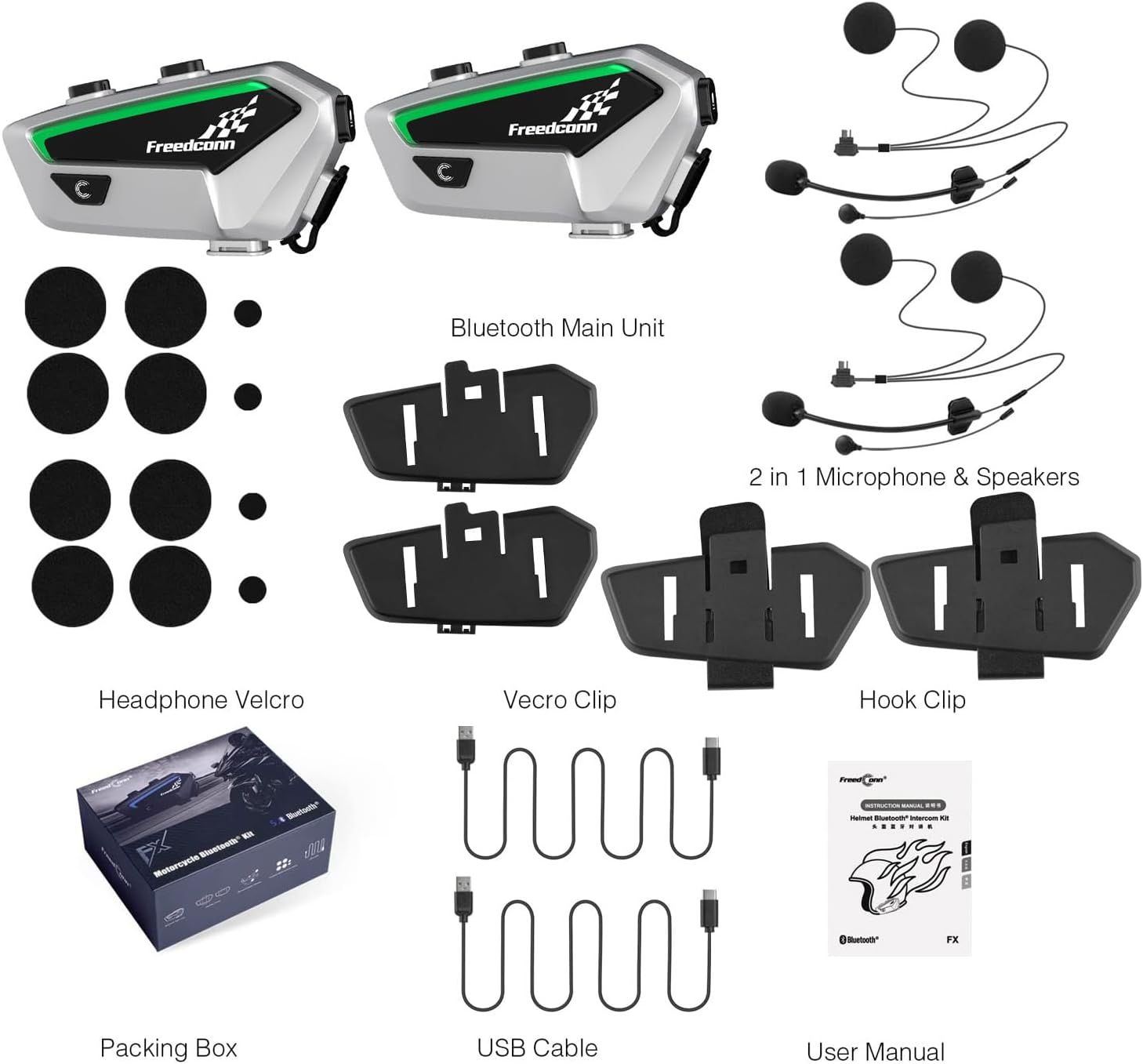
Image: All components included in the FreedConn FX Dual Pack.
Opsætning
Udpakning og komponent overståetview
Before installation, familiarize yourself with all the components provided in the package.
Video: FreedConn FX - Open box. This video provides an overview of the items included in the FreedConn FX package.
Montering af intercom-enheden
Choose between the velcro clip or the hook clip to securely attach the intercom unit to the side of your helmet. Ensure the unit is firmly in place to prevent movement during rides.
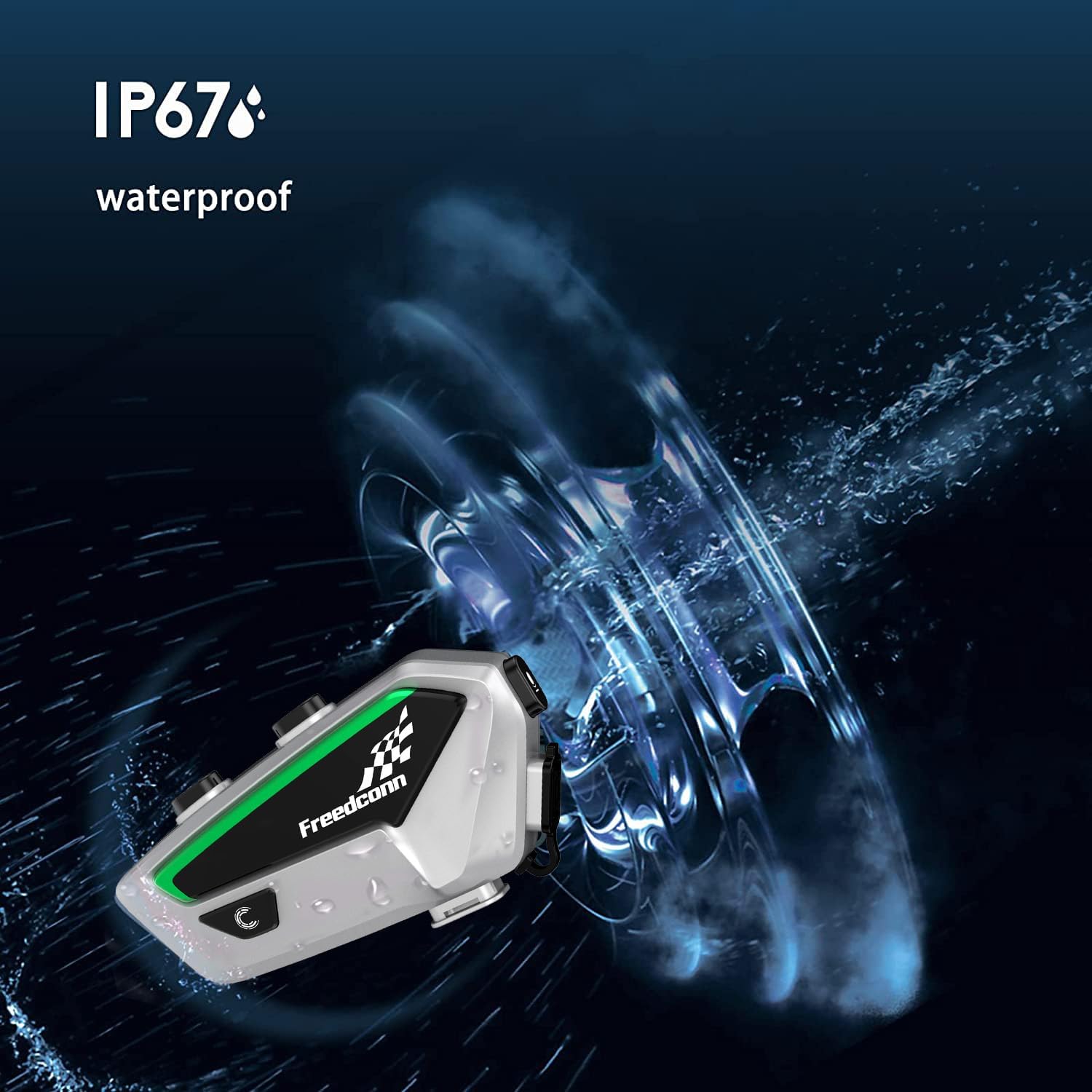
Image: The FreedConn FX unit attached to a helmet, demonstrating its low-profile design.
Microphone and Speaker Installation
Install the speakers inside your helmet's ear pockets using the provided velcro pads. Select either the boom microphone (for open-face or modular helmets) or the button microphone (for full-face helmets) and position it close to your mouth for optimal voice clarity. Route the cables neatly under the helmet padding.
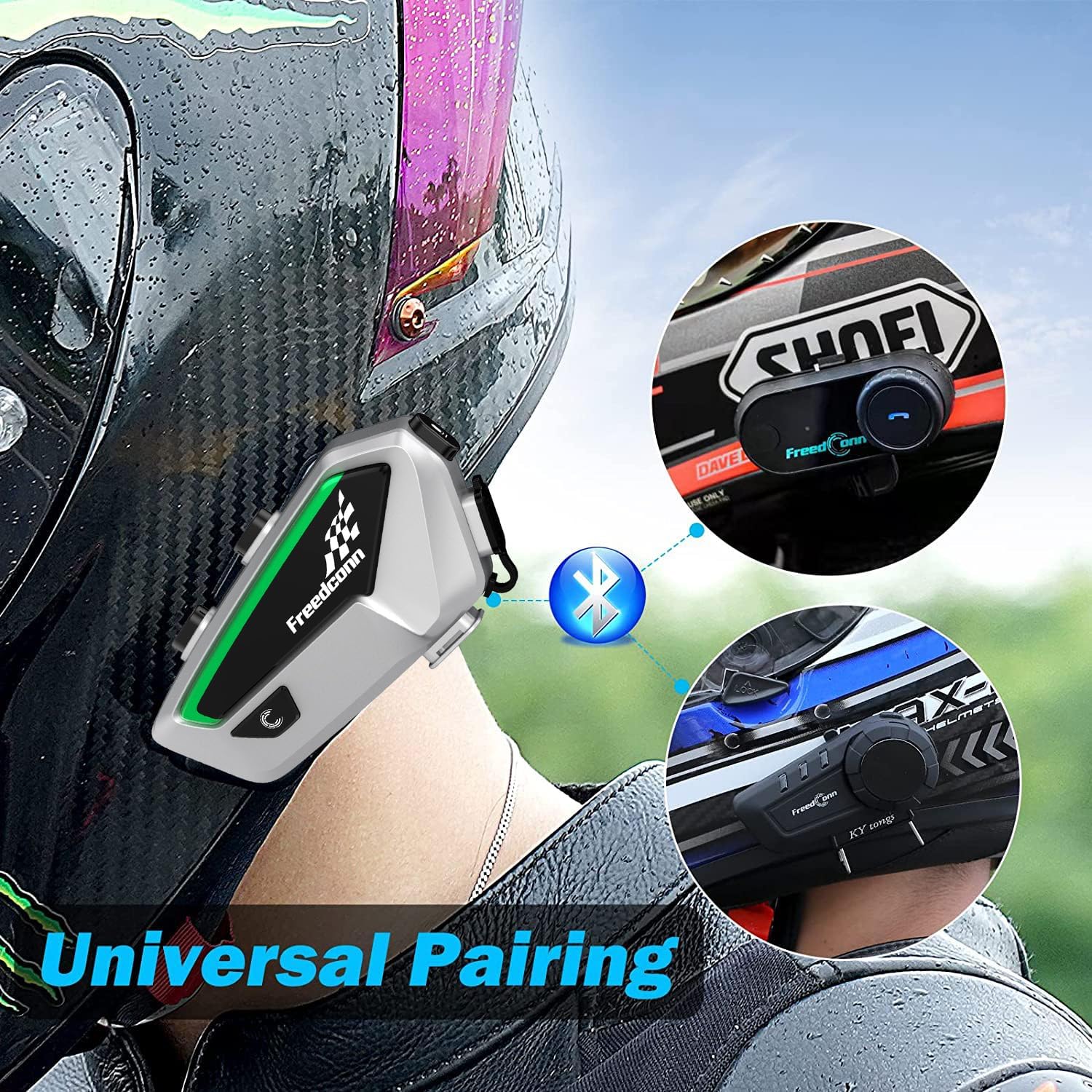
Image: Speakers and microphone installed within a helmet, ready for use.
Betjeningsvejledning
Tænd/sluk
- Tænd: Press and hold the On/Off button for 2 seconds. The blue light will flash quickly three times, then slowly.
- Sluk: Press and hold the On/Off button for 3 seconds and release when the red light is on.
Video: FreedConn FX Bluetooth basic operation - Power on. Learn how to power on your device.
Sprogskift
To switch the device language, short press the multi-function button and the On/Off button simultaneously while in standby or music pause state.
Video: FreedConn FX Bluetooth basic operation - language switching. This video shows the process for changing the device's language.
Kontrollampe for indikatorlys
In power-on state, press the 'C' button once to toggle the running-water indicator light on or off.
Video: Turn on/off the running-water indicator light. This video illustrates how to control the indicator light.
Parring med mobiltelefon
To pair your FreedConn FX with a mobile phone, ensure the device is off. Press and hold the power button for 8 seconds until the red and blue lights flash alternately, indicating pairing mode. Then, search for 'FreedConn FX' in your phone's Bluetooth settings and connect.

Image: The FreedConn FX device demonstrating compatibility with various Bluetooth devices.
Musikafspilning og -deling
Once paired with your phone, you can stream music. Use the device's controls to play/pause, skip tracks, and adjust volume. The FX also supports music sharing, allowing you to share your audio with another paired FreedConn FX unit.
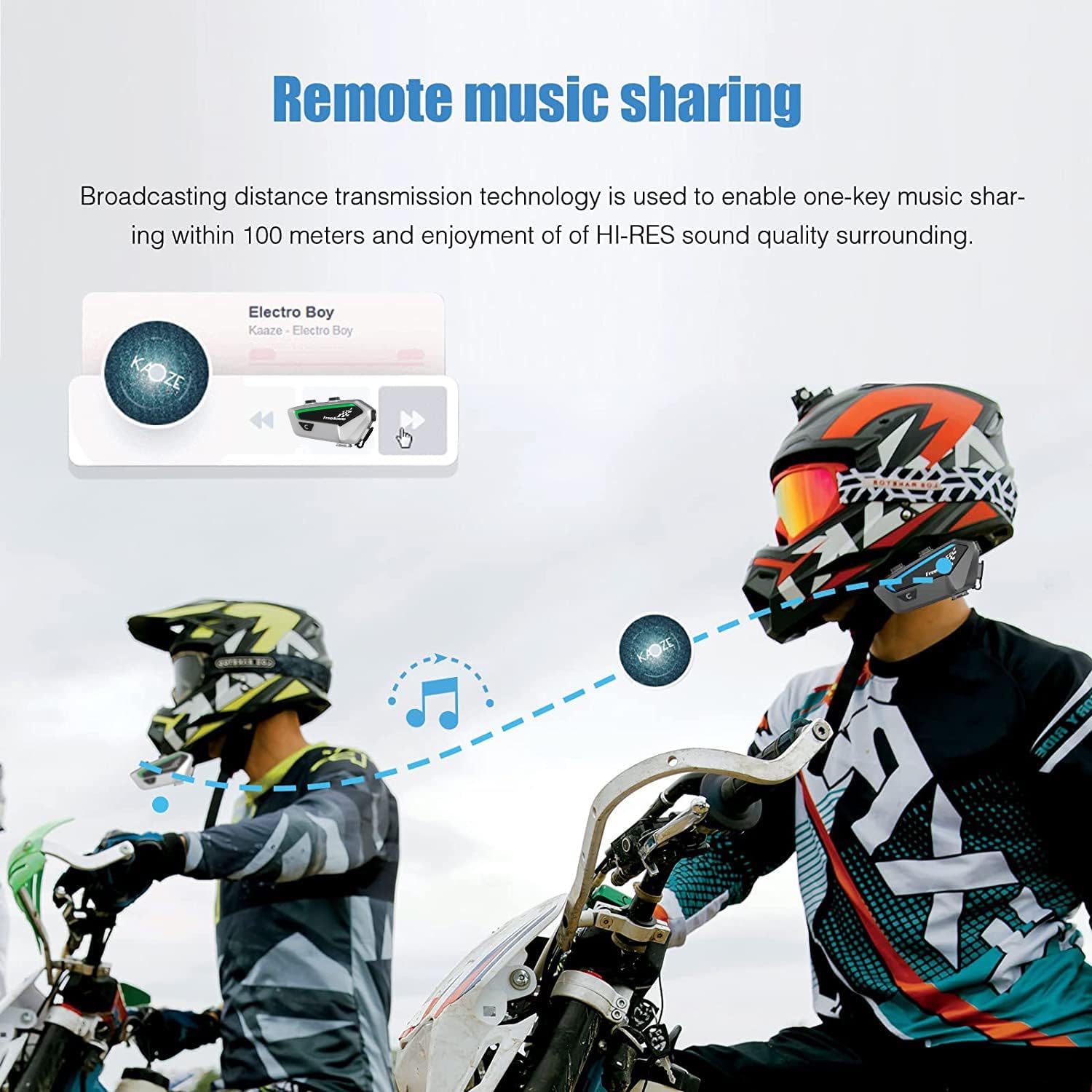
Image: Remote music sharing feature between two riders using FreedConn FX headsets.
Telefonopkald
The FreedConn FX allows for hands-free calling. You can answer calls automatically (if enabled) or manually, reject calls, and redial the last number. Access your phone's voice assistant (Siri/S Voice) through the headset for voice commands.
FM radio
The device includes an FM radio function. Tune into your favorite stations while riding. Controls for scanning and saving stations are integrated into the unit.
Intercom Pairing (2 Devices)
To establish a two-way intercom conversation between two FreedConn FX devices, ensure both units have cleared previous pairing records. Power on both devices. On one device, press and hold the intercom button until the red and blue lights flash. On the second device, short press the intercom button. Once connected, the blue lights will flash regularly.
Video: Pairing between two FX Bluetooth intercom devices. This video guides you through pairing two FX units.
Intercom Pairing (4 Devices)
For group intercom with up to 4 FX devices, ensure all devices (A, B, C, D) have cleared previous pairing records. Pair A and B, then turn off B. Pair B and C, then turn off C. Pair C and D. Finally, short press the power button on A, then B, then C, then D to connect them all into a group chat.
Video: Intercom connection among 4 FX devices and methods. This video explains how to set up a group intercom with multiple FX units.
Universal Pairing with Other Brands
The FreedConn FX supports universal pairing, allowing it to connect with intercom devices from other brands. Follow the specific pairing instructions for the third-party device and initiate universal pairing mode on the FX unit.
Ryd parringsoplysninger
To delete all historical pairing information, press and hold the On/Off button for 8 seconds. The red LED indicator light will remain on, then flash twice quickly, confirming the records are cleared.
Video: Delete historical pairing information. This video shows how to clear all previous pairing records.
Enable/Disable Automatic Answer
To enable or disable the automatic answering of phone calls, short press the On/Off button and the Volume Up button simultaneously.
Video: Enable or disable automatic answer. This video explains how to manage the automatic call answering feature.
Specifikationer
| Feature | Detalje |
|---|---|
| Modelnavn | FX |
| Forbindelsesteknologi | Trådløs (Bluetooth 5.0) |
| Intercom rækkevidde | Up to 1500 meters (optimal for 6 riders) |
| Max Riders (Intercom) | 10 |
| Støjkontrol | Aktiv støjreduktion |
| Vandmodstandsniveau | IP67 vandtæt |
| Battery Life (Intercom) | Op til 25 timer |
| Batterilevetid (musik) | Op til 15 timer |
| Standby tid | Op til 300 timer |
| Opladningsgrænseflade | USB Type C |
| Opladningstid | Ca. 2.5 timer |
| Varens vægt | 0.6 kilo (1.32 pund) |
| Inkluderede komponenter | Headset, Earpiece |
| Særlige funktioner | Built-In Voice Assistant, Fast Charging, Lightweight, Microphone Included, Multipoint Pairing |
Opretholdelse
To ensure the longevity and optimal performance of your FreedConn FX headset, follow these maintenance guidelines:
- Rensning: Brug en blød, damp cloth to clean the exterior of the intercom unit. Avoid using harsh chemicals or abrasive cleaners.
- Opbevaring: Opbevar enheden et køligt, tørt sted væk fra direkte sollys og ekstreme temperaturer, når den ikke er i brug.
- Opladning: Always use the provided USB Type C cable for charging. Avoid overcharging or completely draining the battery for extended periods.
- Vandeksponering: While IP67 waterproof, avoid prolonged submersion in water. Ensure the USB port cover is securely closed when exposed to moisture.
Fejlfinding
If you encounter issues with your FreedConn FX headset, refer to the following common troubleshooting steps:
- Ingen strøm: Sørg for, at batteriet er opladet. Tilslut enheden til en strømkilde med USB-kablet.
- Kan ikke parres med telefon: Make sure the headset is in pairing mode (red and blue lights flashing alternately). Clear previous pairing records on both the headset and your phone, then try pairing again.
- Afbrydelse af intercom-forbindelse: Ensure all participating intercom units are within range and have sufficient battery. Clear pairing records and re-establish the intercom connection if issues persist.
- Dårlig lydkvalitet: Check microphone and speaker placement inside the helmet. Ensure cables are not pinched. Adjust volume levels.
- Ingen lyd: Verify volume levels on both the headset and connected device. Check if the headset is properly connected to the speakers.
Garanti og support
For warranty information, technical support, or service inquiries, please refer to the contact details provided in your product packaging or visit the official FreedConn webwebsted. Gem din købsbevis til garantikrav.


