Indledning
This manual provides essential information for the proper installation, operation, and maintenance of your Philips 278E1A 27" 4K UHD IPS Monitor. Please read this guide thoroughly before using the product to ensure optimal performance and safety. Keep this manual for future reference.
Sikkerhedsoplysninger
- Sørg for, at skærmen er placeret på en stabil, flad overflade for at forhindre utilsigtede fald.
- Brug kun den strømadapter og de kabler, der leveres af Philips.
- Udsæt ikke skærmen for regn eller fugt for at undgå elektrisk stød eller brand.
- Undgå at blokere ventilationsåbningerne for at forhindre overophedning.
- Forsøg ikke selv at udføre service på skærmen. Overlad al service til kvalificeret personale.
Opsætning
1. Udpakning og montering
Carefully remove the monitor and all components from the packaging. The box should contain the monitor, stand, HDMI cable, power cable, and user documentation.
- Fastgør stativets base til stativets hals, og fastgør den med den medfølgende skrue.
- Align the assembled stand with the mounting holes on the back of the monitor and firmly attach it.
2. Tilslutningskabler
Tilslut de nødvendige kabler til skærmen og din computer.
- Strømkabel: Connect one end of the power cable to the monitor's power input and the other end to a power outlet.
- Videoindgang: Connect either an HDMI cable (2 ports available) or a DisplayPort cable (1 port available) from your computer's video output to the corresponding input on the monitor.
- Lyd input/output: If desired, connect an audio cable from your computer's audio output to the monitor's audio input, or connect external speakers/headphones to the monitor's audio output.

Figur 1: Bagside view of the Philips 278E1A monitor, highlighting the HDMI, DisplayPort, and audio input/output ports for connectivity.
3. Første opstart
Press the power button located on the bottom right of the monitor to turn it on. The monitor will automatically detect the active input source.
Betjeningsvejledning
1. OSD-menu navigation
The On-Screen Display (OSD) menu allows you to adjust various monitor settings. Use the control buttons located on the bottom bezel of the monitor to navigate the menu.
- Tryk på en knap for at aktivere OSD-menuen.
- Brug retningsknapperne til at navigere gennem menupunkterne.
- Press the 'OK' or 'Enter' button to select an option or confirm a setting.
- Tryk på knappen 'Afslut' eller 'Tilbage' for at vende tilbage til den forrige menu eller afslutte OSD-menuen.
2. Billedindstillinger
Juster displayets egenskaber for optimal viewing.
- Lysstyrke og kontrast: Adjust these settings to control the overall luminance and the difference between light and dark areas.
- Farveindstillinger: Fine-tune color temperature, gamma, and saturation. The monitor supports 109% sRGB color gamut for accurate color reproduction.
- SmartContrast: This feature dynamically analyzes content and automatically adjusts backlight intensity to enhance contrast for optimal digital images and videos.
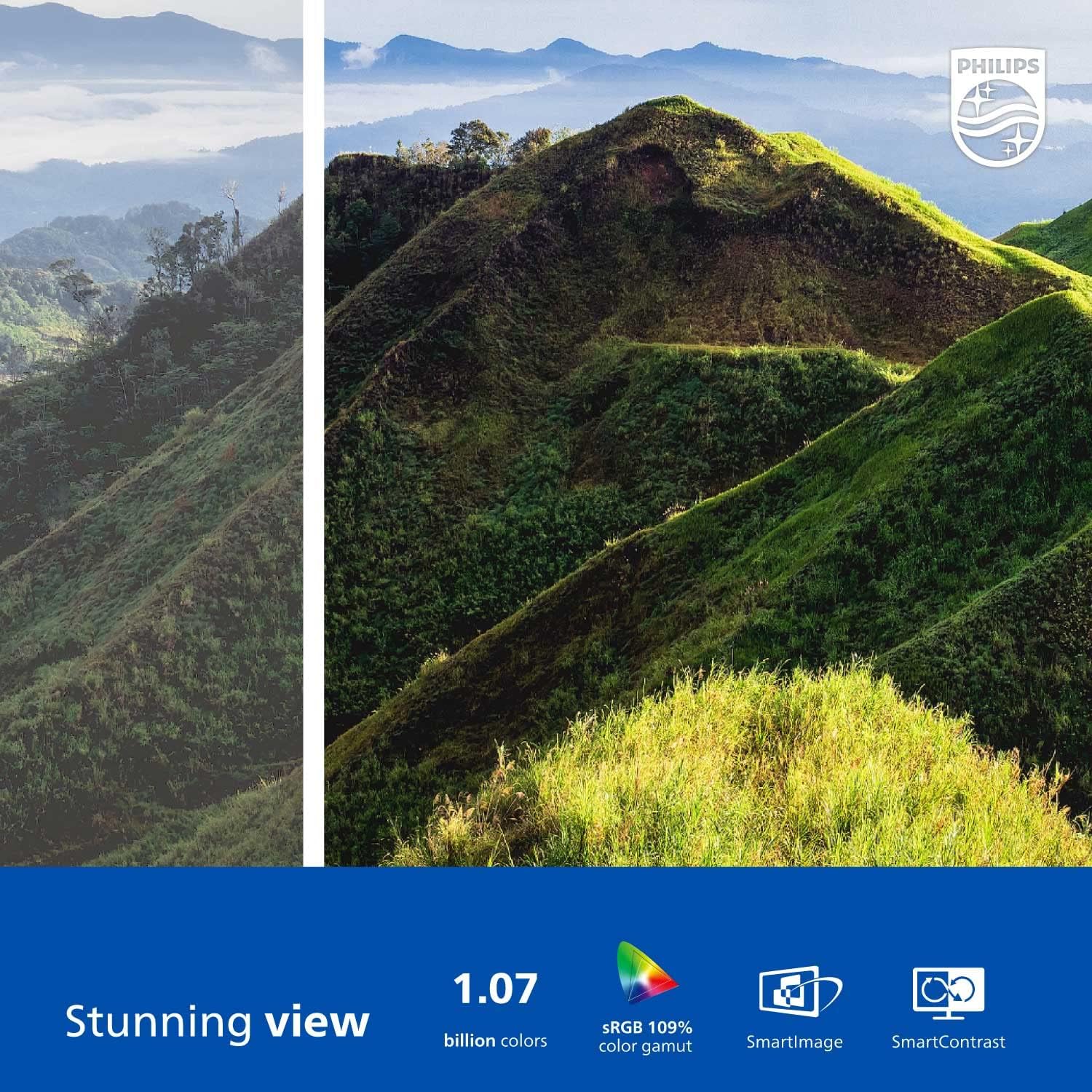
Figure 2: The Philips 278E1A monitor displaying a detailed and colorful mountain scene, illustrating its 4K UHD resolution and wide color gamut.
3. Valg af input
Manually select the desired video input source if the automatic detection does not work or if you have multiple devices connected.
4. Lydindstillinger
Control the volume of the built-in speakers or connected audio devices.
5. Øjenplejefunktioner
The Philips 278E1A includes features designed to reduce eye strain during prolonged use.
- Flimmerfri teknologi: Regulates brightness and reduces screen flicker for more comfortable viewing.
- Lavblå tilstand: A software solution that reduces harmful shortwave blue light emissions from the screen.

Figure 3: A split image demonstrating the visual difference when LowBlue Mode and Flicker-free technologies are active, reducing eye strain.
6. Frameless Design and Viewi vinkler
The monitor features a 3-sided frameless design, ideal for multi-monitor setups, and an IPS panel providing wide 178/178-degree viewing angles for consistent image quality from various perspectives.

Figure 4: A multi-monitor arrangement of Philips 278E1A displays, showcasing the minimal bezels and wide viewing angles suitable for extended desktop environments.
Opretholdelse
1. Rengøring af skærmen
For at rengøre skærmen skal du forsigtigt tørre den af med en blød, fnugfri klud. Ved genstridige mærker, dampen the cloth with a mild, non-abrasive screen cleaner. Never spray cleaner directly onto the screen.
2. Almen pleje
Keep the monitor away from direct sunlight, excessive heat, and humidity. Avoid placing heavy objects on the monitor or its cables.
Fejlfinding
Hvis du støder på problemer med din skærm, kan du bruge følgende almindelige løsninger:
- Ingen strøm: Sørg for, at strømkablet er korrekt tilsluttet til både skærmen og stikkontakten. Kontroller, om stikkontakten fungerer.
- Intet signal: Verify that the video cable (HDMI or DisplayPort) is correctly connected to both the monitor and your computer. Ensure the correct input source is selected via the OSD menu.
- Image Problems (e.g., flickering, distorted colors): Check cable connections. Adjust picture settings in the OSD menu. If using a DisplayPort connection, ensure your graphics card supports 4K resolution at 60Hz.
- Ingen lyd: Check the monitor's volume settings and your computer's audio output settings. Ensure external speakers or headphones are properly connected if used.
For yderligere assistance, kontakt venligst Philips kundesupport.
Specifikationer
| Feature | Detalje |
|---|---|
| Skærmstørrelse | 27 tommer |
| Opløsning | 3840 x 2160 (4K UHD) |
| Paneltype | IPS |
| Farveskala | 109 % sRGB |
| Forbindelse | 2x HDMI, 1x DisplayPort, Audio In & Out |
| Højttalere | Built-in (3W stereo) |
| Dimensioner (med stativ) | 18.1 x 24.1 x 7.6 tommer |
| Vægt (med stativ) | 13.57 pund |
| Øjenplejefunktioner | Flicker-Free, LowBlue Mode |
Garanti og support
Garantioplysninger
Philips monitors sold in the United States come with a 4-Year Advance Replacement Warranty. This warranty minimizes downtime by providing a replacement unit in advance should your monitor require service.

Figure 5: Visual representation of the Philips 4-Year Warranty and Advance Replacement program, ensuring peace of mind for users.
Kundesupport
For technical support, warranty claims, or service inquiries, please visit the official Philips support website or contact their customer service hotline. Refer to the documentation included with your product for specific contact details in your region.
Produktvideoer
Philips Frameless Monitor Overview
Denne video giver en overview of the Philips 27-inch frameless monitor, highlighting its features and benefits for various work setups.
Why This Monitor is Top Rated
Learn about the key aspects that make this Philips monitor a top-rated choice, including its display quality and user-friendly features.