Indledning
This manual provides detailed instructions for the setup, operation, and maintenance of your RIF6 XTV000212UK 61-Key Electronic Piano Keyboard. Please read this manual thoroughly before using the product to ensure proper function and longevity.
Pakkens indhold
Bekræft, at alle nedenstående varer er inkluderet i din pakke:
- RIF6 61-Key Electronic Piano Keyboard
- Adjustable X-Style Keyboard Stand
- Adjustable Padded Stool
- Over-Ear Headphones (3.5mm jack)
- Music Stand (detachable)
- Sustain pedal
- Strømadapter
- Mikrofon
- Instruktionsmanual

Opsætning
1. Assembling the Keyboard Stand and Stool
- Unfold the X-style keyboard stand. Adjust the height to your preference using the locking mechanism.
- Place the RIF6 61-Key Electronic Piano Keyboard securely on the stand. Ensure it is stable.
- Unfold the padded stool and adjust its height for comfortable playing.

2. Connecting Power and Accessories
- Connect the power adapter to the DC 12V input jack on the rear panel of the keyboard. Plug the adapter into a standard electrical outlet.
- For portable use, the keyboard can also be powered by 8 x 1.5V 'D' batteries (not included). Insert batteries into the compartment on the underside of the keyboard.
- Plug the sustain pedal into the 'SUSTAIN' jack on the rear panel.
- For private practice, connect the over-ear headphones to the 'PHONES OUTPUT' jack.
- To use the microphone, plug it into the 'MIC IN' jack.
- Attach the music stand to the designated slots on the top panel of the keyboard.

Betjeningsvejledning
1. Tænd/sluk
Tryk på MAGT button located on the left side of the control panel to turn the keyboard on or off. The LCD display will illuminate upon power-on.
2. Lydstyrkekontrol
Juster den samlede lydstyrke ved hjælp af MASTER VOLUME knop. Brug LYDSTYRKE +/- buttons for fine adjustments to accompaniment volume.
3. Tone/Voice Selection
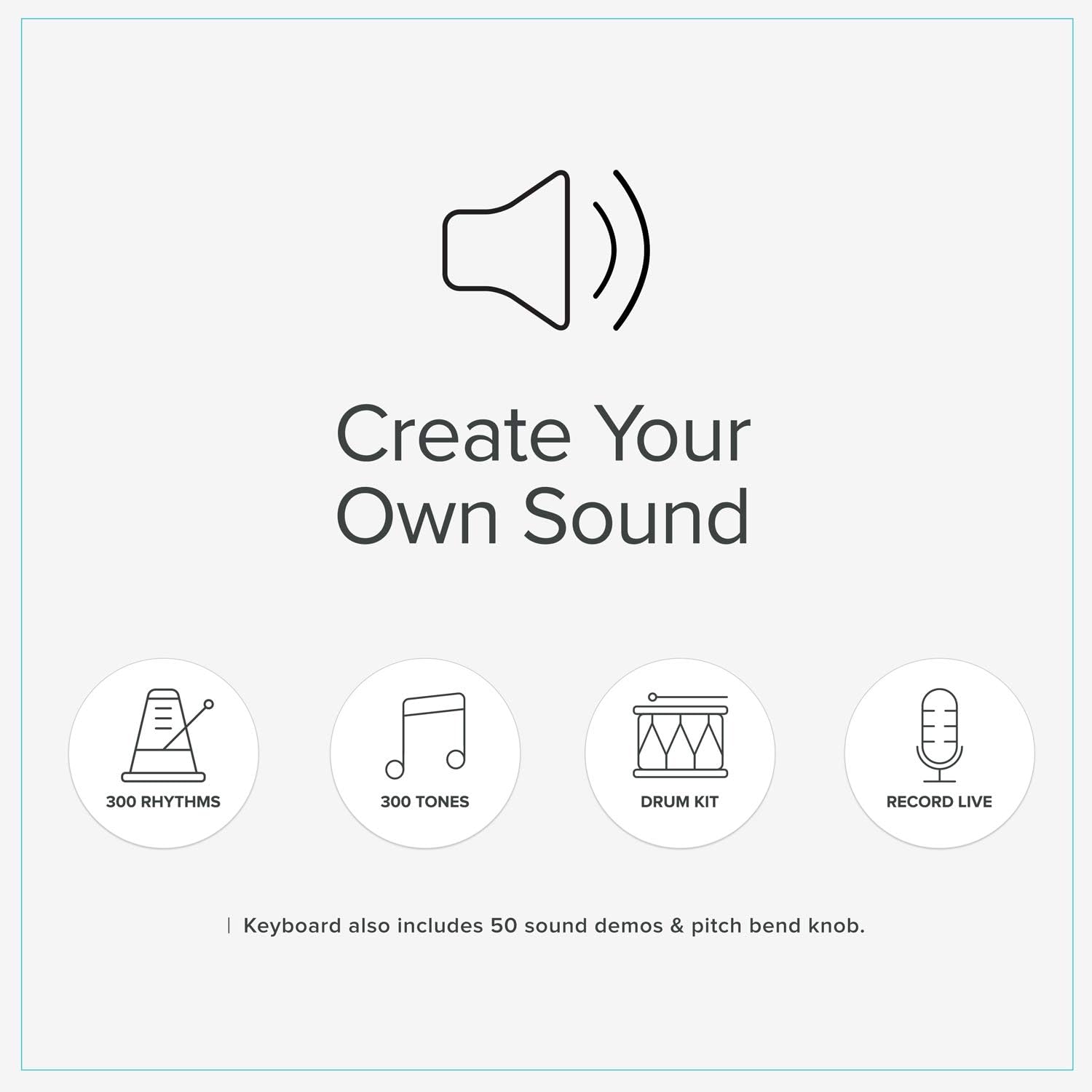
The keyboard features 300 different tones. Press the TONE button, then use the numeric keypad (0-9) to enter the desired tone number. Refer to the tone list in the full instruction manual for available options.
4. Rytmevalg
Select from 300 rhythms by pressing the RYTME button and entering the corresponding number via the numeric keypad. Use the START/STOP knappen for at starte eller afslutte rytmen.
5. Demo-sange
The keyboard includes 50 demo songs. Press the DEMO button to cycle through and play the pre-loaded songs.
6. Undervisningsmetoder
The RIF6 keyboard offers three teaching modes to assist with learning:
- Teach 1 (One Key): Allows you to play any key to advance the melody. Focuses on rhythm and timing without requiring correct notes.
- Teach 2 (Follow): The keyboard waits for you to play the correct note before advancing the melody. This helps with note recognition.
- Teach 3 (Ensemble): The keyboard plays the accompaniment, and you play the melody. If you don't play the correct note within 3 seconds, the keyboard will play it for you.
To activate a teaching mode, press the corresponding TEACH 1, TEACH 2, eller TEACH 3 button, then select a song using the numeric keypad.
7. Optagelse og afspilning
Tryk på REC button to enter recording mode. Play your desired melody. Press SPIL for at lytte til din optagede optræden.
8. Sustain Pedal
Connect the sustain pedal to the 'SUSTAIN' jack. Pressing the pedal will sustain the notes played, similar to an acoustic piano.
9. Headphones and Microphone
Plug headphones into the 'PHONES OUTPUT' for silent practice. Connect the microphone to the 'MIC IN' jack to sing along while playing.

Opretholdelse
To ensure the longevity and optimal performance of your RIF6 keyboard, follow these maintenance guidelines:
- Rensning: Use a soft, dry cloth to wipe the surface of the keyboard. Avoid using abrasive cleaners, solvents, or waxes, as these can damage the finish.
- Opbevaring: Opbevar tastaturet et køligt og tørt sted væk fra direkte sollys, ekstreme temperaturer og høj luftfugtighed. Fjern batterierne, hvis det opbevares i en længere periode, for at forhindre lækage.
- Håndtering: Håndter altid tastaturet forsigtigt. Undgå at tabe det eller udsætte det for hårde stød.
- Magt: Disconnect the power adapter when the keyboard is not in use for prolonged periods.
Fejlfinding
If you encounter any issues with your RIF6 keyboard, refer to the following common problems and solutions:
- Ingen lyd:
- Kontroller om tastaturet er tændt.
- Ensure the master volume is turned up.
- Hvis der er tilsluttet hovedtelefoner, skal du tage stikket ud for at kontrollere højttalerudgangen.
- Verify that the power adapter is securely connected or batteries are correctly inserted and charged.
- Taster reagerer ikke:
- Sørg for, at tastaturet er tændt.
- If in a teaching mode, ensure you are pressing the correct keys as indicated.
- Forvrænget lyd:
- Lower the volume to see if distortion reduces.
- Check headphone connection if using headphones.
For further assistance, please consult the full instruction manual or contact RIF6 customer support.
Specifikationer
| Modelnummer | XTV000212UK |
| Antal nøgler | 61 |
| Varens vægt | 12.13 pund |
| Produktdimensioner | 3.76 x 1.48 x 0.49 tommer |
| Kropsmateriale | Plast |
| Strømkilde | AC Adapter (included) or 8 x 1.5V 'D' Batteries (not included) |
| Forbindelsesteknologi | 3.5mm Audio Jack |
| Hovedtelefonstik | 3.5 mm jack |
| Færdighedsniveau | Nybegynder |
| Aldersinterval | Voksne, Børn |
Garanti og support
For warranty information, technical support, or service inquiries, please refer to the contact details provided in the original product packaging or visit the official RIF6 webwebstedet. Behold din købskvittering som købsbevis.


