
1. Rhagymadrodd
Welcome to the Nokia T10 Wi-Fi Tablet user manual. This guide provides essential information to help you set up, operate, maintain, and troubleshoot your new device. The Nokia T10 is an 8-inch HD Android 12 tablet designed for everyday use, offering a balance of performance and portability.
Please read this manual carefully to ensure proper use and to maximize the lifespan of your tablet.
2. Beth sydd yn y Bocs
Upon unboxing your Nokia T10 tablet, please verify that all the following items are included:
- Nokia T10 Tablet Device
- Cebl USB Math-C
- Gwefrydd
- Canllaw Cychwyn Cyflym (QSG)
- Llyfryn Diogelwch
- User Guide Band
- Plastic Bag (packaging material)
If any items are missing or damaged, please contact your retailer or Nokia customer support immediately.
3. Gosod
3.1 Gwefru'r Tabled
Before first use, fully charge your Nokia T10 tablet. Connect the provided Type-C USB cable to the tablet's charging port and the other end to the charger. Plug the charger into a power outlet. The battery indicator on the screen will show the charging status.
3.2 Pweru Ymlaen/Diffodd
- I Bweru Ymlaen: Press and hold the Power button until the Nokia logo appears.
- I Bweru i ffwrdd: Pwyswch a daliwch y botwm Pŵer nes bod yr opsiynau pŵer yn ymddangos ar y sgrin. Dewiswch "Diffodd" a chadarnhewch.
- I ailgychwyn: Press and hold the Power button until the power options appear. Select "Restart" and confirm.
3.3 Gosodiad Cychwynnol
When you power on your tablet for the first time, you will be guided through an initial setup process:
- Dewis Iaith: Dewiswch eich dewis iaith.
- Cysylltiad Wi-Fi: Connect to a Wi-Fi network to access the internet. This is crucial for downloading updates and setting up your Google account.
- Cyfrif Google: Sign in with your existing Google account or create a new one. This is necessary for accessing the Google Play Store, Gmail, and other Google services.
- Dyddiad ac Amser: Gosodwch y dyddiad a'r amser cywir, neu gadewch i'r rhwydwaith ei osod yn awtomatig.
- Diogelwch: Set up a screen lock (PIN, pattern, password) and consider enabling AI Face Unlock for convenient access.
3.4 Mewnosod Cerdyn MicroSD
The Nokia T10 supports expandable storage via a MicroSD card. Locate the SIM/SD card tray on the side of the tablet. Use the provided SIM ejector tool to open the tray. Carefully place the MicroSD card into the designated slot with the gold contacts facing down, then reinsert the tray firmly.
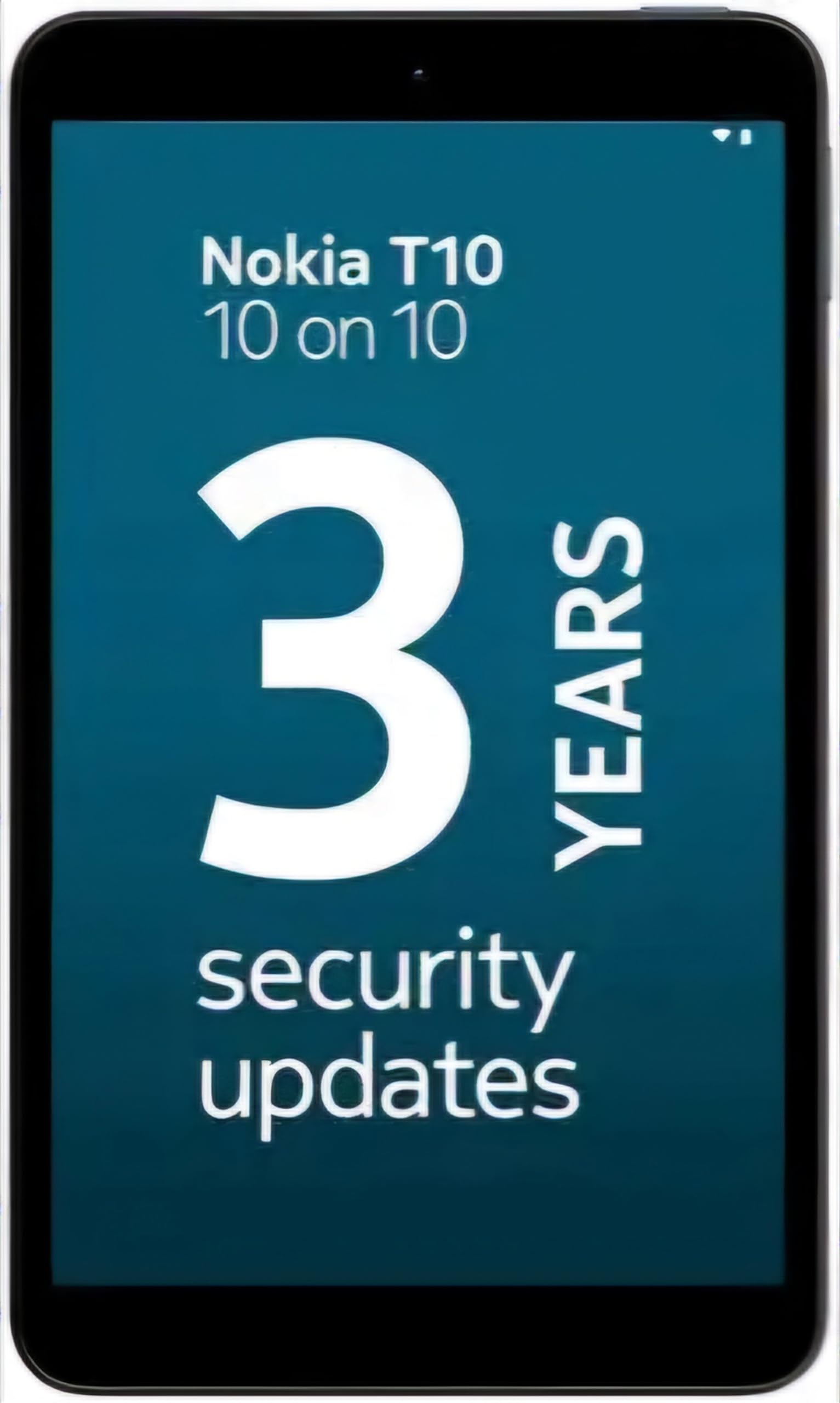
Image: Nokia T10 tablet, showcasing its sleek design and the rear camera module.
4. Cyfarwyddiadau Gweithredu
4.1 Arddangos a Llywio
The Nokia T10 features an 8-inch HD display (1280x800 pixels). Navigate the interface using touch gestures:
- Tap: Dewiswch eitem neu agorwch ap.
- Swipe: Scroll through screens, lists, or content.
- Pinsio-i-Chwyddo: Chwyddo i mewn neu allan ar luniau a web tudalennau.
- Gwasg Hir: Mynediad i ddewislenni cyd-destunol neu symud eiconau apiau.
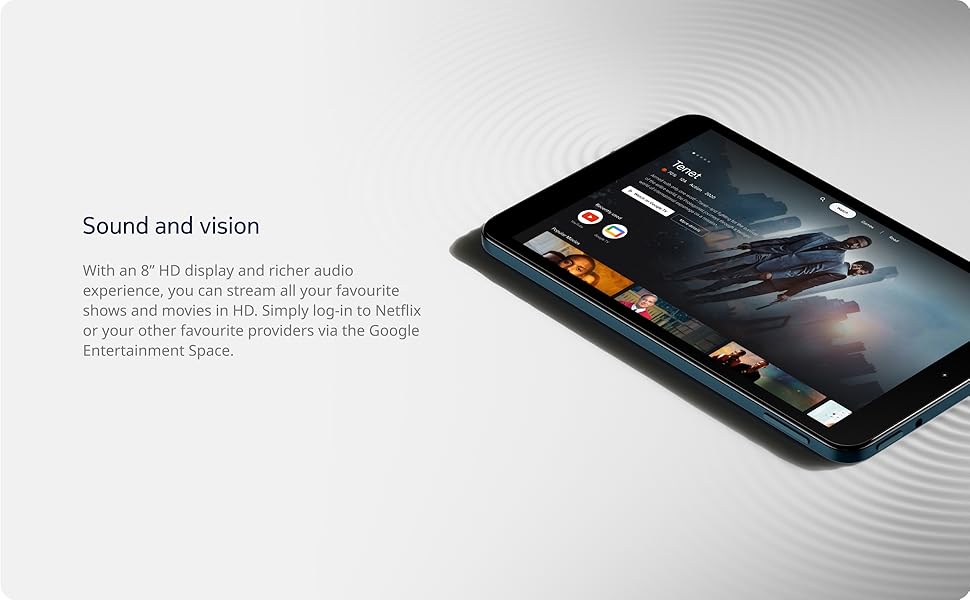
Image: The Nokia T10 tablet showcasing its 8-inch HD display with streaming video content.
4.2 Swyddogaethau'r Camera
Your tablet is equipped with an 8MP rear camera with autofocus and flash, and a 2MP front camera.
- Tynnu Lluniau: Agorwch yr ap Camera, fframiwch eich llun, a thapiwch y botwm caead.
- Recordio Fideos: Switch to video mode in the Camera app and tap the record button to start/stop. The tablet supports FHD 1080p video capture.
- Camera blaen: Tap the camera switch icon to use the front camera for selfies or video calls.

Image: A Nokia T10 tablet displaying a video call, highlighting its front camera functionality.
4.3 Rheoli Batri
The Nokia T10 has a 5250 mAh battery designed for all-day use. To optimize battery life:
- Lleihau disgleirdeb sgrin.
- Diffoddwch Wi-Fi a Bluetooth pan nad ydynt yn cael eu defnyddio.
- Cau apiau cefndir.
- Enable battery saver mode in Settings.
4.4 Cysylltedd
- Wi-Fi: Connect to wireless networks via Settings > Network & internet > Wi-Fi. The tablet supports 802.11a/b/g/n/ac standards.
- Bluetooth: Pair with Bluetooth devices (headphones, speakers) via Settings > Connected devices > Bluetooth. The tablet features Bluetooth 5.0.
- USB Math-C: Use the USB-C port for charging and data transfer.
4.5 AI Face Unlock
For quick and secure access, set up AI Face Unlock:
- Go to Settings > Security > Face unlock.
- Dilynwch y cyfarwyddiadau ar y sgrin i gofrestru'ch wyneb.
- Ensure you are in a well-lit environment during setup and use.
4.6 Meddalwedd a Diweddariadau
The Nokia T10 runs on Android 12. Nokia provides 2 years of OS updates and 3 years of monthly security updates to keep your device secure and up-to-date. You will receive notifications when updates are available. It is recommended to install updates over a Wi-Fi connection.
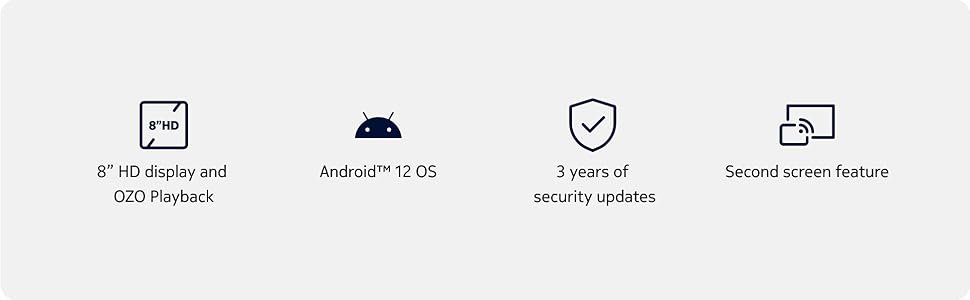
Image: Visual representation of Nokia T10 features including Android 12 OS and 3 years of security updates.
5. cynnal
5.1 Glanhau Eich Tabled
- Defnyddiwch frethyn meddal, di-lint i lanhau'r sgrin a'r corff.
- Osgowch ddefnyddio cemegau llym, glanhawyr sgraffiniol, neu chwistrellau aerosol.
- Do not expose the tablet to excessive moisture.
5.2 Diweddariadau Meddalwedd
Regularly check for and install software updates to ensure optimal performance and security. Go to Settings > System > System update.
5.3 Rheoli Storfa
To maintain performance, periodically manage your tablet's storage:
- Delete unnecessary apps and files.
- Symud yn fawr files (photos, videos) to a MicroSD card or cloud storage.
- Clear app cache regularly via Settings > Apps > [App Name] > Storage & cache.
6. Datrys Problemau
If you encounter issues with your Nokia T10 tablet, try the following solutions:
| Problem | Ateb |
|---|---|
| Nid yw'r tabled yn troi ymlaen | Gwnewch yn siŵr bod y batri wedi'i wefru. Cysylltwch y gwefrydd ac aros ychydig funudau cyn ceisio ei droi ymlaen eto. |
| Materion cysylltiad Wi-Fi | Restart your Wi-Fi router. Go to Settings > Network & internet > Wi-Fi, turn Wi-Fi off and then on again. Forget the network and reconnect. |
| Perfformiad araf | Close unused apps. Clear app caches. Restart the tablet. Check for available software updates. |
| Apiau'n chwalu neu'n rhewi | Force stop the app (Settings > Apps > [App Name] > Force stop). Clear the app's cache and data. Reinstall the app. |
| Mae'r batri yn draenio'n gyflym | Reduce screen brightness. Disable unnecessary features like GPS, Bluetooth, and Wi-Fi when not in use. Check battery usage in Settings to identify power-hungry apps. |
If the problem persists after trying these steps, please contact Nokia customer support.
7. manylebau
Below are the key technical specifications for the Nokia T10 Wi-Fi Tablet:
- Enw'r Model: Nokia T10 TA-1472 WIFI 3/32
- System Weithredu: Android 12
- Prosesydd: Unisoc T606 (Octa-core, 1.6 GHz)
- Cydbrosesydd graffeg: Mali-G57
- RAM: 3 GB
- Storio mewnol: 32 GB
- Storfa Ehangadwy: Yes, via MicroSD card (up to 512GB, sold separately)
- Arddangos: 8-inch HD (1280 x 800 pixels) TFT, 16:10 aspect ratio
- Camera Cefn: 8 MP with AF and Flash
- Camera blaen: 2 AS
- Datrysiad Dal Fideo: FHD 1080p at 30 fps
- Batri: Polymer Lithiwm 5250 mAh
- Cysylltedd: Wi-Fi (802.11a/b/g/n/ac), Bluetooth 5.0, USB Type-C, 3.5mm Audio Jack
- Nodweddion Diogelwch: Datgloi Wyneb AI
- Sain: Stereo Speakers, OZO Playback
- Dimensions (L x W x Thickness): 20.8L x 12.3W x 0.9Th Centimeters
- Pwysau: 375 gram
- Lliw: Glas
8. Gwybodaeth Gwarant
The Nokia T10 tablet comes with a Gwarant gwneuthurwr 1 mlynedd for the device and battery from the date of purchase. In-box accessories are covered by a Gwarant gwneuthurwr 6 mis from the date of purchase. Please retain your proof of purchase for warranty claims. For detailed terms and conditions, refer to the warranty card included in your product packaging or visit the official Nokia support websafle.
9. Cefnogaeth
For further assistance, technical support, or to find service centers, please visit the official Nokia support website or contact their customer service. You can typically find support contact information on the Nokia website or in the safety booklet provided with your tablet.
Cymorth Ar-lein: Cymorth Nokia Websafle