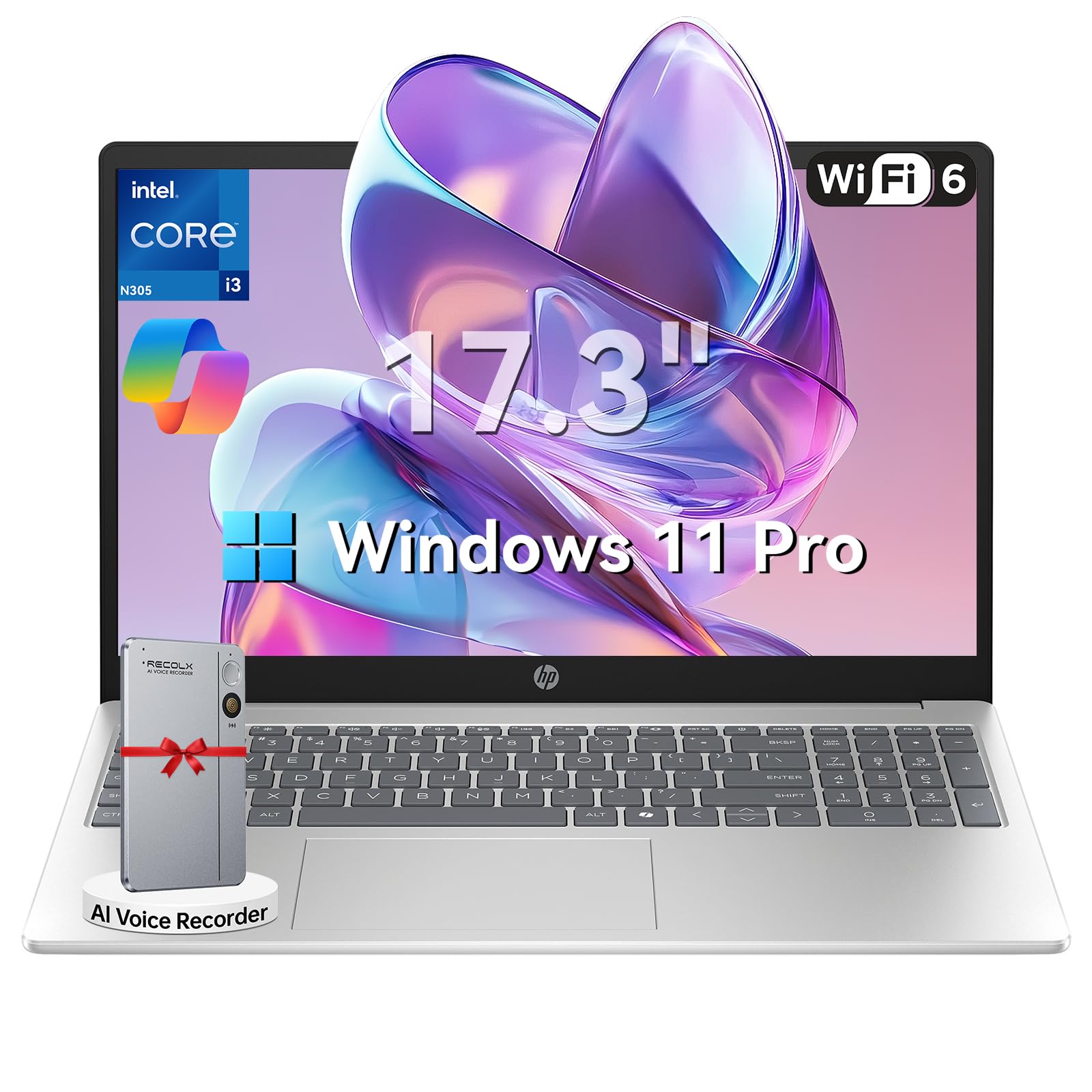
Zavedení
This manual provides essential information for setting up, operating, maintaining, and troubleshooting your HP 17.3" Laptop. Designed for productivity and entertainment, this laptop features an 8-core Intel Core i3-N305 processor, 16GB DDR4 RAM, and a 512GB PCIe NVMe SSD, running on Windows 11 Pro. Its 17.3-inch Full HD IPS anti-glare display offers clear visuals, and the integrated Microsoft Copilot AI assistant enhances user experience. Please read this manual thoroughly to ensure optimal performance and longevity of your device.

Image: The HP 17.3" Laptop, showcasinjeho elegantní design a velký displej.
Nastavení
1. Rozbalení a počáteční kontrola
Carefully remove the laptop and all accessories from the packaging. Ensure all components listed in the 'What's in the Box' section of your product documentation are present and undamaged. The packaging includes the laptop, power adapter, instruction manual, and a G255 Accessory Kit.
Video: Rozbalení a konecview of the laptop's physical features and ports. Note: This video features an 18.5-inch model, but the unboxing process and port types are generally similar.
2. Zapnutí a počáteční konfigurace
- Připojte napájecí adaptér k napájecímu portu notebooku a poté do zásuvky ve zdi.
- Otevřete víko notebooku a stiskněte tlačítko napájení.
- Postupujte podle pokynů na obrazovce a dokončete nastavení systému Windows 11 Pro, včetně výběru jazyka, síťového připojení a vytvoření uživatelského účtu.
3. Připojení periferií
Váš notebook HP je vybaven různými porty pro připojení externích zařízení:
- Porty USB-A: Připojte zařízení USB, jako jsou myši, klávesnice nebo externí úložné jednotky.
- Port USB-C: Pro přenos dat a připojení kompatibilních zařízení s rozhraním USB-C.
- Port HDMI 1.4b: Připojte se k externímu monitoru nebo televizoru pro rozšířené zobrazení.
- Kombinovaný konektor pro sluchátka/mikrofon: Pro audio výstup a vstup.

Image: Detailed diagram illustrating the various ports available on the HP laptop.
Návod k obsluze
1. Klávesnice a touchpad
The laptop features a full-size keyboard with a numeric keypad and a responsive touchpad. Use the touchpad for navigation, clicking, and multi-touch gestures. The keyboard provides a comfortable typing experience for extended use.
2. Zobrazení a vizuální prvky
The 17.3-inch Full HD (1920 x 1080) IPS anti-glare display offers wide viewing angles and reduces reflections, providing a comfortable viewing experience for work, study, and entertainment.

Image: The HP laptop's 17.3" Full HD anti-glare display, ideal for comfortable viewIng.
3. Výkon a multitasking
Powered by an 8-core Intel Core i3-N305 processor and 16GB DDR4 RAM, the laptop delivers smooth performance for multitasking, video conferencing, and various applications. The 512GB PCIe NVMe SSD ensures fast boot-up and quick access to files.
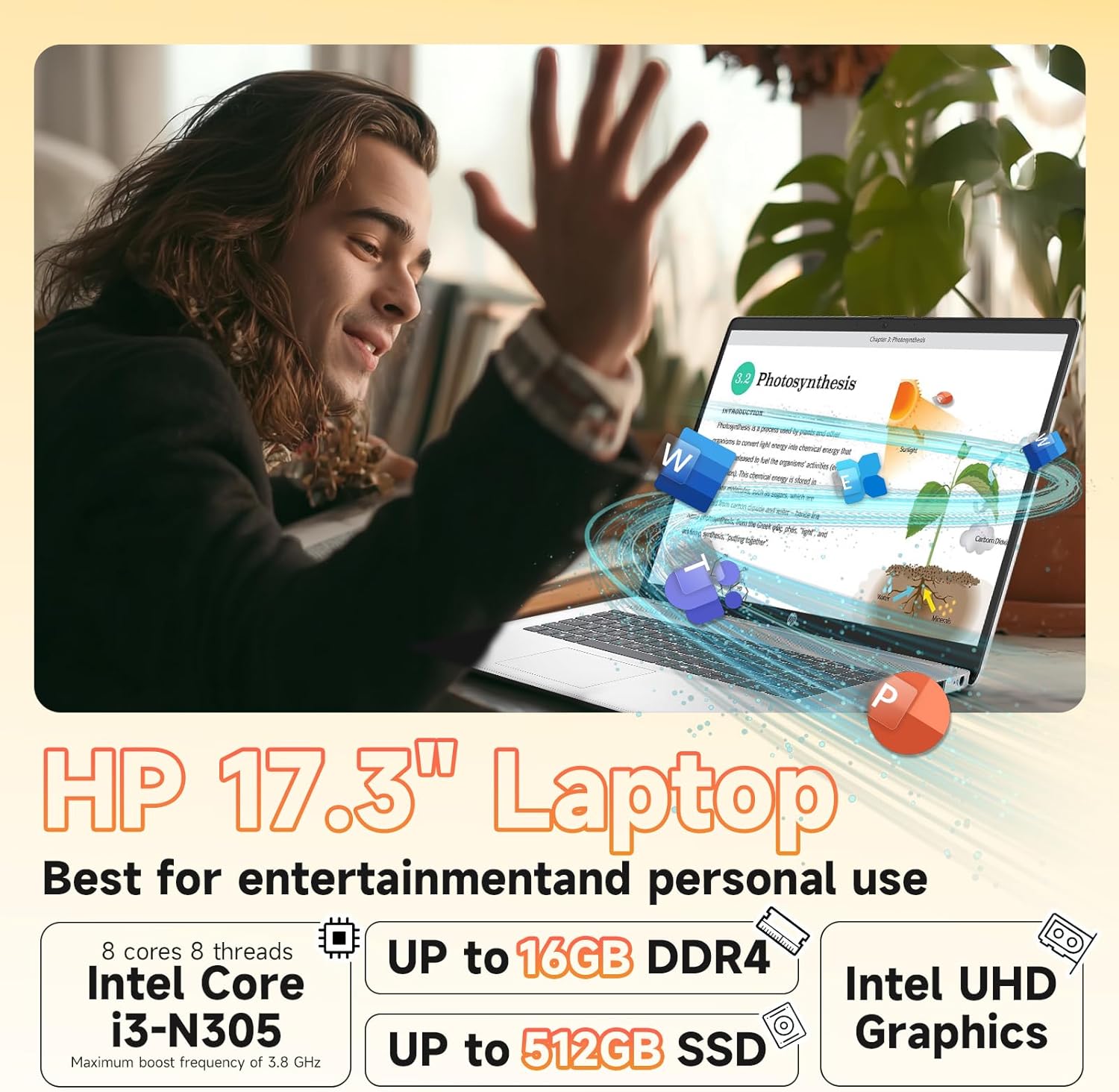
Image: Visual representation of the laptop's core components: Intel Core i3-N305 processor, 16GB DDR4 RAM, and 512GB SSD.
4. Konektivita
Stay connected with Wi-Fi 6 (2x2) for faster and more stable wireless internet access, and Bluetooth 5.4 for connecting wireless peripherals like headphones and mice.

Image: The HP laptop emphasizing its advanced Wi-Fi 6 and Bluetooth 5.4 connectivity features.
5. Webcam and Privacy
Integrovaný pevný disk webcam includes a physical privacy shutter. Slide the shutter to cover the camera lens when not in use to ensure your privacy. The laptop also features a microphone mute button for enhanced security during calls.
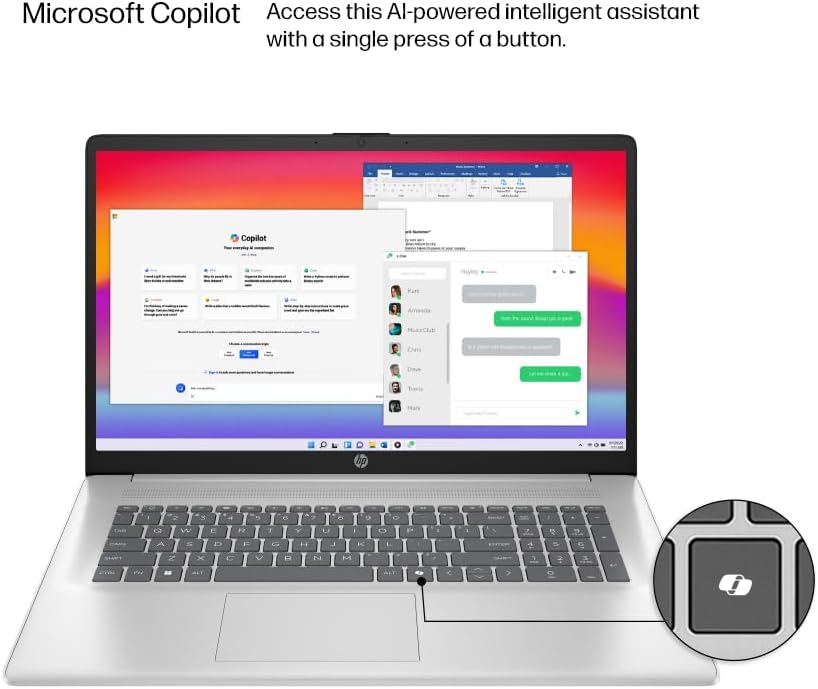
Image: The HP laptop keyboard, highlighting the dedicated Microsoft Copilot key for quick AI assistant access.
6. Microsoft Copilot AI Assistant
Utilize the integrated Microsoft Copilot AI assistant in Windows 11 Pro to streamline tasks, find answers, and get intelligent help for your projects. Access it with a single key press.
7. Životnost baterie a nabíjení
The laptop offers up to 9.5 hours of battery life. HP Fast Charge technology allows you to charge the battery to approximately 50% in just 45 minutes.
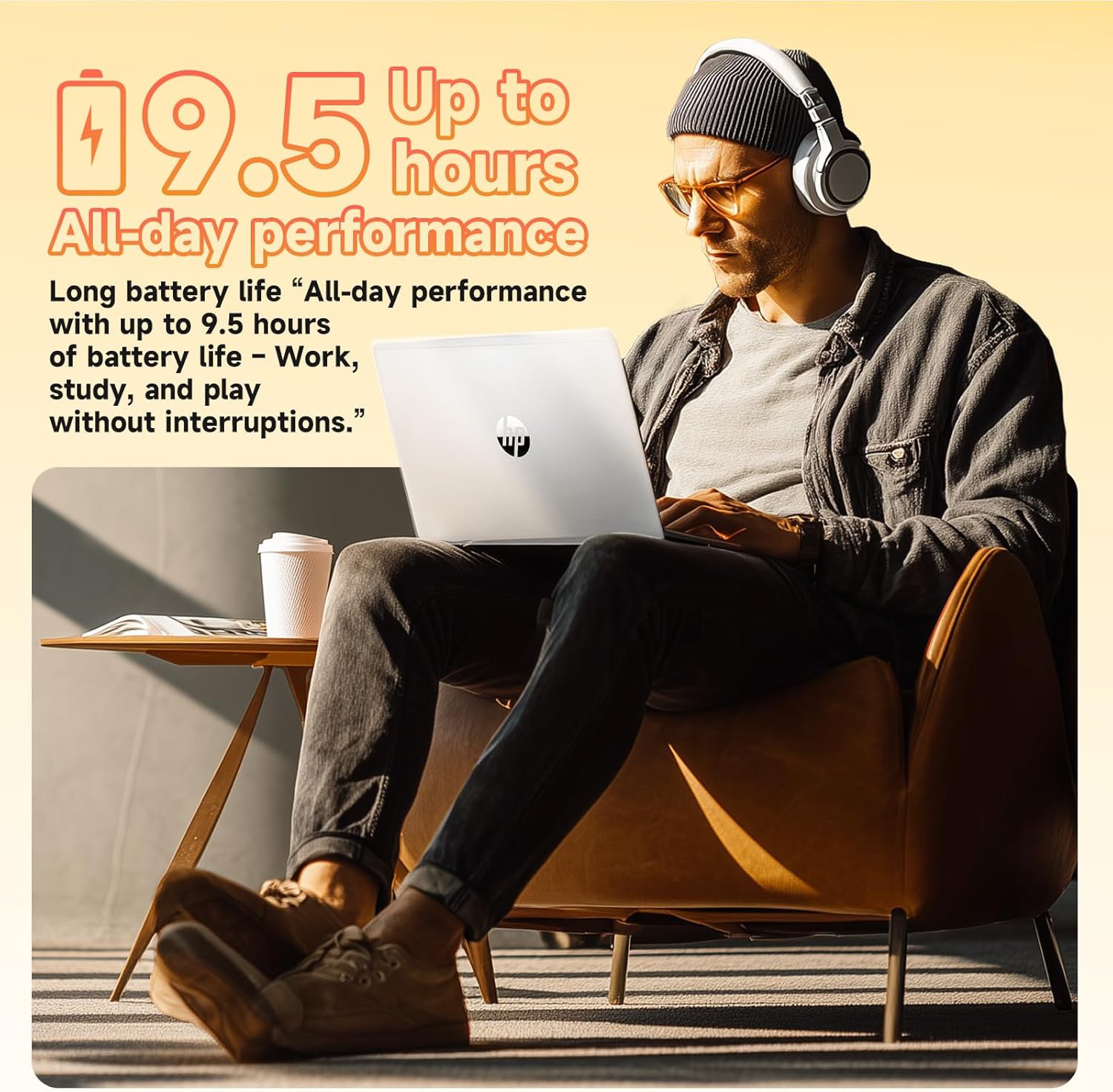
Image: A user enjoying the HP laptop, illustrating its long battery life for all-day performance.
Video: Úředník u konceview of the HP 2026 17.3" FHD Laptop, highlighting its key features and design.
Údržba
1. Čištění notebooku
- Use a soft, lint-free cloth to clean the screen and exterior surfaces. Avoid abrasive materials or harsh chemicals.
- For the anti-glare screen, use a screen cleaner specifically designed for electronics.
- Gently clean the keyboard with compressed air to remove dust and debris.
2. Aktualizace softwaru
Pravidelně kontrolujte a instalujte aktualizace systému Windows, abyste zajistili, že váš systém má nejnovější bezpečnostní záplaty a vylepšení výkonu. Přejděte na Nastavení > Aktualizace systému Windows pro správu aktualizací.
3. Péče o baterie
Pro prodloužení životnosti baterie se vyhýbejte extrémním teplotám a častému úplnému vybíjení baterie. Pro optimální životnost se doporučuje udržovat baterii nabitou mezi 20 % a 80 %.
Odstraňování problémů
If you encounter issues with your HP laptop, consider the following basic troubleshooting steps:
- Bez napájení: Ujistěte se, že je napájecí adaptér bezpečně připojen a zásuvka je funkční. Zkuste jinou zásuvku.
- Problémy se zobrazením: Pokud je obrazovka prázdná, zkuste připojit externí monitor a zkontrolovat, zda je problém v displeji notebooku. Upravte nastavení jasu.
- Problémy s připojením: V případě problémů s Wi-Fi restartujte router a notebook. V případě Bluetooth se ujistěte, že je zařízení viditelné a v dosahu.
- Pomalý výkon: Ukončete nepotřebné aplikace, zkontrolujte, zda neobsahuje malware, a ujistěte se, že máte aktuální systém. Zvažte uvolnění místa na disku.
- WebKamera nefunguje: Ensure the physical privacy shutter is open. Check camera settings in Windows and application permissions.
V případě složitějších problémů se obraťte na podporu HP webnebo kontaktujte zákaznický servis.
Specifikace
| Funkce | Detail |
|---|---|
| Procesor | Intel® Core™ i3-N305 (8-core, up to 3.8 GHz, 6MB cache) |
| Paměť (RAM) | 16GB DDR4-3200 MHz RAM |
| Skladování | 512GB PCIe NVMe M.2 SSD |
| Operační systém | Windows 11 Pro |
| Zobrazit | 17.3" FHD (1920 x 1080), IPS, Anti-Glare, 178° viewúhel |
| Grafika | Integrated Intel® UHD Graphics |
| Bezdrátové připojení | Wi-Fi 6 (2x2), Bluetooth® 5.4 |
| Webvačka | HD Webkamera s Privacy Shutter |
| Zvuk | HD audio se stereo reproduktory |
| Porty | 1 x HDMI 1.4b, 1 x USB-C, 2 x USB-A, 1 x Headphone/Microphone combo jack |
| Baterie | 3-cell, 41 Wh Lithium-ion (Up to 9.5 hours battery life) |
| Rozměry (v) | 14.12 x 9.24 x 0.75 palce |
| Hmotnost | 4.6 liber |
| Barva | Přírodní stříbro |
| Eko funkce | ENERGY STAR® certified, EPEAT® Gold registered, made with recycled plastics |
Záruka a podpora
Informace o záruce
Your HP 17.3" Laptop comes with a Jednoletá omezená záruka na hardware. This warranty covers manufacturing defects and hardware malfunctions under normal use conditions. Please retain your proof of purchase for warranty claims.
Zákaznická podpora
For technical assistance, troubleshooting, or warranty service, please visit the official HP Support website or contact HP customer service. You can find detailed support resources, drivers, and contact information on their webmísto.
Additionally, the laptop includes a 30-day McAfee trial with Smart AI for security. For any issues related to the G255 Accessory Kit, please refer to its specific documentation or contact the accessory provider.