1. Úvod
This manual provides detailed instructions for the setup, operation, and maintenance of your UPERFECT Portable Monitor 23.8" 2.5K 180Hz. Please read this manual thoroughly before using the product to ensure proper functionality and to prevent damage.
The UPERFECT 23.8-inch portable monitor offers a 2.5K QHD resolution with a 180Hz refresh rate, designed for both productivity and gaming. It features 500 nits brightness, 0.1ms response time, FreeSync technology, and versatile connectivity options including USB-C and HDMI. Its integrated kickstand and VESA mount compatibility provide flexible placement options.

Image 1.1: UPERFECT Portable Monitor 23.8" 2.5K 180Hz.
2. Obsah balení
Ověřte, zda jsou všechny níže uvedené položky součástí balení. Pokud některé položky chybí nebo jsou poškozené, kontaktujte zákaznickou podporu.
- 23.8" 2.5K 180Hz Monitor
- Kabel HDMI na HDMI
- Type-C to Type-C Cable (x2)
- PD 45W Power Adapter
- Uživatelská příručka
- 24" Monitor Case

Image 2.1: Included accessories with the UPERFECT Portable Monitor.
3. Nastavení
3.1 Připojení k zařízení
The monitor supports connections via USB-C (full-featured) and HDMI. Ensure your device supports video output over the chosen port.
- Připojení USB-C:
- Connect one end of the provided Type-C to Type-C cable to the monitor's USB-C port.
- Connect the other end to a full-featured USB-C port on your laptop, smartphone, or game console.
- If your device's USB-C port does not provide sufficient power, connect the PD 45W power adapter to the monitor's other USB-C port for power.
- Připojení HDMI:
- Connect one end of the provided HDMI to HDMI cable to the monitor's HDMI port.
- Connect the other end to the HDMI output port on your laptop, computer, or game console.
- For power, connect the PD 45W power adapter to one of the monitor's USB-C ports.

Image 3.1: Monitor interfaces and controls.
3.2 Zapnutí
After connecting the monitor to your device and power source (if necessary), press the Power/Back button located on the side of the monitor to turn it on. The monitor should automatically detect the input signal.

Image 3.2: Power Delivery (PD) 45W charging support.
4. Návod k obsluze
4.1 Nabídka na obrazovce (OSD)
The OSD menu allows you to adjust various display settings. Use the pulley button (joystick) on the side of the monitor to navigate and select options.
- Press the pulley button: Otevře nabídku OSD.
- Move the pulley button Up/Down: Prochází možnostmi nabídky.
- Move the pulley button Left/Right: Upravuje hodnoty nebo vstupuje do podnabídek.
- Press the Power/Back button: Opustí aktuální menu nebo se vrátí na předchozí úroveň.
4.2 Nastavení klíčů
- Jas/kontrast: Adjust these settings to optimize visual comfort and image clarity. The monitor features 500 nits brightness for clear visibility in various lighting conditions.
- Nastavení barev: Fine-tune color temperature, hue, and saturation. The 2.5K QHD resolution and 125% sRGB color gamut ensure accurate and vivid color reproduction.
- Obnovovací frekvence: The monitor supports up to 180Hz. Ensure your connected device is configured to output at this refresh rate for the smoothest experience, especially in gaming.
- FreeSync: Enable FreeSync (Adaptive Sync) in the OSD menu and on your compatible graphics card settings to eliminate screen tearing and stuttering during gaming.
- Vstupní zdroj: Manually select between USB-C and HDMI input if auto-detection does not work as expected.
- Vlastnosti péče o zrak: The monitor includes Low Blue Light and Anti-Flicker technologies to reduce eye strain during prolonged use. These can typically be adjusted or enabled within the OSD menu.

Image 4.1: Eye Care features for reduced eye strain.
5. Funkce Overview
5.1 High Resolution and Refresh Rate
Experience sharp visuals with the 2.5K QHD (2560x1440) resolution and ultra-smooth motion thanks to the 180Hz refresh rate and 0.1ms response time. This combination is ideal for fast-paced gaming and high-definition media consumption.
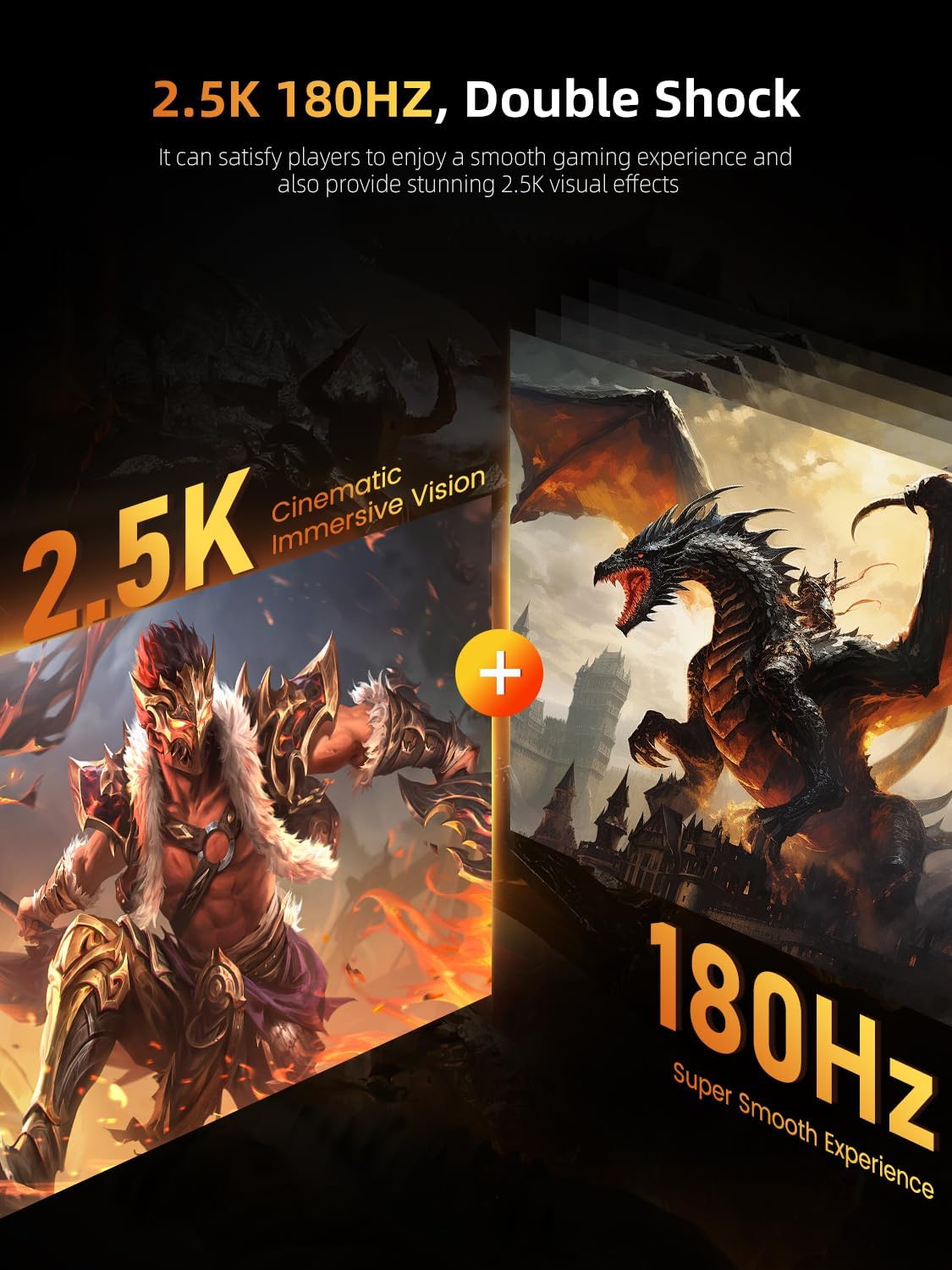
Image 5.1: 2.5K QHD resolution and 180Hz refresh rate for enhanced visuals.
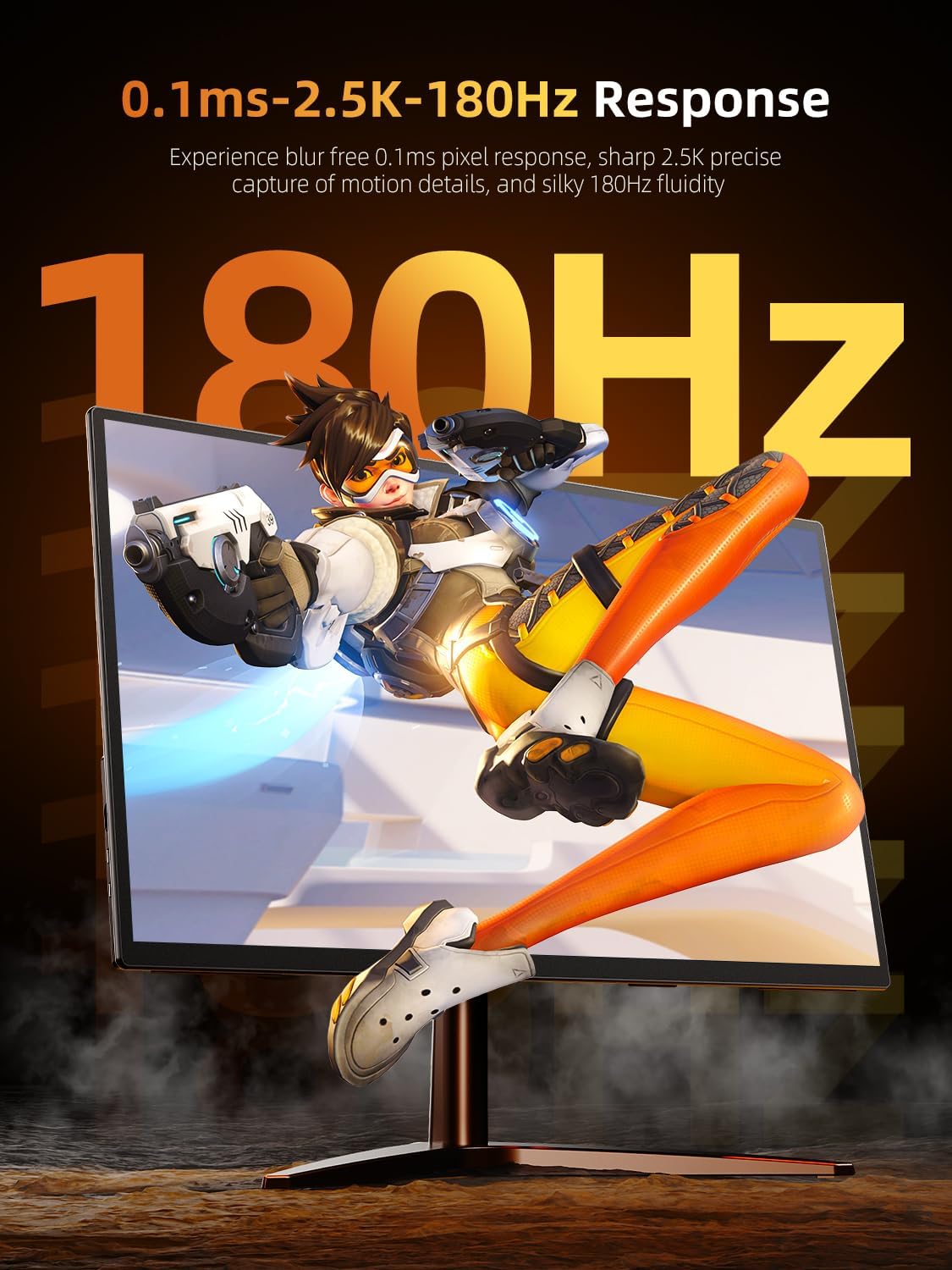
Image 5.2: 0.1ms response time for precise motion detail.
5.2 Brightness and Color Accuracy
With 500 nits of brightness, the monitor delivers vibrant images and strong contrasts, performing well in various lighting conditions. The 125% sRGB color gamut ensures accurate and true-to-life colors for professional and entertainment use.

Image 5.3: 500 nits brightness for cinematic vision.
5.3 Technologie FreeSync
Integrated FreeSync technology synchronizes the monitor's refresh rate with your graphics card's frame rate, eliminating screen tearing and stuttering for a smoother gaming experience.

Image 5.4: FreeSync for quick response and no delay.
5.4 Dual Speakers
The monitor includes built-in dual speakers for audio output, suitable for general use. For optimal audio quality, especially in gaming or professional applications, external headphones or speakers are recommended.

Image 5.5: Dual speakers for integrated audio.
5.5 Odolná konstrukce
The monitor features an all-aluminum alloy design, providing durability and a premium feel. This construction also aids in heat dissipation, contributing to the monitor's longevity.

Image 5.6: All-aluminum alloy design for durability and heat dissipation.
6. Možnosti montáže
6.1 Integrated Kickstand
The monitor features a built-in 180° adjustable kickstand, allowing you to easily set the monitor at various viewing angles for ergonomic comfort. This makes it convenient for desktop use without additional accessories.

Image 6.1: Monitor utilizing its integrated kickstand.
6.2 VESA Mount Compatibility
For more permanent installations or to save desk space, the monitor is equipped with VESA (75x75@M4) mounting holes on the back. This allows it to be installed on compatible wall mounts or desktop monitor arms.

Image 6.2: Monitor mounted on a VESA arm.
7. Údržba
Správná údržba zajistí dlouhou životnost a optimální výkon vašeho monitoru.
- Čištění obrazovky:
- Vypněte monitor a odpojte všechny kabely.
- Jemně otřete obrazovku měkkým hadříkem, který nepouští vlákna.
- Na odolné skvrny lehceampOtřete hadřík vodou nebo čisticím roztokem určeným pro obrazovky. Nestříkejte tekutinu přímo na obrazovku.
- Nepoužívejte alkohol, amoniak ani abrazivní čisticí prostředky, protože by mohly poškodit povrch obrazovky.
- Čištění Casing:
- Otřete monitor casinměkkým, suchým hadříkem.
- The aluminum alloy design is durable and resistant to fingerprints.
- Skladování:
- When not in use, especially during travel, store the monitor in the provided monitor case to protect it from dust and scratches.
- Nepokládejte na monitor těžké předměty.

Image 7.1: Storing the monitor in its protective case.
8. Řešení problémů
Pokud narazíte na problémy s monitorem, podívejte se na následující běžná řešení:
| Problém | Možné řešení |
|---|---|
| Žádný signál / Černá obrazovka |
|
| Žádné napájení / Monitor se nezapne |
|
| Obraz je rozmazaný nebo zkreslený |
|
| Žádný zvuk |
|
| FreeSync not working |
|
9. Specifikace
| Funkce | Detail |
|---|---|
| Číslo modelu | 2382180 |
| Velikost obrazovky | 23.8 palce |
| Rezoluce | 2560 x 1440 pixelů (QHD širokoúhlý 1440p) |
| Obnovovací frekvence | 180 Hz |
| Doba odezvy | 0.1 ms |
| Jas obrázku | 500 kandel (nitů) |
| Poměr stran | 16:9 |
| Povrch obrazovky | Matný |
| Konektivita | 2x USB-C (Full-featured), 1x HDMI, 1x 3.5mm Audio Port |
| VESA Mount | 75 x 75 mm (M4) |
| Rozměry produktu | 3.2 x 21.3 x 12.76 palce |
| Hmotnost položky | 6.6 libry |
| Výrobce | SKVĚLÉ |
10. Záruka a podpora
For warranty information and technical support, please refer to the official UPERFECT webnebo se obraťte přímo na jejich zákaznický servis. Uschovejte si doklad o koupi pro případ reklamace.
Pro další pomoc můžete navštívit UPERFECT Store on Amazon.


