Zavedení
Logitech C505e HD Business WebKamera je navržena tak, aby poskytovala jasné, plynulé a barevné širokoúhlé HD 720p video pro váš stolní počítač nebo notebook. Je vybavena všesměrovým mikrofonem s dlouhým dosahem a technologií redukce šumu, která zajišťuje čistý záznam zvuku až do vzdálenosti 3 metrů. Tato příručka obsahuje základní informace pro nastavení, provoz, údržbu a řešení problémů s vaší kamerou. webvačka.
Nastavení
1. Vybalení
Opatrně vyjměte webkameru a její kabel USB-A z obalu.

Logitech C505e HD Business Webkamera a její kabel USB-A.
2. Montáž Webvačka
C505e webKamera je vybavena univerzálním klipem, který umožňuje bezpečné umístění na různých površích. Díky extra dlouhému kabelu USB-A ji můžete umístit na obrazovku notebooku, externí monitor nebo dokonce na poličku či svítidlo až do vzdálenosti 2 metrů od počítače.

The webKamera je vybavena univerzálním klipem pro bezpečné umístění na notebooku nebo externím monitoru.

Všestranný klip umožňuje montáž na různé povrchy, například na hromadu knih, až do vzdálenosti 7 metru od počítače.
3. Připojení k počítači
Připojte kabel USB-A z webkameru k volnému portu USB-A na vašem počítači. C505e je zařízení typu plug-and-play, což znamená, že by jej měl váš operační systém automaticky rozpoznat bez nutnosti instalace dalších ovladačů. Postupujte podle pokynů na obrazovce.
Toto video ukazuje jednoduché nastavení myši Logitech C505e metodou plug-and-play. webkamera, ukazující, jak ji připojit k počítači přes USB-A.
Obsluha Webvačka
Kvalita videa
C505e poskytuje ostrou kvalitu videa v širokoúhlém rozlišení HD 720p při 30 snímcích za sekundu (fps). Disponuje úhlopříčným zorným polem 60°. view, pevné zaostření a automatická korekce světla, která se přizpůsobí osvětlení většiny osobních zasedacích prostor, takže budete vypadat jasně i za různých světelných podmínek.
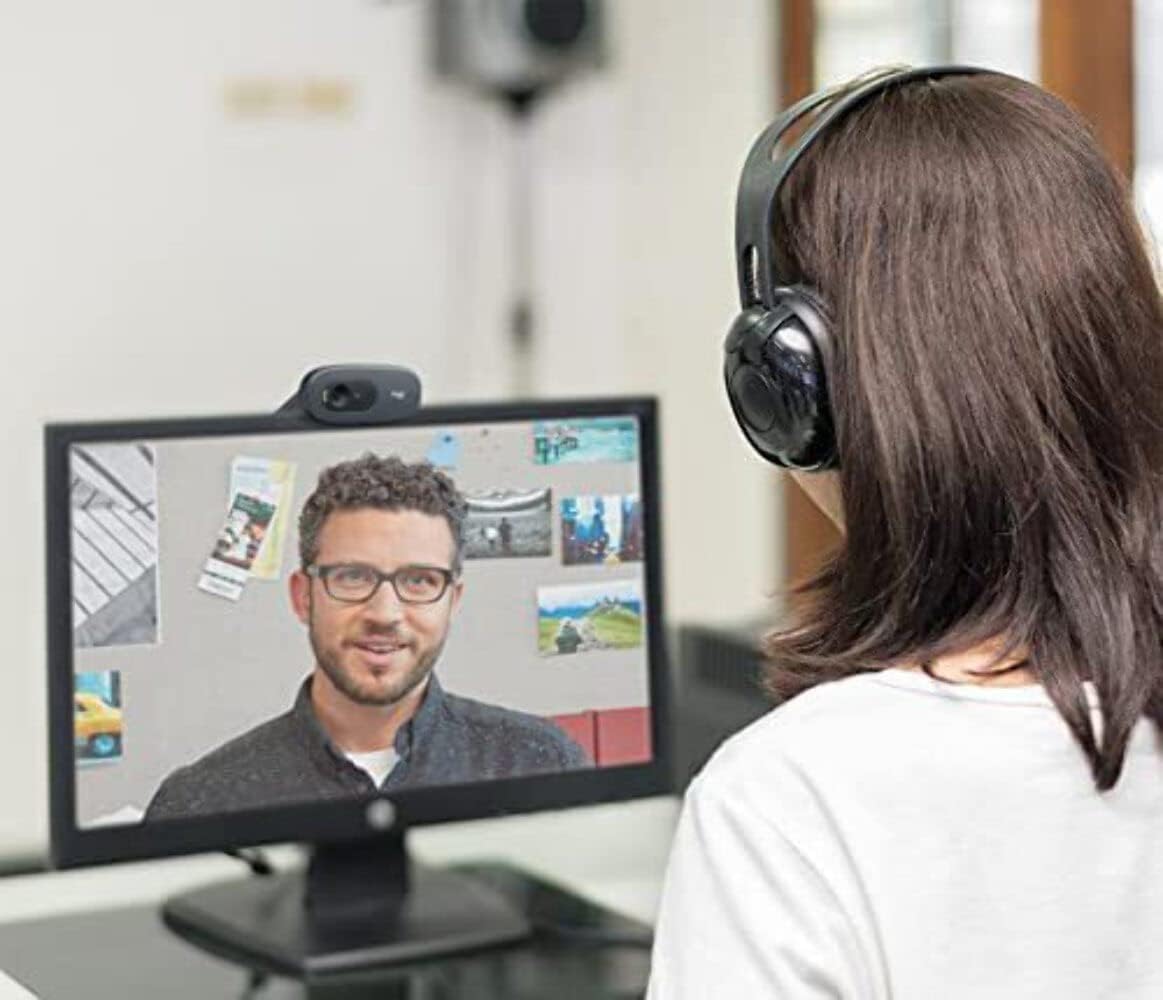
Uživatel se účastnil videohovoru a demonstroval jasnou kvalitu videa v rozlišení 720p HD z Logitech C505e. webvačka.
Kvalita zvuku
The webKamera je vybavena jedním všesměrovým mikrofonem s technologií redukce šumu. Tato konstrukce umožňuje jasnou a přirozenou konverzaci a efektivně zachycuje váš hlas až ze vzdálenosti 3 metrů, a to i v prostředí s určitým hlukem v pozadí, jako jsou otevřené pracovní prostory nebo učebny.
Kompatibilita
Logitech C505e je kompatibilní se všemi oblíbenými aplikacemi pro videohovory, což zajišťuje bezproblémovou integraci do vašeho pracovního postupu. Patří sem platformy jako Microsoft® Teams, Skype™ for Business, Google Voice & Meet a Zoom™.
Údržba
Pro zajištění optimálního výkonu a dlouhé životnosti vašeho Logitech C505e webvačky, dodržujte tyto jednoduché pokyny pro údržbu:
- Čištění objektivu: Jemně otřete webobjektiv fotoaparátu měkkým hadříkem, který nepouští vlákna. V případě odolných šmouh lehceampOtřete hadřík roztokem na čištění čoček určeným pro optiku. Nepoužívejte abrazivní materiály ani agresivní chemikálie.
- Čištění těla: K čištění vnějších částí používejte měkký, suchý hadřík webvačku. Neponořujte webvačku do vody nebo jakýchkoli čisticích tekutin.
- Skladování: Pokud se přístroj delší dobu nepoužívá, uložte jej webSkladujte kameru na čistém a suchém místě mimo dosah extrémních teplot a přímého slunečního záření.
Odstraňování problémů
Pokud se u Logitech C505e setkáte s problémy webvačky, řiďte se následujícími tipy pro řešení problémů:
Žádné video ani zvuk
- Zkontrolujte připojení USB: Ujistěte se, že je kabel USB-A bezpečně zapojený do obou webkamera a funkční port USB-A na počítači. Zkuste jiný port USB.
- Restartujte počítač: Problémy s připojením může často vyřešit jednoduchý restart.
- Ověření rozpoznání zařízení: Ve Správci zařízení (Windows) nebo v Informacích o systému (Mac) v počítači zkontrolujte, zda webAplikace cam je uvedena v části „Zobrazovací zařízení“ nebo „Fotoaparáty“.
- Nastavení aplikace: Potvrďte, že je správné webKamera a mikrofon se vybírají v nastavení vaší aplikace pro videokonference.
Nízká kvalita videa
- Světelné podmínky: Zajistěte dostatečné osvětlení ve vašem prostředí. webAutomatická korekce světla kamery funguje nejlépe při dostatečném okolním osvětlení. Vyhněte se silnému protisvětlu.
- Čistá čočka: Pokyny k čištění naleznete v části Údržba webvačková čočka.
- Řešení aplikace: Zkontrolujte nastavení rozlišení videa v aplikaci pro videokonference. Zatímco webKamera podporuje 720p, některé aplikace mohou mít standardně nižší rozlišení.
- Šířka pásma internetu: Špatné internetové připojení může ovlivnit kvalitu videa. Ujistěte se, že máte stabilní a dostatečnou šířku pásma.
Špatná kvalita zvuku
- Výběr mikrofonu: Ověřte, zda je v nastavení zvuku počítače a v aplikaci pro videokonference jako vstupní zařízení vybrán mikrofon Logitech C505e.
- Snížit hluk na pozadí: I když má mikrofon redukci šumu, nadměrný šum v pozadí může stále ovlivňovat čistotu zvuku. Zkuste použít webkameru v klidnějším prostředí.
- Umístění mikrofonu: Zajistěte webKamera je umístěna v optimálním 3metrovém dosahu pro čistý záznam zvuku.
Specifikace
| Funkce | Detail |
|---|---|
| Rozměry produktu | 0.95 x 2.87 x 1.26 palce |
| Hmotnost položky | 2.65 unce |
| Číslo modelu položky | 960-001385 |
| Výrobce | Logitech |
| Technologie fotosenzoru | CCD |
| Rozlišení záznamu videa | 720p |
| Maximální ohnisková vzdálenost | 0.1 |
| Maximální clona | 720 milimetrů |
| Typ paměti Flash | Micro SD |
| Formát záznamu videa | MP4 |
| Podporovaný formát zvuku | AAC |
| Velikost obrazovky | 2 palce |
| Technologie připojení | USB-A |
Co je v krabici
- Logitech C505e HD Business Webkamera (s integrovaným kabelem USB-A)
Záruka a podpora
Na tento produkt Logitech se vztahuje omezená záruka výrobce na hardware. Konkrétní záruční podmínky naleznete v záručních informacích, které jsou součástí balení produktu, nebo navštivte oficiální stránky podpory Logitech. webweb. Technickou pomoc, stažení ovladačů nebo další informace o řešení problémů naleznete na portálu podpory Logitech.


