1. Introducció
Thank you for choosing the TCL 55T6C 4K UHD Smart QLED Google TV. This manual provides essential information for the safe and efficient use of your television. Please read it thoroughly before operating the device and retain it for future reference.
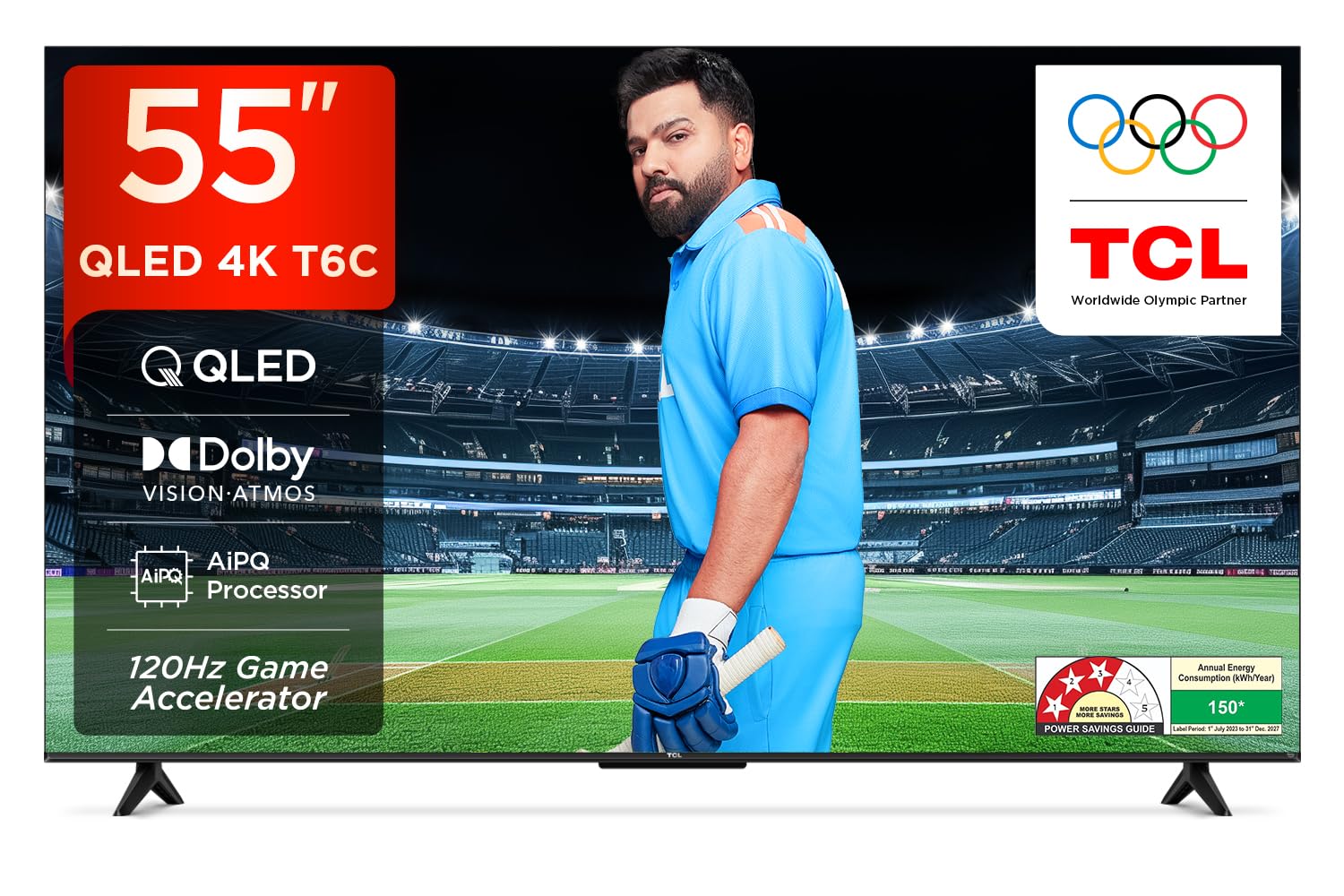
Imatge: Frontal view of the TCL 55T6C television, highlighting its sleek design and energy efficiency rating.
2. Informació de seguretat
Always observe the following basic safety precautions when using your television:
- No bloquegeu les obertures de ventilació. Assegureu-vos que hi hagi prou espai al voltant del televisor per a un flux d'aire adequat.
- No col·loqueu el televisor sobre un carretó, suport, trípode, suport o taula inestable.
- Eviteu que el cable d'alimentació sigui trepitjat o pessigat.
- No exposeu el televisor a la pluja ni a la humitat per evitar incendis o descàrregues elèctriques.
- Demaneu tot el servei a personal de servei qualificat.
3. Què hi ha a la caixa
Carefully unpack your television and check that all items are present:
- 1N LED TV (TCL 55T6C)
- Cable d'àudio 1N
- 1N Stand (for tabletop mounting)
- Comandament a distància 1N
- 2N AAA Batteries (for remote control)
Note: A fixed or adjustable wall mount is not included and must be purchased separately if wall mounting is desired.

Image: Illustration of the items included in the product packaging.
4. Configuració física
4.1 Col·locació del suport
- Col·loqueu la pantalla del televisor amb la pantalla cap avall sobre una superfície suau i plana per evitar que es faci malbé.
- Alineeu el suport amb els forats de muntatge de la part inferior del televisor.
- Fixeu el suport amb els cargols proporcionats.
4.2 Muntatge a la paret (opcional)
If you choose to wall mount your TV, please use a compatible VESA wall mount (not included) and follow the instructions provided with the wall mount. Ensure the wall can support the weight of the TV (approximately 9.2 kg with stand, 9 kg without stand).

Imatge: Part posterior view of the television, indicating the VESA mounting pattern for wall installation.
4.3 Connexió de dispositius
Your TCL 55T6C TV offers various connectivity options:
- Ports HDMI (3): Connect Blu-ray players, gaming consoles, or set-top boxes. One port supports eARC for enhanced audio return.
- Port USB (1): Connecteu dispositius d'emmagatzematge USB per a la reproducció de contingut multimèdia.
- Entrada d'antena/cable: Connecteu una antena o un senyal de televisió per cable.
- AV IN Adapter: Per a dispositius més antics que utilitzen vídeo compost i àudio estèreo.
- LAN: Per a connexió a Internet per cable.
- Sortida d'àudio digital (òptica): Per connectar a sistemes d'àudio externs.

Imatge: Detallada view of the television's side panel, showing all available input and output ports with numerical labels.
5. Configuració inicial
- Encès: Connecteu el cable d'alimentació al televisor i a una presa de corrent. Premeu el botó d'engegada del comandament a distància.
- Selecció d'idioma: Segueix les instruccions que apareixen a la pantalla per seleccionar l'idioma que prefereixis.
- Connexió de xarxa: Connect your TV to the internet via Wi-Fi or Ethernet.
- Configuració del compte de Google: Inicia la sessió amb el teu compte de Google per accedir a les funcions, aplicacions i recomanacions personalitzades de Google TV.
- Escaneig de canals: If using an antenna or cable, perform an automatic channel scan.

Image: Screenshot of the Google TV home screen, displaying popular streaming applications and content suggestions.
6. Funcionament del televisor
6.1 Control remot
The smart remote control allows you to navigate the TV's features. It includes dedicated hotkeys for popular streaming services and a Google Assistant button for voice commands.
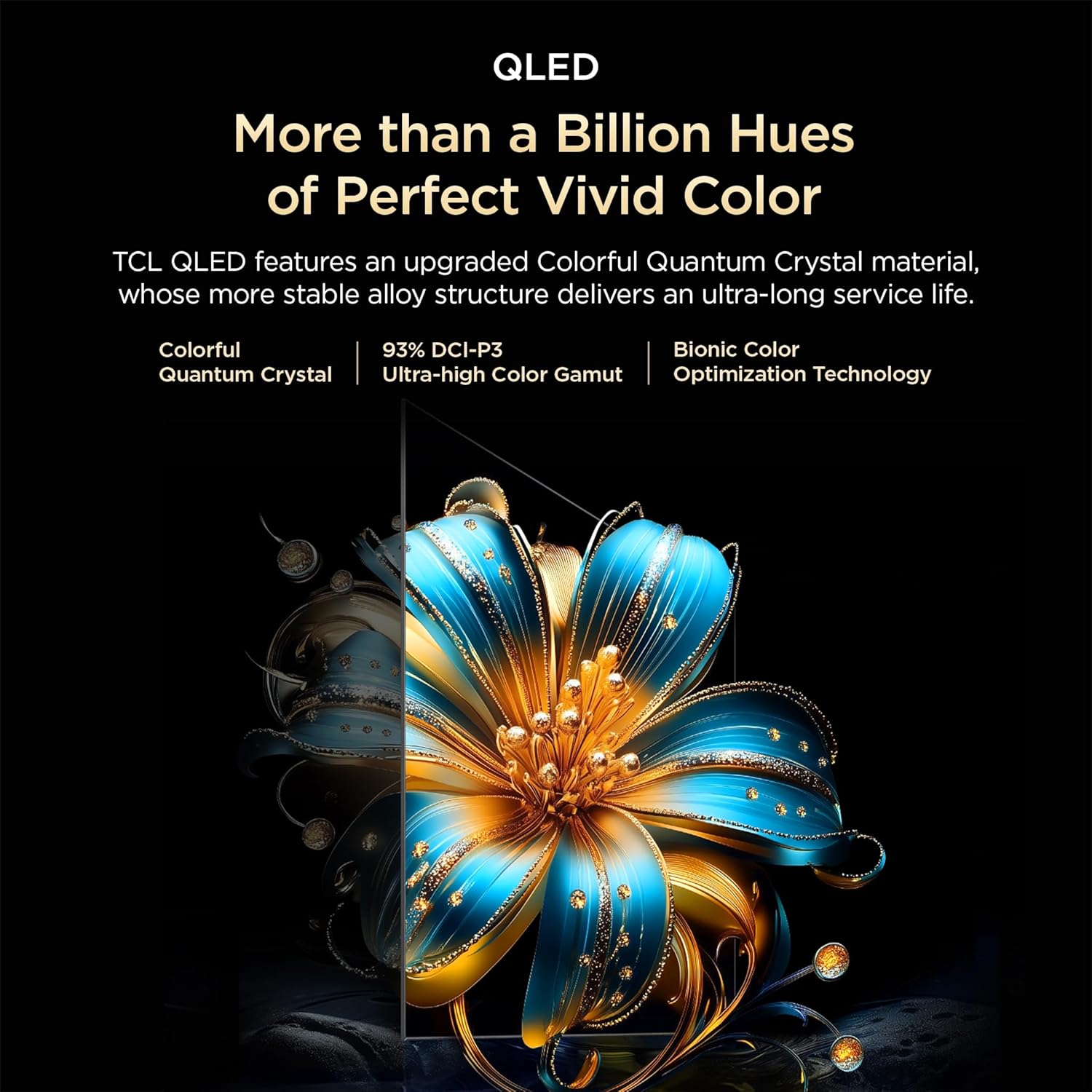
Image: Close-up of the remote control, highlighting the Google Assistant microphone button and quick access buttons for streaming services.
6.2 Funcions de Smart TV (Google TV)
- Assistent de Google: Feu servir ordres de veu per cercar contingut, controlar dispositius domèstics intel·ligents i obtenir informació.
- Aplicacions de streaming: Accedeix a aplicacions preinstal·lades com ara Prime Video, Netflix, Hotstar, Zee5 i descarrega'n més de la Google Play Store.
- Replica de pantalla: Emet contingut des del teu telèfon intel·ligent o tauleta al televisor.
- Llista de seguiment: Create a unified watchlist across various streaming services.

Image: The Google TV interface demonstrating the Watchlist feature and its integration with mobile devices.
6.3 Configuració d'imatge i so
Ajusteu la configuració d'imatge i so per optimitzar el vostre viewExperiència:
- Modes d'imatge: Select from various preset modes (e.g., Standard, Vivid, Movie, Game) or customize settings like brightness, contrast, and color.
- Modes de so: Choose audio presets (e.g., Standard, Music, Movie) or adjust equalizer settings.
- Dolby Atmos: Experience immersive, three-dimensional audio.
- DTS Virtual:X: Enjoy virtualized 3D sound without additional speakers.
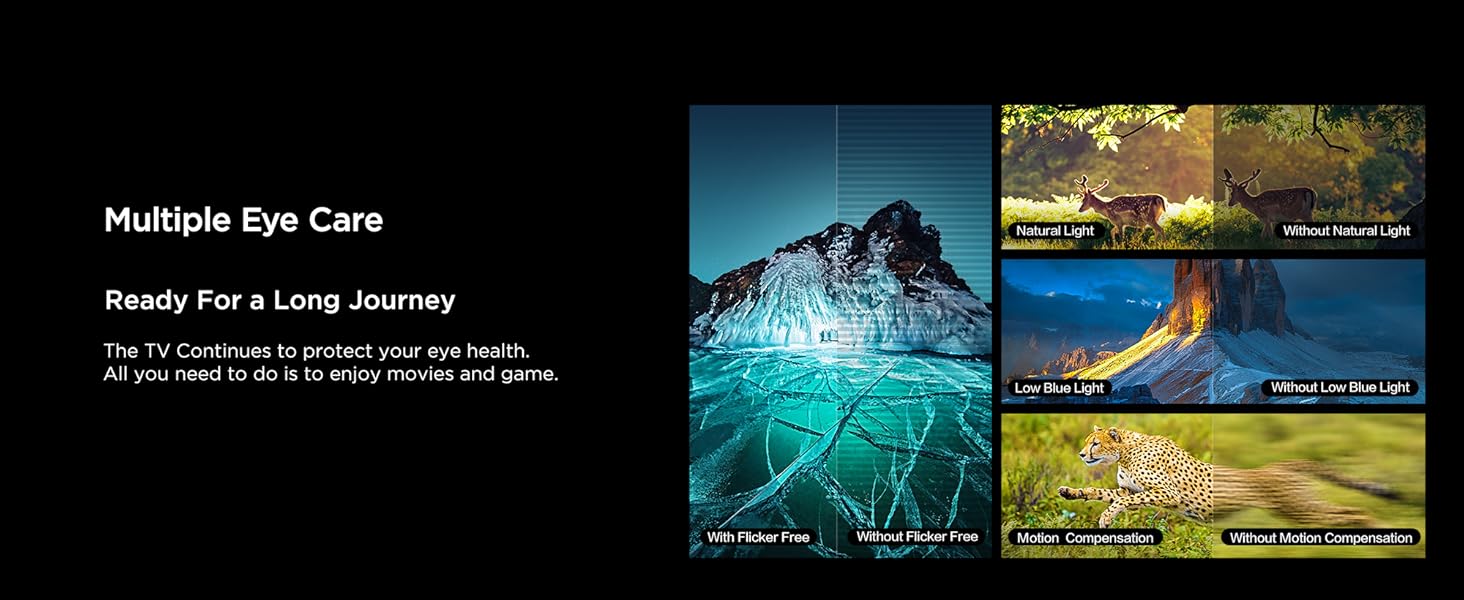
Image: Visual representation of Dolby Atmos technology delivering immersive sound from the television.
6.4 Gaming Features (Game Master)
The Game Master feature enhances your gaming experience:
- 120Hz Game Accelerator: Reduces latency and provides a higher refresh rate for smoother gameplay.
- Baix retard d'entrada: Optimized for responsive gaming.

Image: A gaming scene displayed on the television, illustrating the benefits of the Game Master feature for an optimized gaming experience.
7. Manteniment
7.1 Neteja del televisor
- Desendolla sempre el televisor abans de netejar-lo.
- Feu servir un drap suau i sec per netejar la pantalla i la carcassa.
- For stubborn marks, use a screen cleaner specifically designed for TVs, applied to the cloth, not directly to the screen.
- No utilitzeu netejadors abrasius, ceres ni dissolvents.
7.2 Actualitzacions de programari
Your TV may receive automatic software updates. Ensure your TV is connected to the internet to receive these updates, which can improve performance and add new features.
8. Solució De Problemes
Si teniu problemes amb el televisor, consulteu les solucions habituals següents:
| Problema | Possible solució |
|---|---|
| Sense poder | Check if the power cord is securely plugged into the TV and the power outlet. Ensure the outlet is active. |
| No hi ha imatge, però hi ha so | Comproveu la font d'entrada. Assegureu-vos que els dispositius externs estiguin connectats i encesos correctament. |
| No hi ha so, però hi ha imatge | Check volume levels. Ensure mute is not activated. Check audio output settings if using external speakers. |
| El comandament a distància no funciona | Canvieu les piles. Assegureu-vos que no hi hagi cap obstacle entre el comandament a distància i el sensor d'infrarojos del televisor. |
| Problemes de connexió Wi-Fi | Reinicieu el router i el mòdem. Torneu a introduir la contrasenya del Wi-Fi. Assegureu-vos que el televisor estigui dins de l'abast del router. |
For more complex issues, please contact TCL customer support.
9. Especificacions
| Característica | Detall |
|---|---|
| Model | 55T6C |
| Mida de la pantalla | 139 cm (55 polzades) |
| Resolució | 4K UHD (3840 x 2160) |
| Tecnologia de visualització | QLED, HDR 10+, HVA Panel, Dynamic Color Enhancement |
| Freqüència d'actualització | 60 Hz (120Hz Game Accelerator) |
| Processador | 64-bit Quad Core, AiPQ Processor |
| Sistema operatiu | Google TV |
| RAM / ROM | 2 GB / 16 GB |
| Sortida d'àudio | 24 Watts, Dolby Atmos, DTS Virtual:X |
| Connectivitat | 3 HDMI (1 eARC), 1 USB, Wi-Fi 5, Ethernet, Bluetooth |
| Dimensions (amb suport) | 25.5 x 122.6 x 75 cm |
| Pes (amb suport) | 9.2 kg |
| Consum d'energia | 135 watts |
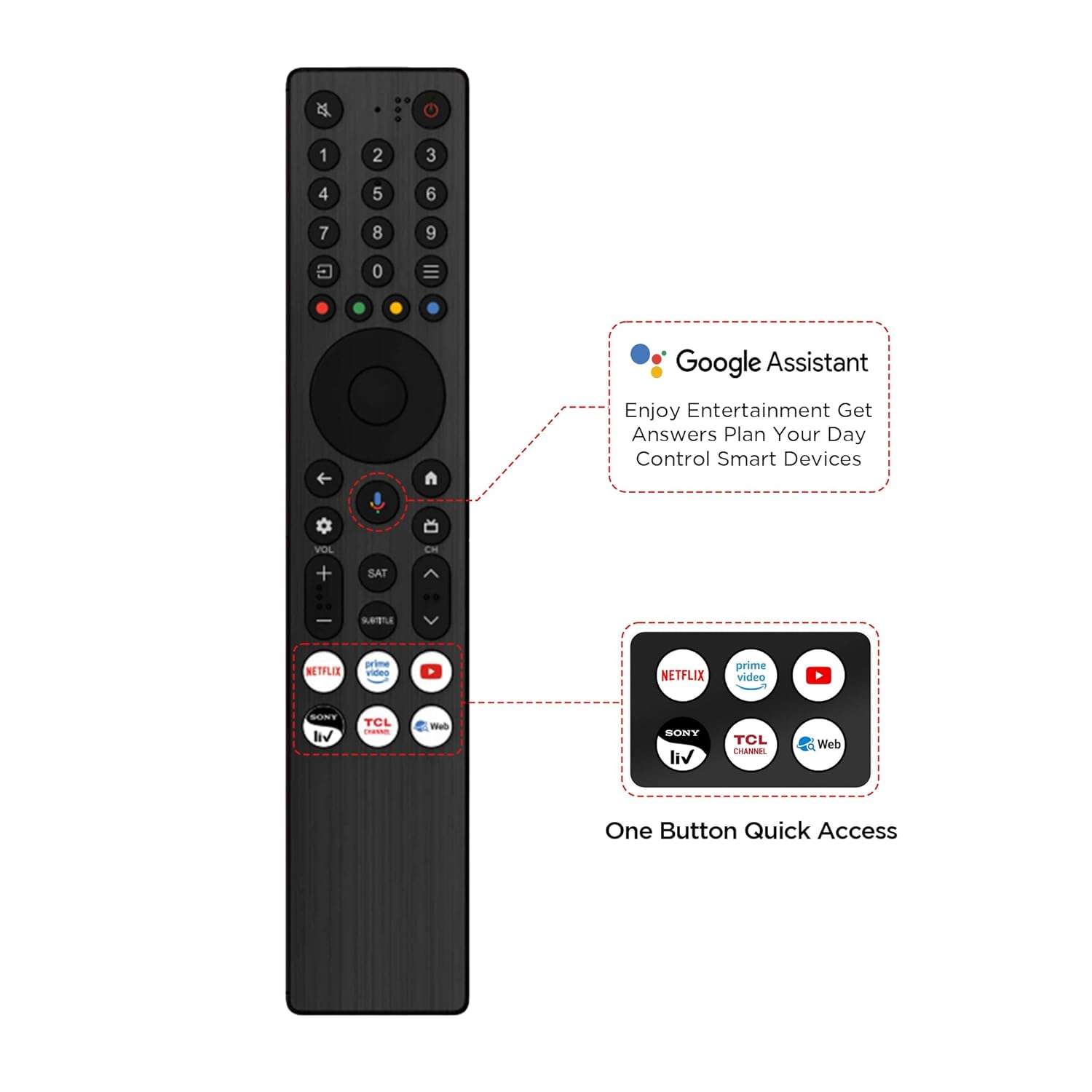
Image: Diagram illustrating the physical dimensions of the TCL 55T6C television, both with and without its stand.
10. Garantia i Suport
10.1 Informació de la garantia
Your TCL 55T6C television comes with a Garantia del fabricant de 2 anys from the date of purchase. The remote control has a separate 6 mesos de garantiaLes reclamacions de garantia es poden processar mitjançant la factura electrònica d'Amazon.
10.2 Atenció al client
For technical assistance, service requests, or further inquiries, please visit the official TCL support website or contact their customer service helpline. Refer to the product packaging or TCL's official weblloc web per obtenir la informació de contacte més actualitzada.


