1. Introducció
This manual provides essential information for setting up, operating, maintaining, and troubleshooting your Sharp Aquos QLED 55 Inch 4K Ultra HD Xumo Smart TV. Please read this manual thoroughly before using your television and retain it for future reference.
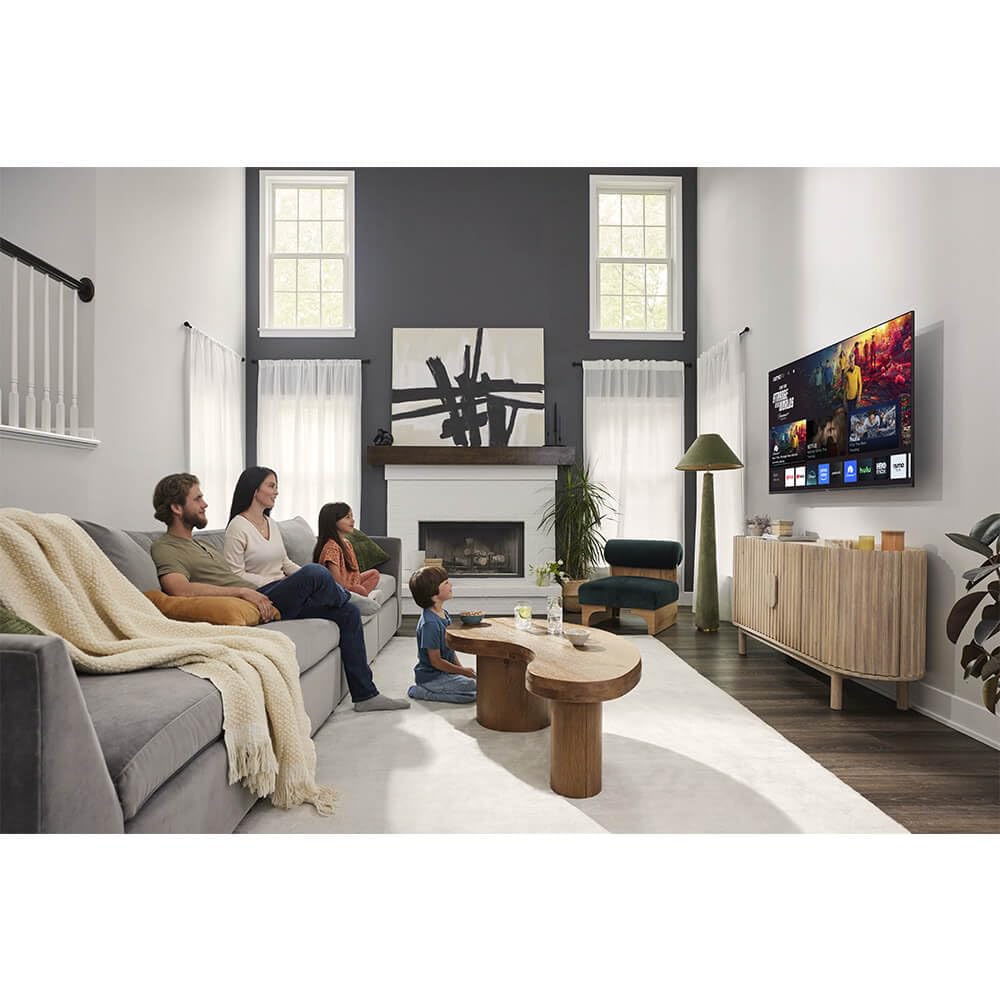
Imatge: Frontal view of the Sharp Aquos QLED 55 Inch 4K Ultra HD Xumo Smart TV.
2. Informació de seguretat
Always follow basic safety precautions when using this television to reduce the risk of fire, electric shock, and injury. Keep the television away from moisture, direct sunlight, and heat sources. Ensure proper ventilation and do not block any ventilation openings. Use only the power cord and accessories specified by the manufacturer. Refer to the full safety guidelines in the included printed manual.
3. Què hi ha a la caixa
Your Sharp Aquos QLED 55 Inch 4K Ultra HD Xumo Smart TV package includes:
- Sharp Aquos QLED 55 Inch 4K Ultra HD Xumo Smart TV
- Comandament a distància per veu
- Moble per a TV (2 peces)
- Cargols per a suport de TV
- Cable d'alimentació
- Manual d'usuari (aquest document)
- Guia d'inici ràpid
4. Configuració
4.1 Fixació del suport de TV
- Col·loqueu amb cura la pantalla del televisor amb la pantalla cap avall sobre una superfície suau i plana per evitar que es faci malbé.
- Alineeu cada peça del suport amb els forats dels cargols corresponents a la part inferior del televisor.
- Fixeu cada peça del suport amb els cargols proporcionats. Assegureu-vos que estiguin ben ajustats.
4.2 Muntatge a la paret (opcional)
If you choose to wall mount your TV, ensure you use a VESA-compatible wall mount kit (sold separately) that supports the 55-inch screen size and weight. Follow the instructions provided with your wall mount kit. Remove the TV stand before mounting.
4.3 Connexió de dispositius
Connect your external devices (cable box, gaming console, soundbar, etc.) to the appropriate ports on the back of the TV. The Sharp Aquos QLED TV features multiple HDMI inputs for versatile connectivity.

Imatge: Part posterior view of the Sharp Aquos QLED TV showing cable management through the stand.
4.4 Connexió d'alimentació
Plug the power cord into the TV's power input, then into a wall outlet. The TV is now ready for initial setup.
5. Instruccions de funcionament
5.1 Configuració inicial i connexió de xarxa
Upon first power-on, the TV will guide you through the initial setup process. This includes selecting your language, connecting to your Wi-Fi network (dual-band Wi-Fi supported for reliable streaming), and agreeing to terms and conditions. Follow the on-screen prompts.
5.2 Funcions de control remot
The included voice remote allows for intuitive navigation. Use the directional pad to move through menus, the OK button to select, and dedicated buttons for popular streaming services. The built-in voice search feature provides hands-free control for launching apps, adjusting volume, and switching inputs.
5.3 Xumo Smart TV Platform
The Xumo Smart TV system offers fast and intuitive access to your favorite streaming applications. The clean home screen allows for easy navigation and personalized content recommendations.
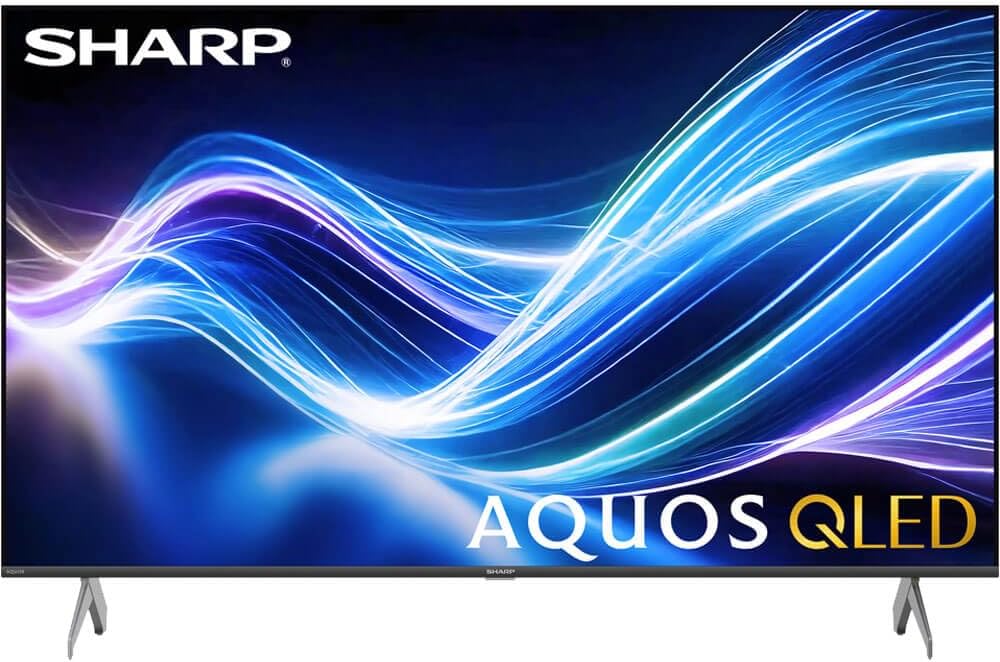
Image: The Xumo Smart TV home screen displaying various streaming apps and voice search functionality.
5.4 Configuració d'imatge i so
Your Sharp Aquos QLED TV supports advanced picture and sound technologies:
- Pantalla QLED 4K: Enjoy vibrant, lifelike images with Quantum Dot color and enhanced brightness.
- Dolby Vision & HDR10: These premium HDR formats optimize contrast, depth, and clarity for cinematic picture quality. Access picture settings via the TV menu to fine-tune brightness, contrast, color, and sharpness.
- Àudio immersiu: The TV features optimized sound processing for clear dialogue and enhanced bass. Connect Bluetooth headphones or speakers for wireless listening. Adjust audio modes (Standard, Music, Movie, Speech, Custom) in the sound settings.
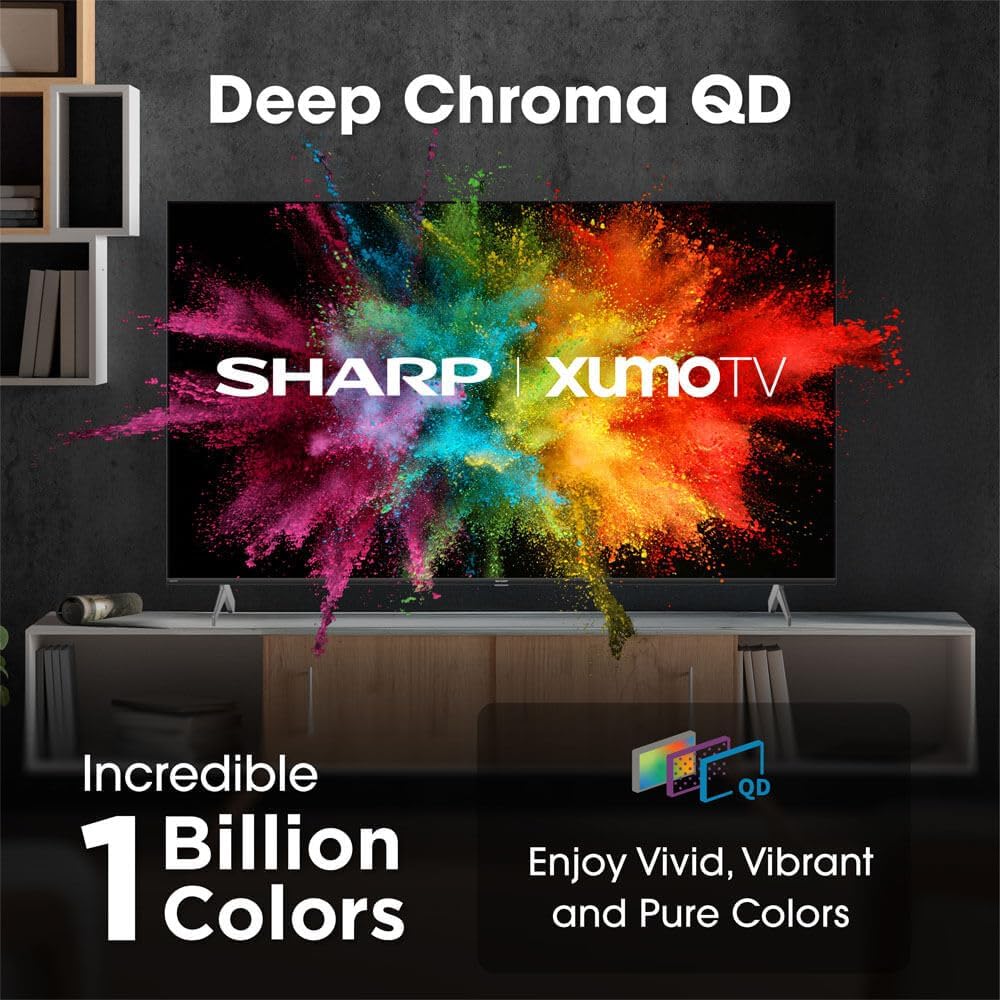
Image: Comparison of Dolby Vision enhanced picture quality against a standard display.

Image: Visual representation of Dolby Atmos creating immersive sound in a living room setting.
6. Manteniment
6.1 Neteja del televisor
Per netejar la pantalla, netegeu-la suaument amb un drap suau i sense borrissol. Per a marques difícils, netegeu-la lleugerament.ampen the cloth with water or a screen-cleaning solution. Never spray liquid directly onto the screen. Clean the TV's exterior with a soft, dry cloth.
6.2 Actualitzacions de programari
El televisor pot rebre actualitzacions de programari automàtiques per millorar el rendiment i afegir noves funcions. Assegureu-vos que el televisor estigui connectat a Internet per rebre aquestes actualitzacions. També podeu comprovar manualment si hi ha actualitzacions al menú de configuració del televisor.
7. Solució De Problemes
| Problema | Causa possible | Solució |
|---|---|---|
| Sense poder | Power cord not connected, power outlet not working. | Comproveu la connexió del cable d'alimentació, proveu una altra presa de corrent. |
| Sense imatge/so | Incorrect input selected, external device off/disconnected. | Verify input source, check device power and connections. |
| El comandament a distància no funciona | Batteries low/dead, obstruction between remote and TV. | Canvieu les piles, elimineu les obstruccions i repareu el comandament a distància si cal. |
| Problemes de connexió Wi-Fi | Router issues, incorrect password, weak signal. | Restart router, re-enter Wi-Fi password, move TV closer to router or use Ethernet. |
8. Especificacions
- Marca: Afilat
- Número de model: 4TC55HP7050U
- Mida de la pantalla: 55 polzades
- Tecnologia de visualització: QLED Smart
- Resolució: 4K Ultra HD
- Freqüència d'actualització: 60 Hz
- Característiques especials: Flat, Dolby Vision, HDR10, Xumo Smart TV, Voice Remote, Bluetooth, Dual-band Wi-Fi
- Tecnologia de connectivitat: RCA, HDMI (multiple ports)
- Serveis d'Internet compatibles: Netflix, Hulu, Amazon Prime Video (and more via Xumo platform)
- Pes de l'article: 32 lliures
- Color: Negre
9. Garantia i Suport
For warranty information and technical support, please refer to the warranty card included with your product or visit the official Sharp weblloc web. Conserveu el rebut de compra com a comprovant de compra per a reclamacions de garantia.


