1. Introducció
This manual provides essential instructions for setting up, operating, and maintaining your KOORUI G2511P 24.5-inch Gaming Monitor. Designed for an optimal gaming and viewing experience, this monitor features a 200Hz refresh rate, 1ms GTG response time, Full HD IPS panel with 90% DCI-P3 color gamut, HDR400 support, and Adaptive Sync technology. Please read this manual thoroughly before use to ensure proper functionality and longevity of your device.
2. Contingut del paquet
Verifiqueu que tots els elements que s'enumeren a continuació siguin presents al vostre paquet:
- Monitor de 24.5 polzades
- Cable HDMI
- Adaptador d'alimentació
- Manual d'usuari (aquest document)
3. Configuració
3.1 Muntatge del suport
The monitor stand consists of two parts: the base and the upright arm. These parts slide together. Once assembled, the stand then slips into a dedicated slot at the back of the monitor. Ensure the stand is securely locked into place before placing the monitor on a surface to prevent accidental detachment.

Figura 3.1: Frontal view of the KOORUI G2511P monitor with its stand.

Figura 3.2: posterior view highlighting the stand attachment and control joystick.
3.2 Connexió a dispositius
The KOORUI G2511P monitor offers multiple connectivity options for various devices:
- HDMI: Connect your PC, gaming console, or other HDMI-enabled devices using the provided HDMI cable. The monitor features two HDMI 2.0 ports.
- DisplayPort (DP): For optimal gaming performance, connect your PC's graphics card to the monitor's DisplayPort 1.4 input.
- Sortida d'àudio: Use the 3.5mm audio jack to connect external headphones or speakers, as the monitor does not have built-in speakers.
- Potència: Connecteu l'adaptador de corrent a l'entrada de CC del monitor i després a una presa de corrent.

Figure 3.3: Monitor connectivity ports.
3.3 Muntatge VESA
The monitor is VESA 75x75mm compatible, allowing it to be mounted on a wall or an adjustable monitor arm (sold separately). This provides flexibility for optimizing your workspace and viewangles d'ajust.

Figure 3.4: VESA mounting points on the monitor's rear.
4. Instruccions de funcionament
4.1 Encès/Apagat
Press the power button/joystick located on the back of the monitor to turn it on or off. A brief press typically powers it on, while a longer press will power it off.
4.2 Navegació pel menú en pantalla (OSD)
The monitor's settings are adjusted using a single joystick control located on the back. Push the joystick in to confirm selections, and move it up, down, left, or right to navigate through the menu options and adjust values.
- Empènyer cap a dins: Select item / Confirm setting
- Amunt avall: Navigate menu / Adjust value
- Esquerra/Dreta: Select item / Adjust value
4.3 Configuració i funcions de la pantalla
Optimitzeu el vostre viewexperiència a través del menú OSD:
- Freqüència d'actualització (200 Hz): Ensures ultra-smooth motion, reducing blur in fast-paced content.
- Temps de resposta (1 ms GTG): Minimizes ghosting and input lag for competitive gaming.
- Resolution (FHD 1080p): Provides crisp and clear Full High Definition visuals.
- Panell IPS: Ofertes àmplies viewing angles (178°) and vibrant, accurate colors (90% DCI-P3).
- HDR400: Enhances contrast and color depth for a more immersive visual experience in compatible content.
- Sincronització adaptativa: Sincronitza la freqüència d'actualització del monitor amb la freqüència d'imatges de la targeta gràfica per eliminar el trencament i les entrebancades de la pantalla.
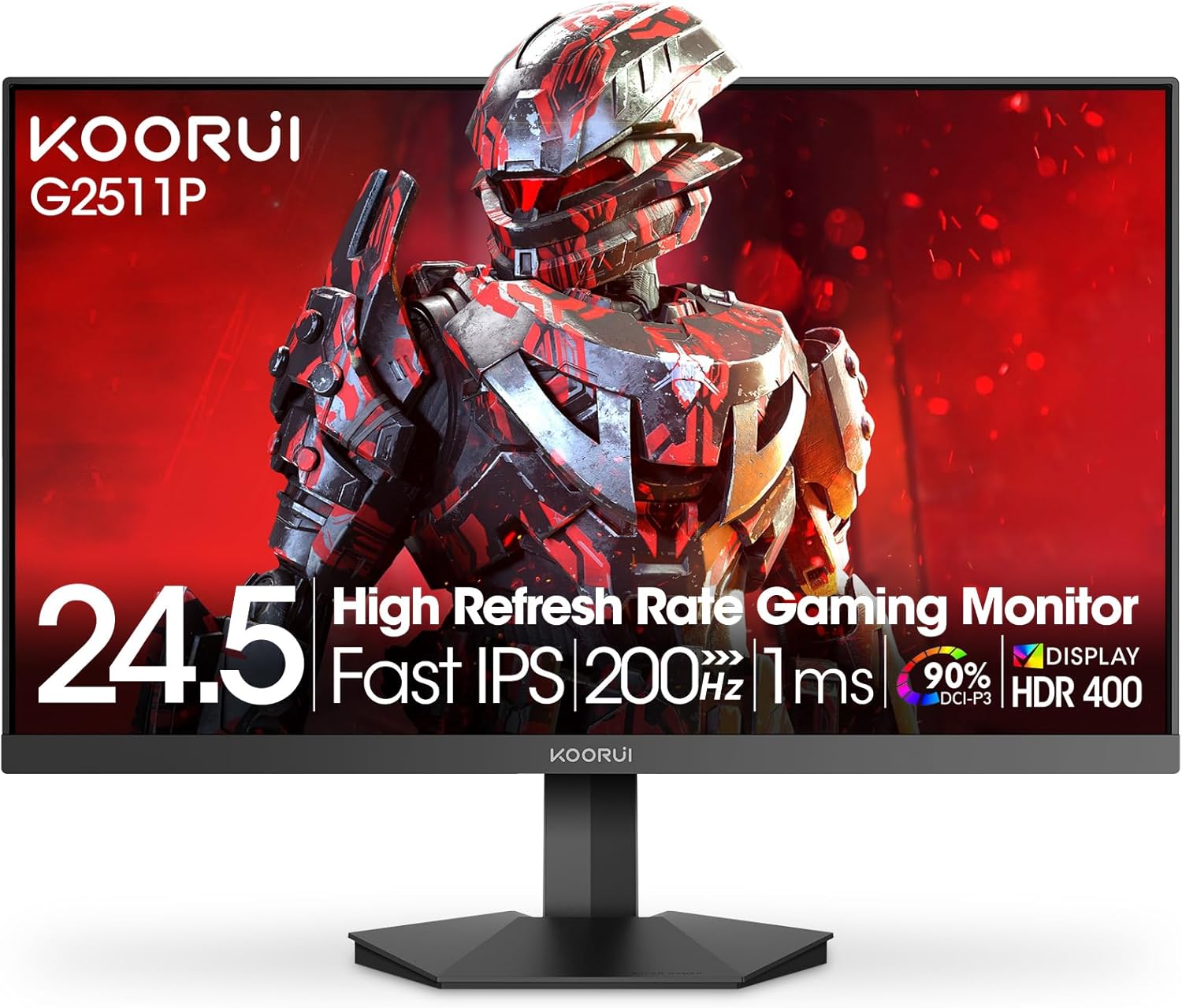
Figure 4.1: Key features of the KOORUI G2511P monitor.

Figure 4.2: Visual representation of high refresh rate benefits.
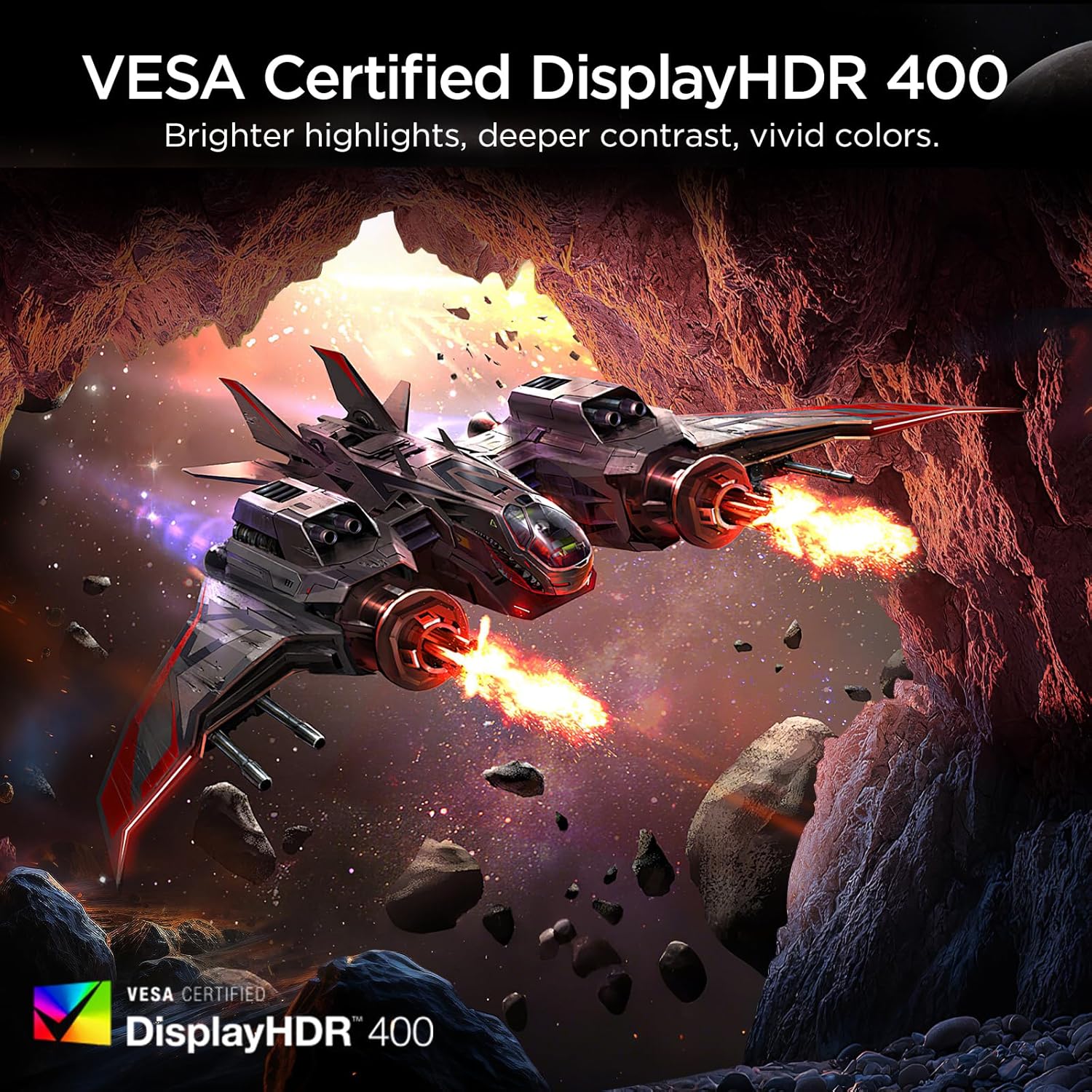
Figure 4.3: HDR400 for enhanced visual quality.
Figure 4.4: Adaptive Sync in action.
4.4 Pro-Gaming Enhancements
Access specialized gaming tools via the OSD menu:
- FPS Display Modes: Optimize visual settings for First-Person Shooter games.
- Adjustable On-Screen Timer: Track in-game events or personal bests.
- Customizable Crosshair Overlay: Improve aiming precision.

Figure 4.5: Pro-gaming enhancements for competitive play.
4.5 Característiques de la cura dels ulls
The KOORUI G2511P monitor incorporates features designed to reduce eye strain during extended use:
- Tecnologia sense parpelleig: Reduces screen flickering that can cause eye fatigue.
- Mode de llum blava baixa: Filters out harmful blue light emissions to protect your eyes.
5. Manteniment
Per garantir la longevitat i el rendiment òptim del monitor, seguiu aquestes pautes de manteniment:
- Neteja de la pantalla: Netegeu suaument la pantalla amb un drap suau i sense borrissol. Per a marques difícils, netegeu suaument.ampNetegeu el drap amb aigua o un netejador de pantalles sense amoníac ni alcohol. No ruixeu el netejador directament sobre la pantalla.
- Neteja de la Casing: Feu servir un drap suau i sec per netejar la part frontal del monitor.asing. Eviteu netejadors o dissolvents abrasius.
- Ventilació: Assegureu-vos que les obertures de ventilació del monitor no estiguin bloquejades per evitar el sobreescalfament.
- Emmagatzematge: Quan no l'utilitzeu durant períodes prolongats, guardeu el monitor en un lloc fresc i sec, allunyat de la llum solar directa i de temperatures extremes.
6. Solució De Problemes
Si teniu problemes amb el monitor, consulteu els passos habituals següents per a la resolució de problemes:
| Problema | Possible solució |
|---|---|
| Sense poder | Check if the power cable is securely connected to both the monitor and the power outlet. Ensure the power adapter is functioning. |
| Sense senyal | Verify that the HDMI or DisplayPort cable is correctly connected to both the monitor and your device. Ensure the correct input source is selected in the OSD menu. |
| Pantalla parpellejant | Check the cable connections. Ensure your graphics card drivers are up to date. Adjust the refresh rate in your device's display settings. |
| Poor Image Quality | Adjust brightness, contrast, and color settings in the OSD menu. Ensure the display resolution on your device matches the monitor's native resolution (1920x1080). |
| Adaptive Sync Not Working | Ensure Adaptive Sync is enabled in the monitor's OSD menu and in your graphics card's control panel. Use a DisplayPort cable for optimal performance. |
7. Especificacions
| Característica | Especificació |
|---|---|
| Número de model | G2511P |
| Mida de la pantalla | 24.5 polzades |
| Tipus de panell | IPS |
| Resolució | 1920 x 1080 (FHD 1080p) |
| Freqüència d'actualització | 200 Hz |
| Temps de resposta | 1ms (GTG) |
| Suport HDR | HDR400 |
| Gamma de colors | 90% DCI-P3 |
| Brillantor de la imatge | 350 candeles per metre quadrat |
| Relació de contrast de la imatge | 1200:1 |
| Connectivitat | 2x HDMI 2.0, 1x DisplayPort 1.4, sortida d'àudio |
| Compatibilitat VESA | 75x75mm |
| Dimensions del producte | 8.84 x 22.05 x 17.52 polzades |
| Pes de l'article | 9.63 lliures |
8. Garantia i Suport
KOORUI monitors are manufactured with a focus on quality and reliable performance. This product comes with a Garantia limitada de 3 anys. For any questions, technical assistance, or warranty claims, please contact KOORUI's dedicated support team. Refer to the contact information provided on the KOORUI official weblloc web o la documentació de la compra.
9. Vídeo oficial del producte
Mireu el vídeo oficial del producte per obtenir una visualització més detalladaview of the KOORUI G2511P Gaming Monitor's features and capabilities.
Vídeo 9.1: Presentació oficial del producte en vídeoasing the KOORUI G2511P Gaming Monitor's features, including its 200Hz refresh rate, 1ms response time, HDR400, and Adaptive Sync technology.


