1. Informació de seguretat
Read all instructions carefully before using the device. Keep this manual for future reference. Follow all warnings and instructions marked on the product.
- No col·loqueu el monitor sobre un carretó, suport o taula inestable.
- No bloquejar les obertures de ventilació.
- No utilitzar prop de l'aigua.
- No col·loqueu objectes pesats al cable d'alimentació.
- Feu servir només l'adaptador de corrent proporcionat pel fabricant.
- Desendolleu el monitor durant tempestes o quan no l'utilitzeu durant períodes prolongats.
- Demaneu tot el servei a personal de servei qualificat.
2. Què hi ha a la caixa
Verifiqueu que tots els components siguin presents abans de continuar amb la configuració.
- Monitor
- Cable d'alimentació
- Cable HDMI 2.1
- Cable DisplayPort
3. Configuració
3.1 Muntatge del suport
The monitor stand is designed for tool-free assembly. Follow these steps:
- Enganxeu la base del suport al coll del suport.
- Secure the monitor panel to the assembled stand.

3.2 Cables de connexió
Connect the necessary cables to the monitor and your computer/console.
- Potència: Connecteu el cable d'alimentació al monitor i a una presa de corrent.
- Entrada de vídeo: Use the provided HDMI 2.1 cable or DisplayPort cable to connect the monitor to your graphics card or console.
- Hub USB: Connect a USB upstream cable from your PC to the monitor to enable the integrated USB hub.
- Àudio: Connect headphones to the 4-pole headphone jack for audio output.

4. Funcionament
4.1 Encès/Apagat
Press the joystick button located on the bottom of the monitor to power it on or off.
4.2 Navegació pel menú en pantalla (OSD)
Use the joystick button to navigate the OSD menu. Push the joystick in to select, and move it up/down/left/right to browse options.
- Ajust del joc: Configure game-specific settings like Game Mode, Adaptive-Sync, Black Stabilizer, Response Time, and Crosshair.
- Ajust de la imatge: Ajusta la brillantor, el contrast, la nitidesa, la gamma i la temperatura del color.
- So: Control audio settings.
- Entrada: Select the input source (HDMI 1, HDMI 2, DisplayPort).
- General: Accedir a la configuració general del monitor.

4.3 Funcionalitat de mode dual
The monitor supports a unique Dual Mode, allowing you to switch between high-resolution and high-refresh-rate settings:
- 4K UHD (3840 x 2160) at 180Hz: Ideal for graphically intensive games and detailed content.
- Full HD (1920 x 1080) a 360 Hz: Optimized for competitive gaming where ultra-responsive gameplay is critical.
Switch between modes using the dedicated hotkey or through the OSD menu.
5. Característiques clau
- 27-inch 4K UHD IPS Display: Delivers crisp 3840 x 2160 resolution with wide viewangles i colors precisos.
- Mode dual: Seamlessly switch between 4K UHD at 180Hz and Full HD at 360Hz for optimized gaming experiences.
- Temps de resposta de 1 ms (GtG): Minimizes motion blur and ghosting for sharp, clear visuals during fast-paced action.
- Compatible amb NVIDIA G-SYNC i AMD FreeSync Premium: Ensures tear-free and stutter-free gameplay by synchronizing the monitor's refresh rate with your GPU's frame rate.
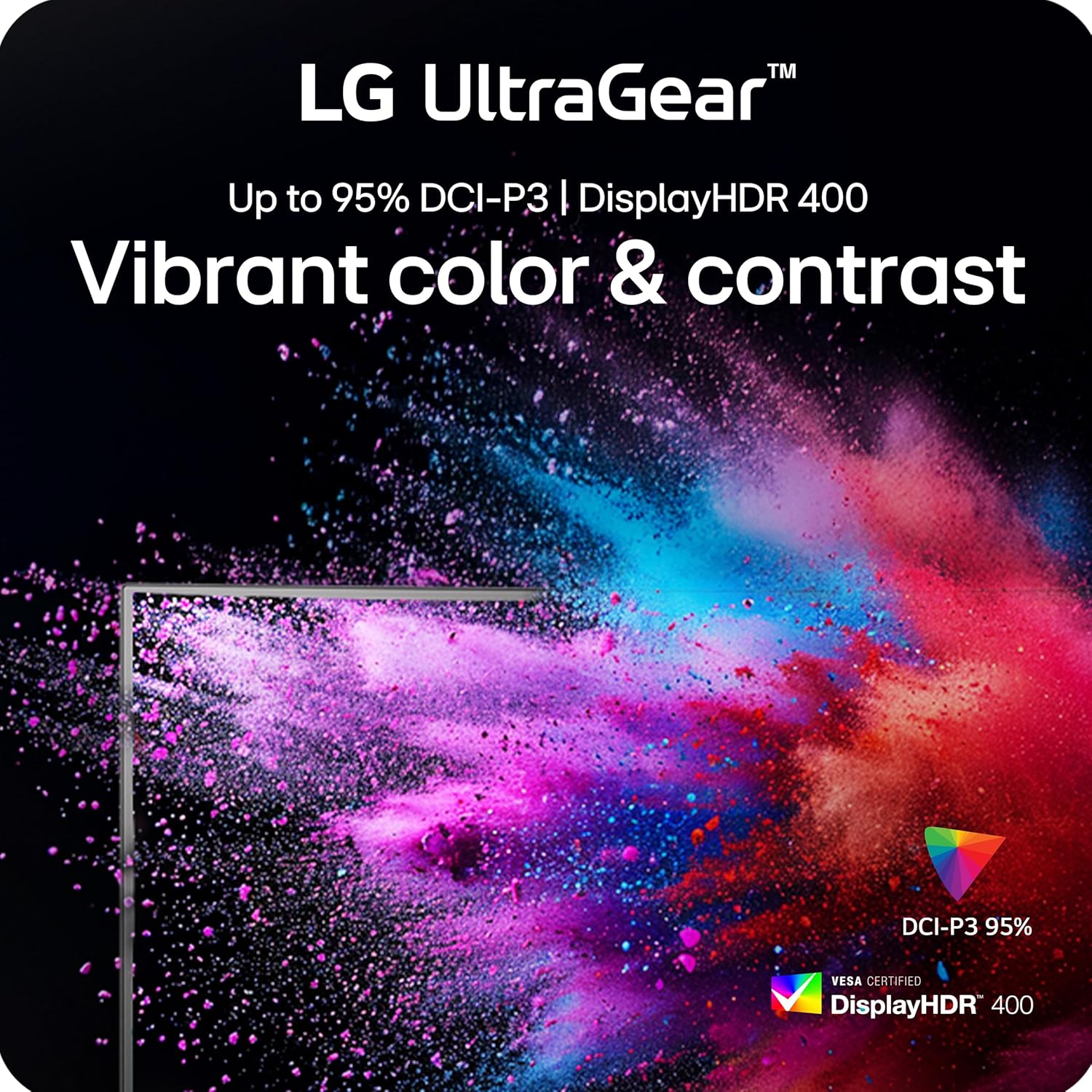
- VESA DisplayHDR 400: Provides enhanced contrast and vibrant colors for a more immersive visual experience.
- Sincronització d'acció dinàmica (DAS): Reduces input lag for real-time action and quick responses.
- Estabilitzador negre: Enhances visibility in dark scenes, allowing you to spot enemies more easily.
- Crosshair Feature: Provides an on-screen crosshair for improved aiming precision in first-person shooter games.
- 4-Pole Headphone Jack & DTS HP:X: Offers immersive 3D audio and combines stereo audio with mic input for clear communication.
- Suport ergonòmic: Features adjustable height, tilt, swivel, and pivot for personalized viewcomoditat.




5.1 Vídeos oficials de productes
LG UltraGear Gaming Monitors Feature - FreeSync Premium
Video: This video from LG Electronics explains the benefits of AMD FreeSync Premium technology in LG UltraGear gaming monitors, demonstrating how it eliminates screen tearing and stuttering for smoother gameplay.
LG UltraGear Gaming Monitors Feature - DisplayHDR 400
Video: This video from LG Electronics highlights the VESA DisplayHDR 400 feature in LG UltraGear gaming monitors, showcasing how it enhances contrast and color vibrancy for a more dynamic visual experience.
LG UltraGear - Gaming UI
Video: This video from LG Electronics demonstrates the Gaming UI features of LG UltraGear monitors, including Crosshair, Black Stabilizer, and Dynamic Action Sync, designed to enhance gameplay.
6. Manteniment
6.1 Neteja del monitor
- Desconnecteu sempre el monitor abans de netejar-lo.
- Utilitzeu un drap suau i sense pelusa dampnetejat amb aigua o un netejador suau i no abrasiu.
- No ruixeu el netejador directament sobre la pantalla.
- Avoid using alcohol, ammonia, or abrasive cleaners, as they may damage the screen surface.
6.2 Emmagatzematge
- Guardeu el monitor en un lloc fresc i sec, allunyat de la llum solar directa i de temperatures extremes.
- If storing for an extended period, use the original packaging to protect the monitor from dust and physical damage.
7. Solució De Problemes
| Problema | Causa possible | Solució |
|---|---|---|
| Sense poder | Cable d'alimentació no connectat o problema amb la presa de corrent. | Assegureu-vos que el cable d'alimentació estigui connectat correctament al monitor i a una presa de corrent que funcioni. Comproveu l'adaptador de corrent. |
| No hi ha imatge a la pantalla | Font d'entrada incorrecta seleccionada o cable de vídeo no connectat. | Select the correct input source via the OSD menu. Verify the HDMI or DisplayPort cable is securely connected to both the monitor and the source device. |
| Parpelleig o esquinçament de la pantalla | Adaptive Sync (G-Sync/FreeSync) is not enabled or incompatible settings. | Ensure NVIDIA G-SYNC or AMD FreeSync Premium is enabled in both the monitor's OSD settings and your graphics card control panel. Update graphics drivers. |
| Blurry text or image | Incorrect resolution or sharpness settings. | Set the display resolution to its native 3840 x 2160. Adjust the sharpness setting in the OSD menu (recommended between 50-75). |
| Sense àudio | Headphones not connected or audio settings incorrect. | Ensure headphones are properly connected to the 4-pole jack. Check audio output settings on your computer/console and the monitor's OSD. |
8. Especificacions
| Característica | Detall |
|---|---|
| Mida de la pantalla | 27 polzades |
| Tipus de panell | IPS |
| Resolució nativa | 3840 x 2160 (4K UHD) |
| Max Refresh Rate (UHD) | 180 Hz |
| Max Refresh Rate (FHD) | 360 Hz |
| Temps de resposta | 1 ms (GtG) |
| Sincronització adaptativa | Compatible amb NVIDIA G-SYNC, AMD FreeSync Premium |
| Suport HDR | Pantalla VESA HDR 400 |
| Gamma de colors | Up to 95% DCI-P3 |
| Connectivitat | 2x HDMI 2.1, 1x DisplayPort 1.4, USB Upstream, 2x USB Downstream, 4-pole Headphone Jack |
| Ergonomia | Alçada, inclinació, gir, pivot ajustable |
| Dimensions (LxWxH) | 8.7 x 24.2 x 21 polzades |
| Pes | 16.3 lliures |
9. Garantia i assistència
Per obtenir informació detallada sobre la garantia i assistència tècnica, consulteu la pàgina oficial de LG. weblloc web o poseu-vos en contacte amb el servei d'atenció al client de LG.
- Assistència en línia: Visita el LG Oficial Weblloc for product registration, manuals, software downloads, and FAQs.
- Atenció al client: Contact LG customer support for assistance with product issues or inquiries.
Additional protection plans may be available for purchase. Please check with your retailer for options.