Introducció
This manual provides essential information for setting up, operating, maintaining, and troubleshooting your HP 15-fd series laptop. Please read this guide thoroughly to ensure optimal performance and longevity of your device.
The HP 15-fd laptop is equipped with a 13th Gen Intel Core i3-1315U processor, 15.6-inch HD touchscreen display, 8GB DDR4 RAM, and a 512GB SSD, running on Windows 11 Pro. It is designed for productivity and includes various connectivity options and accessories.
1. Configuració
1.1 Desembalatge i inspecció inicial
Traieu amb cura tots els components de l'embalatge. Verifiqueu que tots els elements que figuren a la llista d'embalatge siguin presents i no estiguin danyats. Si falta algun element o està danyat, poseu-vos en contacte immediatament amb el vostre distribuïdor.
1.2 Connexió a l'alimentació
- Connecteu l'adaptador de CA al connector d'alimentació del vostre portàtil.
- Connecteu l'adaptador de CA a una presa de corrent amb connexió a terra.
- Allow the battery to charge for at least 30 minutes before initial use, or until the battery indicator shows a full charge.
1.3 Initial Power On and Windows 11 Pro Setup
- Premeu el botó d'engegada que es troba a la plataforma del teclat per engegar el portàtil.
- Segueix les instruccions que apareixen a la pantalla per completar el procés de configuració del Windows 11 Pro. Això inclou seleccionar la regió i l'idioma, connectar-se a una xarxa Wi-Fi i crear un compte d'usuari.
- Ensure you have an active internet connection for Windows updates and software activation.
1.4 Accessoris inclosos
Your laptop package includes the following accessories to enhance your experience:
- 5-in-1 Docking Station: Provides additional ports including HDMI video output, USB 3.0, USB Type-C/PD, and RJ45 Ethernet.
- Cable HDMI: Per connectar a pantalles externes.
- 128GB Portable SSD: For additional storage and data transfer.
- Lifetime Office: Pre-installed or provided with activation instructions for Microsoft Office suite.

Figure 1: Included accessories, including the 5-in-1 docking station, HDMI cable, 128GB portable SSD, Windows 11 Pro, and Lifetime Office.
2. Com fer servir el portàtil
2.1 Engegada/Apagada i Mode de repòs
- Encès: Premeu el botó d'encesa.
- Apagar: Feu clic al botó Inici i, a continuació, a Energia > Apagar.
- Mode de repòs: Tanqueu la tapa o feu clic al botó Inici i, a continuació, a Engegada > Suspensió.
2.2 Ús de la pantalla tàctil
Your HP 15-fd laptop features a responsive 15.6-inch multi-touch display. You can interact with the system using various touch gestures:
- Toca: Equivalent a un clic del ratolí.
- Fes doble toc: Obre aplicacions o selecciona elements.
- Pessiga per fer zoom: Feu servir dos dits per ampliar o reduir la imatge.
- Llisca: Navigate through content or switch between applications.
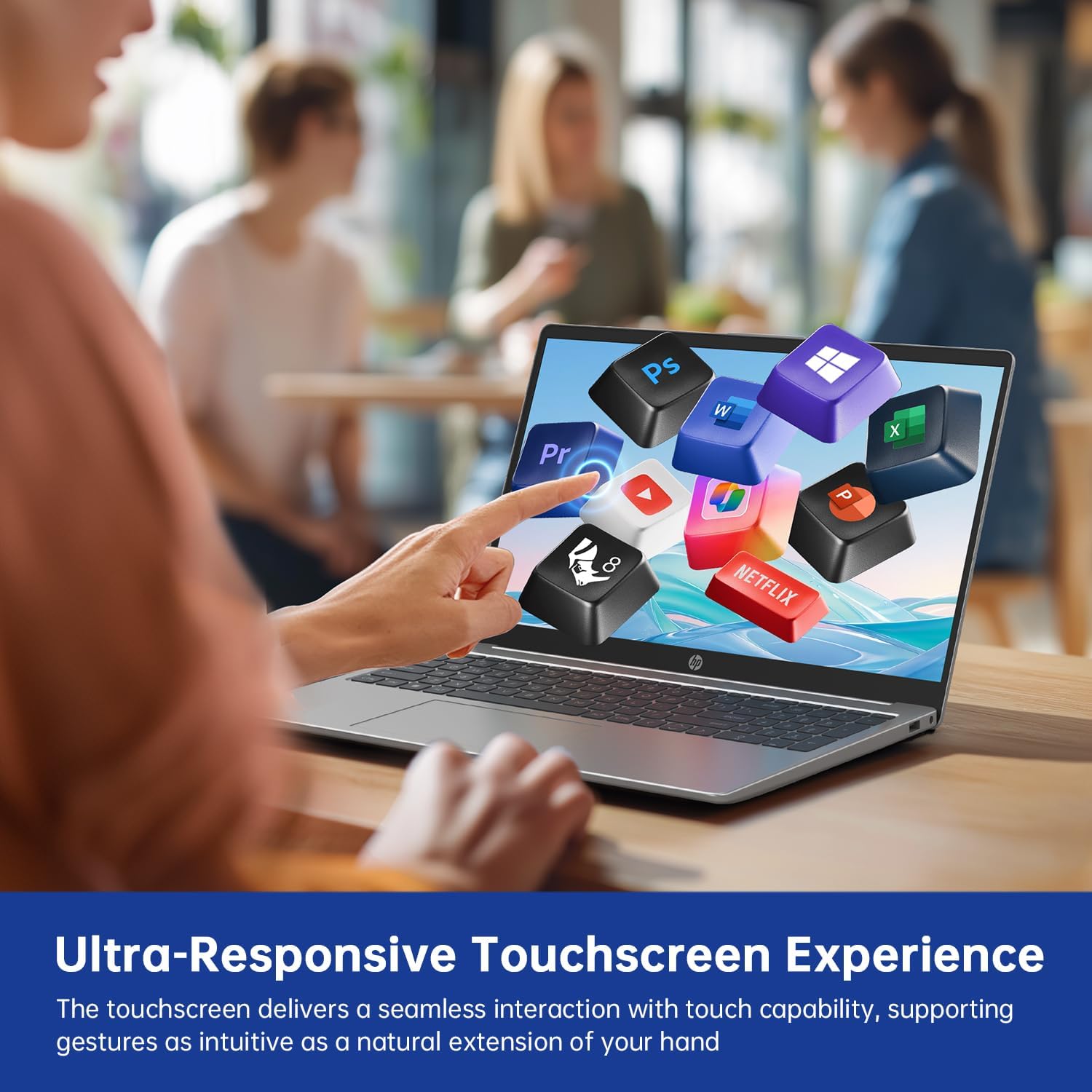
Figure 2: Demonstrating the ultra-responsive touchscreen experience with various application icons.
2.3 Keyboard and Numeric Keypad
The full-size keyboard includes a dedicated numeric keypad for efficient data entry. Function keys (F1-F12) provide quick access to system controls when pressed in combination with the Fn key.
2.4 Ports i connectivitat
El portàtil ofereix diversos ports per connectar dispositius externs:
- USB-A 3.0 Ports (x2): Per connectar dispositius USB com ara ratolins, teclats o unitats externes.
- USB-C 3.0 Port (x1): Versatile port for data transfer, charging, or connecting compatible peripherals.
- HDMI Port (x1): Per connectar monitors o projectors externs.
- 3.5mm Audio Jack (x1): Per a auriculars o altaveus externs.
- DC-in Port (x1): Per connectar l'adaptador de CA per carregar el portàtil.
Wireless connectivity includes Wi-Fi 6E for high-speed internet access and Bluetooth 5.0 for connecting wireless accessories.

Figura 3: Mésview of multiple available ports on the HP 15-fd laptop.
2.5 Camera Privacy Switch
Your laptop features a 720p HD webcam with a built-in privacy switch. To ensure your privacy, slide the physical switch to cover the camera lens when not in use. Slide it back to uncover the lens when you need to use the camera for video calls or other applications.

Figure 4: The camera privacy switch provides control over webcam access.
2.6 AI Copilot Functionality
The integrated AI Copilot assists in automating tasks, generating insights, and streamlining workflows. It learns from your actions to provide smarter suggestions, enhancing productivity for tasks such as coding, writing, or data analysis.
3. Manteniment
3.1 Neteja del portàtil
- Pantalla: Utilitzeu un drap suau i sense pelusa dampNetegeu amb aigua o un netejador de pantalles. No ruixeu líquid directament sobre la pantalla.
- Teclat i xassís: Feu servir un drap suau i sec. Per a la brutícia persistent, feu servir un drap lleugerament sec.amp Es pot utilitzar un drap amb una solució de sabó suau, assegurant-se que no entri líquid a les obertures.
- Ports: Feu servir aire comprimit per treure suaument la pols dels ports.
3.2 Cura de la bateria
- Eviteu descarregar completament la bateria amb freqüència.
- Guardeu el portàtil en un lloc fresc i sec si no el feu servir durant períodes prolongats.
- No exposeu el portàtil a temperatures extremes.
3.3 Actualitzacions de programari
Regularly check for and install updates for Windows 11 Pro and HP drivers to ensure optimal performance, security, and compatibility. You can typically find these updates through Windows Update settings and the HP Support Assistant application.
4. Solució De Problemes
This section addresses common issues you might encounter with your HP 15-fd laptop.
4.1 Problemes d'energia
- El portàtil no s'encén: Ensure the AC adapter is securely connected to both the laptop and a working power outlet. Check if the battery is charged. Try a different power outlet.
- La bateria no es carrega: Verify the AC adapter is functioning correctly. Check the power cable for damage.
4.2 Problemes de visualització
- Screen is blank or dark: Ensure the laptop is powered on. Adjust screen brightness using function keys. Connect an external monitor via HDMI to check if the issue is with the laptop's display.
- La pantalla tàctil no respon: Reinicieu el portàtil. Assegureu-vos que els controladors de pantalla estiguin actualitzats.
4.3 Problemes de connectivitat
- El Wi-Fi no es connecta: Check if Wi-Fi is enabled in Windows settings. Restart your router and laptop. Ensure correct Wi-Fi password is entered.
- El dispositiu Bluetooth no s'emparella: Ensure Bluetooth is enabled on both devices. Place devices close to each other. Check device compatibility.
4.4 Problemes generals de rendiment
- Rendiment lent: Close unnecessary applications. Check for malware. Ensure sufficient free space on the SSD. Update drivers and Windows.
- System freezes or crashes: Perform a system restart. Check for recent software installations that might be causing conflicts.
If you are unable to resolve an issue using these steps, please refer to the Support section for further assistance.
5. Especificacions

Figure 5: Key display and physical dimensions of the HP 15-fd laptop.
| Característica | Especificació |
|---|---|
| Nom del model | 15-fd |
| Processador | Intel Core i3-1315U de 13a generació (fins a 4.5 GHz) |
| Gràfics | Gràfics Intel UHD (integrats) |
| Mostra | Pantalla tàctil HD de 15.6 polzades (1366 x 768) |
| RAM | 8 GB DDR4 |
| Emmagatzematge | SSD de 512 GB |
| Sistema operatiu | Windows 11 Pro |
| Connectivitat sense fil | Wi-Fi 6E, Bluetooth 5.0 |
| Ports | 2x USB-A 3.0, 1x USB-C 3.0, 1x HDMI, 1x 3.5mm Audio Jack, 1x DC-in |
| Dimensions (LxWxH) | 14.17 x 9.29 x 0.73 polzades |
| Pes | Aproximadament 3.52 lliures (1.6 kg) |
| Color | Plata Natural |
| Característiques especials | Numeric Keypad, Fingerprint Reader, HD Audio, Camera Privacy Switch |
6. Informació de la garantia
Your HP 15-fd laptop comes with a 12 mesos de garantia des de la data de compra. Aquesta garantia cobreix defectes de fabricació i avaries de maquinari en condicions d'ús normal. Conserveu el comprovant de compra per a reclamacions de garantia.
The warranty does not cover damage caused by misuse, accidents, unauthorized modifications, or external factors. For detailed warranty terms and conditions, please refer to the documentation included with your product or visit the official HP support weblloc.
7. Suport
For technical assistance, troubleshooting beyond this manual, or warranty service, please contact HP Customer Support.
- Assistència en línia: Visita el servei d'assistència oficial d'HP weblloc web per a controladors, manuals i guies de resolució de problemes.
- Suport telefònic: Refer to the contact information provided in your product packaging or on the HP Support weblloc per a la vostra regió.
When contacting support, please have your laptop's serial number and model number (15-fd) ready. This information can usually be found on a label on the bottom of your laptop.