Introducció
Welcome to the instruction manual for your Cambridge Audio Melomania P100 SE Headphones. This guide provides essential information for setting up, operating, maintaining, and troubleshooting your headphones to ensure optimal performance and longevity. Please read this manual thoroughly before using your device.
Què hi ha a la caixa
- Melomania P100 SE Headphones
- Melomania P100 SE Carry Case
- Cable de càrrega USB-C a USB-C
- Cable USB-C a Jack de 3.5 mm
- Brand Booklet
- Guia d'inici ràpid
- Instruccions de seguretat

Image: The Melomania P100 SE headphones, carry case, and included cables and documentation.
Producte acabatview
The Cambridge Audio Melomania P100 SE headphones are designed for high-fidelity audio with advanced features. They incorporate Bluetooth 5.0 connectivity, Adaptive Noise Cancelling, and a long-lasting user-replaceable battery.
Característiques clau
- Cancel·lació adaptativa del soroll: Adjusts noise cancellation levels based on your environment.
- aptX Lossless: High-quality audio streaming via Bluetooth.
- DynamEQ: Dynamic Adaptive Equalisation for balanced sound at any volume.
- Durada de la bateria de 100 hores: Reproducció estesa amb una sola càrrega.
- User-Replaceable Battery & Earcups: Designed for longevity and sustainability.
- Mode de joc: Optimized audio for gaming.
- Connexió multipunt: Connecteu-vos a dos dispositius simultàniament.
- Wear Detect: Automatic play/pause when headphones are removed or put on.
- 7-band adjustable EQ: Customize your sound profile via the Melomania Connect App.
Controls i indicadors
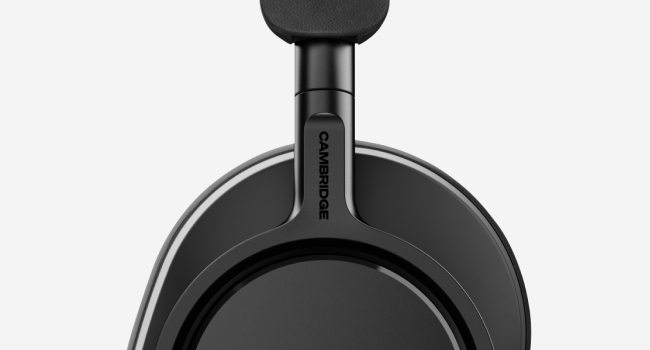
The headphones feature physical buttons for intuitive control of playback, volume, ANC modes, and voice assistants. The power switch also doubles as the Bluetooth pairing trigger.
Imatge: Una imatge detallada view of the physical control buttons on the right earcup, including volume, playback, and ANC toggles.
Configuració
Emparellament Bluetooth
- Assegureu-vos que els auriculars estiguin carregats.
- Slide the power switch to the 'on' position. The LED indicator will flash to show pairing mode.
- Al dispositiu (telèfon intel·ligent, tauleta, ordinador), aneu a la configuració de Bluetooth.
- Select 'Melomania P100 SE' from the list of available devices.
- Un cop connectat, l'indicador LED mostrarà una llum sòlida.
Aplicació Melomania Connect
For full customization and advanced features, download the Melomania Connect App from your device's app store. The app allows you to:
- Adjust the 7-band equalizer (EQ) to tailor your sound.
- Control Adaptive Noise Cancelling levels.
- Actualitza el firmware dels auriculars.
- Access additional settings and information.
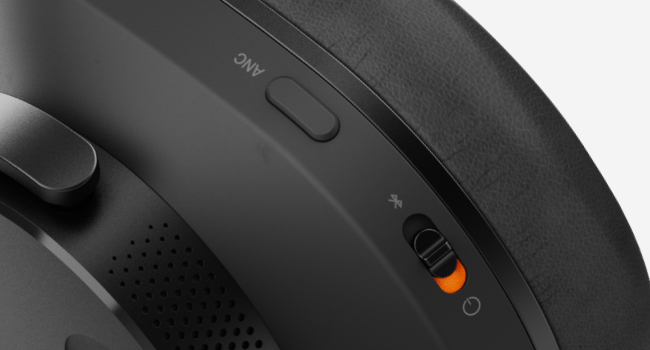
Image: The Melomania Connect App displaying a custom equalizer interface for sound personalization.
Instruccions de funcionament
Adaptive Noise Cancelling (ANC)
The Adaptive Noise Cancelling feature automatically adjusts to your surroundings, reducing ambient noise for an immersive listening experience. You can toggle ANC modes using the dedicated button on the earcup or through the Melomania Connect App.
Mode de joc
Activate Gaming Mode for optimized audio performance during gameplay, reducing latency and enhancing sound cues. This mode can be enabled via the Melomania Connect App.
Wear Detect
The Wear Detect function automatically pauses audio playback when you remove the headphones and resumes when you put them back on. This feature helps conserve battery and ensures you don't miss a beat.
Connexió multipunt
Connect your Melomania P100 SE headphones to two devices simultaneously. This allows for seamless switching between audio sources, such as listening to music on your laptop and answering a call on your smartphone.
Gestió de la bateria
The Melomania P100 SE headphones offer an impressive 100 hours of battery life on a single charge, ensuring extended listening sessions. A quick 5-minute charge provides up to four hours of playtime.
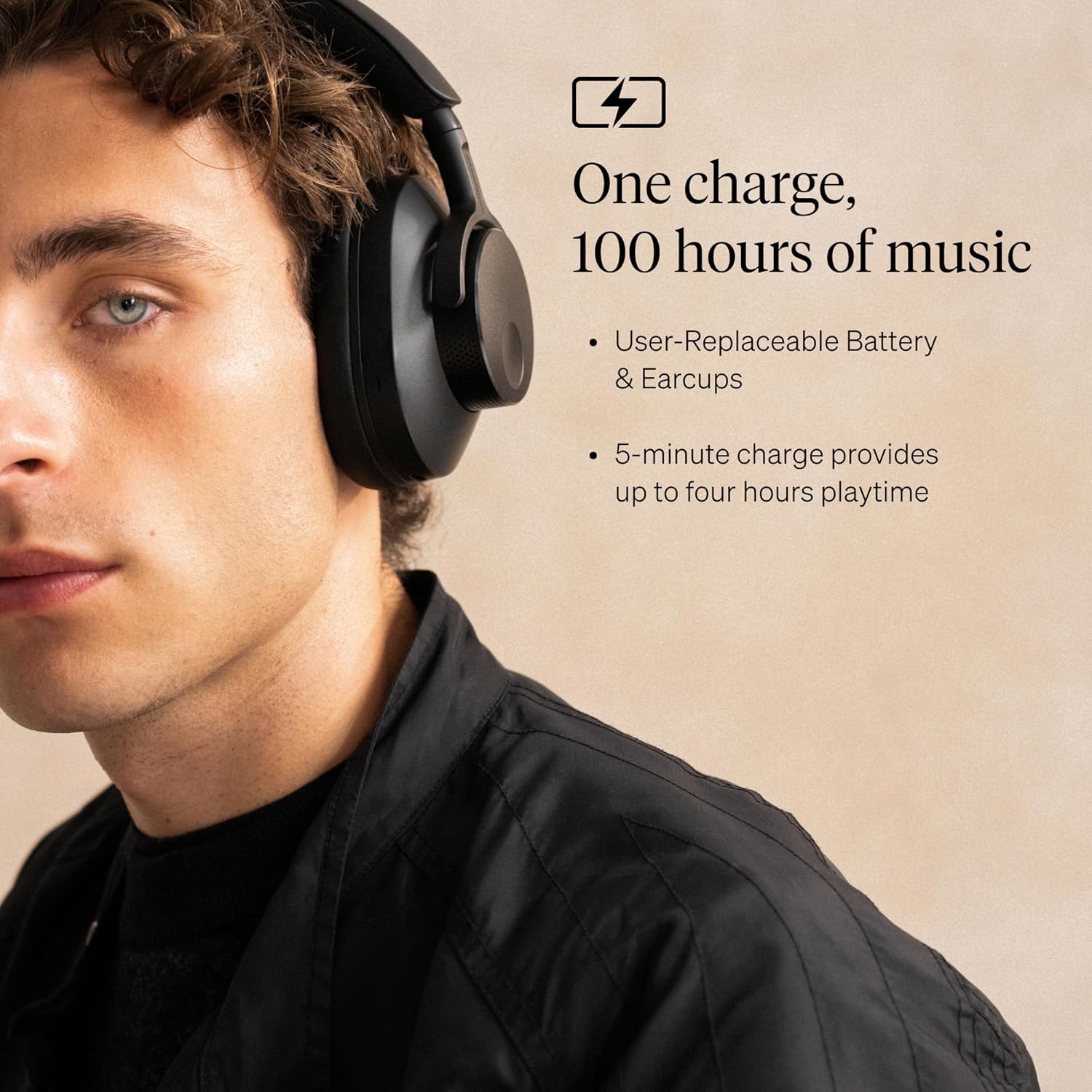
Image: A man wearing the black Melomania P100 SE headphones, highlighting the 100-hour battery life and user-replaceable battery/earcups.
Bateria substituïble per l'usuari
The headphones feature a user-replaceable battery, extending the lifespan of your device and promoting sustainability. Contact Cambridge Audio support for information on purchasing replacement batteries and instructions for replacement.
Carregant
Use the provided USB-C to USB-C charging cable to charge your headphones. Connect one end to the headphone's USB-C port and the other to a compatible USB power source.
Manteniment
Neteja
Regularly clean your headphones with a soft, dry cloth. Avoid using harsh chemicals or abrasive materials. For earcups, gently wipe with a damp cloth if necessary and allow to air dry completely.
Reemplaçament d'auriculars
The earcups are user-replaceable. If they become worn or damaged, new earcups can be purchased from Cambridge Audio. Follow the instructions provided with the replacement earcups for proper installation.
Resolució de problemes
| Problema | Solució |
|---|---|
| Els auriculars no s'encenen | Assegureu-vos que la bateria estigui carregada. Connecteu-la a una font d'alimentació amb el cable USB-C. |
| No es pot emparellar per Bluetooth | Make sure headphones are in pairing mode (flashing LED). Check your device's Bluetooth settings and ensure it's discoverable. Try restarting both devices. |
| Mala qualitat del so | Check Bluetooth connection stability. Ensure your audio source is high quality. Adjust EQ settings in the Melomania Connect App. |
| ANC no eficaç | Ensure ANC is enabled. Adjust ANC levels via the app. Check earcup fit for a proper seal. |
| Wear Detect not working | Ensure the Wear Detect feature is enabled in the Melomania Connect App. |
Especificacions
- Nom del model: Melomania P100 SE
- Control de soroll: Cancel·lació adaptativa del soroll
- Tecnologia de connectivitat: Bluetooth 5.0
- Tecnologia de comunicació sense fils: Bluetooth
- Presa per a auriculars: 3.5 mm Jack (via USB-C to 3.5mm cable)
- Tipus de controlador d'àudio: Conductor dinàmic
- Durada de la bateria: 100 hores
- Material: Plàstic
- Dispositius compatibles: Laptops, Desktops, Gaming Consoles, Tablets, Telephones, Smart Speakers
- Tipus de control: Melomania Connect App, Siri, Google Assistant
- Col·locació de les orelles: Sobre l'orella
- Factor de forma: Sobre l'orella
- Impedància: 10 ohms
- Pes de l'article: 2.4 lliures
Garantia i suport
Your Cambridge Audio Melomania P100 SE Headphones come with a manufacturer's warranty. For detailed warranty information, product support, or to purchase replacement parts, please visit the official Cambridge Audio weblloc o poseu-vos en contacte amb el seu servei d'atenció al client.
For further assistance, please refer to the contact information provided in your Brand Booklet or Quick Start Guide.


