
Introduction
This manual provides essential information for the proper use and care of your JBL Tune 520C USB-C Wired On-Ear Headphones. Please read these instructions carefully before using your headphones to ensure optimal performance and longevity.

Figure 1: Overview of JBL Tune 520C features including Pure Bass Sound and foldable design.
What's in the Box
Verify that all items are present in the package:
- 1 x JBL Tune 520C USB-C Headphones
- 1 x Warranty/Warning Document
Setup
Connecting Your Headphones
The JBL Tune 520C headphones connect via a USB-C cable. Simply plug the USB-C connector into the compatible port on your device.
- Locate the USB-C port on your audio source (PC, mobile phone, gaming device, tablet, or laptop).
- Insert the USB-C connector of the headphone cable firmly into the device's USB-C port.
- Ensure the connection is secure for uninterrupted audio playback.
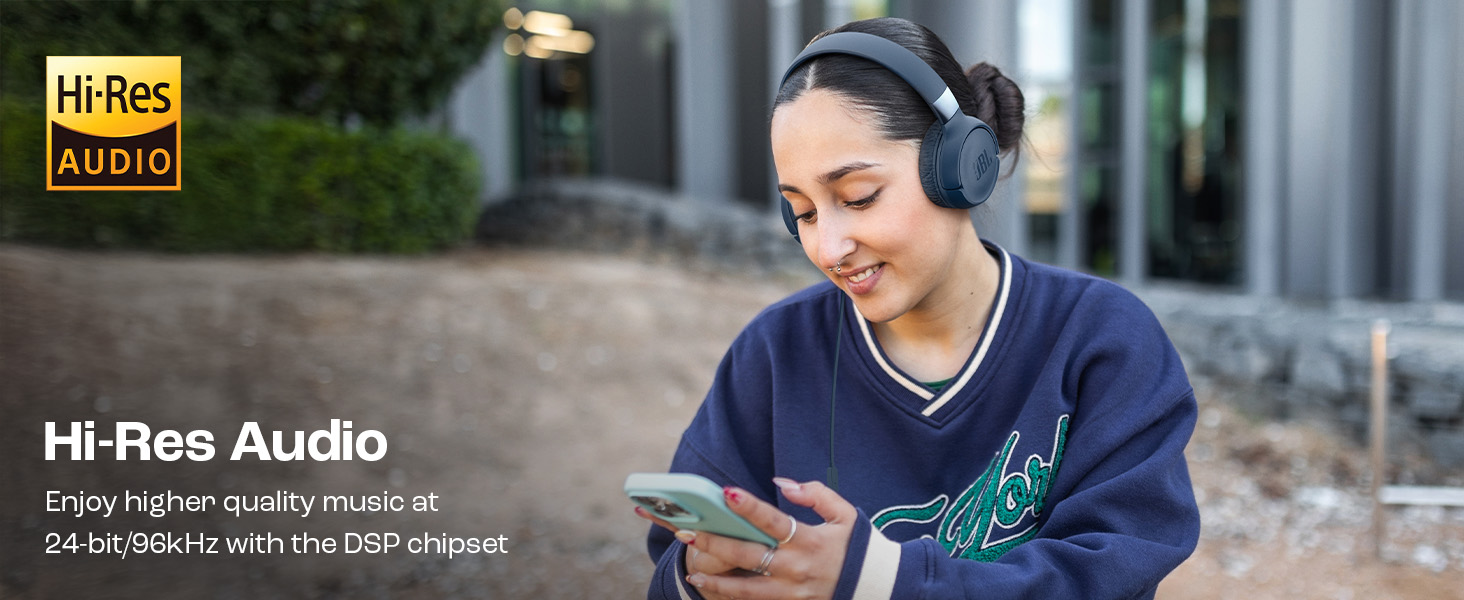
Figure 2: USB-C connector for wide compatibility with PCs, smartphones, gaming devices, tablets, and laptops.
Operating Instructions
Using the 3-Button Remote with Microphone
The in-line 3-button remote allows for easy control of audio playback, volume, and calls.
- Volume Up (+): Press to increase audio volume.
- Volume Down (-): Press to decrease audio volume.
- Multi-function Button (Center):
- Press once to Play/Pause music or Answer/End a call.
- Press twice to skip to the next track.
- Press three times to go to the previous track.
- Microphone: Use for hands-free calls.
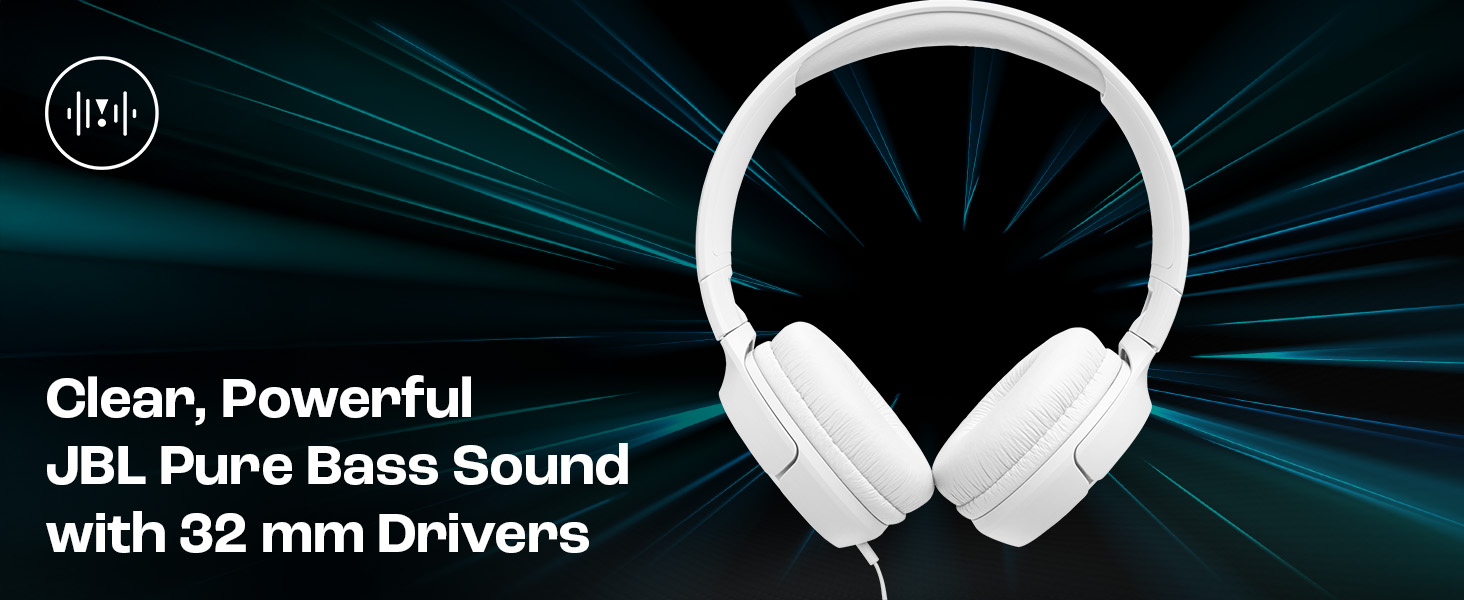
Figure 3: Detailed view of the 3-button remote and its functions.
EQ Presets
The headphones feature built-in EQ presets to customize your listening experience. To switch between presets, press and hold the multi-function button for 2 seconds.
- Default: Standard audio profile.
- Vocal: Enhances vocal frequencies for clearer speech.
- Bass: Boosts low frequencies for a more pronounced bass sound.
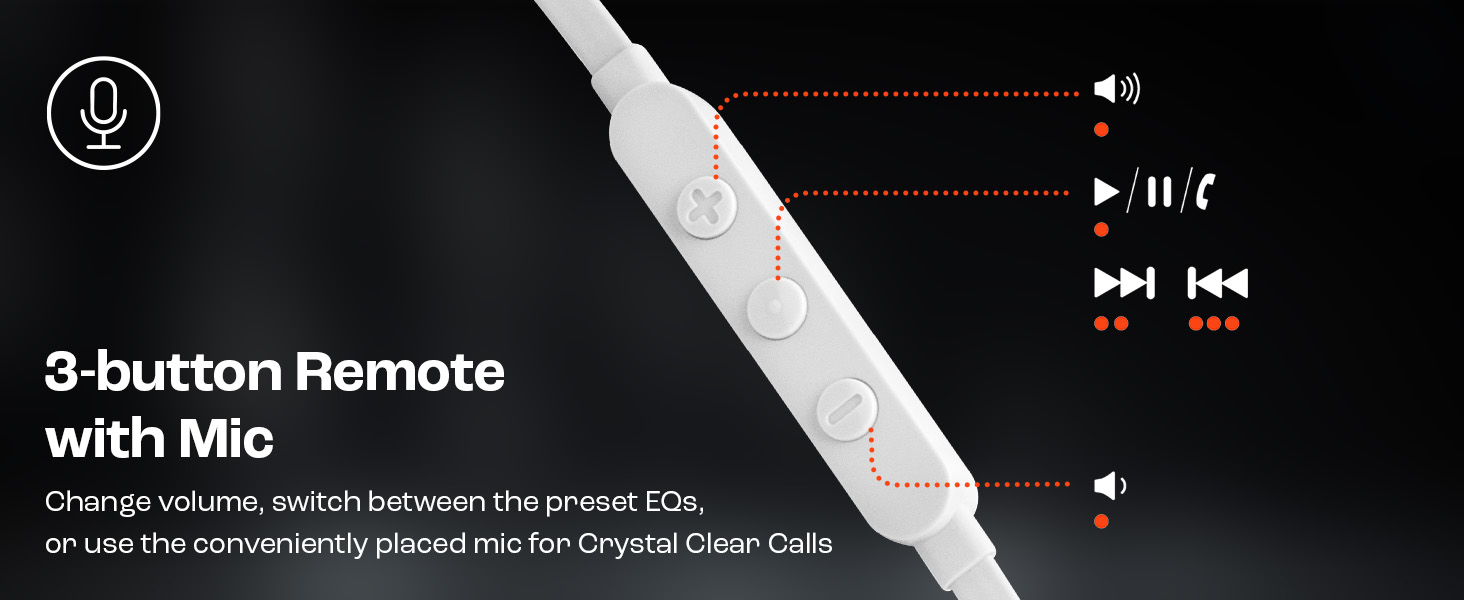
Figure 4: EQ Presets for customized audio experience.
Maintenance
Cleaning and Storage
Proper maintenance ensures the longevity and performance of your headphones.
- Cleaning: Use a soft, dry cloth to wipe the earcups and headband. Avoid using harsh chemicals or abrasive materials.
- Storage: The JBL Tune 520C features a foldable design for easy storage and portability. Fold the earcups inward when not in use to protect them and save space.
- Cable Care: The tangle-free flat cable is designed for durability. Avoid sharp bends or excessive pulling on the cable.
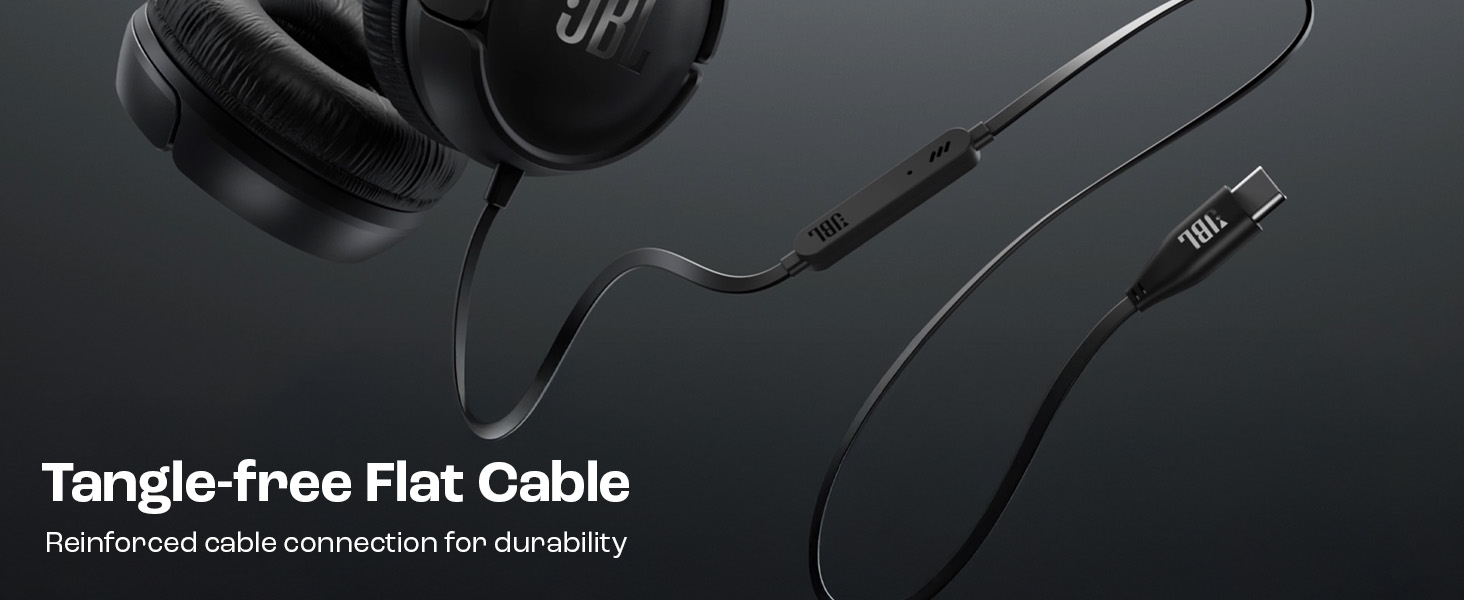
Figure 5: Foldable design for compact storage and portability.

Figure 6: Tangle-free flat cable with reinforced connection.
Troubleshooting
If you encounter issues with your JBL Tune 520C headphones, refer to the following common solutions:
| Problem | Solution |
|---|---|
| No sound or low volume |
|
| Microphone not working |
|
| Audio distortion |
|
Specifications
Key technical specifications for the JBL Tune 520C headphones:
- Brand: JBL
- Model Name: JBL Tune 520C
- Model Number: JBLT520CBLU
- Ear Placement: On Ear
- Form Factor: On Ear
- Impedance: 32 Ohms
- Frequency Response: 20Hz - 40KHz
- Sensitivity: 103 dB
- Audio Driver Type: Dynamic Driver
- Headphone Jack: USB-C Jack
- Network Connectivity Technology: Wired
- Control Method: Remote (3-button)
- Enclosure Material: Rubber
- Item Weight: 150 Grams
- Country of Origin: China
- Compatible Devices: PCs, Mobile Phones, Gaming Devices, Tablets, Laptops
- Product Features: High-Resolution Audio, 3-Button Remote with Microphone, Foldable Design
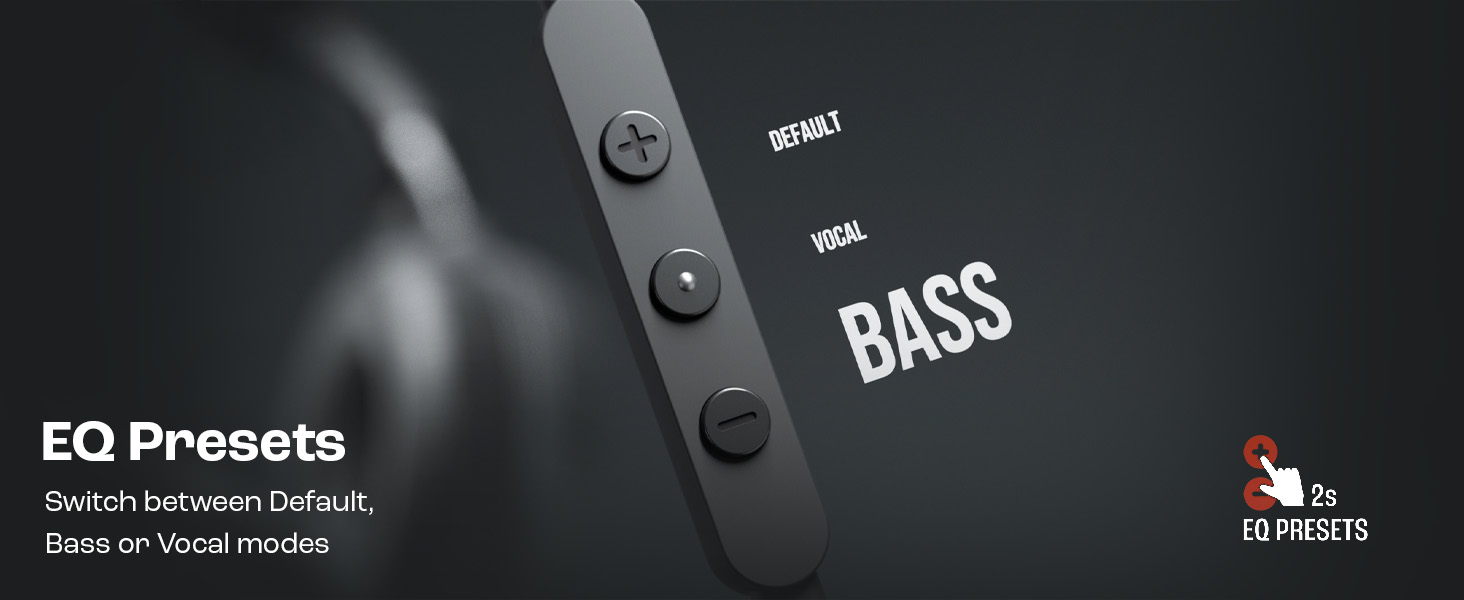
Figure 7: JBL Pure Bass Sound delivered by 32mm drivers.
Warranty and Support
Your JBL Tune 520C headphones come with a manufacturer's warranty.
- Warranty Description: 1 year warranty provided by the manufacturer from date of purchase.
- Manufacturer Contact Information: HARMAN International Industries, Incorporated 8500 Balboa Boulevard, Northridge, CA 91329 USA, Harman International.
- Importer Contact Information (India): Harman International (India) Pvt Ltd, Salarpuria Sattva Knowledge Court, Office-1, Wing ‘A’ & ‘B’ 3rd floor, Plot No. 9, Phase I, Doddenakkundi Industrial area Bangalore -560048, Karnataka.
For further assistance or warranty claims, please contact JBL customer support or refer to the warranty document included in your package.


