1. Introducció
This manual provides instructions for the Belkin Everyday Keyboard Case with Cradle, designed to enhance the functionality and protection of your iPad 10th Generation 10.9". This accessory integrates a backlit Bluetooth keyboard, a multi-gesture trackpad, and a protective case with magnetic Apple Pencil storage, transforming your iPad into a versatile workstation.
2. Producte acabatview
Característiques clau
- Backlit Bluetooth Keyboard: Enhances productivity in low-light conditions.
- Multi-Gesture Controls: Large, click-anywhere trackpad supports gestures for scrolling, navigating, and zooming.
- Magnetic Apple Pencil Storage: Integrated design ensures secure storage without obstructing the iPad's magnetic charging area.
- Tecles multimèdia: Dedicated keys for quick access to common functions.
- Funda protectora: Premium faux leather exterior and soft anti-slip interior protect your device.
Contingut del paquet
- 1 x Belkin Everyday Keyboard Case with Cradle for iPad 10th Generation 10.9"
- 1 x USB-C Charging Cable (for keyboard)
3. Configuració
3.1 Check iPad Compatibility
Ensure your iPad is compatible with this keyboard case. This product is designed for the iPad 10th Generation 10.9".

Image: Compatible iPad models. This case is specifically for iPad 10th Gen (A2696/A2757).
To find your iPad model number:
- Opció 1: Look on the back of your iPad for the model number.
- Opció 2: Open Settings > General > About. Tap the part number to reveal the model number.
3.2 Attaching the iPad
The case features a magnetic snap-on attachment for easy and secure installation of your iPad.
- Align your iPad with the protective cradle portion of the case.
- The iPad will magnetically snap into place, securing it within the case.

Image: Magnetic snap-on attachment for the iPad.
3.3 Vinculació Bluetooth
The keyboard connects to your iPad via Bluetooth. It needs to be paired independently.
- Ensure the keyboard is charged (see section 3.4).
- Turn on the keyboard (if applicable, usually by opening the case or a dedicated power button).
- Al teu iPad, vés a Configuració > Bluetooth.
- Look for "Belkin Keyboard" or a similar name in the list of available devices and tap to connect.
- Seguiu les indicacions de la pantalla per completar el procés de vinculació.
3.4 Càrrega del teclat
The keyboard has an internal rechargeable battery and must be charged separately from your iPad.
- Localitza el port de càrrega USB-C al teclat.
- Connect the provided USB-C cable to the keyboard and a compatible USB power adapter (not included).
- El llum indicador de càrrega mostrarà l'estat de càrrega.

Image: The keyboard features a 450mAh battery for long-lasting power.
4. Instruccions de funcionament
4.1 Ús del teclat
The keyboard provides a tactile typing experience with several useful features.
- Tecles retroil·luminades: Press the dedicated backlight key (often represented by a sun icon) to cycle through brightness levels or turn the backlight off to conserve battery.
- Tecles multimèdia: Use the dedicated function keys for quick access to media playback controls, volume adjustment, and other system functions.

Image: Backlit Bluetooth Keyboard and Multimedia Keys in use.
4.2 Ús del trackpad
The large, click-anywhere trackpad supports multi-gesture controls for intuitive navigation on your iPad.
- Desplaçament: Feu servir dos dits per desplaçar-vos amunt o avall.
- Navegant: Swipe with three fingers to switch between open applications.
- Zoom: Pessiga amb dos dits per ampliar o reduir el contingut.
- Fent clic: Press down on any part of the trackpad for a click action.

Image: Multi-Gesture Controls on Touchpad.
4.3 Stand Functionality
The integrated cradle and kickstand allow for adjustable viewangles d'ajust.
- Open the case and position the iPad in the cradle.
- Adjust the kickstand at the back of the keyboard portion to achieve your desired viewangle de ing.
4.4 Emmagatzematge de l'Apple Pencil
The case is designed with compatibility for Apple Pencil storage.
- Place your Apple Pencil on the designated magnetic strip on the side of the iPad.
- The case ensures the Apple Pencil remains securely attached and accessible.
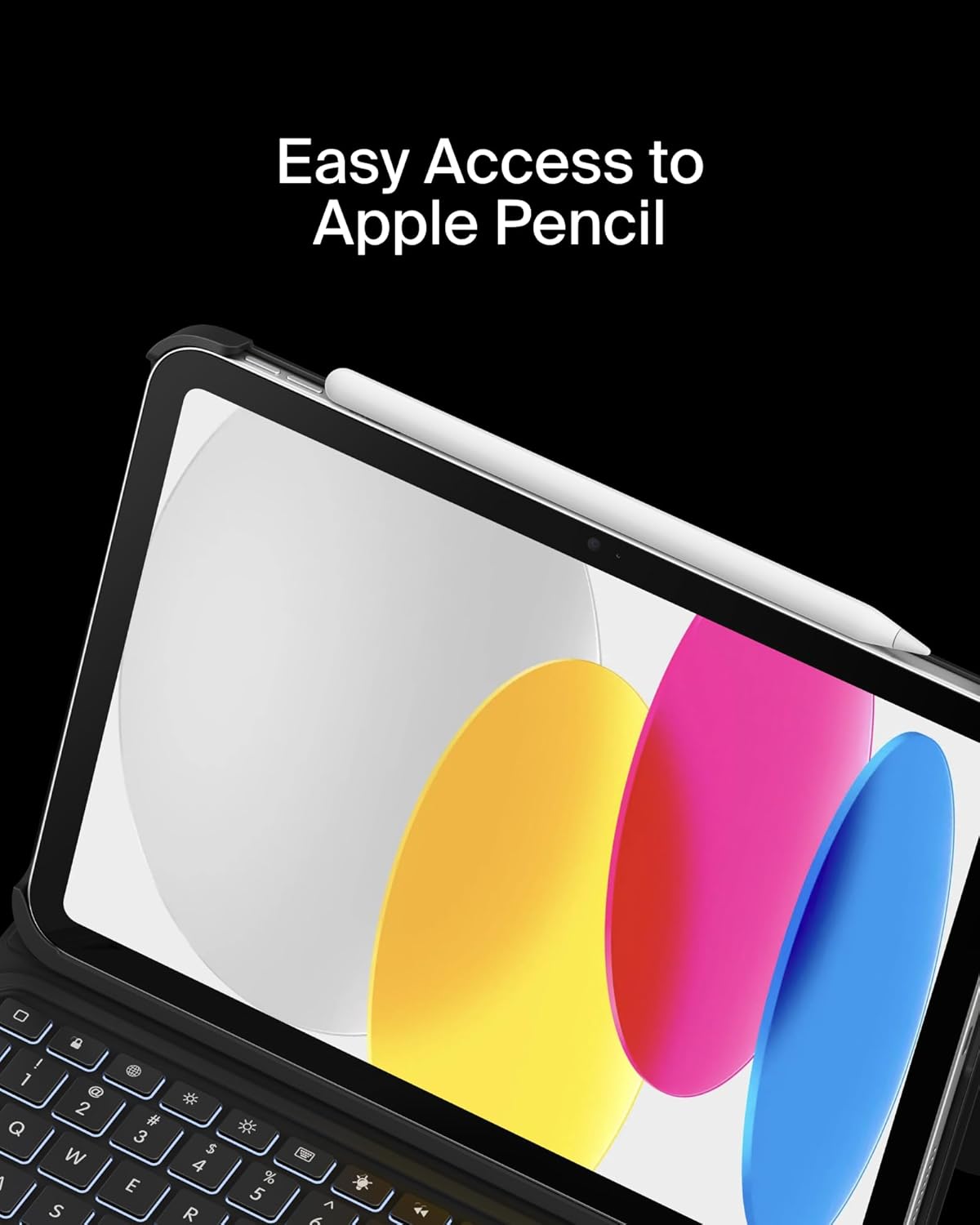
Image: Easy Access to Apple Pencil.
5. Manteniment
5.1 Neteja
Per mantenir l'aspecte i la funcionalitat de la funda del teclat:
- Netegeu l'exterior amb un suau, damp tela. Eviteu els productes químics durs.
- For the keyboard keys and trackpad, use a soft, dry cloth or a gentle brush to remove dust and debris.
5.2 Cura de la bateria
The keyboard is equipped with a 450mAh lithium battery.
- Carregueu el teclat completament abans del primer ús.
- Recharge the keyboard when the battery indicator shows low power.
- Per a una durada òptima de la bateria, eviteu descarregar-la completament amb freqüència.
- If not in use for an extended period, charge the keyboard every few months to prevent deep discharge.
6. Solució De Problemes
6.1 El teclat no respon
- Comproveu la bateria: Ensure the keyboard is sufficiently charged.
- Torna a emparellar el Bluetooth: Go to iPad Settings > Bluetooth, forget the device, and re-pair the keyboard.
- Reinicieu els dispositius: Reinicieu tant l'iPad com el teclat.
6.2 Trackpad Not Working
- Comproveu la connexió Bluetooth: Ensure the keyboard is properly paired via Bluetooth.
- Neteja el trackpad: Ensure the trackpad surface is clean and free of obstructions.
- iPad Settings: Verify trackpad settings in iPadOS are enabled and configured as desired.
6.3 Backlight Not Functioning
- Comproveu la bateria: Backlight consumes power; ensure the keyboard has enough charge.
- Ajust de brillantor: Use the dedicated backlight key to increase brightness.
7. Especificacions
| Marca | Belkin |
| Número de model | BBZ001tt-V3 |
| Dispositius compatibles | iPad 10th Generation 10.9" |
| Tecnologia de connectivitat | Bluetooth |
| Descripció del teclat | Multimèdia |
| Característiques especials | Apple Pencil Storage, Backlit, Multimedia Keys, Trackpad |
| Color | Negre |
| Suport de color de retroil·luminació del teclat | Color únic |
| Estil | Case w/ Cradle |
| Material | Faux Leather (Exterior), Soft Non-Slip Material (Interior) |
| Pes de l'article | 1.6 lliures |
| Dimensions del producte (LxWxH) | 10.9 x 7.7 x 0.9 polzades |
| Font d'alimentació | Funciona amb bateria |
| Bateria | 450mAh lithium battery (standby time: 365 days) |

Image: Slim, Portable Design with approximate dimensions and weight.
8. Garantia i assistència
8.1 Garantia limitada
This Belkin Everyday Keyboard Case with Cradle comes with a Garantia limitada d'2 any. Aquesta garantia cobreix els defectes de materials i de mà d'obra en ús normal.

Image: Belkin Product Protection - 2 Year Coverage.
8.2 Atenció al client
For technical assistance, warranty claims, or further information, please visit the official Belkin support weblloc o poseu-vos en contacte amb el seu servei d'atenció al client.
Suport de Belkin: www.belkin.com/support/


