Introducció
This manual provides essential information for the safe and efficient operation of your Panasonic TV-65Z80AEZ 65-inch 4K Ultra HD OLED Smart TV. Please read these instructions thoroughly before using your television and retain them for future reference. This 4K OLED television from the Z80 series features integrated Fire TV, offering a comprehensive entertainment experience.
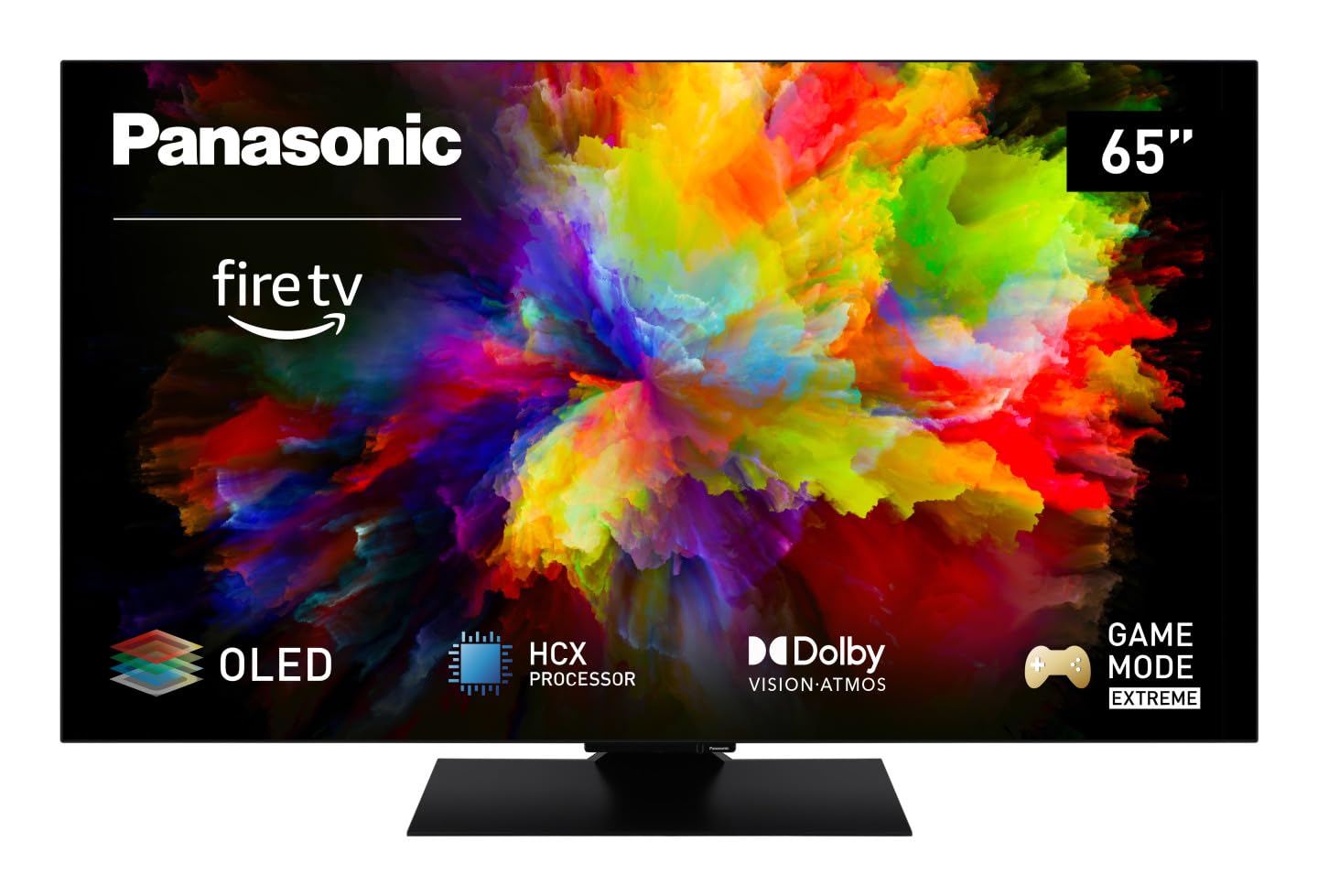
Imatge: Frontal view of the Panasonic TV-65Z80AEZ 65-inch 4K OLED Smart TV.
Informació de seguretat
Always follow basic safety precautions when using this television to reduce the risk of fire, electric shock, and injury. Keep the television away from water and moisture. Do not block ventilation openings. Use only attachments/accessories specified by the manufacturer. Refer all servicing to qualified service personnel.
- Font d'alimentació: Assegureu-vos que la font d'alimentació voltage matches the rating label on the TV.
- Ventilació: Do not cover or block any ventilation openings. Allow adequate space around the TV for proper airflow.
- Neteja: Desendolleu el televisor abans de netejar-lo. Feu servir un drap suau i sec. No utilitzeu netejadors líquids ni aerosols.
- Muntatge: If wall-mounting, ensure the wall mount is compatible with the TV's VESA standards and can support its weight. Follow the wall mount manufacturer's instructions carefully.
Contingut del paquet
Verifiqueu que tots els elements estiguin presents a l'embalatge:
- Panasonic TV-65Z80AEZ 65-inch 4K OLED Smart TV
- Control remot
- Piles AAA (2x) per al comandament a distància
- Cable d'alimentació
- Components del suport de TV (si escau)
- Guia d'inici ràpid (aquest document serveix com a guia completa)
Configuració
1. Instal·lació física
Instal·lació de l'estand: If using the included stand, carefully attach it to the television according to the diagrams in the quick start guide. Ensure all screws are securely fastened. Place the TV on a stable, level surface.
Muntatge a la paret: If wall-mounting, consult a professional installer. Ensure the wall mount is rated for the TV's weight and size. Do not attempt to wall-mount the TV without proper tools and expertise.
2. Dispositius de connexió
Connect your external devices such as cable boxes, Blu-ray players, gaming consoles, and sound systems to the appropriate ports on the back of the TV.

Imatge: Lateral view of the Panasonic TV-65Z80AEZ, illustrating the slim profile and connectivity ports.
- HDMI: For high-definition video and audio. This TV supports HDMI 2.1 for advanced gaming features.
- USB: For connecting USB storage devices or other peripherals. This TV has 2 USB ports.
- Ethernet: Per a una connexió a Internet per cable.
- Antena/cable: Per connectar una antena o una connexió de televisió per cable.
3. Engegada inicial i configuració de la xarxa
- Introduïu les piles AAA incloses al comandament a distància.
- Connecteu el cable d'alimentació al televisor i després a una presa de corrent.
- Premeu el botó d'engegada del comandament a distància o del televisor.
- Follow the on-screen instructions to select your language, region, and connect to your Wi-Fi network. You can also use a wired Ethernet connection.
4. Fire TV Setup
Your Panasonic TV-65Z80AEZ comes with Fire TV built-in. During the initial setup, you will be prompted to sign in with your Amazon account or create a new one. This enables access to streaming services, apps, and personalized recommendations.
Funcionament del televisor
1. Controls bàsics
Use the remote control to navigate the TV's interface. The remote includes standard buttons for power, volume, channel, input selection, and navigation within the Fire TV interface.
2. Funcions de Smart TV
- Fire TV: The intuitive 4K Fire TV home screen provides instant access to live TV, streaming apps, and personalized recommendations for up to 6 user profiles.
- Control de veu d'Alexa: Control your Smart TV using voice commands through the integrated Alexa. Press the microphone button on your remote and speak your command.
- AirPlay: Easily share content from your Apple devices (iPhone, iPad, Mac) to your TV for a seamless viewexperiència.
3. Qualitat d'imatge
- OLED & HCX Processor: Experience deep blacks and natural colors. The HCX processor ensures a cinematic experience with stunning image quality.
- Multi HDR Support: Enjoy optimized brightness, contrast, and colors scene by scene with support for Dolby Vision, HLG, HDR10, and HDR10+, ensuring exceptional images.
4. Funcions d'àudio
- Surround Sound Pro & Dolby Atmos: Eleva el teu viewing experience with immersive Dolby Atmos and Surround Sound Pro technology, including an integrated subwoofer, for a cinema-worthy audio experience.
5. Extreme Game Mode
This mode is designed for gamers, offering ultra-low latency, Variable Refresh Rate (VRR), 120 Hz refresh rate, and Auto Low Latency Mode (ALLM) via HDMI 2.1. It also supports AMD FreeSync Premium and NVIDIA G-SYNC for fluid and responsive gameplay.
Manteniment
Proper maintenance ensures the longevity and performance of your television.
- Neteja de pantalla: Netegeu suaument la pantalla amb un drap suau i sense borrissol. Per a marques difícils, netegeu lleugerament.ampNetegeu el drap amb aigua o amb un netejador de pantalles especialitzat. No ruixeu mai líquid directament sobre la pantalla.
- Neteja d'armaris: Feu servir un drap suau i sec per netejar la carcassa del televisor.
- Pols: Netegeu regularment la pols de les obertures de ventilació per evitar el sobreescalfament.
- Cable d'alimentació: Periodically check the power cord for any damage. If damaged, replace it immediately with an authorized part.
Resolució de problemes
Si teniu problemes amb el televisor, consulteu les solucions habituals següents:
| Problema | Possible solució |
|---|---|
| Sense poder | Assegureu-vos que el cable d'alimentació estigui ben connectat tant al televisor com a la presa de corrent. Comproveu si la presa de corrent funciona connectant un altre dispositiu. |
| No hi ha imatge, però hi ha so | Check the input source. Press the 'Input' or 'Source' button on your remote to cycle through inputs. Ensure connected devices are powered on. |
| No hi ha so, però hi ha imatge | Check the volume level. Ensure 'Mute' is not activated. Check audio cables if using external speakers. Verify audio output settings in the TV menu. |
| El control remot no funciona | Canvieu les piles. Assegureu-vos que no hi hagi cap obstacle entre el comandament a distància i el sensor d'infrarojos del televisor. |
| No es pot connectar a la Wi-Fi | Assegureu-vos que el vostre encaminador Wi-Fi estigui activat i funcioni. Torneu a introduir la contrasenya del Wi-Fi. Intenteu reiniciar tant el televisor com l'encaminador. |
Si el problema persisteix després de provar aquestes solucions, poseu-vos en contacte amb l'atenció al client.
Especificacions
| Característica | Detall |
|---|---|
| Marca | Panasonic |
| Número de model | TV-65Z80AEZ |
| Mida de la pantalla | 65 polzades |
| Tecnologia de visualització | OLED |
| Resolució | 4K Ultra HD |
| Freqüència d'actualització | 120 Hz |
| Sistema operatiu | FireOS |
| Tecnologia de connectivitat | Bluetooth, HDMI, Wi-Fi |
| Ports de connectivitat | Ethernet, HDMI, USB |
| Ports USB totals | 2 |
| Característiques especials | OLED, Dolby Vision, Dolby Atmos, Fire TV, Extreme Game Mode |
| Dispositius compatibles | Laptop, Gaming Console, Smartphone, Tablet, Speakers |
| Relació d'aspecte | 16:9 |
| Dimensions del producte (PxWxH) | 4.7 D x 144.4 W x 82.4 H centímetres |
| Components inclosos | Television, Remote Control, Batteries |
Garantia i Suport
Your Panasonic TV-65Z80AEZ is covered by a manufacturer's warranty. Please refer to the warranty card included with your product for specific terms and conditions, including the warranty period and coverage details. For technical support, service, or further assistance, please visit the official Panasonic support website or contact their customer service helpline. Keep your purchase receipt as proof of purchase for warranty claims.