1. Introducció
El combo de teclat i ratolí sense fil Logitech MK950 Signature Slim ofereix una solució d'entrada versàtil i eficient per a múltiples dispositius. Dissenyat per a un funcionament silenciós i una durada de la bateria més llarga, aquest combo millora la productivitat en diversos sistemes operatius.
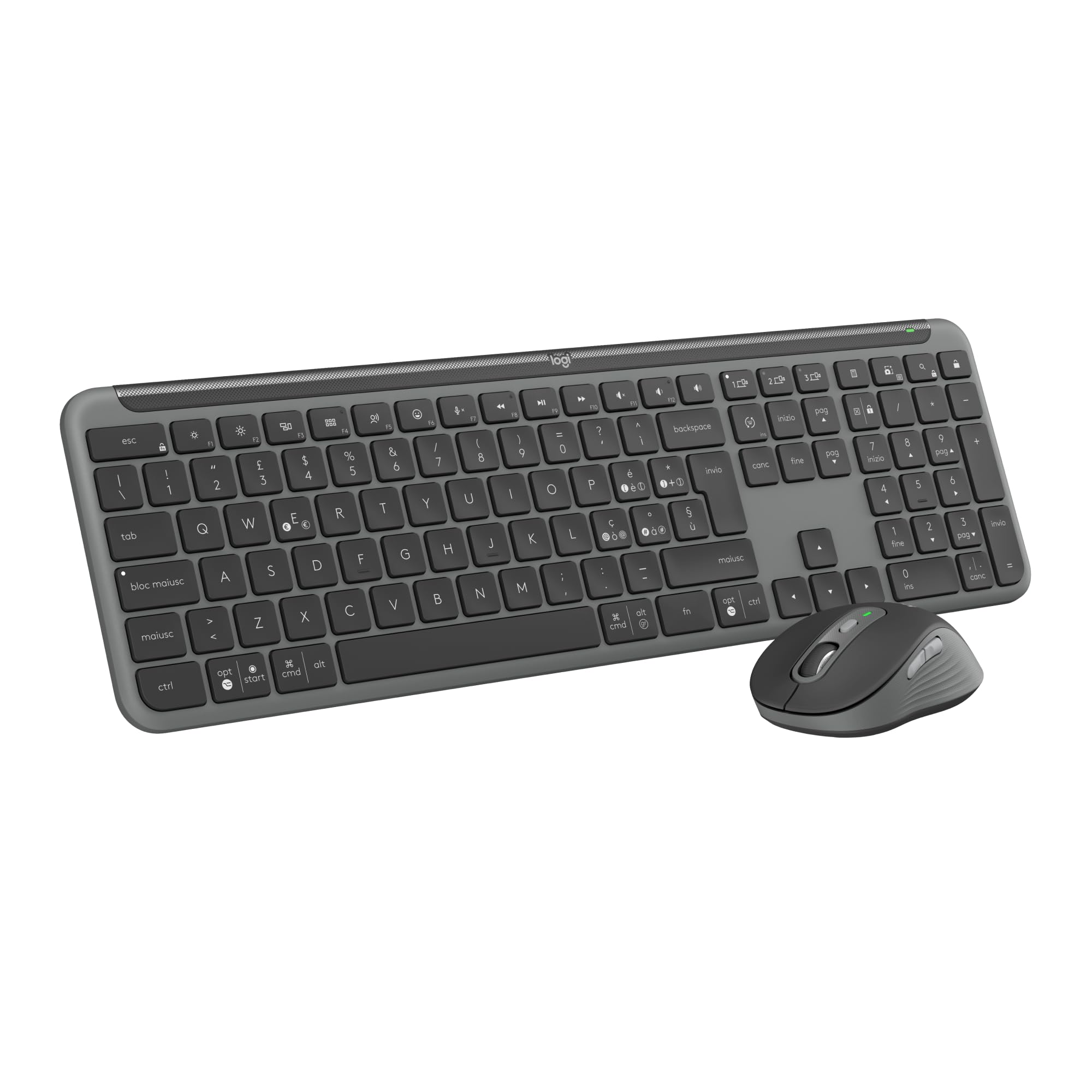
Imatge: Presentació del combo de teclat i ratolí sense fil Logitech MK950 Signature Slim.asinTant el teclat com el ratolí són de color gris grafit.
2. Configuració
2.1 Desembalatge i primera posada en marxa
En desembalar, assegureu-vos que hi hagi tots els components: el teclat sense fil, el ratolí sense fil i el receptor USB Logi Bolt. El teclat i el ratolí inclouen piles AAA preinstal·lades. Traieu les pestanyes protectores dels compartiments de les piles per activar-los.
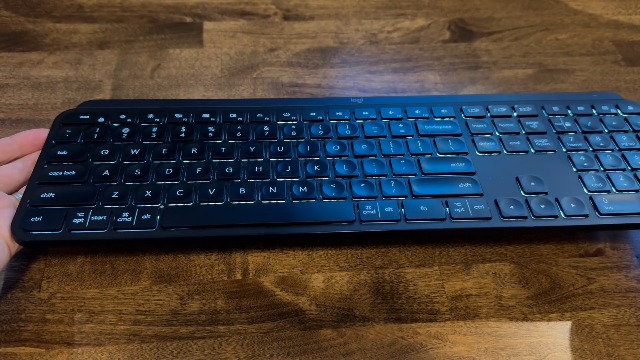
Imatge: Una mà obrint el compartiment de la bateria del teclat Logitech MK950, revelant les bateries preinstal·lades i una ranura d'emmagatzematge per al receptor USB Logi Bolt.
2.2 Opcions de connectivitat
El combo MK950 ofereix dos mètodes de connexió principals:
- Receptor USB Logi Bolt: Connecteu el receptor USB Logi Bolt a un port USB disponible de l'ordinador. El teclat i el ratolí estan preemparellats amb el receptor per al seu ús immediat.
- Bluetooth: Per a dispositius sense port USB o per alliberar un port, connecteu-vos mitjançant Bluetooth. Activeu el Bluetooth al dispositiu i seguiu les instruccions d'emparellament a la configuració del dispositiu. El teclat i el ratolí tenen botons Easy-Switch per gestionar les connexions entre un màxim de tres dispositius.
3. Instruccions de funcionament
3.1 Funcionament del teclat
El teclat K950 Signature Slim ofereix una experiència d'escriptura familiar similar a la d'un ordinador portàtil. Inclou un teclat numèric complet i tecles multimèdia dedicades per a més comoditat.
3.2 Funcionament del ratolí
El ratolí sense fil M750 Signature Plus incorpora la tecnologia SilentTouch, que redueix els sons dels clics en un 90% per a un entorn de treball més silenciós. La SmartWheel permet un desplaçament precís línia per línia o un desplaçament ràpid per documents llargs i web pàgines.
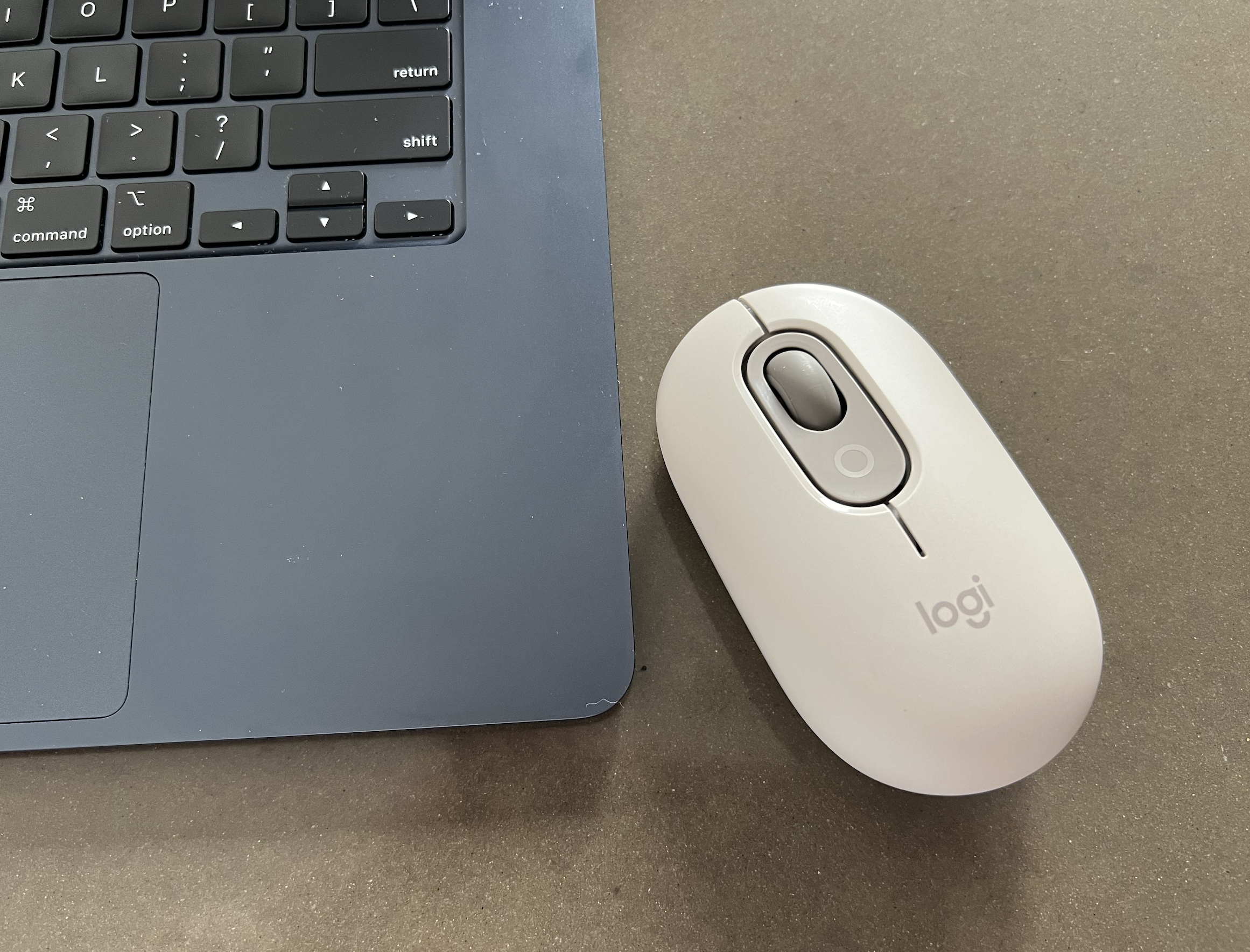
Imatge: El ratolí sense fil Logitech M750 Signature Plus, amb un disseny ergonòmic i una roda de desplaçament destacats.
3.3 Commutació multidispositiu
Tant el teclat com el ratolí estan equipats amb botons Easy-Switch, que permeten canviar perfectament entre fins a tres dispositius connectats (per exemple, ordinador portàtil, tauleta, telèfon intel·ligent) amb un sol toc.
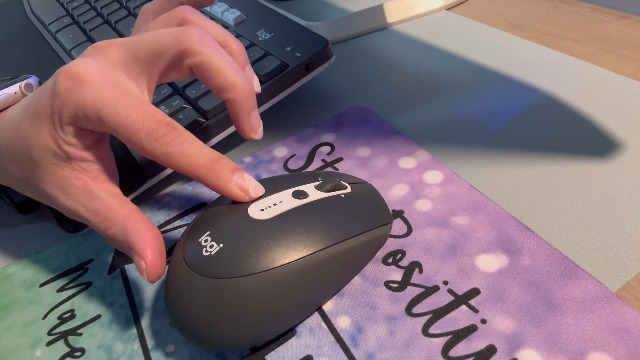
Imatge: Una mà que demostra la funció de commutació multidispositiu del teclat Logitech MK950, amb tecles numerades que indiquen les diferents connexions de dispositiu.
4. Personalització
Millora el teu flux de treball personalitzant tecles, botons i dreceres amb l'aplicació Logi Options+. Aquesta aplicació està disponible per a Windows i macOS, i ofereix possibilitats ampliades per a un control personalitzat del ratolí i el teclat sense fil.
5. Durada i manteniment de la bateria
El teclat ofereix fins a 36 mesos de durada de la bateria, mentre que el ratolí proporciona fins a 24 mesos, cosa que garanteix llargs períodes d'ús ininterromput. Tots dos dispositius utilitzen piles alcalines AAA estàndard. Canvieu les piles quan l'indicador de bateria baixa s'il·lumini.
5.1 Substitució de les piles
Per canviar les piles, obriu el compartiment de piles designat a la part inferior del dispositiu. Introduïu piles AAA noves, assegurant-vos de la polaritat correcta i tanqueu el compartiment de manera segura.
5.2 Neteja
Per netejar el teclat i el ratolí, feu servir un drap suau i sec.amp drap. Eviteu productes químics agressius o materials abrasius que puguin danyar les superfícies.
6. Compatibilitat
El Logitech MK950 Signature Slim combo és compatible amb una àmplia gamma de sistemes operatius, com ara:
- Windows 10, 11 o posterior
- macOS 11 o posterior
- Chrome OS
- Linux
- iPadOS i iOS 14 o posterior
- Android 9.0 o posterior
7. Especificacions
| Característica | Detall |
|---|---|
| Marca | Logitech |
| Número de model | 920-012488 |
| Tecnologia de connectivitat | Bluetooth, receptor USB Logi Bolt |
| Descripció del teclat | Membrana |
| Tecnologia de detecció de moviment | Òptic |
| Orientació de la mà | Ambidextre |
| Característiques especials | Connecteu fins a tres dispositius, clics silenciosos, botons programables, dreceres i botons multimèdia, rodeta intel·ligent |
| Tipus de font d'alimentació | Funciona amb piles (2 piles AAA incloses) |
| Material | Les peces de plàstic inclouen plàstic reciclat certificat per al consumidor (mínim 48% per al teclat, 25% per al ratolí) |
8. Solució De Problemes
8.1 Problemes de connexió
- Assegurar l'energia: Comproveu que el teclat i el ratolí estiguin encesos i que la bateria tingui prou durada.
- Comprovació del receptor: Si feu servir el receptor Logi Bolt, assegureu-vos que estigui ben connectat a un port USB que funcioni. Proveu un altre port USB si cal.
- Emparellament Bluetooth: Per a connexions Bluetooth, verifiqueu que el Bluetooth estigui habilitat al dispositiu i que el teclat/ratolí estigui en mode d'emparellament. Torneu a iniciar el procés d'emparellament si es perd la connexió.
- Canvi fàcil: Confirmeu que el canal Easy-Switch correcte (1, 2 o 3) estigui seleccionat tant al teclat com al ratolí per al dispositiu que voleu utilitzar.
8.2 Tecles/clics que no responen
- Substitució de la bateria: Canvieu les piles dels dos dispositius, fins i tot si l'indicador lluminós encara no està actiu.
- Interferència: Acosteu els dispositius al receptor o a l'ordinador amb Bluetooth per minimitzar les possibles interferències sense fil.
- Actualització de programari: Assegureu-vos que l'aplicació Logi Options+ i el vostre sistema operatiu estiguin actualitzats.
9. Garantia i Suport
Per obtenir informació detallada sobre la garantia i assistència tècnica, consulteu la pàgina oficial de Logitech. weblloc web o poseu-vos en contacte amb el servei d'atenció al client de Logitech. És possible que calgui registrar el producte per activar la garantia.


