Hama MW-300 V2 Wireless Optical Mouse User Manual
Model: MW-300 V2
1. Introducció
This manual provides comprehensive instructions for the Hama MW-300 V2 Wireless Optical Mouse. It covers setup, operation, maintenance, and troubleshooting to ensure optimal performance and longevity of your device. The MW-300 V2 is designed for precise and smooth cursor control, featuring silent main buttons and a compact USB receiver for convenience.
2. Contingut del paquet
Si us plau, comproveu el paquet per veure si hi ha els elements següents:
- 1 Hama MW-300 V2 Wireless Optical Mouse
- 1 Receptor USB
- 2 AAA Micro Batteries
- 1 Manual d'usuari
3. Configuració
3.1. Introducció de piles
- Localitzeu el compartiment de la bateria a la part inferior del ratolí.
- Obriu la tapa del compartiment de la bateria.
- Insert the two AAA Micro batteries, ensuring correct polarity (+/-).
- Tanqueu bé la tapa del compartiment de la bateria.
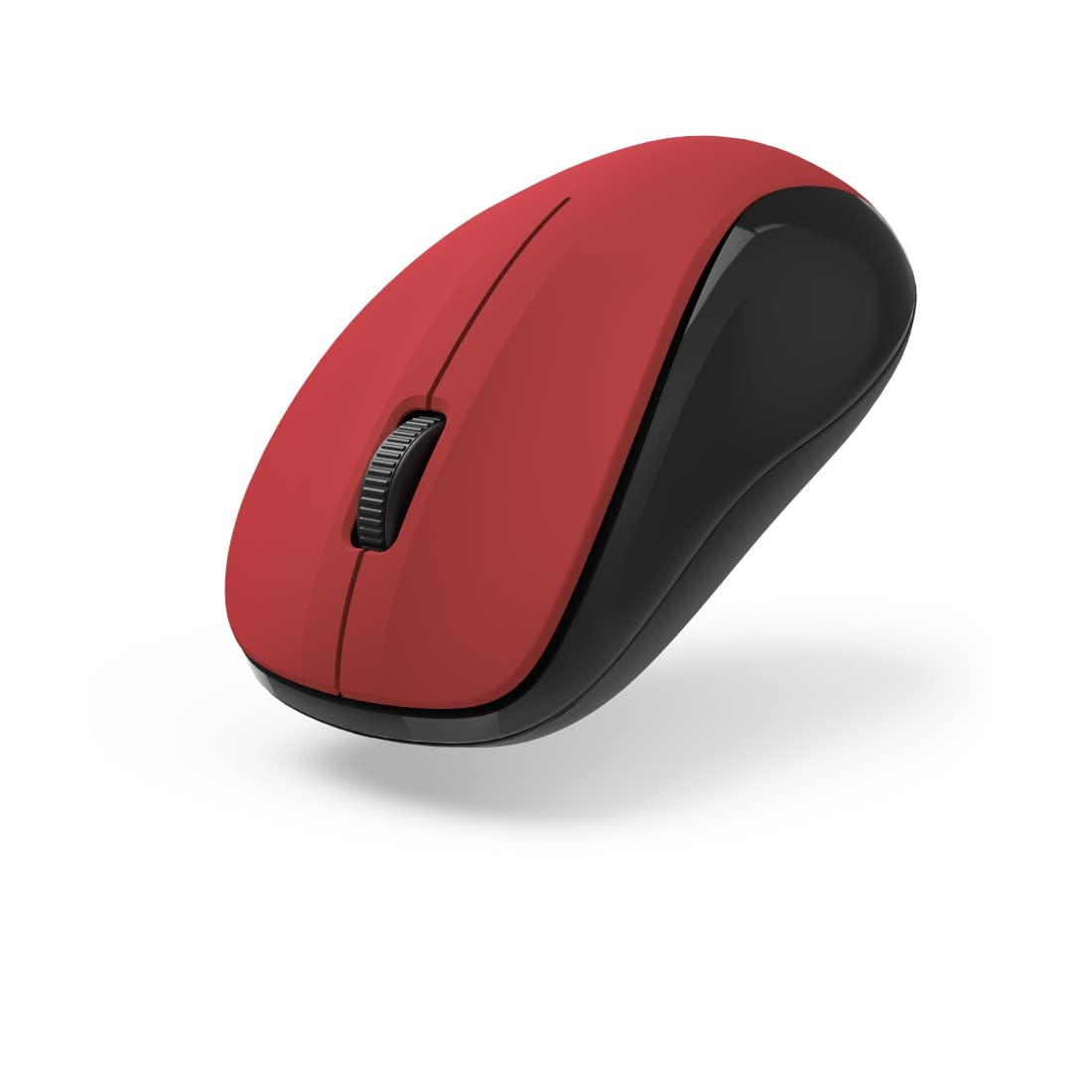
Figura 1: superior view of the Hama MW-300 V2 Wireless Optical Mouse. This image displays the mouse's ergonomic shape, the central scroll wheel, and the left and right click buttons. The red top surface contrasts with the black sides.
3.2. Connexió del receptor USB
- Remove the compact USB receiver from its storage slot, usually located within the battery compartment or near it.
- Connecteu el receptor USB a un port USB-A disponible del vostre ordinador (portàtil o PC).
- The mouse will automatically connect to the receiver using Smart Link technology. No additional drivers are typically required for Windows or macOS.

Figura 2: Angle view of the Hama MW-300 V2 Wireless Optical Mouse. This perspective shows the comfortable curve of the mouse, designed for both left and right-handed users, and the textured scroll wheel.
4. Instruccions de funcionament
4.1. Funcions bàsiques
- Clic esquerre: Selecció i activació primàries.
- Clic dret: Obre els menús contextuals.
- Roda de desplaçament: Documents en rotllana i web pàgines verticalment. La roda de desplaçament també funciona com a botó central.
4.2. Funció de clic silenciós
The main buttons of the MW-300 V2 mouse are designed to be silent, providing a quiet working environment. This feature is integrated into the mouse's design and does not require any special activation.
4.3. Wireless Range and Power Saving
The mouse operates on a reliable 2.4 GHz wireless technology with a range of up to 10 meters, depending on environmental conditions. To conserve battery life, the mouse features an automatic power-saving mode that activates during periods of inactivity. To reactivate, simply move the mouse or click a button.
5. Manteniment
- Neteja: Feu servir un drap suau i sec per netejar el ratolí. Eviteu utilitzar productes químics agressius o materials abrasius.
- Substitució de la bateria: Replace batteries when the mouse performance degrades or stops responding. Always use new AAA Micro batteries.
- Emmagatzematge: When not in use for extended periods, remove the batteries to prevent leakage. The USB receiver can be stored inside the mouse for safe transport.
6. Solució De Problemes
| Problema | Solució |
|---|---|
| El ratolí no respon |
|
| Moviment erràtic del cursor |
|
| Problemes de connexió |
|
7. Especificacions
| Nom del model | MW-300 V2 |
| Marca | Hama |
| Tecnologia de connectivitat | 2.4 GHz RF Wireless, USB Receiver |
| Tipus de sensor | Òptic |
| Sensibilitat DPI | 1200 DPI |
| Nombre de botons | 3 (Esquerra, Dreta, Roda de desplaçament/Clic central) |
| Orientació de la mà | Ambidextre |
| Característiques especials | Silent Clicks, Power Saving Mode, Rubberized Surface, PTFE Gliding Pads |
| abast sense fils | Fins a 10 metres |
| Sistemes operatius compatibles | Windows 11/10/8/7, macOS 10.10 or higher |
| Tipus de bateria | 2 piles AAA Micro (incloses) |
| Dimensions (A x A x P) | 5.8 x 3.7 x 10.3 cm |
| Color | Vermell/Negre |
8. Garantia i Suport
Hama products are covered by a limited warranty. For detailed warranty information, please refer to the warranty card included with your product or visit the official Hama website. For technical support, product inquiries, or service, please contact Hama customer support through their official channels.
Conserveu el vostre comprovant de compra per a reclamacions de garantia.
© 2023 Hama GmbH & Co KG. Tots els drets reservats.


