1. Introducció
Thank you for choosing the Xiaomi Mi Bluetooth Speaker 2. This portable Bluetooth speaker is designed to deliver high-definition sound quality with a compact and elegant design. This manual provides essential information for setting up, operating, and maintaining your speaker.
2. Informació de seguretat
- No exposeu l'altaveu a temperatures extremes, llum solar directa ni humitat elevada.
- Eviteu deixar caure o sotmetre l'altaveu a forts impactes.
- Do not disassemble, repair, or modify the speaker yourself. Contact qualified service personnel if needed.
- Mantingueu l'altaveu allunyat de l'aigua i altres líquids. Aquest producte no és impermeable.
- Feu servir només el cable de càrrega i l'adaptador de corrent especificats.
- Desfeu-vos de les piles d'acord amb la normativa local. No exposeu les piles a una calor excessiva.
3. Contingut del paquet
Si us plau, comproveu el contingut del paquet en desempaquetar-lo:
- Xiaomi Mi Bluetooth Speaker 2
- Manual d'usuari
- Note: Charging cable is not included and must be provided by the user (Micro USB).
4. Producte acabatview
The Xiaomi Mi Bluetooth Speaker 2 features a minimalist design with a silver frosted aluminum alloy casing. Its compact size makes it highly portable and easy to carry.
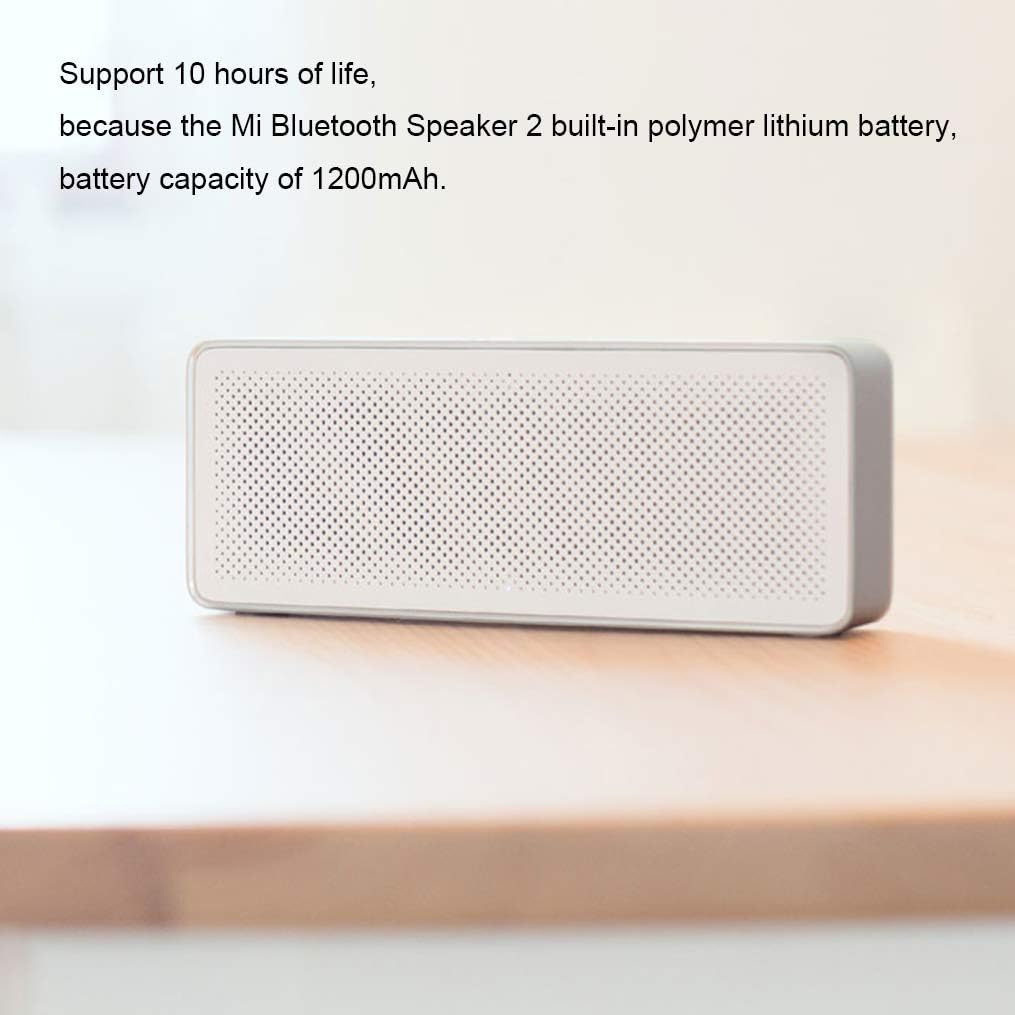
Figura 4.1: Davant view of the Xiaomi Mi Bluetooth Speaker 2, showcasing its minimalist design and speaker grille. The silver frosted aluminum alloy box integrates seamlessly into various environments.

Figura 4.2: The compact and lightweight design allows the speaker to be easily carried in a backpack or held with one hand, emphasizing its portability.
Sound Unit Design
The speaker incorporates a dual sound unit design with two sounding units and a passive radiator, contributing to its classic acoustic performance in a small form factor.

Figura 4.3: Interna view illustrating the dual sound units and passive radiator for enhanced audio output.
Controls i Ports
The speaker features intuitive controls on the top surface and essential ports on the rear.

Figura 4.4: A dalt view showing the power/play/pause button and volume controls. The speaker also includes built-in microphones for call functions.

Figura 4.5: posterior view displaying the Micro USB charging port and the AUX input port.
5. Configuració
5.1 Càrrega de l'altaveu
Before first use, fully charge the speaker. The speaker has a built-in 1200mAh polymer lithium battery, providing approximately 10 hours of playback on a full charge. A full charge typically takes about 3 hours.
- Connect a Micro USB cable (not included) to the charging port on the rear of the speaker.
- Connecteu l'altre extrem del cable USB a un adaptador de corrent USB compatible (per exemple, 5 V/1 A) o al port USB d'un ordinador.
- El llum indicador de càrrega s'il·luminarà. S'apagarà o canviarà de color un cop finalitzada la càrrega.
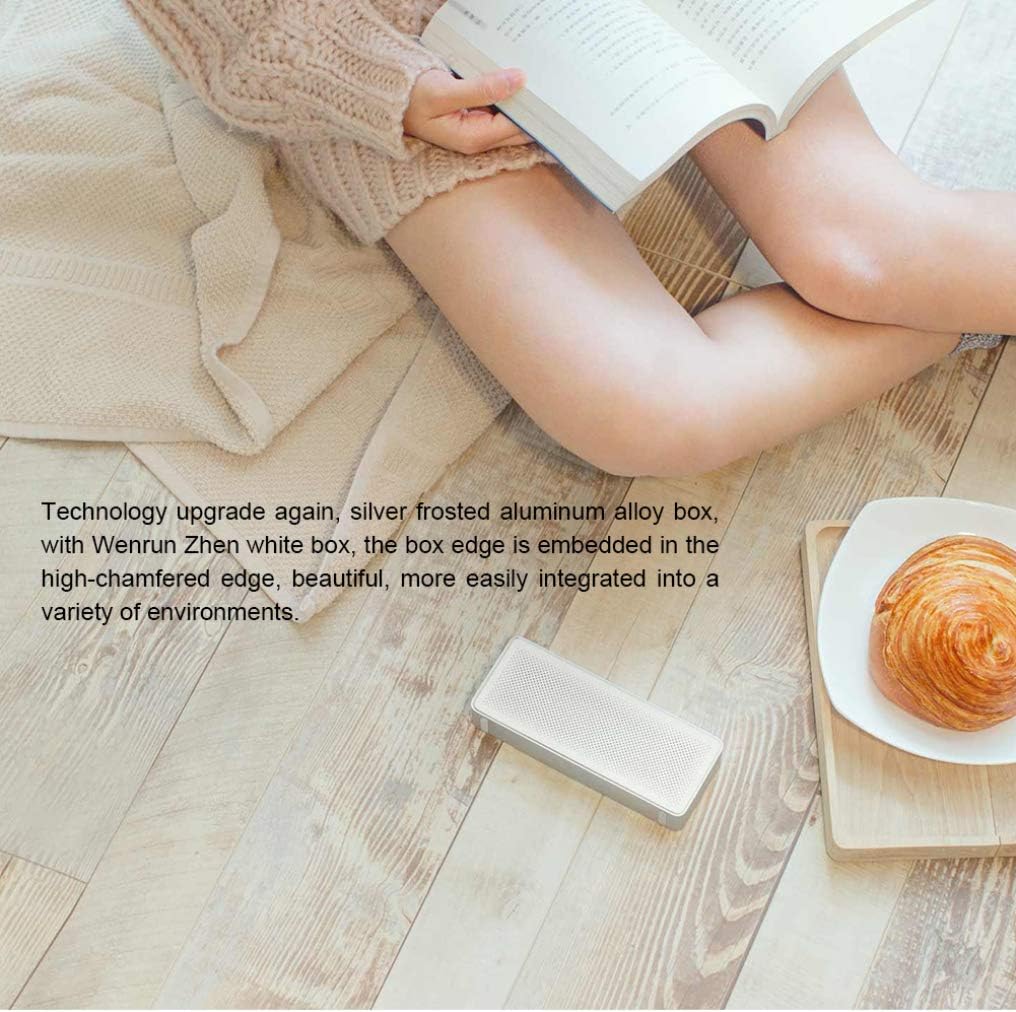
Figura 5.1: The speaker's battery provides up to 10 hours of playback from its 1200mAh capacity.
5.2 Encès/Apagat
- To power on: Press and hold the power button (usually the central button) for a few seconds until you hear an audible prompt or see an indicator light.
- To power off: Press and hold the power button again for a few seconds until the speaker powers down.
5.3 Vinculació Bluetooth
The Xiaomi Mi Bluetooth Speaker 2 supports Bluetooth 4.2 for stable wireless connections.
- Ensure the speaker is powered on and in pairing mode. The Bluetooth indicator light will typically flash rapidly. If not, press and hold the power button for a few seconds to enter pairing mode.
- Al dispositiu (telèfon intel·ligent, tauleta, ordinador portàtil), activeu el Bluetooth i cerqueu els dispositius disponibles.
- Select "Mi Bluetooth Speaker 2" or a similar name from the list of found devices.
- Un cop emparellat, l'altaveu emetrà un so de confirmació i el llum indicador de Bluetooth deixarà de parpellejar i romandrà fix.
- L'altaveu intentarà tornar a connectar-se automàticament amb l'últim dispositiu emparellat quan s'engegui.
5.4 Connexió AUX
You can also connect audio devices directly using an AUX cable (3.5mm audio cable, not included).
- Connect one end of the 3.5mm audio cable to the AUX input port on the speaker (refer to Figure 4.5).
- Connecteu l'altre extrem del cable a la presa d'auriculars o a la sortida d'àudio del vostre dispositiu.
- The speaker will automatically switch to AUX mode or you may need to press the power button briefly to cycle modes.
6. Funcionament de l'altaveu
6.1 Reproducció d'àudio
- Un cop connectat via Bluetooth o AUX, comença a reproduir àudio des del dispositiu font.
- Premeu el botó d'engegada una vegada per reproduir o pausar l'àudio.
6.2 Control de volum
- Premeu el botó "+" per augmentar el volum.
- Premeu el botó "-" per baixar el volum.
- També podeu ajustar el volum directament des del dispositiu connectat.
6.3 Trucades mans lliures
The speaker features a built-in microphone, allowing you to answer calls when connected via Bluetooth to your smartphone.
Figura 6.1: The speaker's top controls include a button for managing phone calls, indicated by the phone icon.
- When a call comes in, the music will pause. Press the power button once to answer the call.
- To end a call, press the power button once again.
- Per rebutjar una trucada entrant, manteniu premut el botó d'encesa durant uns segons.
7. Manteniment
- Neteja: Use a soft, dry cloth to wipe the speaker's surface. Do not use abrasive cleaners, alcohol, or other chemical solvents.
- Emmagatzematge: When not in use for extended periods, store the speaker in a cool, dry place. Avoid extreme temperatures and direct sunlight.
- Cura de la bateria: Per allargar la durada de la bateria, eviteu descarregar-la completament amb freqüència. Carregueu l'altaveu regularment, fins i tot si no l'esteu fent servir, per mantenir la bateria en bon estat.
8. Solució De Problemes
| Problema | Possible solució |
|---|---|
| L'altaveu no s'encén. | Ensure the battery is charged. Connect the speaker to a power source using a Micro USB cable. |
| No es pot emparellar per Bluetooth. |
|
| Sense so o amb un volum baix. |
|
| Distorsió del so. |
|
9. Especificacions

Figura 9.1: Detailed dimensions of the Xiaomi Mi Bluetooth Speaker 2: 154.5mm (length) x 60mm (width) x 25.5mm (height).
| Característica | Detall |
|---|---|
| Número de model | XMYX03YM |
| Tipus d'altaveu | Portàtil |
| Tecnologia de connectivitat | Bluetooth, USB (per carregar) |
| Tecnologia de comunicació sense fils | Bluetooth 4.2 |
| Interval màxim | 10 metres (33 peus) |
| Mode de sortida d'àudio | estèreo |
| Potència de sortida màxima dels altaveus | 5 watts |
| Impedància | 3 ohms |
| Mètode de control | Tàctil (botons) |
| Font d'alimentació | Funciona amb bateria |
| Tipus de bateria | 1 bateria de polímer de liti |
| Capacitat de la bateria | 1200 mAh |
| Temps de càrrega | Aproximadament 3 hores |
| Dimensions del producte (P x A x A) | 2.36" x 6.08" x 1" (60 mm x 154.5 mm x 25.5 mm) |
| Pes de l'article | 155 grams (5.5 unces) |
| És impermeable | No |
| Components inclosos | Speaker, User Manual |
10. Informació de la garantia
The Xiaomi Mi Bluetooth Speaker 2 comes with a limited warranty. Please refer to the warranty card included in your product packaging or visit the official Xiaomi weblloc web per obtenir informació detallada sobre els termes i condicions de la garantia específics de la vostra regió. Conserveu el rebut de compra com a comprovant de compra per a reclamacions de garantia.
Tipus de garantia: Limitada
11. Suport
For further assistance, technical support, or customer service inquiries, please visit the official Xiaomi support weblloc web o poseu-vos en contacte amb el departament d'atenció al client de la vostra regió.
Xiaomi oficial Weblloc: www.mi.com


