Ръководство за потребителя на Bluetooth слушалки тип „овер-еър“ PowerLocus P4
Модел: P4
1. Въведение
Thank you for choosing PowerLocus P4 Bluetooth Over-Ear Headphones. This manual provides detailed instructions to help you set up, operate, and maintain your headphones for the best possible audio experience. Please read this manual thoroughly before use.
2. Какво има в кутията
- PowerLocus P4 Bluetooth Headphones
- 3.5 мм Aux кабел
- USB кабел за зареждане
- Защитен калъф за носене

Фигура 2.1: Включени компоненти
The package includes your PowerLocus P4 headphones, a 3.5mm audio cable for wired use, a USB charging cable, and a durable protective carry case for portability and storage.
3. Продуктът свършиview
3.1 Headphone Features
- Hi-Fi Stereo Deep Bass: Equipped with large 40mm dynamic drivers for balanced sound and rich bass.
- Bluetooth 5.3 свързаност: Ensures a fast, stable connection with low latency up to 10 meters.
- Дълъг живот на батерията: Up to 30 hours of wireless playtime on a single charge.
- Опция за кабелен режим: Use with the included 3.5mm aux cable when battery is low or for non-Bluetooth devices.
- Вграден микрофон: For hands-free calls and conference calls.
- Сгъваем дизайн: Compact and portable for easy storage in the protective carry case.
- Soft Earmuffs & Adjustable Headband: Designed for long-lasting wearing comfort.
- Интегрирани контроли: Convenient buttons for volume, play/pause, track control, and call management.

Фигура 3.1: Контроли на слушалките
The PowerLocus P4 headphones feature intuitive controls located on the earcup for easy access to media playback and call functions. The headband is adjustable and the earcups are designed for maximum comfort during extended use.

Figure 3.2: Soft Earmuffs
The soft, noise-isolating earmuffs provide a comfortable fit and help to reduce external noise, enhancing your listening experience.

Фигура 3.3: Регулируема лента за глава
The stainless steel extendable sides allow for easy adjustment of the headband to fit various head sizes, ensuring a secure and comfortable fit for both adults and children.
4. Настройка
4.1 Зареждане на слушалките
- Connect the smaller end of the USB charging cable to the charging port on the headphones.
- Свържете по-големия край на USB кабела за зареждане към USB захранващ адаптер (не е включен) или USB порт на компютър.
- The LED indicator on the headphones will illuminate to show charging status.
- A full charge takes approximately 3 hours. The LED indicator will change or turn off once charging is complete.
4.2 Bluetooth сдвояване
- Уверете се, че слушалките са напълно заредени.
- Натиснете и задръжте бутона за захранване на слушалките, докато LED индикаторът започне да мига в синьо и червено, което показва режим на сдвояване.
- На вашето устройство (смартфон, таблет, компютър) активирайте Bluetooth и потърсете налични устройства.
- Изберете „PowerLocus P4“ от списъка с намерени устройства.
- След сдвояване, LED индикаторът на слушалките ще свети постоянно в синьо или ще мига бавно.
- Ако бъдете подканени за парола, въведете „0000“.
4.3 Кабелна връзка
- Insert one end of the 3.5mm Aux Cable into the audio jack on the headphones.
- Insert the other end of the 3.5mm Aux Cable into the audio output jack of your device.
- Слушалките автоматично ще превключат в кабелен режим. За кабелна употреба не е необходимо захранване от батерия.
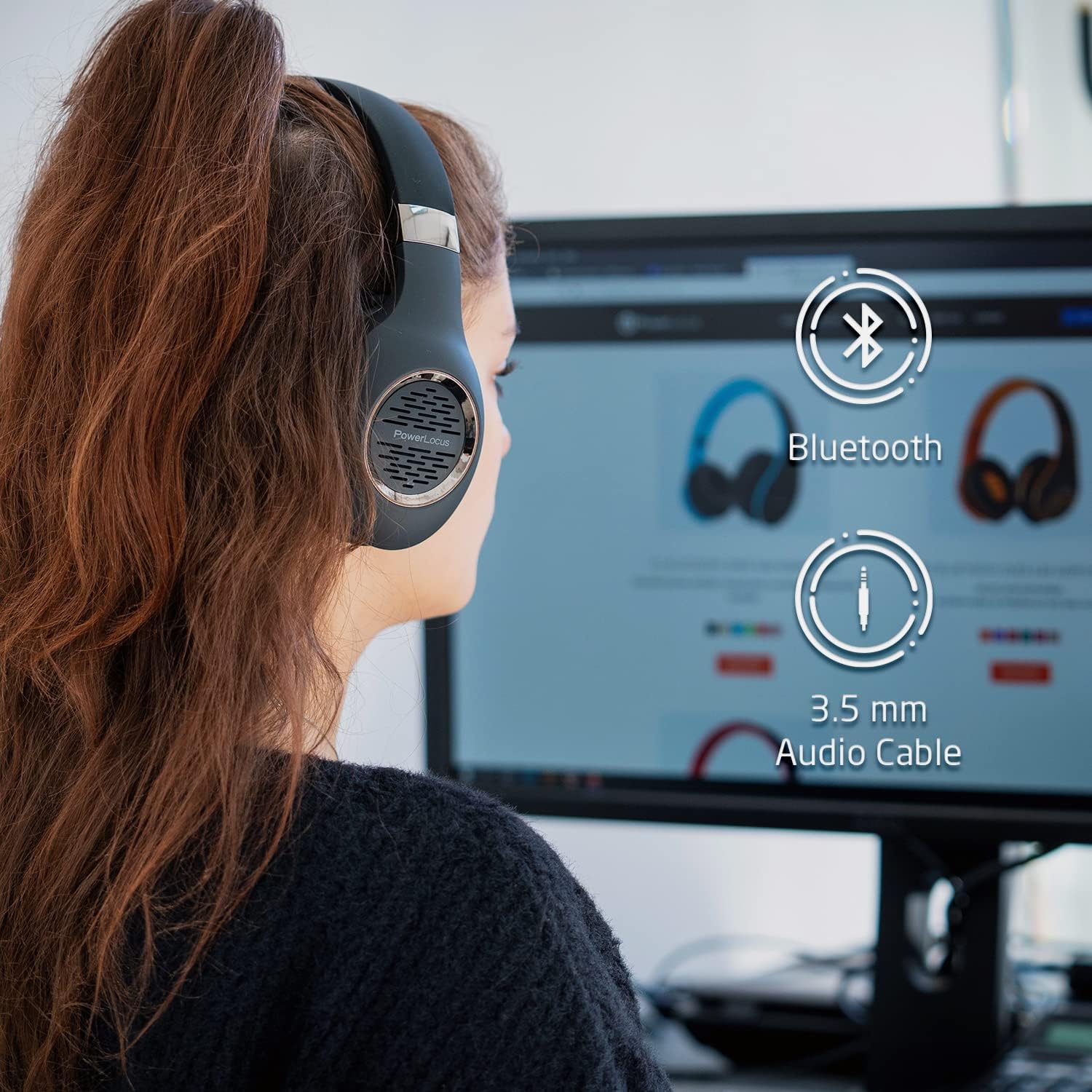
Figure 4.1: Bluetooth and Wired Connectivity Options
The PowerLocus P4 headphones offer versatile connectivity, allowing you to enjoy your audio wirelessly via Bluetooth or through a traditional wired connection using the included 3.5mm aux cable.
5. Инструкции за работа
5.1 Включване/изключване
- Включване: Натиснете и задръжте бутона за захранване за 3 секунди.
- Изключване: Натиснете и задръжте бутона за захранване за 3 секунди.
5.2 Възпроизвеждане на музика
- Възпроизвеждане/пауза: Натиснете веднъж бутона Възпроизвеждане/Пауза.
- Следваща песен: Натиснете и задръжте бутона за увеличаване на звука (+).
- Предишен запис: Натиснете и задръжте бутона за намаляване на звука (-).
- Увеличаване на звука: Натиснете кратко бутона за увеличаване на звука (+).
- Намали звука: Натиснете кратко бутона за намаляване на звука (-).
5.3 Управление на повиквания
- Отговор/Край на повикване: Натиснете веднъж бутона Възпроизвеждане/Пауза.
- Отхвърляне на повикване: Натиснете и задръжте бутона Възпроизвеждане/Пауза за 2 секунди.
- Повторно набиране на последния номер: Натиснете двукратно бутона Възпроизвеждане/Пауза.
6. Поддръжка
- Почистване: Използвайте мека, суха кърпа за почистване на слушалките. Не използвайте абразивни почистващи препарати или разтворители.
- Съхранение: When not in use, store the headphones in their protective carry case to prevent damage. Avoid storing in extreme temperatures or high humidity.
- Грижа за батерията: To prolong battery life, fully charge the headphones before first use and at least once every three months if not used regularly.
- Излагане на вода: Тези слушалки не са водоустойчиви. Избягвайте излагане на течности.

Figure 6.1: Portable Design with Carry Case
The foldable design allows the headphones to fit perfectly into the included hard protective carry case, making them ideal for travel and ensuring their longevity.
7. Отстраняване на проблеми
| проблем | Възможна причина | Решение |
|---|---|---|
| Слушалките не се включват. | Ниска батерия. | Зареждайте слушалките поне 3 часа. |
| Не може да се сдвои с устройството. | Слушалките не са в режим на сдвояване; Bluetooth на устройството е изключен; устройството е твърде далеч. | Ensure headphones are flashing blue/red. Turn on Bluetooth on your device. Move device closer (within 10 meters). |
| Няма звук в безжичен режим. | Volume too low; not properly paired; incorrect audio output selected on device. | Увеличете силата на звука на слушалките и устройството. Сдвоете отново слушалките. Проверете настройките за аудио изход на устройството. |
| Няма звук в кабелен режим. | 3.5mm cable not fully inserted; cable damaged. | Ensure cable is fully inserted into both devices. Try a different 3.5mm cable if available. |
| Лошо качество на звука. | Weak Bluetooth signal; audio source quality. | Move closer to the paired device. Try a different audio source or file. |
8. Спецификации
| Характеристика | детайл |
|---|---|
| Име на модела | P4 |
| Технология за свързване | Безжична (Bluetooth 5.3), кабелна (3.5 мм жак) |
| Размер на аудио драйвера | 40 мм |
| Bluetooth обхват | До 10 метра |
| Живот на батерията | До 30 часа |
| Време за зареждане | Прибл. 3 часа |
| Тегло на артикула | 180 грама (6.3 унции) |
| Контрол на шума | Звукова изолация |
| Съвместими устройства | Cellphones, Gaming Consoles, Laptops, Tablets, PC, Television |
9. Гаранция и поддръжка
PowerLocus предлага 2-годишна пълна гаранция for your P4 Bluetooth Headphones. This warranty covers manufacturing defects and ensures the quality and durability of your product.
For any questions, technical assistance, or warranty claims, please contact PowerLocus customer support. Our CANADA-based toll-free phone support service is available to assist you.
Please refer to the contact information provided on the product packaging or visit the official PowerLocus webсайт за най-актуална информация за поддръжка.