Уводзіны
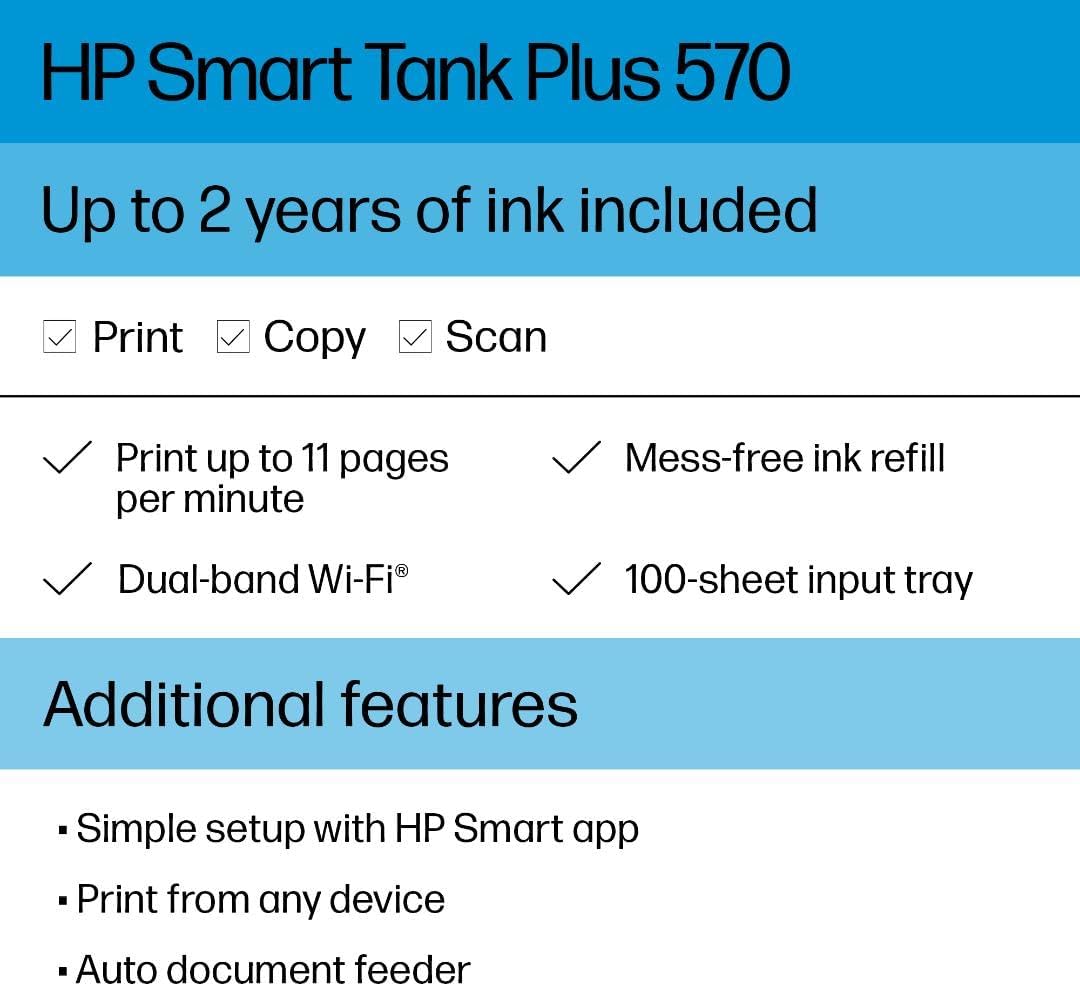
The HP Smart Tank Plus 570 is a versatile all-in-one printer designed for home use, offering print, copy, and scan functionalities. This refillable ink tank printer provides a cost-effective solution for high-volume printing with extended ink yields and wireless connectivity.
Асноўныя характарыстыкі
- Print, copy, and scan capabilities.
- 35-page automatic document feeder for efficient multi-page tasks.
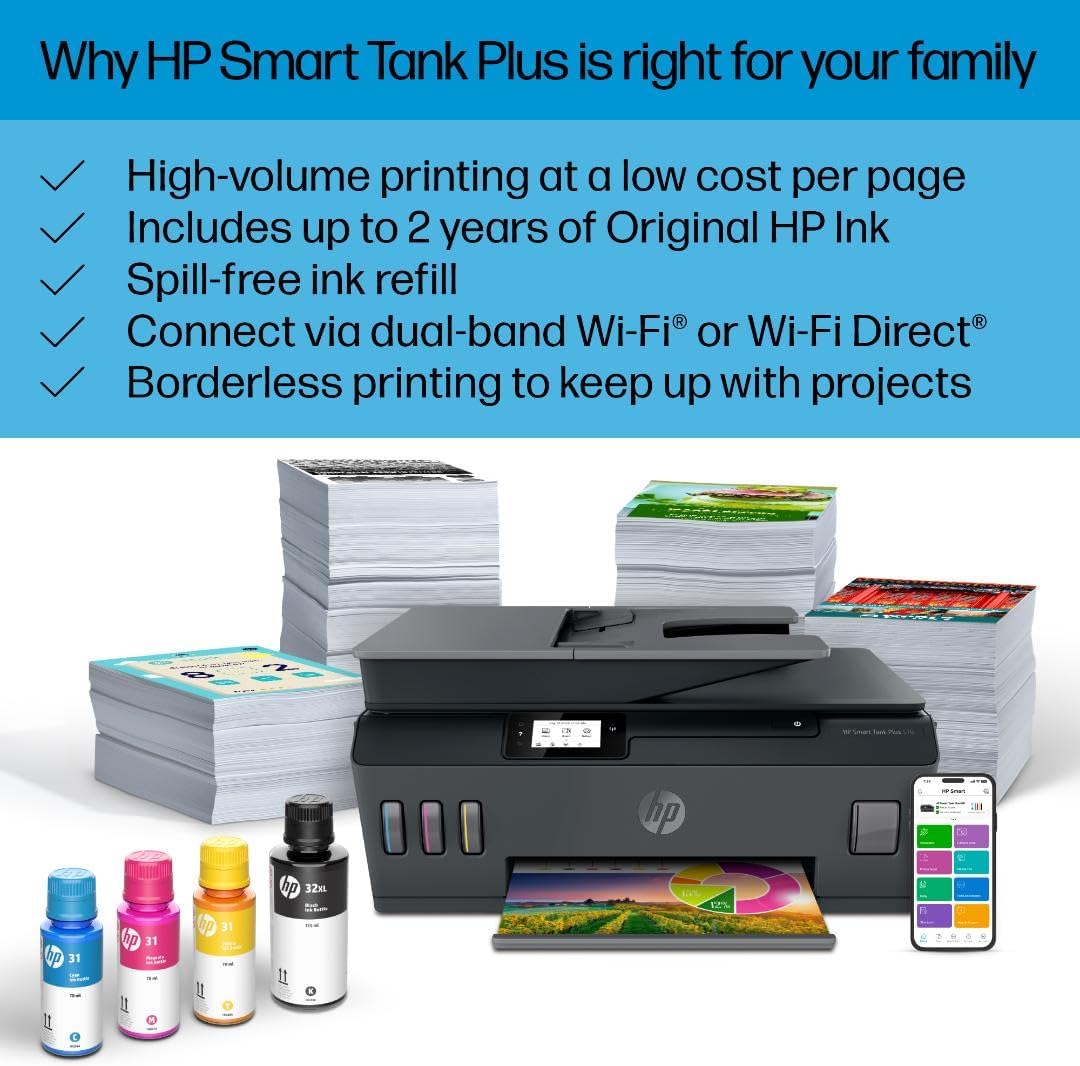
- Borderless printing for professional-looking documents and photos.
- Mobile and wireless printing via dual-band Wi-Fi for reliable connections.
- Best-in-class print quality with exceptional color graphics and sharp text.
- HP Smart app for convenient printing, scanning, and copying from your phone.
- Simple, spill-free ink refill system.
- 2.2-inch mono touchscreen for easy navigation.
Што ў скрынцы
Праверце, ці ўсе кампаненты ўваходзяць у камплект:
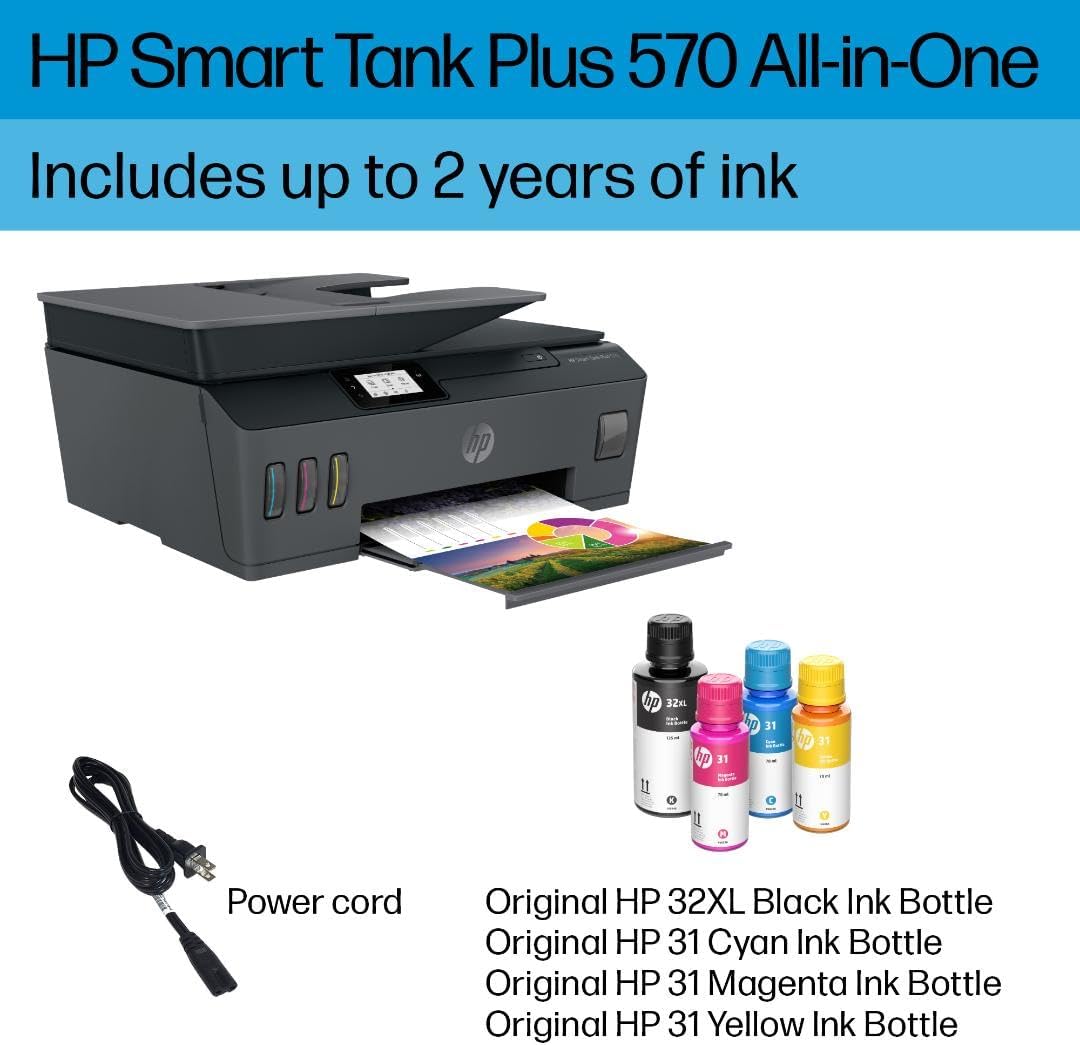
- HP Smart Tank Plus 570 Wireless All-in-One printer (5HX14A)
- HP 32XL 135-ml Black Original Ink Bottle
- HP 31 70-ml Cyan Original Ink Bottle
- HP 31 70-ml Magenta Original Ink Bottle
- HP 31 70-ml Yellow Original Ink Bottle
- HP Black Printhead
- HP Tri-color Printhead
- Ink caution flyer
- Repacking flyer
- Кіраўніцтва па наладзе
- Даведнік
- Нарматыўны бланк
- Сеткавы шнур
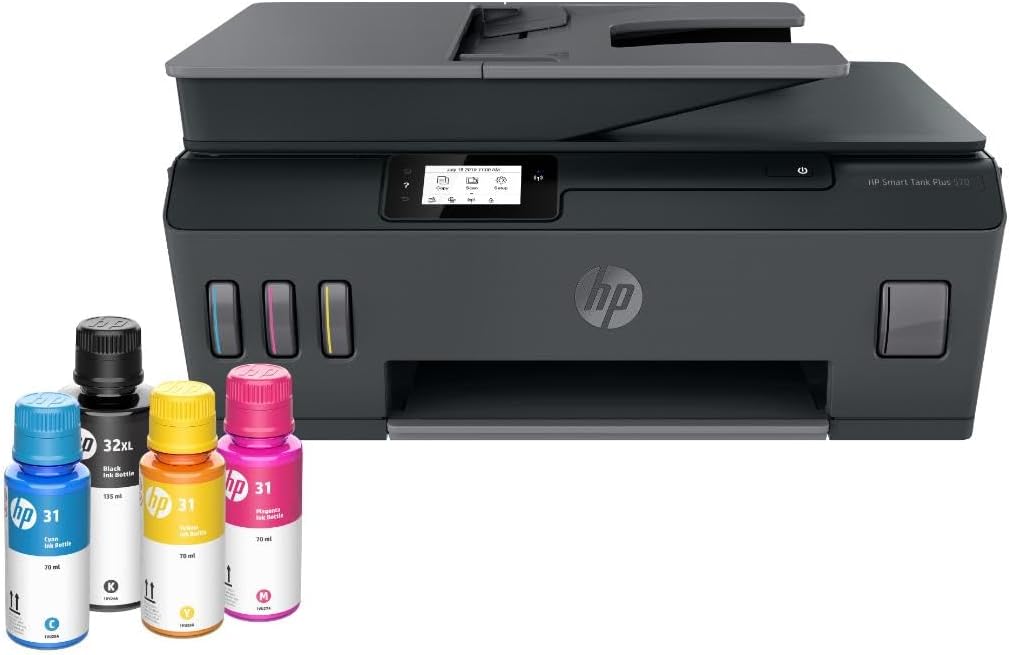
The HP Smart Tank Plus 570 printer, accompanied by HP 32XL Black, HP 31 Cyan, HP 31 Magenta, and HP 31 Yellow Original Ink Bottles, along with the power cord.
Кіраўніцтва па ўстаноўцы
1. Распакаванне прынтара
Асцярожна дастаньце прынтар з упакоўкі. Зніміце ўсе ахоўныя стужкі і ўпаковачныя матэрыялы з вонкавай і ўнутранай часткі прынтара.
2. Уключэнне і пачатковая канфігурацыя
Connect the power cord to the printer and a wall outlet. Press the power button to turn on the printer. Follow the on-screen instructions on the 2.2-inch mono touchscreen to select your language and country/region.
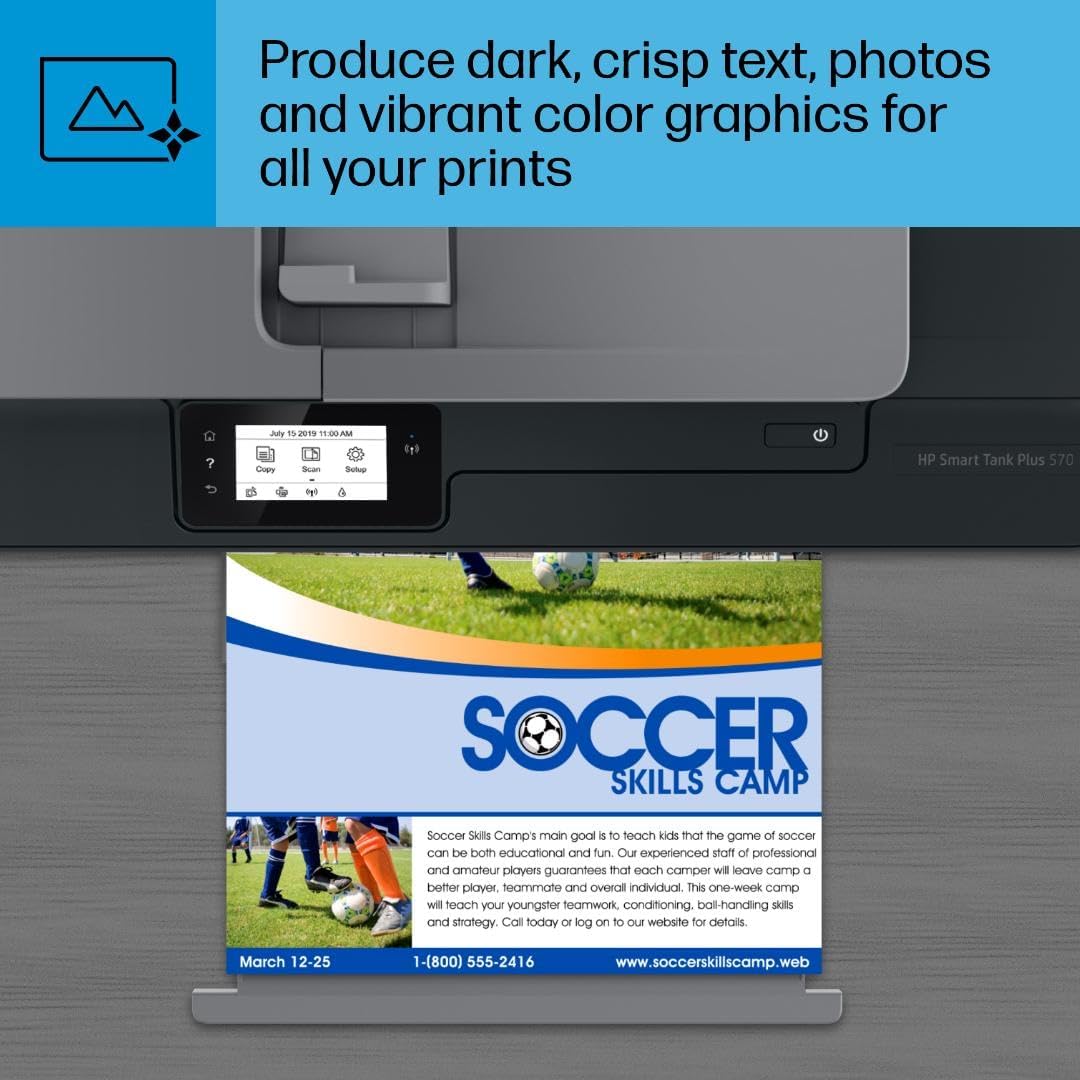
The printer features a 2.2-inch mono touchscreen for easy navigation and task selection, including copying, scanning, and setup.
3. Усталёўка друкавальных галовак
Open the ink access door. Install the black and tri-color printheads into their designated slots. Ensure they click into place.

Access the internal components of the printer by lifting the top cover to install or maintain printheads.
4. Запаўненне чарнільных картрыджаў
Open the caps of the ink tanks. Match the color of the ink bottle to the corresponding tank. Invert the ink bottle and insert it into the tank opening. The ink will automatically fill the tank without squeezing. Close the caps once filled.
The spill-free refill system allows for easy replenishment of ink by simply inserting the color-matched ink bottle into the tank.
The transparent ink tanks allow users to easily monitor ink levels for all colors.
5. Загрузка паперы
Extend the input tray. Load plain white paper into the input tray, adjusting the paper guides to fit the paper size.
The printer's input tray can hold up to 100 sheets of paper, supporting various media types.
6. Усталёўка праграмнага забеспячэння і падключэнне
Download the HP Smart app on your mobile device or visit hp.com/start/install on your computer. Follow the app/website instructions to connect your printer to your Wi-Fi network (supports dual-band Wi-Fi for reliable connections). The app facilitates printing, scanning, and copying from your devices.

The HP Smart app enables remote printing, scanning, and copying directly from a mobile device, offering advanced features and ink level monitoring.
Прадукт скончаныview Відэа
Гэта відэа дае агульны аглядview of the HP Smart Tank Plus 570 printer's features and design.
Інструкцыя па эксплуатацыі
Друк
Send print jobs from your computer or mobile device via the HP Smart app. Ensure paper is loaded and ink levels are sufficient. The printer supports borderless prints and prints up to 11 ppm black and 5 ppm color.

The printer delivers high-quality color prints, suitable for various documents and graphics.
Капіраванне
Place the document on the scanner glass or in the 35-page automatic document feeder (ADF). Use the 2.2-inch mono touchscreen to select 'Copy' and adjust settings as needed. Press 'Start' to begin copying.

The 35-sheet automatic document feeder allows for quick and efficient copying and scanning of multiple pages.
Сканаванне
Place the document on the scanner glass or in the ADF. Select 'Scan' from the touchscreen or the HP Smart app. Choose scan settings and destination (e.g., email, cloud, computer). Press 'Start' to scan.
Тэхнічнае абслугоўванне
Запраўка чарнілаў
Monitor ink levels through the transparent tanks or the HP Smart app. When a tank is low, open the ink access door, match the color-coded bottle to the tank, and allow it to fill. The spill-free design prevents messes.
The spill-free refill system allows for easy replenishment of ink by simply inserting the color-matched ink bottle into the tank.
The transparent ink tanks allow users to easily monitor ink levels for all colors.
Ачыстка друкавальнай галоўкі
If print quality degrades (streaks, faded colors), perform a printhead cleaning cycle through the printer's maintenance menu on the touchscreen or via the HP Smart app. Refer to the on-screen prompts for detailed steps.
Ліквідацыю непаладак
Праблемы з падключэннем
Ensure the printer is connected to a dual-band Wi-Fi network. Check your router and printer's Wi-Fi status indicators. Restart both the printer and your router if connection problems persist. Use the HP Smart app for guided troubleshooting.
Захрасанне паперы
If a paper jam occurs, follow the instructions displayed on the printer's touchscreen. Carefully open access doors and remove any jammed paper, ensuring no torn pieces remain inside. Close all doors securely before resuming printing.
Праблемы з якасцю друку
If prints are faded, streaky, or incorrect colors, check ink levels and perform a printhead cleaning or alignment. Ensure you are using appropriate paper for your print settings.
Тэхнічныя характарыстыкі
| Асаблівасць | Дэталь |
|---|---|
| Памеры прадукту | 14.7" Г x 17.7" Ш x 7.8" У |
| Максімальны памер носьбіта | Legal (8.5 x 14 inches) |
| Друкаваныя СМІ | Envelopes, Glossy photo paper, Paper (plain) |
| Тып сканера | Планшэтны |
| Максімальная ёмістасць аркуша ўводу | 100 |
| Максімальная хуткасць капіравання (чорна-белая) | 11 праміле |
| Максімальнае разрозненне каляровага друку | 4800 x 1200 dpi |
| Памер ліста | 8.5 х 11 цаляў |
| Двухбаковая друк | Не (аднастайны) |
| Абсталяванне інтэрфейсу | Ethernet, HDMI, USB 2.0, USB 3.0, USB Type C |
| Колер чарнілаў | Чорны, блакітны, пурпурны, жоўты |
| Дадатковыя функцыі друкаркі | Усё ў адным |
| Сумяшчальны картрыдж | HP 32XL 135-ml Black Original Ink Bottle; HP 31 70-ml Cyan Original Ink Bottle; HP 31 70-ml Magenta Original Ink Bottle; HP 31 70-ml Yellow Original Ink Bottle; |
| Колькасць латкоў | 1 |
| Колькасць працэсараў | 1 |
| Колькасць партоў USB 3 | 2 |
| Усяго партоў USB | 4 |
| Серыя мадэляў | Разумны танк |
| Канкрэтнае выкарыстанне прадукту | Everyday Use, Student, multimedia |
| Тып чарнілаў для прынтара | dye-based ink, pigment-based ink |
| Ёмістасць памяці | 64 ГБ |
| Вага прадмета | 13.61 фунта |
| Тэхналогія падлучэння | Wi-Fi |
| Тэхналогія друку | Цеплавая струйная машына HP |
| Асаблівасць | Refillable Ink Tank |
| Назва мадэлі | Разумны танк 570 |
| Вывад на прынтэр | Колер |
| Максімальная хуткасць друку (каляровая) | 5 праміле |
| Максімальная хуткасць друку, манахромны | 11 праміле |
Гарантыя і падтрымка
This product comes with a Limited Warranty. For detailed warranty information and support, please refer to the official HP webсайт або звярніцеся ў службу падтрымкі кліентаў HP.
Online resources and drivers can be found at: www.hp.com/support