Уводзіны
The Logitech Signature M550 Wireless Mouse is designed for enhanced productivity and comfort. Featuring an adaptive SmartWheel for precise and fast scrolling, SilentTouch technology for quiet clicks, and versatile connectivity options, this mouse is compatible with multiple operating systems and devices. This manual will guide you through its setup, operation, and maintenance.
Настройка
1. Усталюйце батарэю
Для мышы Logitech Signature M550 патрабуецца адна батарэйка тыпу АА, якая ўваходзіць у камплект. Каб усталяваць батарэйку:
- Знайдзіце батарэйны адсек на ніжняй баку мышы.
- Зніміце вечка.
- Устаўце батарэйку тыпу АА, сачыце за правільнай палярнасцю (+/-).
- Замяніце крышку батарэйнага адсека.

Выява: Ніжні бок view of the Logitech Signature M550 mouse, highlighting the battery compartment, on/off switch, and the Logi Bolt USB receiver storage slot.
2. Падключыце мыш
The Signature M550 offers two connection methods: Bluetooth Low Energy or the Logi Bolt USB receiver.
Выкарыстанне USB-прыёмніка Logi Bolt:
- Remove the Logi Bolt USB receiver from the battery compartment.
- Падключыце USB-прыёмнік Logi Bolt да даступнага порта USB-A на вашым кампутары.
- Turn on the mouse using the on/off switch on the bottom. The mouse should connect automatically.
Выкарыстанне нізкаэнергетычнага Bluetooth:
- Turn on the mouse using the on/off switch on the bottom.
- Press and hold the Easy-Switch button on the bottom of the mouse until the LED light starts blinking rapidly. This indicates pairing mode.
- On your device (computer, tablet, etc.), open Bluetooth settings and search for available devices.
- Select "Logi M550" from the list to complete the pairing process.
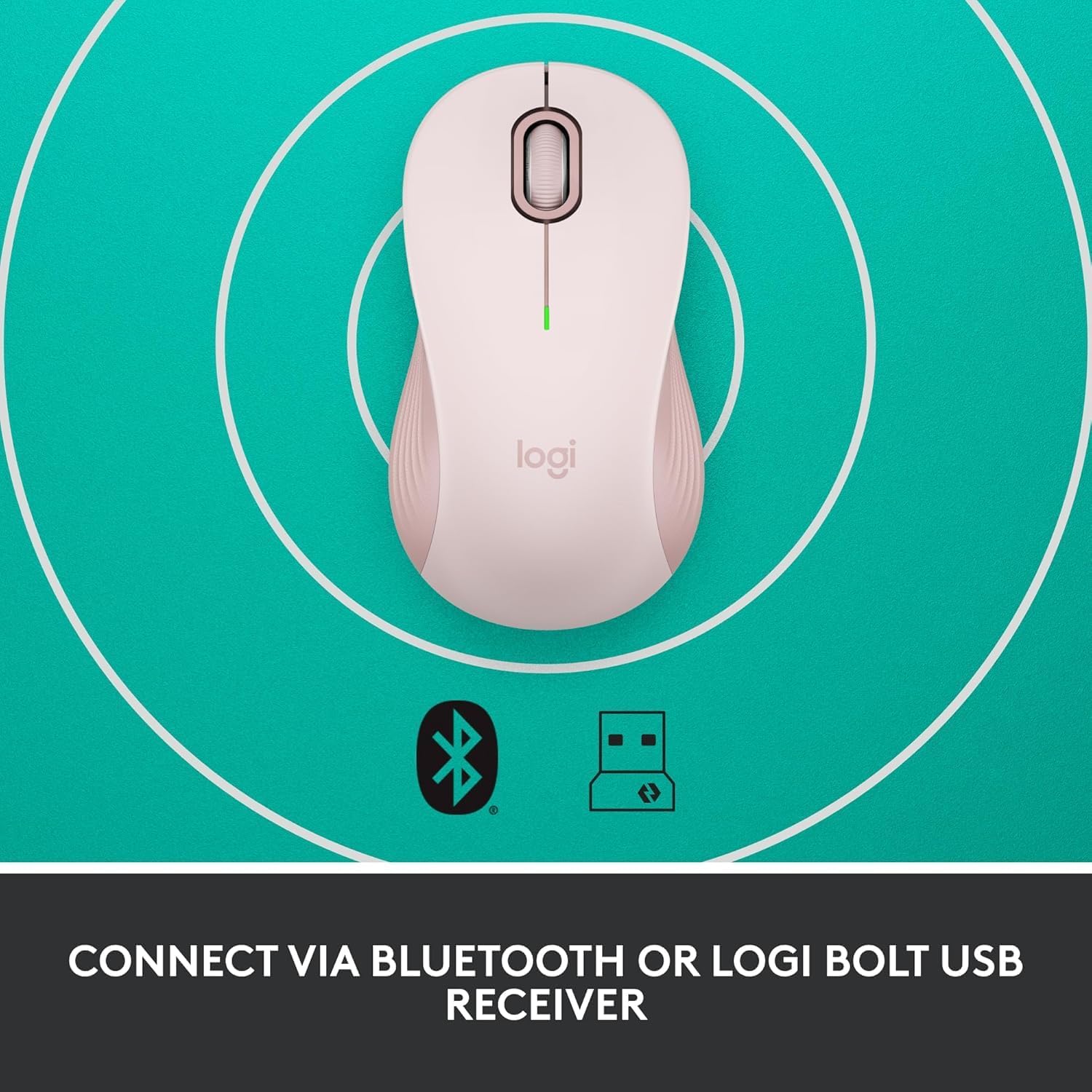
Image: The Logitech Signature M550 mouse on a teal background with icons for Bluetooth and the Logi Bolt USB receiver, illustrating its dual connectivity options.
Video: A demonstration of installing the battery and connecting the Logitech Signature M550 Wireless Mouse via Bluetooth or USB receiver.
Video: A user demonstrating the easy setup process of the Logitech Signature M550, including battery insertion and connectivity.
Інструкцыя па эксплуатацыі
SmartWheel Scrolling
The Signature M550 features an adaptive SmartWheel that allows for two modes of scrolling:
- Дакладнасць па радках: Для падрабязнай навігацыі ў дакументах і электронных табліцах.
- Звышхуткае бясплатнае кручэнне: Flick the wheel for rapid scrolling through long web старонкі або дакументы.

Image: A close-up of the Logitech Signature M550 mouse, highlighting the SmartWheel for precision and speed scrolling.
Video: A demonstration of the Logitech Signature M550's SmartWheel functionality, showcasing both precise and super-fast scrolling modes.
Silent Clicks with SilentTouch Technology
Experience a quieter workspace with Logitech's SilentTouch technology, reducing click noise by 90% compared to traditional mice. This allows for focused work without distractions.

Image: A woman using the Logitech Signature M550 mouse at a desk, illustrating the benefit of 90% less clicking noise for a focused work environment.
Multi-Device and OS Compatibility
The Signature M550 offers seamless compatibility across various platforms:
- Windows (у тым ліку Windows 11)
- macOS
- Linux
- Chrome OS
- iPadOS
- Android
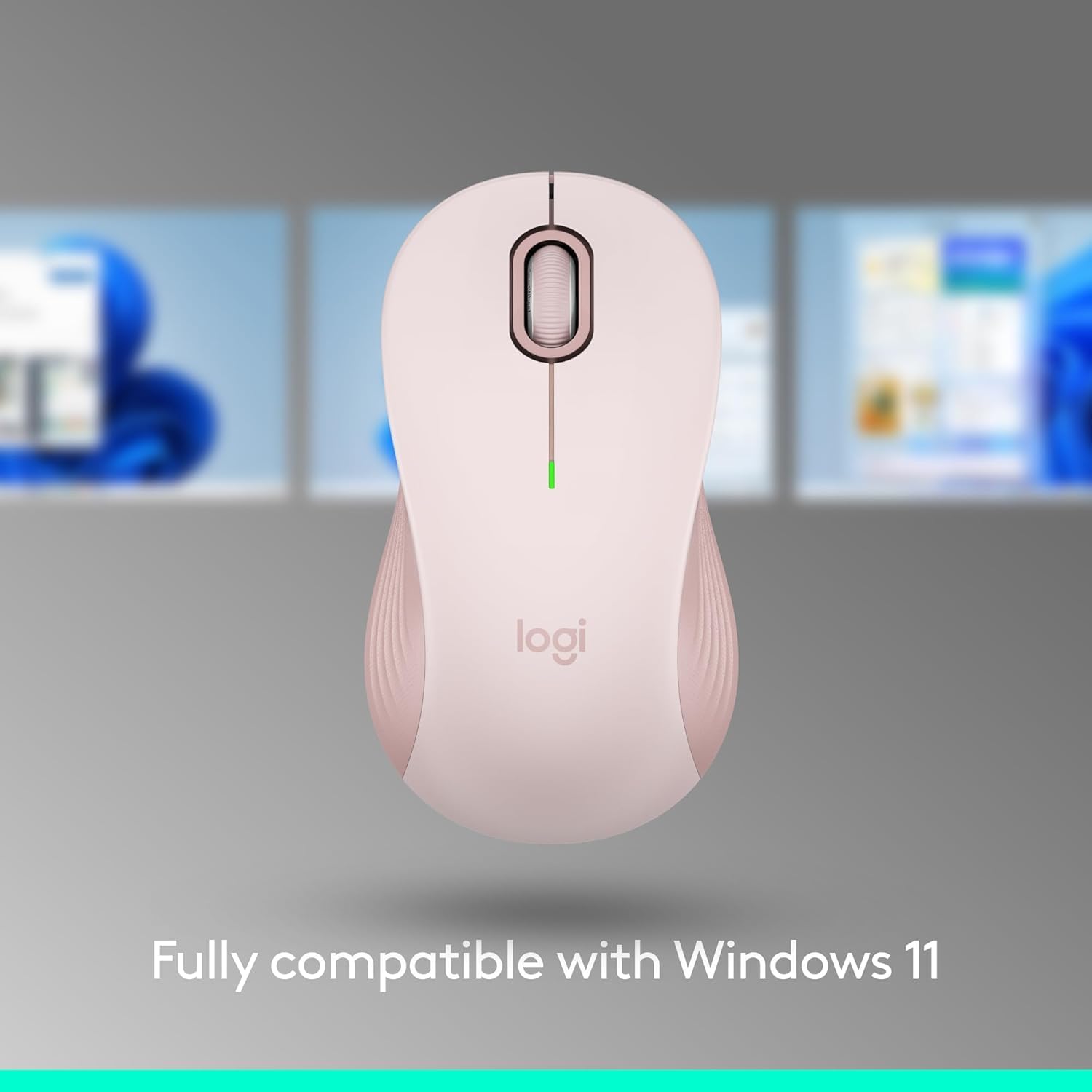
Image: The Logitech Signature M550 mouse displayed with a message confirming its full compatibility with Windows 11.
Тэхнічнае абслугоўванне
Замена батарэі
The mouse operates on a single AA battery with an average life of 24 months. When the battery is low, the LED indicator on the mouse will blink. To replace the battery, follow the steps outlined in the 'Install Battery' section.
Уборка
Каб падтрымліваць аптымальную прадукцыйнасць, рэгулярна працірайце мыш мяккай сухой тканінай. Пазбягайце выкарыстання агрэсіўных хімічных рэчываў або абразіўных матэрыялаў.
Ліквідацыю непаладак
Праблемы з падключэннем
- Мышка не рэагуе: Ensure the mouse is turned on and the battery is correctly installed or replaced.
- Памылка спалучэння Bluetooth: Make sure your device's Bluetooth is enabled and the mouse is in pairing mode (blinking LED). Try restarting both the mouse and your device.
- USB receiver not detected: Ensure the Logi Bolt USB receiver is securely plugged into a working USB-A port. Try a different USB port.
- Перашкоды: Перамясціце мыш бліжэй да прылады і далей ад іншых бесправадных прылад, якія могуць ствараць перашкоды.
Тэхнічныя характарыстыкі
| Марка | Logitech |
| серыял | М550 |
| Нумар мадэлі тавару | 910-006593 |
| Тэхналогія падлучэння | Bluetooth, USB |
| Тэхналогія выяўлення руху | Аптычны |
| Асаблівасці | Lightweight, Portable, Soundless, Wireless |
| Крыніца харчавання | Харчаванне ад батарэі |
| Патрабуюцца батарэі | 1 батарэйка АА (у камплекце) |
| Сярэдні тэрмін службы батарэі | 24 месяцаў |
| Вага прадмета | 3.44 унцыі |
| Памеры ўпакоўкі | 5.55 х 3.54 х 1.73 цалі |
| Апаратная платформа | Лінукс, Mac, ПК |
| Аперацыйныя сістэмы, якія падтрымліваюцца | Windows, macOS, Linux, Chrome OS, iPadOS, Android |
Інфармацыя аб гарантыі
For detailed warranty information regarding your Logitech Signature M550 Wireless Mouse, please refer to the official Logitech website or the warranty card included with your product. Logitech typically offers a limited hardware warranty for its products.
Падтрымка
If you encounter any issues or have questions about your Logitech Signature M550 Wireless Mouse, please visit the official Logitech support website for FAQs, troubleshooting guides, and contact information for customer service.