Уводзіны
Thank you for choosing the HiFuture EVENT Bluetooth Speaker. This powerful and portable speaker is designed to deliver exceptional audio quality with vibrant RGB lighting, making it perfect for any event or gathering. This manual provides detailed instructions to help you set up, operate, and maintain your speaker for optimal performance.
Прадукт скончаныview

Малюнак 1: Спераду view of the HiFuture EVENT Bluetooth Speaker, showcasing its sleek black design and dynamic RGB light ring.

Figure 2: An illustrative diagram highlighting the main features of the HiFuture EVENT speaker, including dual DSP, multiple audio inputs, dual-directional sound system, 50W woofer + 30W tweeter, RGB lights, TWS connection option, bass boost function, and power bank functionality.

Малюнак 3: Буйны план view of the speaker's internal components, specifically pointing out the 50W Woofer and 30W Tweeter, which contribute to its powerful 80W sound output.

Figure 4: An internal diagram demonstrating the speaker's optimized acoustic design for deep and impactful bass, including the bass port and vibration suppression features.
Асноўныя характарыстыкі
- Магутны аўдыёвыхад: Equipped with a 50W woofer and 30W tweeter for a total of 80W RMS output, with a maximum peak power of 180 Watts, delivering rich and clear stereo sound.
- Злучэнне Bluetooth: Seamless wireless connection to your devices.
- Дынамічнае RGB-падсвятленне: Enhance your listening experience with vibrant, rhythm-synced RGB lights.
- Dual DSP & Multiple Audio Inputs: Advanced Digital Signal Processing for optimized sound and versatile connectivity options.
- Падтрымка сапраўднага бесправаднога стэрэа (TWS): Connect two EVENT speakers for an immersive stereo sound experience.
- Bass Boost Function: Dedicated feature to amplify low frequencies for deeper bass.
- Функцыянальнасць Power Bank: Use the speaker to charge your other devices on the go.
- Партатыўны дызайн: Durable acrylic material and table-mount type for easy placement and transport, designed for parties and various events.
Кіраўніцтва па ўстаноўцы
1. Распакоўка і першапачатковая аплата
- Асцярожна дастаньце дынамік і ўсе аксэсуары з упакоўкі.
- Inspect the speaker for any signs of damage.
- Before first use, fully charge the speaker using the provided charging cable. The battery life is approximately 4 hours on a full charge.
2. Уключэнне / выключэнне харчавання
- To power on, press and hold the Power button (location typically on the back or top panel) for a few seconds until you hear an audible prompt or see the indicator lights illuminate.
- Каб выключыць дынамік, зноў націсніце і ўтрымлівайце кнопку харчавання, пакуль ён не выключыцца.
Інструкцыя па эксплуатацыі
1. Спарванне Bluetooth
- Ensure the speaker is powered on and in Bluetooth pairing mode (usually indicated by a blinking LED light). If not, press the Bluetooth button to activate pairing mode.
- На вашай прыладзе (смартфоне, планшэце, камп'ютары) перайдзіце ў налады Bluetooth і ўключыце Bluetooth.
- Пошук available devices. You should see "HiFuture EVENT" in the list.
- Select "HiFuture EVENT" to connect. Once connected, the speaker will provide an audible confirmation, and the LED light will become solid.
- Цяпер вы можаце прайграваць аўдыё з прылады праз дынамік.
2. Спалучэнне з сапраўдным бесправадным стэрэа (TWS)
To pair two HiFuture EVENT speakers for a stereo experience:
- Пераканайцеся, што абодва дынамікі ўключаны і не падключаны да іншай прылады Bluetooth.
- On one speaker (this will be the primary speaker), press and hold the TWS button (refer to your speaker's button layout if unsure).
- Асноўны дынамік будзе шукаць другасны дынамік. Пасля падключэння абодва дынамікі пададуць гукавое пацверджанне.
- Now, connect your device to the primary speaker via Bluetooth as described in the "Bluetooth Pairing" section. Audio will play in stereo through both speakers.
3. Элементы кіравання і функцыі
- Рэгулятар гучнасці: Use the volume buttons (+/-) on the speaker or your connected device.
- Прайграванне/Паўза: Націсніце кнопку прайгравання/паўзы адзін раз, каб прайграць або прыпыніць аўдыё.
- Прапусціць трэкі: Double-press the Next Track button to skip forward, or the Previous Track button to skip backward.
- Кіраванне RGB-падсветкай: Press the Light button to cycle through different lighting modes or turn the lights off.
- Павышаны бас: Press the Bass Boost button to activate or deactivate the enhanced bass mode.
- Функцыя Power Bank: Connect your device to the speaker's USB output port to charge it.

Figure 5: The HiFuture EVENT speaker displaying its vibrant RGB lighting, which can be controlled to match your mood or music.
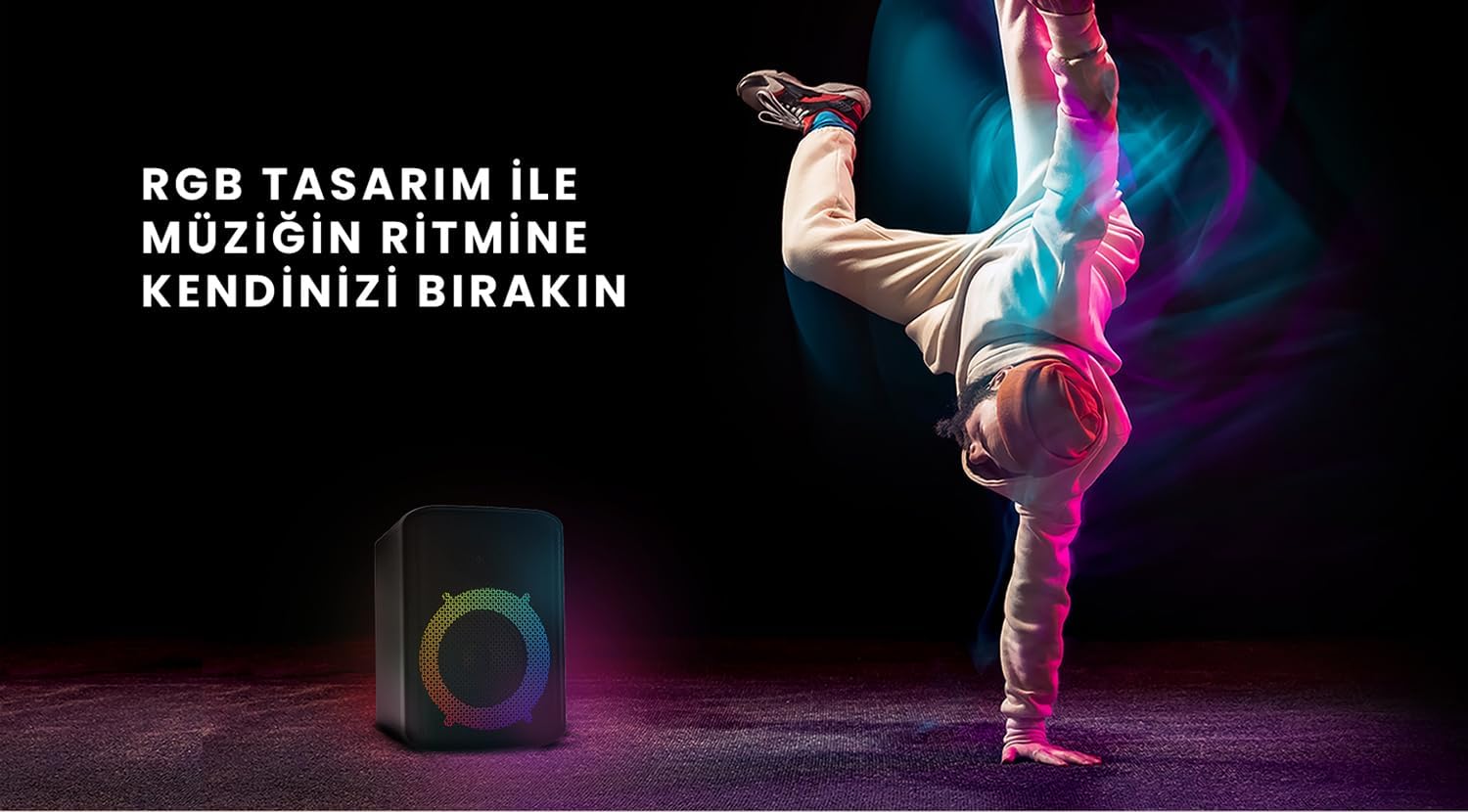
Figure 6: The HiFuture EVENT speaker in a dynamic setting, emphasizing how its RGB lighting enhances the atmosphere for parties and events.
Тэхнічнае абслугоўванне
- Уборка: Выкарыстоўвайце мяккую сухую тканіну для працірання паверхні дынаміка. Не выкарыстоўвайце абразіўныя ачышчальнікі або растваральнікі.
- захоўванне: Захоўвайце дынамік у прахалодным, сухім месцы, удалечыні ад прамых сонечных прамянёў і экстрэмальных тэмператур.
- Сыход за батарэяй: Каб падоўжыць тэрмін службы акумулятара, пазбягайце частай поўнай разрадкі. Рэгулярна зараджайце яго, нават калі ён не выкарыстоўваецца працяглы час.
- Воданепранікальнасць: While designed for portability, avoid exposing the speaker to excessive moisture or submerging it in water unless explicitly stated as waterproof.
Ліквідацыю непаладак
| праблема | Магчымае рашэнне |
|---|---|
| Дынамік не ўключаецца. | Пераканайцеся, што дынамік цалкам зараджаны. Падключыце яго да крыніцы харчавання і паспрабуйце яшчэ раз. |
| Немагчыма падключыцца праз Bluetooth. |
|
| Няма гуку або нізкі ўзровень гучнасці. |
|
| RGB-падсветка не працуе. | Press the Light button to cycle through modes or turn them on. Ensure the speaker is powered on. |
Тэхнічныя характарыстыкі
| Асаблівасць | Дэталь |
|---|---|
| Марка | HiFuture |
| мадэль | ПАДЗЕЯ |
| Максімальная выходная магутнасць дынаміка | 180 Watts (Peak), 80W RMS (50W Woofer + 30W Tweeter) |
| Тэхналогія падлучэння | Bluetooth |
| Рэжым выхаду гуку | Стэрэа |
| Тып мацавання | Настольнае мацаванне |
| Матэрыял | Акрыл |
| Тып дынаміка | Мультымедыя |
| Сумяшчальныя прылады | Bluetooth-enabled devices (e.g., smartphones, tablets) |
| Колер | Чорны |
| Тэрмін службы батарэі | Да 4 гадзін |
Гарантыя і падтрымка
The HiFuture EVENT Bluetooth Speaker comes with a standard manufacturer's warranty. Please refer to the warranty card included in your product packaging for specific terms and conditions. For technical support, troubleshooting assistance, or warranty claims, please contact HiFuture customer service through their official webсайт або краму, дзе вы набылі тавар.


