1. Уводзіны і большview
Welcome to the user manual for your HiFuture Flybuds 3 Wireless Bluetooth Headphones. These advanced earbuds are designed to provide a superior audio experience with seamless connectivity and comfort. Featuring Bluetooth 5.3 technology, they ensure a stable and high-quality connection with your devices.
The Flybuds 3 are equipped with 4 built-in microphones for crystal-clear calls and Active Noise Cancellation (ENC) to immerse you in your music. Their IPX5 water and sweat resistance makes them ideal for workouts and active lifestyles. Enjoy up to 32 hours of playtime with the charging case, ensuring your music accompanies you throughout the day.

The HiFuture Flybuds 3 in their charging case, ready for use.

HiFuture Flybuds 3 available in multiple colors, highlighting the new music era.
2. Што ў скрынцы
Калі ласка, праверце змесціва пакета, каб пераканацца ў наяўнасці ўсіх прадметаў:
- HiFuture Flybuds 3 Earbuds (Left and Right)
- Чахол для зарадкі
- USB-кабель для зарадкі
- Кіраўніцтва карыстальніка
3. Настройка
3.1 Charging Your Flybuds 3
Before first use, it is recommended to fully charge your Flybuds 3. This ensures optimal battery performance.
- Place both earbuds into their respective slots in the charging case.
- Connect the USB charging cable to the charging port on the case and plug the other end into a compatible USB power source (e.g., wall adapter, computer USB port).
- Індыкатар на зарадным чахле загарыцца, паказваючы стан зарадкі. Поўная зарадка звычайна займае прыблізна 2 гадзіны.
- Пасля поўнай зарадкі адключыце зарадны кабель.
3.2 Спалучэнне па Bluetooth
Follow these steps to pair your Flybuds 3 with your device:
- Пераканайцеся, што навушнікі зараджаныя і змешчаны ў зарадны футляр.
- Open the lid of the charging case. The earbuds will automatically power on and enter Bluetooth pairing mode.
- On your smartphone, tablet, laptop, or other Bluetooth-enabled device, go to the Bluetooth settings.
- Уключыце Bluetooth і пачніце пошук новых прылад.
- Select 'HiFuture Flybuds 3' from the list of available devices.
- Once connected, a voice prompt will confirm successful pairing. The earbuds are now ready for use.
4. Інструкцыя па эксплуатацыі
4.1 Сэнсарнае кіраванне
The Flybuds 3 feature intuitive touch controls on each earbud. Familiarize yourself with the following functions:
| Функцыя | Дзеянне |
|---|---|
| Прайграванне/прыпыненне музыкі | Адзін націск на любы навушнік |
| Наступны трэк | Двойчы націсніце на правы навушнік |
| Папярэдні трэк | Двойчы націсніце на левы навушнік |
| Адказаць/завяршыць выклік | Адзін націск на любы навушнік |
| Адхіліць выклік | Націсніце і ўтрымлівайце любы навушнік на працягу 2 секунд |
| Актывуйце галасавой памочнік | Тройчы націсніце на любы навушнік |
| Пераключыць рэжым ANC/празрыстасці | Press and hold the Right earbud for 2 seconds |
4.2 Выклік
The 4 built-in microphones ensure clear voice pickup during calls. Use the touch controls as described above to manage your phone calls.
4.3 Прайграванне музыкі
Enjoy your favorite music with rich audio quality. Control playback directly from the earbuds using the touch functions.

Enjoy up to 30 hours of playtime with the charging case.

Experience bold bass and rich audio with Flybuds 3.
4.4 Active Noise Cancellation (ENC)
The Flybuds 3 feature Environmental Noise Cancellation (ENC) to reduce ambient sounds, allowing you to focus on your audio. Use the touch control to toggle between ANC and Transparency modes.

Active Noise Cancellation (ENC) for an immersive listening experience.
5. Тэхнічнае абслугоўванне
5.1 Ачыстка
To maintain the performance and appearance of your Flybuds 3:
- Акуратна працярыце навушнікі і зарадны футляр мяккай, сухой тканінай без ворса.
- Не выкарыстоўвайце абразіўныя ачышчальнікі, растваральнікі або агрэсіўныя хімікаты.
- Пазбягайце траплення вільгаці ў любыя адтуліны.
5.2 Захоўванне
Always store the earbuds in their charging case when not in use. This protects them from damage and keeps them charged for your next use.
5.3 Воданепранікальнасць (IPX5)
The HiFuture Flybuds 3 are IPX5 water resistant, meaning they are protected against low-pressure water jets from any direction. This makes them suitable for use during workouts and in light rain.
- Не апускайце навушнікі або зарадны футляр у ваду.
- Не падвяргайце іх уздзеянню салёнай вады або іншых вадкасцей.
- If they get wet, wipe them dry before placing them back in the charging case or charging.
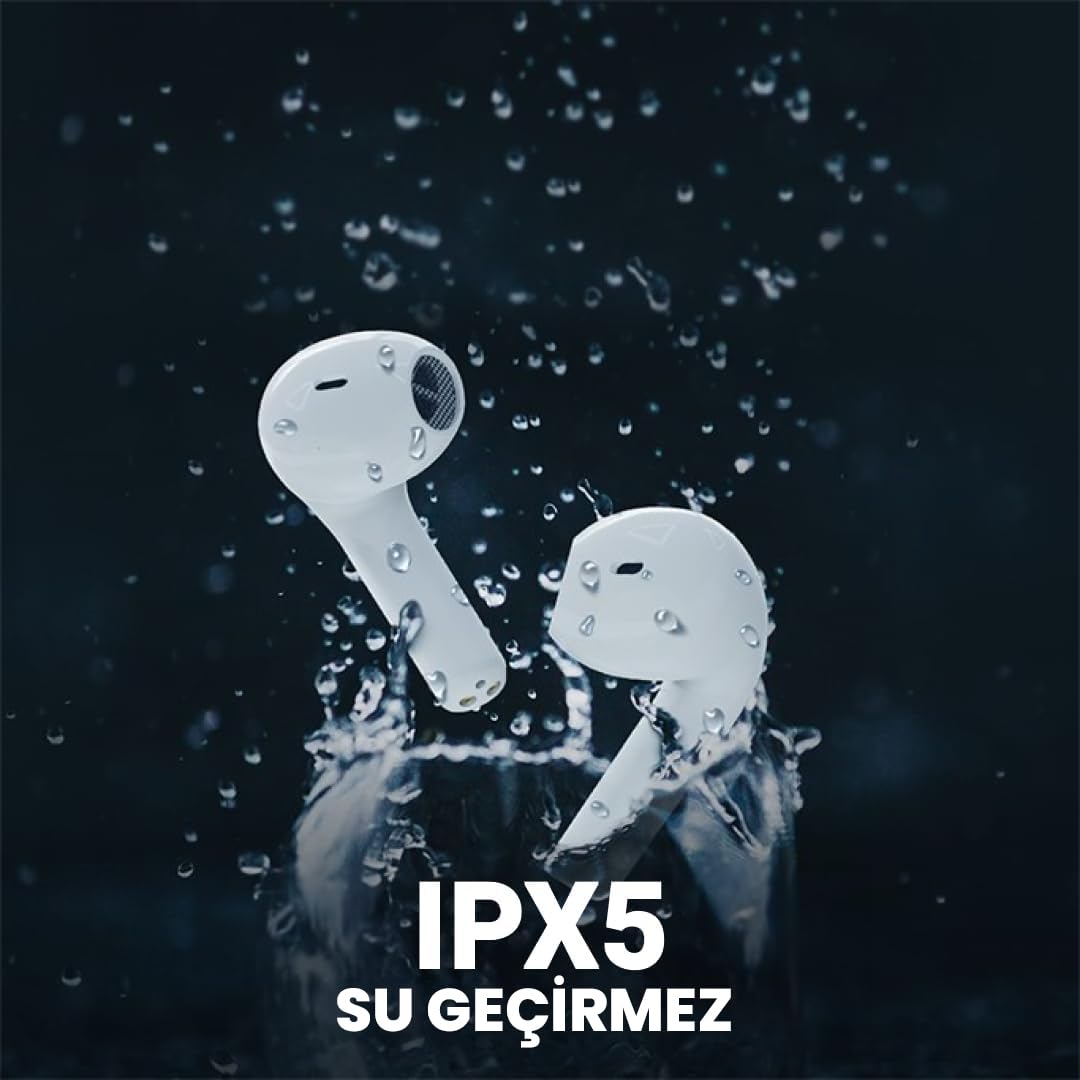
The Flybuds 3 are IPX5 water resistant, suitable for active use.
6. Выпраўленне непаладак
If you encounter any issues with your Flybuds 3, please refer to the following common solutions:
- Навушнікі не спалучаюцца: Ensure both earbuds are charged and within range of your device. Turn Bluetooth off and on again on your device. Try placing the earbuds back in the case, closing the lid, and then reopening it to re-enter pairing mode.
- Няма гуку з аднаго або абодвух навушнікаў: Check the volume levels on both your connected device and the earbuds. Ensure the earbuds are properly connected to your device. Try re-pairing the earbuds.
- Дрэнная якасць выкліку: Ensure the microphones on the earbuds are not obstructed. Move to an area with less background noise.
- Кароткі тэрмін службы батарэі: Ensure the earbuds and charging case are fully charged. Battery life can vary based on usage patterns, volume levels, and ANC usage.
- Навушнікі не зараджаюцца: Пераканайцеся, што зарадны кабель надзейна падключаны як да корпуса, так і да крыніцы харчавання. Праверце, ці чысты зарадны порт і ці няма на ім смецця.
Калі праблема не знікне, звярніцеся да раздзела «Гарантыя і падтрымка» для атрымання дадатковай дапамогі.
7. Тэхнічныя характарыстыкі
Detailed specifications for your HiFuture Flybuds 3:
| Асаблівасць | Дэталь |
|---|---|
| мадэль | FLYBUDS3-BK |
| Версія Bluetooth | 5.3 |
| Тэрмін службы батарэі (навушнікі + чахол) | Да 32 гадзін |
| Час зарадкі | Прыбл. 2 гадзін |
| Мікрафоны | 4 Убудаваны |
| Воданепранікальнасць | IPX5 |
| Кантроль шуму | Актыўнае шумапрыглушэнне (ENC) |
| Метад кантролю | Дакранацца |
| Вага | 80 грамаў (усяго прадукту) |
| Сумяшчальныя прылады | Смартфоны, планшэты, ноўтбукі, настольныя кампутары |

Key features highlighted on the product packaging.

Ergonomic design ensures a comfortable and secure fit.
8. Гарантыя і падтрымка
8.1 Інфармацыя аб гарантыі
Your HiFuture Flybuds 3 come with a 1-year manufacturer's warranty from the date of purchase. This warranty covers manufacturing defects and ensures your product performs as expected under normal use.
- Please retain your proof of purchase (receipt or invoice) as it is required for any warranty claims.
- Гарантыя не распаўсюджваецца на пашкоджанні, выкліканыя няправільным выкарыстаннем, аварыямі, несанкцыянаванымі мадыфікацыямі або звычайным зносам.
8.2 Падтрымка кліентаў
For further assistance, troubleshooting, or to inquire about warranty claims, please contact HiFuture customer support. You can typically find contact information on the official HiFuture webсайт.
Thank you for choosing HiFuture Flybuds 3. We hope you enjoy your listening experience!


