Кіраўніцтва карыстальніка бесправадной аптычнай мышы Hama MW-300 V2
Model: MW-300 V2
1. Уводзіны
This manual provides comprehensive instructions for the Hama MW-300 V2 Wireless Optical Mouse. It covers setup, operation, maintenance, and troubleshooting to ensure optimal performance and longevity of your device. The MW-300 V2 is designed for precise and smooth cursor control, featuring silent main buttons and a compact USB receiver for convenience.
2. Змесціва ўпакоўкі
Калі ласка, праверце ўпакоўку на наяўнасць наступных прадметаў:
- 1 Hama MW-300 V2 Wireless Optical Mouse
- 1 USB-прыёмнік
- 2 AAA Micro Batteries
- 1 Кіраўніцтва карыстальніка
3. Настройка
3.1. Устаўка батарэек
- Знайдзіце батарэйны адсек на ніжняй баку мышы.
- Адкрыйце крышку батарэйнага адсека.
- Insert the two AAA Micro batteries, ensuring correct polarity (+/-).
- Надзейна зачыніце крышку батарэйнага адсека.
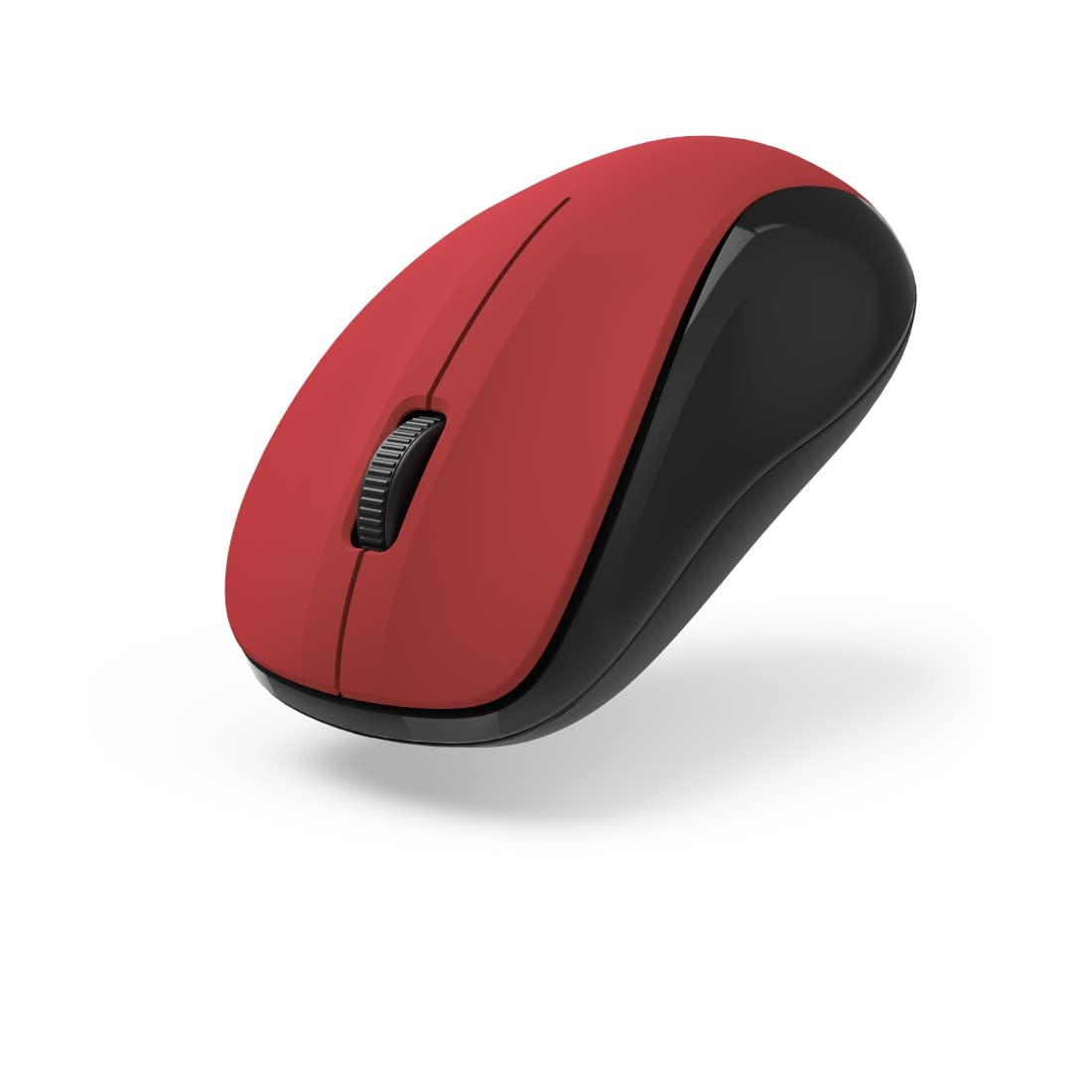
Малюнак 1: Верх view of the Hama MW-300 V2 Wireless Optical Mouse. This image displays the mouse's ergonomic shape, the central scroll wheel, and the left and right click buttons. The red top surface contrasts with the black sides.
3.2. Падключэнне USB-прыёмніка
- Remove the compact USB receiver from its storage slot, usually located within the battery compartment or near it.
- Падключыце USB-прыёмнік да даступнага порта USB-A на вашым камп'ютары (ноўтбуку або ПК).
- The mouse will automatically connect to the receiver using Smart Link technology. No additional drivers are typically required for Windows or macOS.

Малюнак 2: Пад вуглом view of the Hama MW-300 V2 Wireless Optical Mouse. This perspective shows the comfortable curve of the mouse, designed for both left and right-handed users, and the textured scroll wheel.
4. Інструкцыя па эксплуатацыі
4.1. Асноўныя функцыі
- Пстрычка левай кнопкай мышы: Першасны выбар і актывацыя.
- Пстрыкніце правай кнопкай мышы: Адкрывае кантэкстныя меню.
- Кола пракруткі: Пракручвае дакументы і web старонкі па вертыкалі. Кола пракруткі таксама выконвае функцыю сярэдняй кнопкі мышы.
4.2. Функцыя бясшумнага кліку
The main buttons of the MW-300 V2 mouse are designed to be silent, providing a quiet working environment. This feature is integrated into the mouse's design and does not require any special activation.
4.3. Wireless Range and Power Saving
The mouse operates on a reliable 2.4 GHz wireless technology with a range of up to 10 meters, depending on environmental conditions. To conserve battery life, the mouse features an automatic power-saving mode that activates during periods of inactivity. To reactivate, simply move the mouse or click a button.
5. Тэхнічнае абслугоўванне
- Уборка: Для чысткі мышы выкарыстоўвайце мяккую сухую тканіну. Пазбягайце выкарыстання агрэсіўных хімічных рэчываў або абразіўных матэрыялаў.
- Замена батарэі: Replace batteries when the mouse performance degrades or stops responding. Always use new AAA Micro batteries.
- захоўванне: When not in use for extended periods, remove the batteries to prevent leakage. The USB receiver can be stored inside the mouse for safe transport.
6. Выпраўленне непаладак
| праблема | Рашэнне |
|---|---|
| Мышка не рэагуе |
|
| Няўстойлівы рух курсора |
|
| Праблемы з падключэннем |
|
7. Тэхнічныя характарыстыкі
| Назва мадэлі | MW-300 V2 |
| Марка | Хама |
| Тэхналогія падлучэння | 2.4 GHz RF Wireless, USB Receiver |
| Тып датчыка | Аптычны |
| Адчувальнасць DPI | 1200 DPI |
| Колькасць кнопак | 3 (левая, правая, кола пракруткі/сярэдняя кнопка мышы) |
| Рука арыентацыі | Амбідэкстр |
| Асаблівасці | Silent Clicks, Power Saving Mode, Rubberized Surface, PTFE Gliding Pads |
| Далёкасць бесправадной сувязі | Да 10 метраў |
| Сумяшчальныя аперацыйныя сістэмы | Windows 11/10/8/7, macOS 10.10 or higher |
| Тып батарэі | 2 мікрабатарэі тыпу AAA (у камплекце) |
| Памеры (Ш х У х Г) | 5.8 х 3.7 х 10.3 см |
| Колер | Чырвоны/Чорны |
8. Гарантыя і падтрымка
Hama products are covered by a limited warranty. For detailed warranty information, please refer to the warranty card included with your product or visit the official Hama website. For technical support, product inquiries, or service, please contact Hama customer support through their official channels.
Калі ласка, захавайце доказы пакупкі для прэтэнзій па гарантыі.
© 2023 Hama GmbH & Co KG. Усе правы абаронены.


