1. Уводзіны
This manual provides essential information for the safe and efficient operation of your Sharp 32Bi3EA Smart Android TV. Please read these instructions thoroughly before using the television and retain them for future reference. This television features Android TV 9.0, Google Assistant with voice control, integrated Chromecast, Bluetooth connectivity, Harman/Kardon speakers, HDR10 support, and DTS Virtual X audio technology.
2. Інфармацыя па бяспецы
Заўсёды выконвайце наступныя меры бяспекі, каб пазбегнуць паражэння электрычным токам, пажару або пашкоджання тэлевізара:
- Не падвяргайце тэлевізар уздзеянню дажджу або вільгаці.
- Не адчыняйце шафу; звяртайцеся па абслугоўванне да кваліфікаванага персаналу.
- Забяспечце належную вентыляцыю вакол тэлевізара.
- Пазбягайце размяшчэння тэлевізара побач з крыніцамі цяпла або пад прамымі сонечнымі прамянямі.
- Выкарыстоўвайце толькі шнур сілкавання, які пастаўляецца з тэлевізарам.
- Захоўвайце батарэі ў месцах, недаступных дзецям.
3. Што ў скрынцы
Verify that all the following items are included with your Sharp 32Bi3EA Smart Android TV:
- Sharp 32Bi3EA Smart Android TV Unit
- Pedestal Stand (2 pieces)
- Пульт дыстанцыйнага кіравання
- Батарэі AAA (2x)
- Інструкцыя па эксплуатацыі (гэты дакумент)
- Шнур харчавання
4. Настройка
4.1. Фізічная ўстаноўка
Your television can be installed using the included pedestal stand or mounted on a wall (wall mount not included).
Attaching the Pedestal Stand
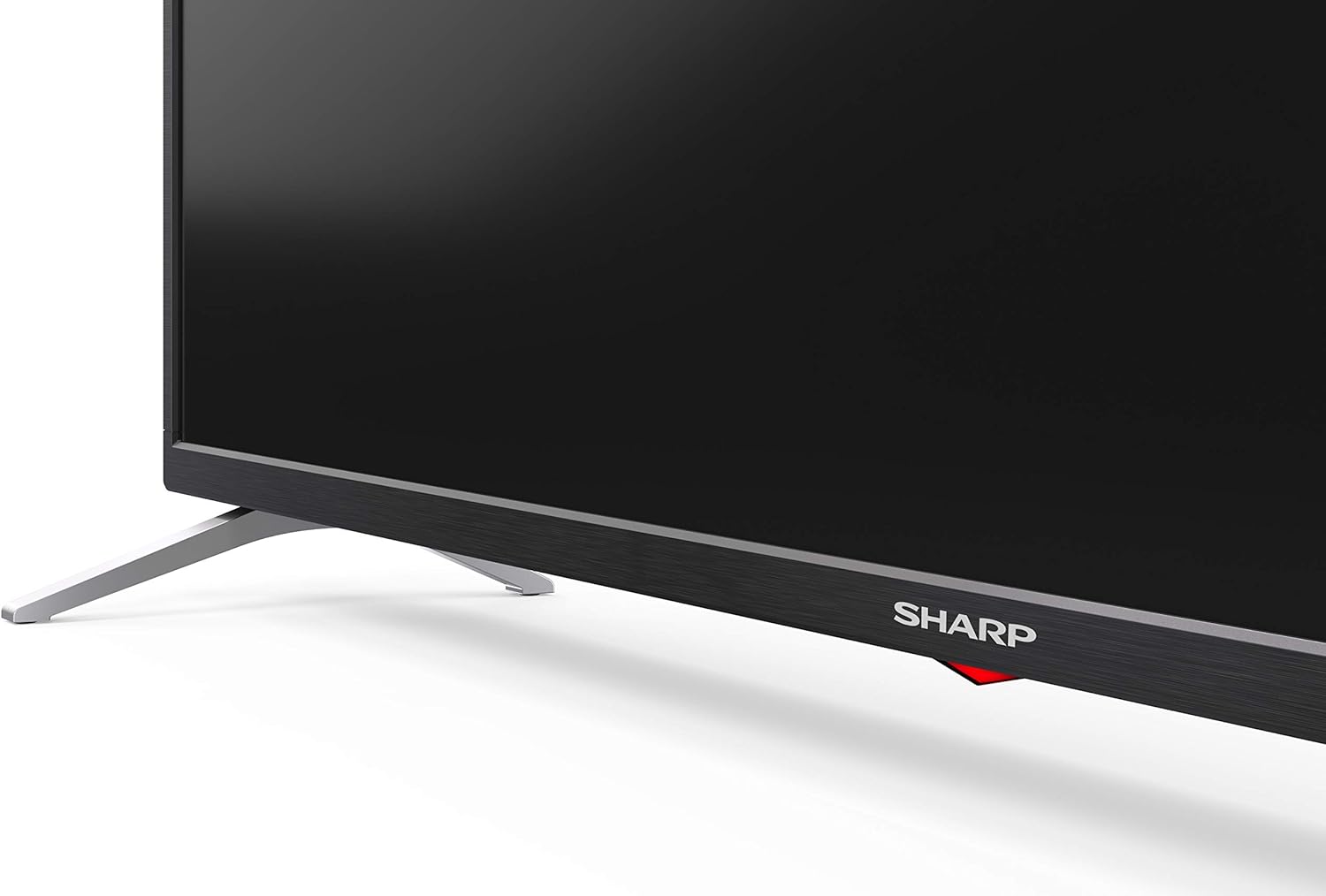
Carefully place the TV screen-down on a soft, flat surface. Align the pedestal stands with the screw holes on the bottom of the TV and secure them using the provided screws. Ensure the stands are firmly attached before placing the TV upright.

Выява: Збоку view of the Sharp 32Bi3EA TV, illustrating the slim profile and the attached pedestal stand.
Насценны мантаж
If you choose to wall mount the television, use a VESA compatible bracket with dimensions of 200x100 mm. Consult a professional for wall mounting to ensure proper installation and safety.
4.2. Падключэнне прылад
Connect your external devices to the appropriate ports on the back or side of the television.
Выява: Задняя частка view of the Sharp 32Bi3EA TV, highlighting the Ethernet, Optical, HDMI, USB, and AV input ports.
- Парты HDMI (3x): Падключыце Blu-ray прайгравальнікі, гульнявыя прыстаўкі або тэлевізійныя прыстаўкі.
- USB-парты (2x): Падключыце USB-назапашвальнікі для прайгравання медыяфайлаў або абнаўлення праграмнага забеспячэння.
- Ethernet порт: Для праваднога падключэння да Інтэрнэту.
- Аптычны лічбавы аўдыёвыхад: Для падлучэння да знешняй аўдыёсістэмы.
- AV-уваход: Для старых прылад, якія выкарыстоўваюць кампазітны відэасігнал і стэрэаўдыё.
4.3. Initial Power-On and Android TV Setup
After connecting the power cord and turning on the TV, follow the on-screen instructions to complete the initial setup. This includes selecting your language, connecting to a Wi-Fi network, and logging into your Google account to activate Android TV features like Google Assistant and Chromecast.
5. Кіраванне тэлевізарам
5.1. Пульт дыстанцыйнага кіравання
The included remote control allows you to navigate the Android TV interface, adjust settings, and use Google Assistant voice commands. Insert the two AAA batteries into the remote control, ensuring correct polarity.
- Кнопка харчавання: Уключае або выключае тэлевізар.
- Кнопка Памочніка Google: Актывуе галасавое кіраванне. Націсніце і ўтрымлівайце, каб прамаўляць каманды.
- Кнопкі навігацыі: Для перамяшчэння па меню выкарыстоўвайце джойсцікі і кнопку OK.
- Кнопка дадому: Вяртаецца на галоўны экран Android TV.
- Гучнасць +/-: Рэгулюе ўзровень гучнасці.
- Канал +/-: Змяняе тэлеканалы.
- Кнопкі хуткага доступу да праграм: Direct access to popular streaming services (e.g., Netflix, Amazon Prime Video).
5.2. Функцыі Smart TV (Android TV)
Your Sharp 32Bi3EA TV runs on Android TV 9.0, providing access to a wide range of applications and services.
- Памочнік Google: Use your voice to search for content, control smart home devices, get answers, and manage tasks.
- Убудаваны Chromecast: Cast content from your compatible smartphone, tablet, or computer directly to the TV screen.
- Крама Google Play: Download and install additional apps, games, and streaming services.
- Інтэрнэт-сэрвісы, якія падтрымліваюцца: Access popular platforms such as Netflix, Amazon Prime Video, HBO, Disney+, Movistar+, DAZN, Atresmedia, KODI, IPTV, Steamlink, Twitch, VLC, YouTube, Puffin TV Browser, Spotify, Deezer, and TuneIn Radio.
5.3. Налады аўдыё і відэа
The television supports advanced audio and video technologies for an enhanced viewвопыту.
- HDR10: Забяспечвае больш шырокі дыяпазон колераў і кантраснасці для сумяшчальнага кантэнту.
- Harman/Kardon Speakers: Integrated audio system designed to deliver clear and powerful sound (2x10W).
- DTS Virtual X / DTS HD: Enhances audio with virtual surround sound capabilities.
- Active Motion 400: Паляпшае выразнасць руху ў дынамічных сцэнах.
5.4. Сувязь
Тэлевізар прапануе розныя варыянты падключэння:
- Wi-Fi: Падключаецца да вашай хатняй бесправадной сеткі для доступу ў Інтэрнэт.
- Bluetooth: Pair with compatible devices such as headphones, soundbars, or game controllers.
6. Тэхнічнае абслугоўванне
6.1. Уборка
Каб ачысціць экран тэлевізара, акуратна працярыце яго мяккай тканінай без ворса. Для выдалення ўстойлівых плям злёгкуampen the cloth with water or a specialized screen cleaner. Do not use abrasive cleaners or solvents. For the TV cabinet, use a soft, dry cloth.
6.2. Абнаўленне праграмнага забеспячэння
Your Android TV may receive software updates periodically to improve performance and add new features. Ensure your TV is connected to the internet to receive these updates. You can check for updates manually through the TV's settings menu.
7. Выпраўленне непаладак
Калі ў вас узніклі праблемы з тэлевізарам, звярніцеся да наступных распаўсюджаных рашэнняў:
| праблема | Магчымае рашэнне |
|---|---|
| Няма ўлады | Праверце, ці шнур сілкавання надзейна падключаны да тэлевізара і разеткі. Паспрабуйце іншую разетку. |
| Няма малюнка/гуку | Пераканайцеся, што выбрана правільная крыніца ўваходнага сігналу. Праверце падключэнне кабеляў да знешніх прылад. |
| Пульт дыстанцыйнага кіравання не працуе | Замяніце батарэйкі. Пераканайцеся, што паміж пультам дыстанцыйнага кіравання і ІЧ-датчыкам тэлевізара няма перашкод. |
| Праблемы з падключэннем да Wi-Fi | Restart your router and the TV. Check Wi-Fi password. Ensure the TV is within range of the router. |
| Android TV apps freezing | Restart the TV. Clear the cache of the problematic app in the TV settings. Uninstall and reinstall the app. |
If the problem persists after trying these solutions, please contact Sharp customer support.
8. Тэхнічныя характарыстыкі
| Асаблівасць | Дэталь |
|---|---|
| Нумар мадэлі | 32Bi3E |
| Памер экрана | 32 цалі (81 см) |
| Тэхналогія адлюстравання | святлодыёд |
| дазвол | 720p (1366 x 768 пікселяў) |
| Частата абнаўлення | 60 Гц |
| Аперацыйная сістэма | Android TV 9.0 |
| Асаблівасці | Google Assistant, Chromecast Built-in, HDR10, DTS Virtual X, Active Motion 400 |
| Аўдыёсістэма | Harman/Kardon (2x10W) |
| Сувязь | Bluetooth, Ethernet, HDMI (3x), USB (2x), Wireless (Wi-Fi) |
| VESA Mount | 200x100 мм |
| Памеры (з падстаўкай) | 803.0 х 542.0 х 149.0 мм (Ш х У х Г) |
| Памеры (без падстаўкі) | 730.0 х 436.1 х 83.5 мм (Ш х У х Г) |
| Вага | 4.6 кг |
| Power Consumption (1000h) | 31 kWh (Energy Class F) |

Image: Energy efficiency label for the Sharp 1T-C32BIx series, indicating an F energy class and 31 kWh per 1000 hours of operation. For more details, refer to the official EU EPREL database via the QR code or link: База даных EPREL.

Image: Detailed Product Information Sheet, providing comprehensive technical specifications and regulatory information for the Sharp 32Bi3EA TV in various languages.
9. Гарантыя і падтрымка
9.1. Інфармацыя аб гарантыі
Your Sharp 32Bi3EA Smart Android TV comes with a standard manufacturer's warranty. Please refer to the warranty card included with your product or visit the official Sharp webсайт для атрымання падрабязных умоў, якія тычацца вашага рэгіёна.
9.2. Падтрымка кліентаў
For technical assistance, troubleshooting beyond this manual, or warranty claims, please contact Sharp customer support. Contact information can typically be found on the official Sharp webна сайце або ў дакументацыі, якая пастаўляецца з вашым тэлевізарам.
Online resources and FAQs may also be available on the Sharp support portal.


