Уводзіны
This manual provides essential information for the proper installation, operation, and maintenance of your Philips 278E1A 27" 4K UHD IPS Monitor. Please read this guide thoroughly before using the product to ensure optimal performance and safety. Keep this manual for future reference.
Інфармацыя па бяспецы
- Пераканайцеся, што манітор размешчаны на ўстойлівай, роўнай паверхні, каб пазбегнуць выпадковых падзенняў.
- Use only the power adapter and cables supplied by Philips.
- Не падвяргайце манітор уздзеянню дажджу або вільгаці, каб пазбегнуць паражэння электрычным токам або пажару.
- Пазбягайце блакавання вентыляцыйных адтулін, каб прадухіліць перагрэў.
- Не спрабуйце абслугоўваць манітор самастойна. Звяртайцеся па любыя паслугі да кваліфікаванага персаналу.
Настройка
1. Распакаванне і зборка
Carefully remove the monitor and all components from the packaging. The box should contain the monitor, stand, HDMI cable, power cable, and user documentation.
- Прымацуйце аснову падстаўкі да шыйкі падстаўкі, замацаваўшы яе прыкладзеным шрубай.
- Align the assembled stand with the mounting holes on the back of the monitor and firmly attach it.
2. Злучальныя кабелі
Падключыце неабходныя кабелі да манітора і кампутара.
- Сілавы кабель: Падключыце адзін канец кабеля харчавання да ўваходу сілкавання манітора, а другі канец — да разеткі.
- Відэа ўваход: Connect either an HDMI cable (2 ports available) or a DisplayPort cable (1 port available) from your computer's video output to the corresponding input on the monitor.
- Аўдыё ўваход / выхад: If desired, connect an audio cable from your computer's audio output to the monitor's audio input, or connect external speakers/headphones to the monitor's audio output.

Малюнак 1: Задняя частка view of the Philips 278E1A monitor, highlighting the HDMI, DisplayPort, and audio input/output ports for connectivity.
3. Пачатковае ўключэнне
Націсніце кнопку харчавання, размешчаную ў правым ніжнім куце манітора, каб уключыць яго. Манітор аўтаматычна вызначыць актыўную крыніцу ўваходнага сігналу.
Інструкцыя па эксплуатацыі
1. Навігацыя па экранным меню
The On-Screen Display (OSD) menu allows you to adjust various monitor settings. Use the control buttons located on the bottom bezel of the monitor to navigate the menu.
- Націсніце кнопку, каб актываваць экраннае меню.
- Для перамяшчэння паміж пунктамі меню выкарыстоўвайце кнопкі са стрэлкамі.
- Націсніце кнопку «ОК» або «Увод», каб выбраць опцыю або пацвердзіць наладу.
- Націсніце кнопку «Выхад» або «Назад», каб вярнуцца ў папярэдняе меню або выйсці з экраннага меню.
2. Налады выявы
Adjust display characteristics for optimal viewінж.
- Яркасць і кантраснасць: Adjust these settings to control the overall luminance and the difference between light and dark areas.
- Налады колеру: Fine-tune color temperature, gamma, and saturation. The monitor supports 109% sRGB color gamut for accurate color reproduction.
- SmartContrast: This feature dynamically analyzes content and automatically adjusts backlight intensity to enhance contrast for optimal digital images and videos.
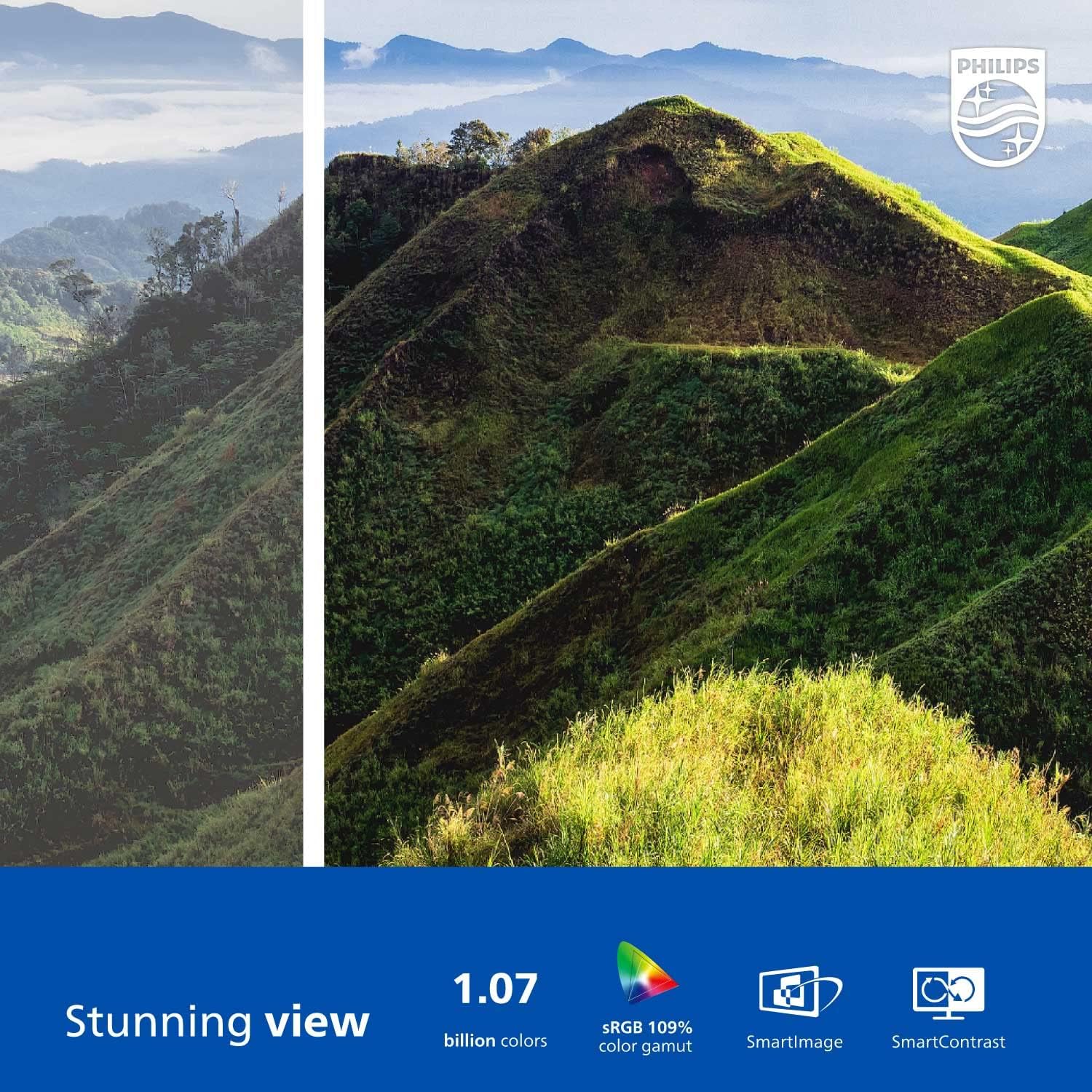
Figure 2: The Philips 278E1A monitor displaying a detailed and colorful mountain scene, illustrating its 4K UHD resolution and wide color gamut.
3. Выбар уводу
Manually select the desired video input source if the automatic detection does not work or if you have multiple devices connected.
4. Налады гуку
Control the volume of the built-in speakers or connected audio devices.
5. Асаблівасці догляду за вачыма
The Philips 278E1A includes features designed to reduce eye strain during prolonged use.
- Тэхналогія без мігацення: Regulates brightness and reduces screen flicker for more comfortable viewінж.
- Рэжым LowBlue: A software solution that reduces harmful shortwave blue light emissions from the screen.

Figure 3: A split image demonstrating the visual difference when LowBlue Mode and Flicker-free technologies are active, reducing eye strain.
6. Frameless Design and Viewвуглавыя куты
The monitor features a 3-sided frameless design, ideal for multi-monitor setups, and an IPS panel providing wide 178/178-degree viewing angles for consistent image quality from various perspectives.

Figure 4: A multi-monitor arrangement of Philips 278E1A displays, showcasing the minimal bezels and wide viewing angles suitable for extended desktop environments.
Тэхнічнае абслугоўванне
1. Ачыстка экрана
Каб ачысціць экран, акуратна працярыце яго мяккай тканінай без ворса. Для выдалення ўстойлівых плям,ampen the cloth with a mild, non-abrasive screen cleaner. Never spray cleaner directly onto the screen.
2. Агульны догляд
Keep the monitor away from direct sunlight, excessive heat, and humidity. Avoid placing heavy objects on the monitor or its cables.
Ліквідацыю непаладак
Калі ў вас узніклі праблемы з маніторам, звярніцеся да наступных распаўсюджаных рашэнняў:
- Няма харчавання: Ensure the power cable is securely connected to both the monitor and the power outlet. Check if the power outlet is functional.
- Няма сігналу: Verify that the video cable (HDMI or DisplayPort) is correctly connected to both the monitor and your computer. Ensure the correct input source is selected via the OSD menu.
- Image Problems (e.g., flickering, distorted colors): Check cable connections. Adjust picture settings in the OSD menu. If using a DisplayPort connection, ensure your graphics card supports 4K resolution at 60Hz.
- Няма аўдыя: Check the monitor's volume settings and your computer's audio output settings. Ensure external speakers or headphones are properly connected if used.
Каб атрымаць дадатковую дапамогу, звярніцеся ў службу падтрымкі кліентаў Philips.
Тэхнічныя характарыстыкі
| Асаблівасць | Дэталь |
|---|---|
| Памер экрана | 27 цаляў |
| дазвол | 3840 x 2160 (4K UHD) |
| Тып панэлі | IPS |
| Колеравая гама | 109% sRGB |
| Сувязь | 2x HDMI, 1x DisplayPort, Audio In & Out |
| Выступоўцы | Built-in (3W stereo) |
| Памеры (з падстаўкай) | 18.1 х 24.1 х 7.6 цалі |
| Вага (з падстаўкай) | 13.57 фунта |
| Асаблівасці догляду за вачыма | Flicker-Free, LowBlue Mode |
Гарантыя і падтрымка
Інфармацыя аб гарантыі
Philips monitors sold in the United States come with a 4-Year Advance Replacement Warranty. This warranty minimizes downtime by providing a replacement unit in advance should your monitor require service.

Figure 5: Visual representation of the Philips 4-Year Warranty and Advance Replacement program, ensuring peace of mind for users.
Падтрымка кліентаў
For technical support, warranty claims, or service inquiries, please visit the official Philips support website or contact their customer service hotline. Refer to the documentation included with your product for specific contact details in your region.
Відэа аб прадуктах
Philips Frameless Monitor Overview
Гэта відэа забяспечвае завяршэннеview of the Philips 27-inch frameless monitor, highlighting its features and benefits for various work setups.
Why This Monitor is Top Rated
Learn about the key aspects that make this Philips monitor a top-rated choice, including its display quality and user-friendly features.


