
Introduction
This manual provides essential information for the safe and effective use of your YOSUDA Magnetic Exercise Bike, Model 001C. Please read all instructions carefully before assembly and operation. Retain this manual for future reference.
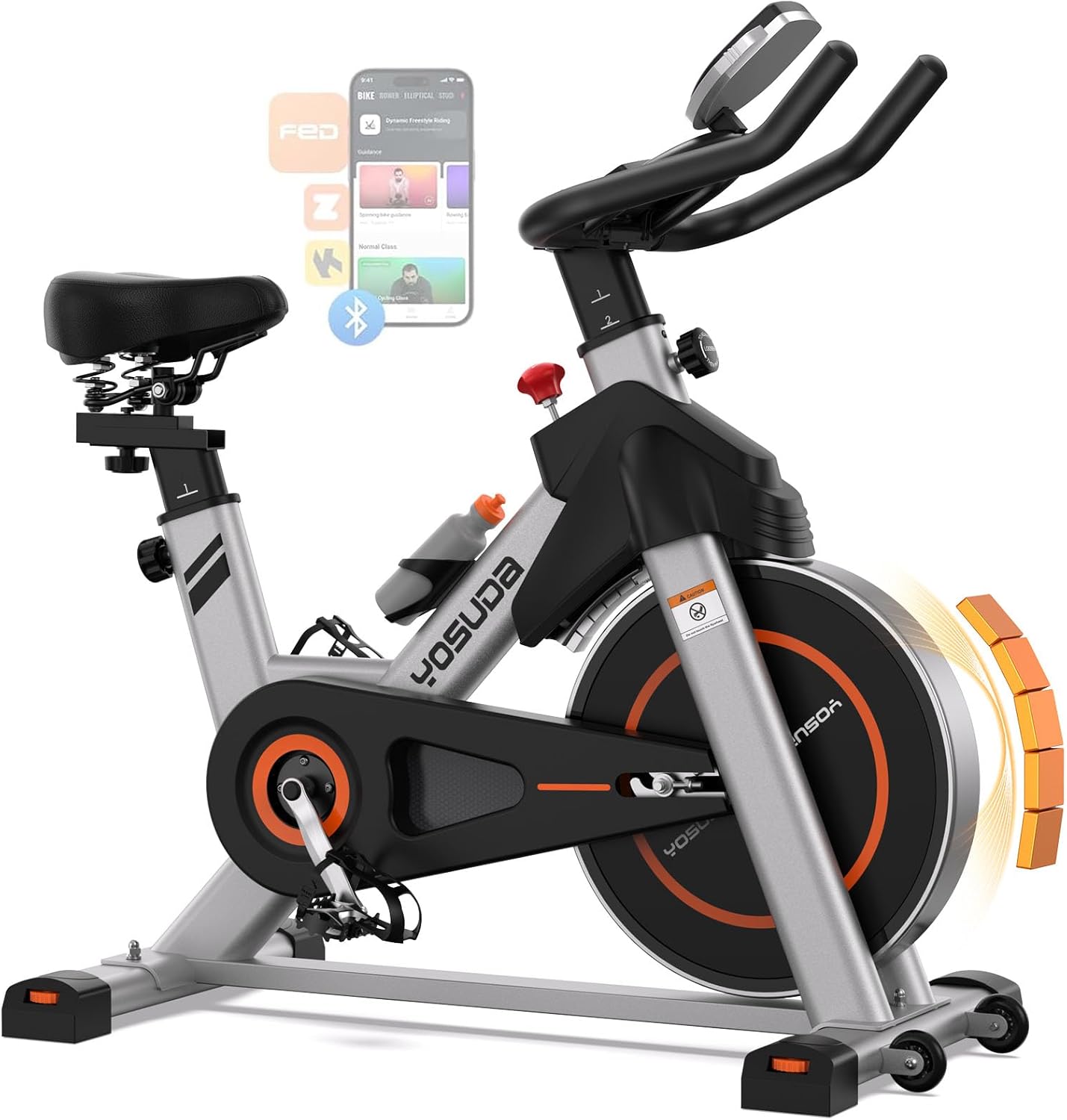
Figure 1: YOSUDA Magnetic Exercise Bike, Model 001C
Setup
Unpacking and Preparation
- Carefully remove all components from the packaging.
- Place all parts on a clear, flat surface to ensure all items are present according to the parts list.
- Keep packaging materials until assembly is complete to avoid discarding small parts.
Assembly Steps
Follow these steps for assembling your exercise bike. Refer to the provided video for visual guidance.
Video 1: Official YOSUDA assembly guide for the Magnetic Stationary Exercise Bike.
- Attach Stabilizer Bases: Turn the main frame upside down. Secure the front and rear stabilizer bases using the provided bolts and washers. Ensure they are tightened securely.
- Install Pedals: Identify the 'L' (left) and 'R' (right) pedals. The left pedal screws counter-clockwise, and the right pedal screws clockwise. Thread them into the crank arms and tighten firmly with a wrench.
- Insert Seat Post and Saddle: Insert the seat post into the main frame. Adjust the height and secure it with the quick-release knob. Attach the saddle to the seat post, ensuring it is level and tightened.
- Install Handlebar Post and Handlebars: Insert the handlebar post into the main frame. Ensure the two wires for the console remain at the front. Secure the post with its knob. Attach the handlebars to the post.
- Connect Console: Connect the sensor wires from the bike to the corresponding ports on the back of the digital console. Mount the console onto the handlebar post.

Figure 2: Side view of the YOSUDA Exercise Bike during assembly.
Operating Instructions
Adjusting Seat and Handlebars
- Seat Height: Loosen the quick-release knob on the vertical seat post. Adjust the seat to a height where your leg has a slight bend at the knee when the pedal is at its lowest point. Tighten the knob securely.
- Seat Fore/Aft: Loosen the knob under the saddle. Slide the seat forward or backward to achieve a comfortable position relative to the handlebars. Tighten the knob.
- Handlebar Height: Loosen the quick-release knob on the handlebar post. Adjust the handlebars to a comfortable height that allows for a relaxed upper body posture. Tighten the knob.
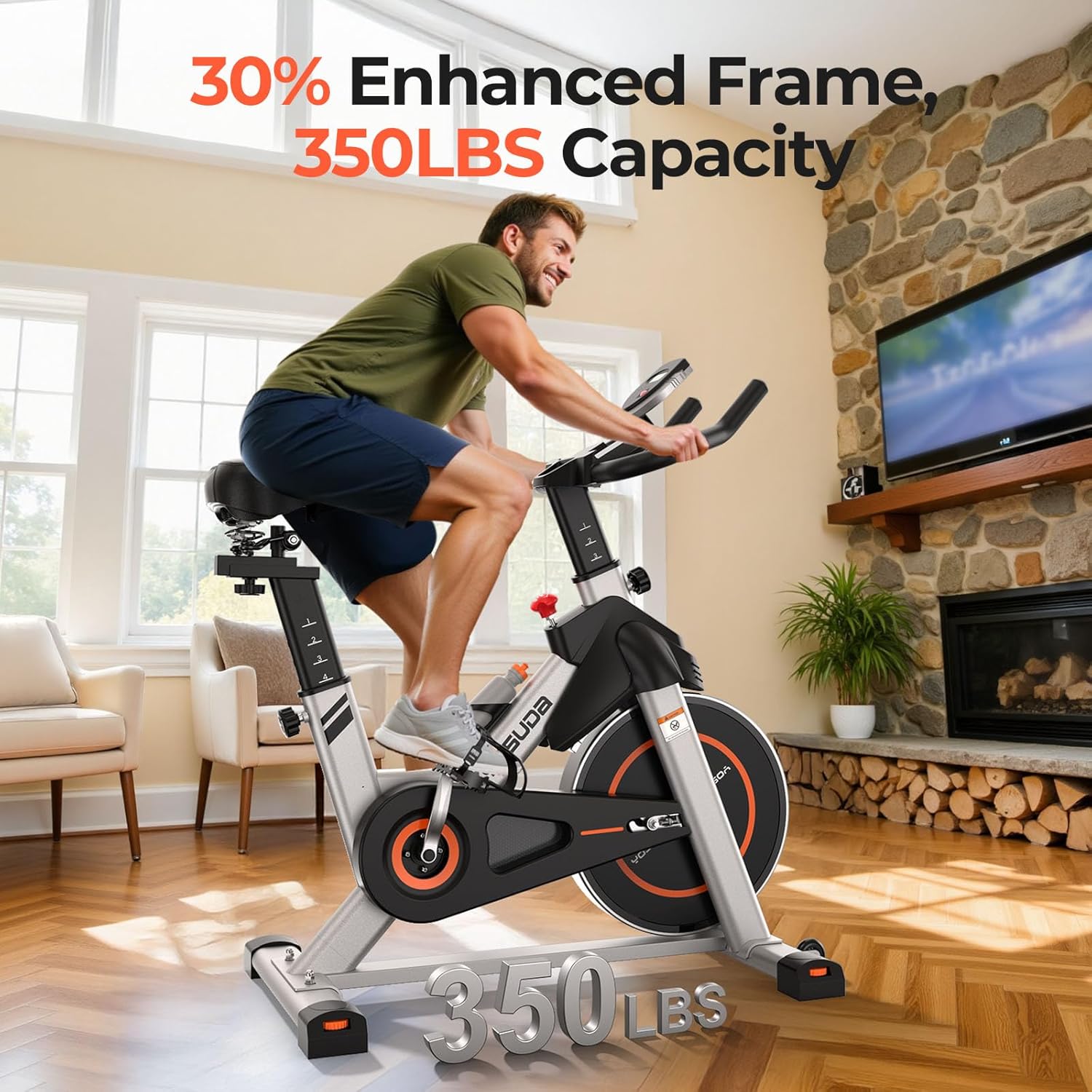
Figure 3: Adjusting the seat height and position for optimal comfort.
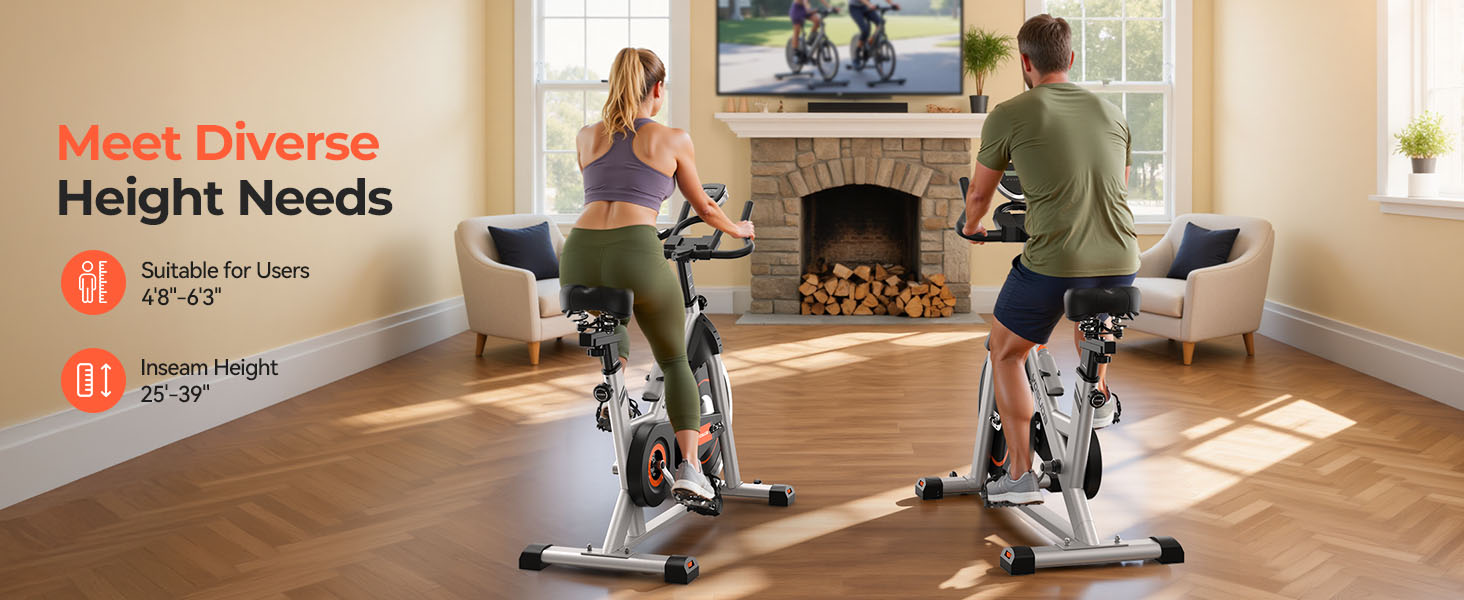
Figure 4: The bike accommodates various user heights with adjustable components.
Adjusting Resistance and Emergency Stop
- Resistance: Turn the resistance knob clockwise to increase resistance and counter-clockwise to decrease it. The magnetic resistance system offers over 100 discrete levels for precise control.
- Emergency Stop: Press down firmly on the resistance knob to engage the emergency brake and stop the flywheel immediately.
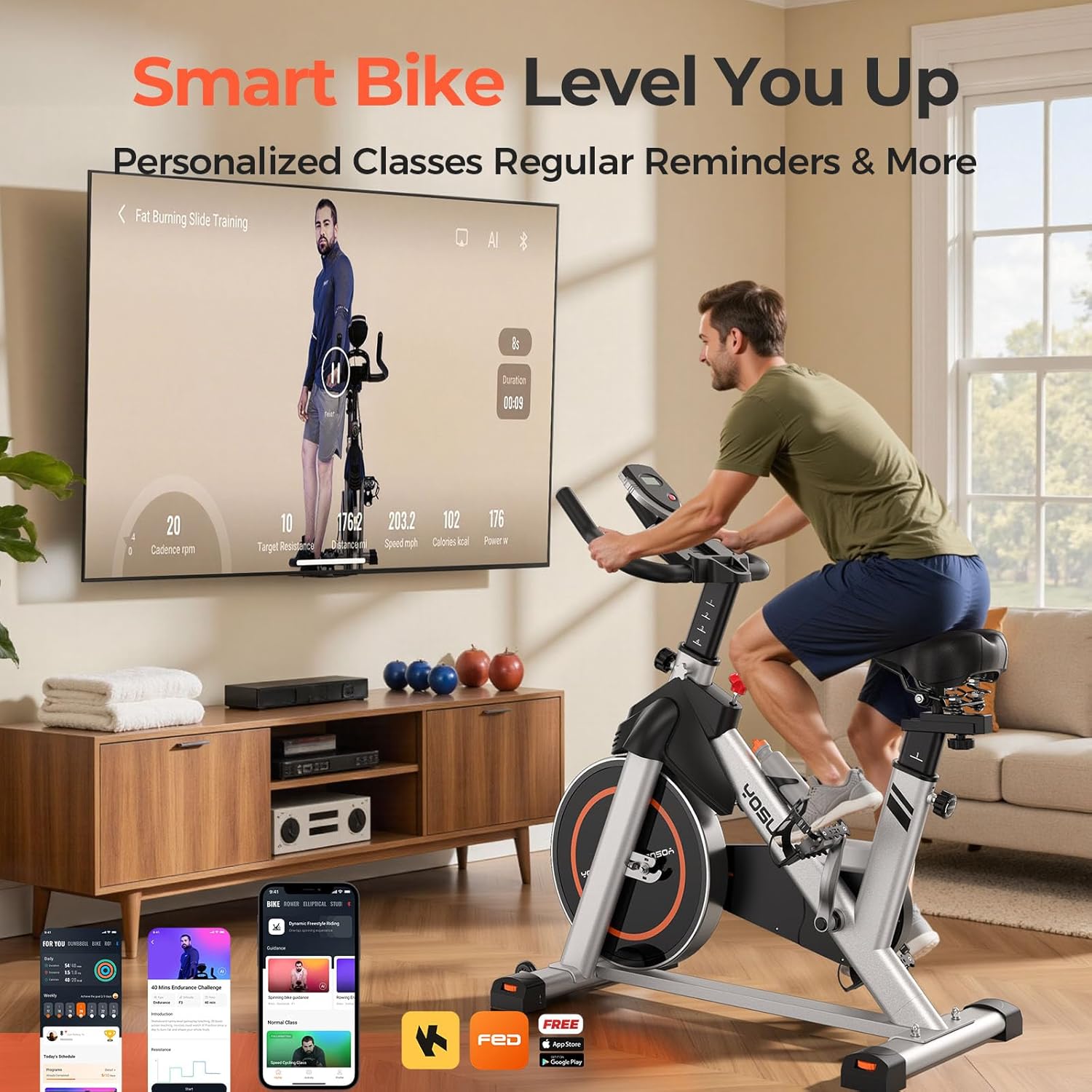
Figure 5: The resistance knob also functions as an emergency stop.
Using the Digital Console
- The console displays real-time metrics such as time, speed, distance, calories burned, and odometer.
- Press the button on the console to cycle through different display modes or to reset values.

Figure 6: Digital console displaying workout metrics.
App Connectivity
- Your YOSUDA bike features Bluetooth 5.0 for seamless synchronization with the dedicated YOSUDA fitness app.
- Download the YOSUDA app from your device's app store.
- Enable Bluetooth on your device and open the app to connect to your bike.
- The app provides real-time data tracking (cadence, speed, distance, power, calories, time) and offers structured interval programs.

Figure 7: App integration for personalized training and progress tracking.

Figure 8: The YOSUDA app provides real-time data and customizable workout schedules.
Maintenance
Regular maintenance ensures the longevity and optimal performance of your exercise bike.
- Cleaning: Wipe down the bike with a damp cloth after each use to remove sweat and dust. Avoid abrasive cleaners.
- Check Connections: Periodically check all bolts, nuts, and knobs to ensure they are securely tightened. Loose connections can affect stability and performance.
- Inspect Pedals and Straps: Ensure pedals are firmly attached and foot straps are in good condition. Replace if worn or damaged.
- Flywheel and Belt: The magnetic resistance system is low-maintenance. Keep the flywheel area clean and free of debris. The belt drive system typically requires no lubrication.
Troubleshooting
Refer to the table below for common issues and their solutions.
| Problem | Possible Cause | Solution |
|---|---|---|
| No resistance or resistance adjustment not working. | Resistance mechanism issue, possibly a worn internal component. | Ensure the resistance knob is properly engaged. If the issue persists, contact YOSUDA customer support for assistance. |
| Digital console not displaying data or working intermittently. | Loose sensor wires, battery issue, or console malfunction. | Check all wire connections to the console. Replace console batteries if necessary. If the problem continues, use the app for tracking or contact support. |
| Bike wobbles during use. | Loose stabilizer bolts or uneven floor surface. | Ensure all stabilizer bolts are tightened. Adjust the leveling feet on the stabilizer bases to compensate for uneven floors. |
| Squeaking noise from the wheel. | Debris on the flywheel, loose components, or minor friction. | Inspect the flywheel for any foreign objects. Ensure all visible bolts are tight. If the squeak persists, contact customer support. |
Specifications
Key technical specifications for the YOSUDA Magnetic Exercise Bike, Model 001C.
| Feature | Detail |
|---|---|
| Brand | YOSUDA |
| Model Number | 001C |
| Resistance Mechanism | Magnetic |
| Number of Resistance Levels | 100+ (Infinitely Adjustable) |
| Drive System | Belt |
| Maximum Weight Recommendation | 350 pounds |
| Item Weight | 29 kg |
| Product Dimensions (D x W x H) | 1"D x 1"W x 1"H (Note: These dimensions appear to be placeholders and may not reflect actual product size.) |
| Adjustable Seat Height (Min/Max) | 25 inches / 35 inches |
| Material | Alloy Steel |
| Power Source | Battery Powered (for console) |
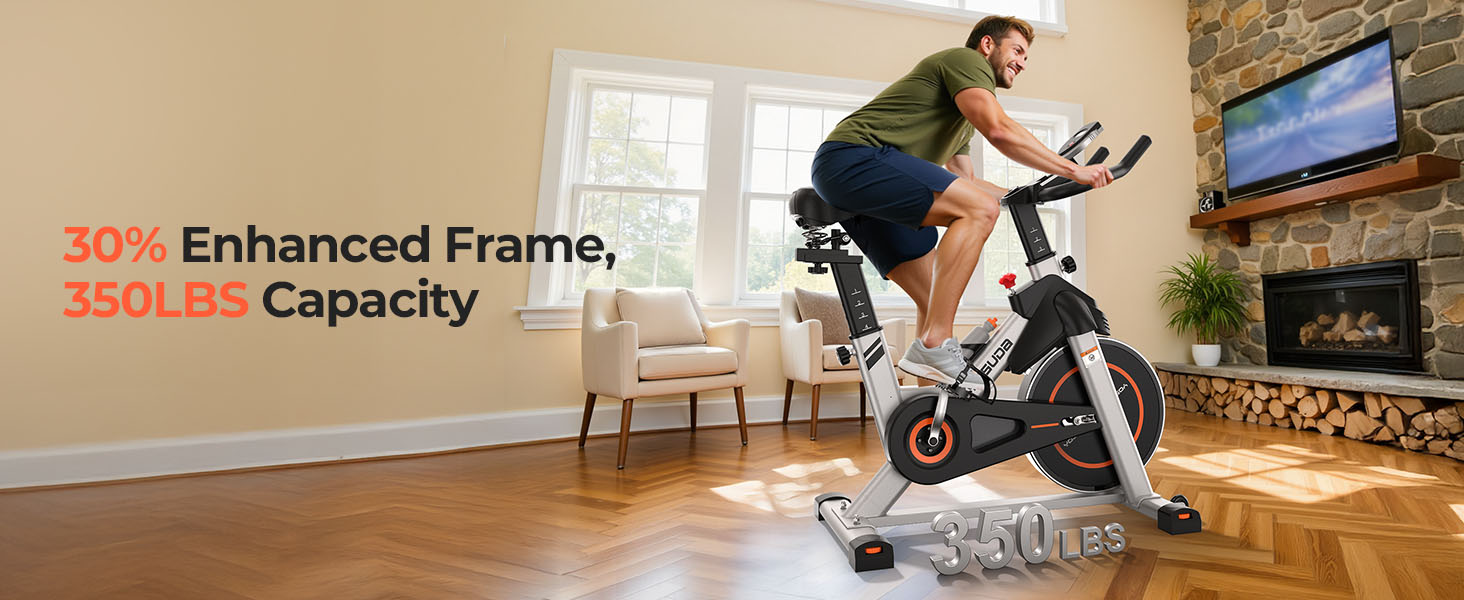
Figure 9: The bike's enhanced frame design supports a maximum weight of 350 lbs.
Warranty and Support
YOSUDA offers lifetime technical support for its products. For any questions, concerns, or technical assistance, please contact YOSUDA customer service through the platform where you purchased the product or visit the official YOSUDA website.
Optional protection plans, such as a 2-Year Protection Plan, may be available for purchase to extend coverage beyond the standard manufacturer's warranty.


