
1. Introduction
This manual provides detailed instructions for the operation and maintenance of your Fanvace HiFi MP3 Player. Please read this manual thoroughly before using the device to ensure proper functionality and to maximize your listening experience. This player is designed for high-fidelity audio playback, supporting various lossless formats and offering versatile connectivity options.
2. What's in the Box
Carefully unpack your Fanvace HiFi MP3 Player and verify that all items listed below are included:
- 1 x Fanvace HiFi MP3 Player
- 1 x USB C Cable
- 1 x Audio Cable
- 1 x 64GB Micro SD Card
- 1 x Leather Case
- 1 x User Manual (this document)

Image: All components included in the Fanvace HiFi MP3 Player package are displayed, ensuring users can verify their contents upon unboxing.
3. Device Overview
The Fanvace HiFi MP3 Player features a compact design with a 2.8-inch touchscreen and a durable zinc alloy chassis. It includes a mechanical volume knob for precise control.

Image: A detailed view of the Fanvace HiFi MP3 Player, showcasing its 2.8-inch touchscreen, physical buttons, and the mechanical volume knob on the side. The rear panel displays product information.
4. Setup
4.1 Charging the Device
Before first use, fully charge the MP3 player. Connect the included USB-C cable to the player's USB-C port and to a standard USB power adapter (not included) or a computer's USB port.
- Charging time: Approximately 3-4 hours for a full charge.
- Battery indicator on the screen will show charging status.
4.2 Inserting the Micro SD Card
The player comes with a 64GB Micro SD card. Locate the Micro SD card slot on the side of the player. Gently insert the Micro SD card until it clicks into place. The device supports up to 256GB expandable memory.

Image: A visual guide demonstrating how to correctly insert the Micro SD card into the designated slot on the side of the MP3 player.
4.3 Transferring Music Files
To transfer music files to the player, connect it to your computer using the provided USB-C cable. The player will appear as a removable storage device. You can then drag and drop your music files directly onto the Micro SD card or the player's internal storage.
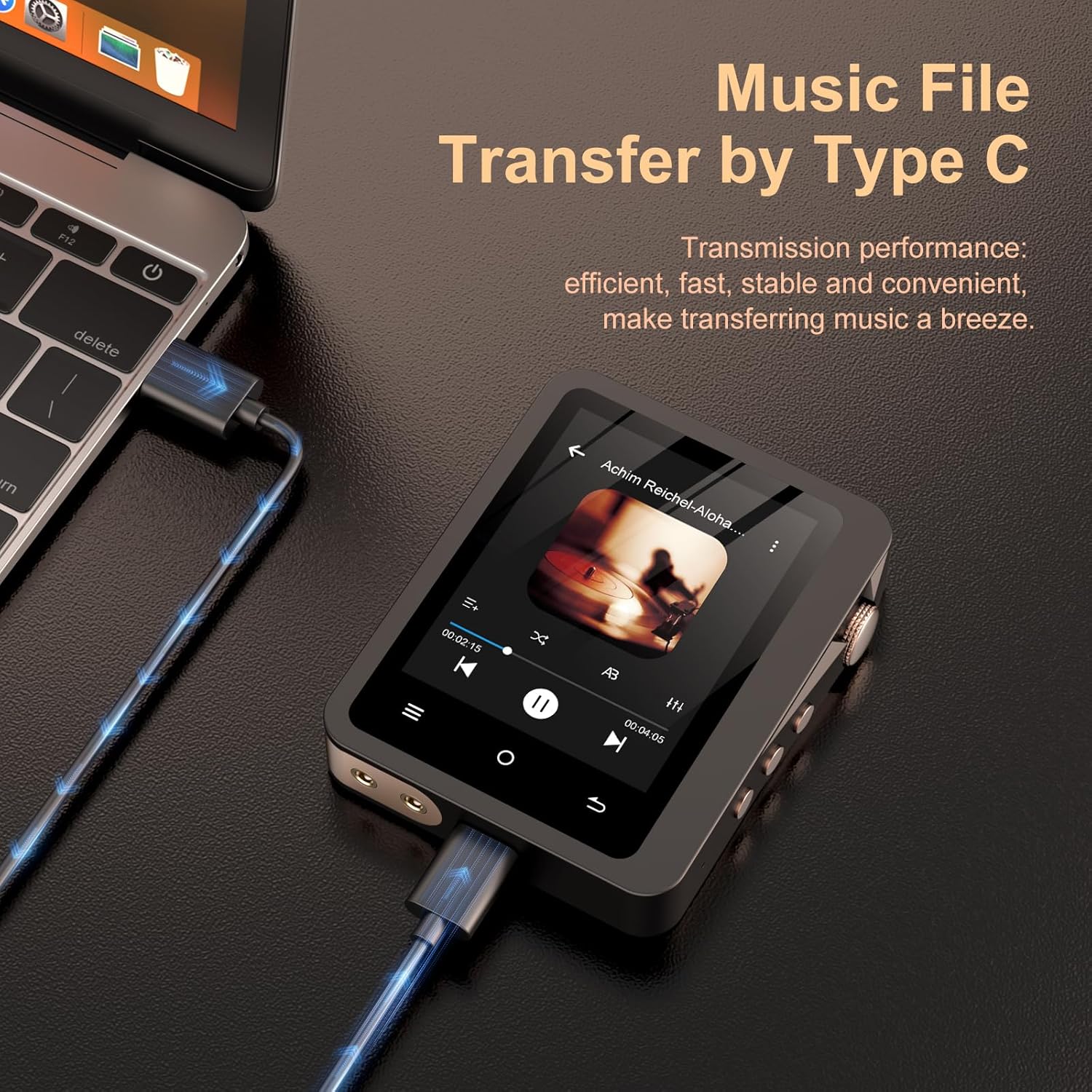
Image: The MP3 player is shown connected to a laptop via a USB-C cable, illustrating the process of transferring music files from a computer to the device.
5. Operating Instructions
5.1 Power On/Off
Press and hold the power button (usually on the side) for a few seconds to turn the device on or off. A short press will turn the screen on or off.
5.2 Navigating the Interface
The player features a 2.8-inch HD touchscreen. Swipe and tap to navigate through menus, select songs, and adjust settings. The retro mechanical knob provides convenient volume control.

Image: A close-up of the MP3 player's touchscreen displaying the music playback interface with track information, progress bar, and control buttons.
5.3 Music Playback
From the main menu, select 'Music' to browse your audio library. You can sort by artist, album, genre, or view all songs. Tap on a song to begin playback. Use the on-screen controls or physical buttons for play/pause, skip tracks, and volume adjustment.
5.4 Bluetooth Connectivity
The player integrates Bluetooth 5.3 for wireless audio transmission. To connect to Bluetooth headphones or speakers:
- Go to 'Settings' and select 'Bluetooth'.
- Turn Bluetooth 'On'.
- Ensure your Bluetooth device is in pairing mode.
- Select your device from the list of available devices to pair.
Note: The player acts as a Bluetooth transmitter only (A2DP profile) and cannot receive Bluetooth signals.

Image: The MP3 player is depicted alongside a pair of wireless earbuds, illustrating its Bluetooth 5.3 connectivity for stable audio streaming.
5.5 Audio Output Options
The player offers both a 3.5mm headphone jack and a line output for flexible connectivity.
- Headphone Jack: Connect your wired headphones for a direct audio experience. Output power: 10mW/32 Ω, 20mW/16 Ω.
- Line Output: Use the included audio cable to connect to external amplifier devices such as home audio systems, powered speakers, or car audio systems.
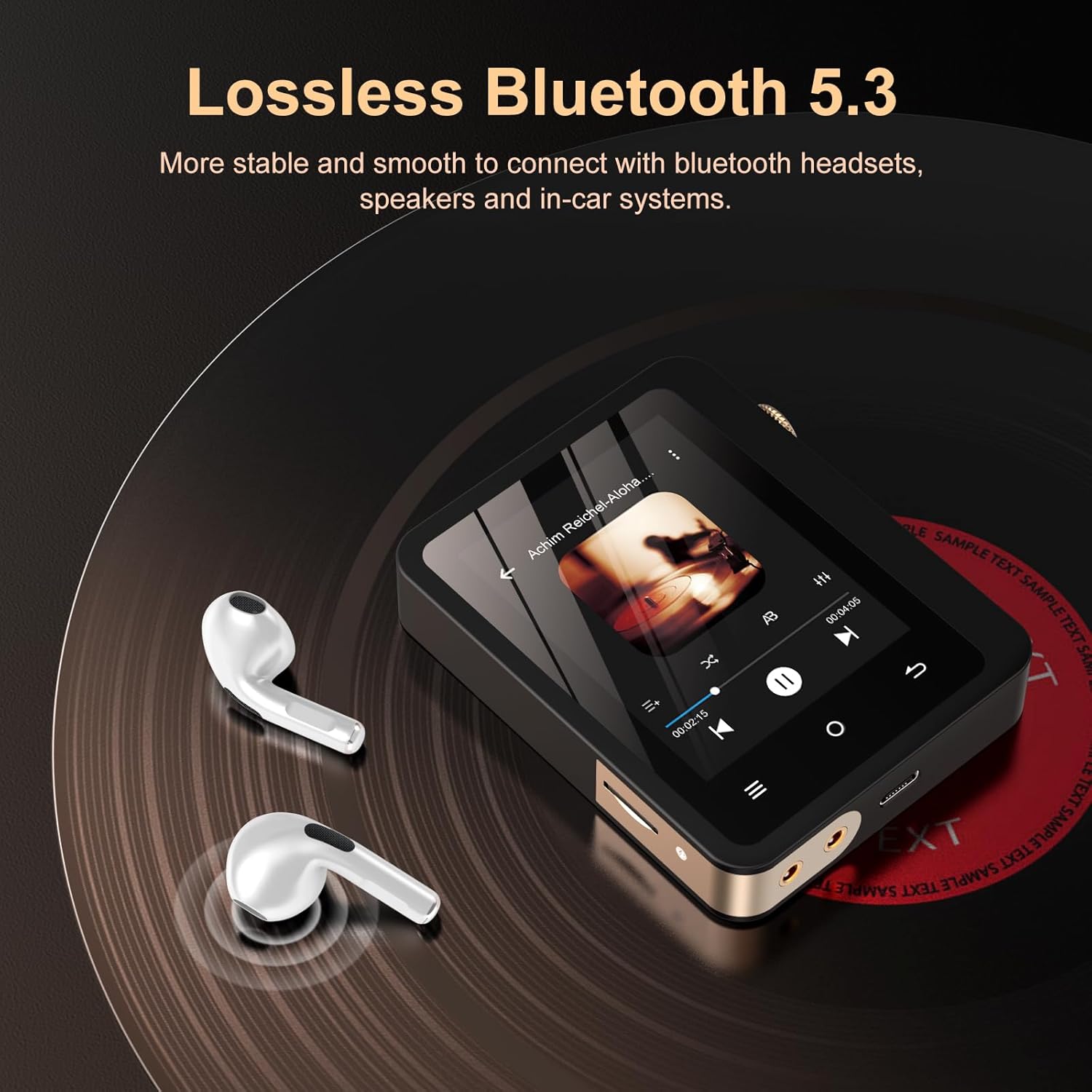
Image: A close-up of the MP3 player's audio output ports, demonstrating connections to various external devices like headphones, home audio systems, and car stereos.
6. Supported Audio Formats
The Fanvace HiFi MP3 Player supports a wide range of audio formats, including high-resolution and lossless options, to ensure a premium listening experience.
| Category | Supported Formats |
|---|---|
| Lossy Formats | MP1, MP2, MP3, AAC, WMA, OGG |
| Lossless & High-Res Formats | FLAC, APE, WAV, PCM, ALAC, MS-ADPCM, AIFF, IMA, DSF, DFF, Native DSD256 (11.2MHz) |

Image: A graphic representation detailing the extensive list of audio formats compatible with the MP3 player, including MP3, AAC, FLAC, APE, WAV, and DSD.
7. Battery and Storage
7.1 Battery Life
The player is equipped with a 2000mAh rechargeable battery, providing extended playback times:
- Up to 50 hours of continuous Hi-Res audio playback via wired headphones.
- Up to 60 hours via Bluetooth connection.
Actual playback time may vary based on volume level, file format, screen usage, and Bluetooth connection.

Image: The MP3 player screen shows battery information, highlighting the 2000mAh capacity and estimated usage durations for wired headphones and Bluetooth.
7.2 Storage Capacity
The device includes a 64GB Micro SD card, offering ample space for thousands of high-quality music tracks. The storage can be expanded up to 256GB using a compatible Micro SD card.
8. Specifications
| Feature | Detail |
|---|---|
| Brand | Fanvace |
| Model Name | 12 |
| Connectivity Technology | Bluetooth 5.3 |
| Memory Storage Capacity | 64 GB (expandable up to 256 GB) |
| Screen Size | 2.8 inches (240*320 resolution) |
| DAC Chip | ES9018K2M |
| Audio SNR | 127dB/kHz |
| THD+N | < 0.001% |
| Wired Headphone Output Power | 10mW/32 Ω, 20mW/16 Ω |
| Battery Capacity | 2000mAh |
| Battery Average Life | Up to 50 hours (wired), 60 hours (Bluetooth) |
| Supported Audio Standards | MP1/2/3, AAC, FLAC, APE, WAV, PCM, WMA, OGG, ALAC, MS-ADPCM, AIFF, IMA, DSF, DFF, DSD256 |
| Special Features | DSD Decoding, Equalizer, Touch Screen, Line Out |
9. Troubleshooting
If you encounter issues with your Fanvace HiFi MP3 Player, please refer to the following common solutions:
9.1 Device Not Turning On
- Ensure the battery is charged. Connect the player to a power source and allow it to charge for at least 15 minutes before attempting to power on again.
- Press and hold the power button for 10-15 seconds to perform a hard reset.
9.2 No Sound Output
- Check the volume level. Ensure it is not muted or set too low.
- If using wired headphones, ensure they are fully plugged into the 3.5mm jack. Test with another pair of headphones if possible.
- If using Bluetooth, ensure the player is correctly paired and connected to your audio device. Verify the volume on both the player and the Bluetooth device.
- Check if the audio file format is supported.
9.3 Bluetooth Connection Issues
- Ensure both the player and the receiving Bluetooth device are within range (typically 10 meters) and free from obstructions.
- Turn Bluetooth off and on again on both devices.
- Forget the device in the Bluetooth settings and re-pair.
- Confirm the player is set to transmit (it cannot receive Bluetooth signals).
9.4 Screen Unresponsive or Freezing
- Press and hold the power button for 10-15 seconds to force a restart.
- Ensure the screen is clean and dry.
10. Maintenance
- Cleaning: Use a soft, dry cloth to clean the device. Do not use liquid cleaners or aerosols.
- Storage: Store the player in a cool, dry place away from direct sunlight and extreme temperatures.
- Battery Care: To prolong battery life, avoid fully discharging the battery frequently. Charge the device regularly, even if not in use for extended periods.
- Software Updates: Check the manufacturer's website periodically for any available firmware updates to ensure optimal performance and new features.
11. Warranty and Support
Your Fanvace HiFi MP3 Player comes with a 1-year warranty from the date of purchase, covering manufacturing defects. Please retain your proof of purchase for warranty claims.
For technical support, troubleshooting assistance, or warranty inquiries, please contact Fanvace customer service through the retailer where you purchased the product or visit the official Fanvace website for contact information.
Please feel free to contact us if you have any problem during your use, we will reply you within 24 hours.