
1. Important Safety Instructions
Please read all instructions carefully before using this appliance and retain for future reference. Always follow basic safety precautions to reduce the risk of fire, electric shock, or injury.
- This appliance is for indoor use only.
- Ensure the power supply matches the voltage specified on the rating label.
- Do not operate the unit with a damaged cord or plug.
- Keep children away from the appliance and supervise them when it is in use.
- Do not block air inlets or outlets. Maintain at least 20cm clearance around the unit.
- Always unplug the unit before cleaning or servicing.
- Do not use the unit in wet environments or near water.
- Allow the unit to stand upright for at least 24 hours before initial use if it has been tilted during transport.
2. Product Overview
The Garvee 14000 BTU Portable Air Conditioner is a versatile 4-in-1 unit designed to provide comfort in various environments. It offers cooling, dehumidification, fan-only operation, and a dedicated sleep mode.
Key Features:
- Powerful Cooling: 14000 BTU cooling capacity, suitable for areas up to 750 sq. ft.
- 4-in-1 Functionality: Cool, Dehumidify, Fan, and Sleep modes for year-round comfort.
- Portable Design: Equipped with 360° swivel casters and a carry handle for easy movement.
- Quiet Operation: Noise levels as low as 50 dB on low fan speed, with a special sleep mode for minimal disturbance.
- User-Friendly Controls: Includes a remote control and a built-in touch panel.
- 24-Hour Timer: Program the unit to turn on or off according to your schedule.
- Swing Air Flow: Promotes balanced air distribution for more even room comfort.
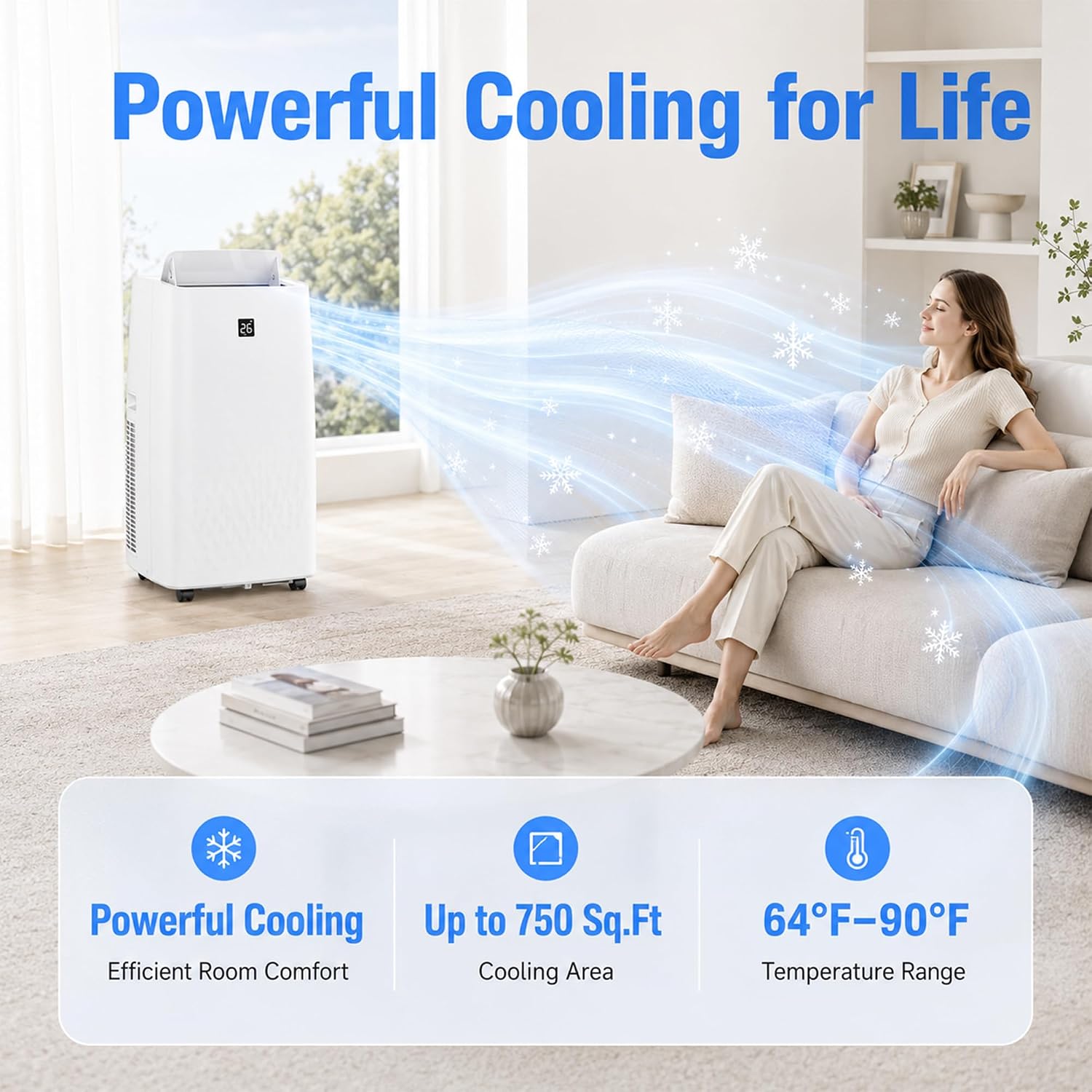
Image: The Garvee portable air conditioner effectively cooling a living room, demonstrating its powerful air output.

Image: An illustration detailing the three primary modes of the portable air conditioner: Cool, Dry (Dehumidify), and Fan, suitable for different room types.
Included Components:
The package includes the portable air conditioner unit, a remote control, and a complete window installation kit.

Image: A visual representation of the window installation kit components, including the exhaust hose, window panel, and connectors.
3. Setup and Installation
Follow these steps for quick and easy installation. No special tools are required.
- Unpack and Position: Carefully remove the unit from its packaging. Place the unit on a flat, stable surface. If the unit was tilted during transport, allow it to stand upright for at least 24 hours before plugging it in.
- Attach Exhaust Hose Connector: Twist the connector onto one end of the exhaust hose.
- Connect Hose to Unit: Insert the other end of the exhaust hose into the designated opening on the back of the air conditioner unit.
- Prepare Window Panel: Adjust the window panel to fit your double-hung or sliding window opening.
- Connect Hose to Window Adapter: Attach the window adapter to the exhaust hose and then secure it into the opening of the window panel.
- Adjust Hose: Ensure the exhaust hose is extended and adjusted without sharp bends to allow for efficient airflow.
- Plug In: Once all connections are secure and the unit has rested for 24 hours, plug the power cord into a grounded electrical outlet.

Image: A visual step-by-step guide demonstrating the quick and easy installation process for the portable air conditioner's window kit.
4. Operating Instructions
The Garvee portable air conditioner can be controlled via the built-in touch panel or the included remote control.
Control Panel and Remote:

Image: The unit's top-mounted control panel and the handheld remote control, showing various function buttons.
Operating Modes:
- Cool Mode: Provides powerful cooling. Set your desired temperature using the Temp+ / Temp- buttons.
- Dehumidify Mode (Dry): Removes excess moisture from the air. The fan speed is typically fixed in this mode.
- Fan Mode: Circulates air without cooling. Select desired fan speed (low, medium, high).
- Sleep Mode: Optimizes cooling and fan speed for quiet nighttime operation, gradually increasing the temperature for energy efficiency and comfort.
Timer Function:
Use the Timer button to set a delayed start or stop time for the unit, up to 24 hours. This allows you to schedule cooling to match your routine.

Image: The portable AC unit in a bedroom, highlighting the 24-hour timer and swing air flow features for enhanced comfort.
Swing Function:
Activate the swing function to automatically move the air louvers, distributing cool air more evenly throughout the room.
Product Video:
Video: An official product video from Garvee Direct demonstrating various features and aspects of the portable air conditioner.
5. Maintenance
Regular maintenance ensures optimal performance and longevity of your air conditioner.
Cleaning the Air Filter:
The air filter should be cleaned every two weeks or more frequently depending on usage and air quality. A dirty filter can reduce cooling efficiency.
- Unplug the unit from the power outlet.
- Locate and remove the air filter from the back or side of the unit.
- Wash the filter with warm, soapy water. Rinse thoroughly.
- Allow the filter to air dry completely before reinstalling. Do not expose to direct sunlight.
Draining Accumulated Water:
The unit collects condensate water during operation, especially in Dehumidify mode. The 'Water Full' indicator will illuminate when the water tank needs draining.
- Unplug the unit from the power outlet.
- Place a shallow pan or tray under the drainage port at the bottom rear of the unit.
- Remove the drain plug to allow water to flow out.
- Once drained, replace the drain plug securely.
Cleaning the Unit Exterior:
Wipe the exterior of the unit with a soft, damp cloth. Do not use harsh chemicals or abrasive cleaners.
6. Troubleshooting
Before contacting customer support, please refer to the following common issues and solutions:
| Problem | Possible Cause | Solution |
|---|---|---|
| Unit does not turn on | No power supply; Power cord not plugged in; Circuit breaker tripped. | Check power outlet; Ensure plug is fully inserted; Reset circuit breaker. |
| Unit not cooling effectively | Dirty air filter; Room too large; Doors/windows open; Exhaust hose blocked or improperly installed; Temperature setting too high. | Clean air filter; Ensure room size is within specifications (up to 750 sq. ft); Close all doors and windows; Check exhaust hose for kinks or blockages; Lower the set temperature. |
| Water leaking from unit | Drain plug not securely closed; Unit is tilted; Water tank full. | Ensure drain plug is tight; Place unit on a level surface; Drain the water tank. |
| Unit is noisy | Unit not on a level surface; Air filter dirty; Internal components vibrating. | Place unit on a flat, stable surface; Clean air filter; This unit operates at 50-53 dB, which is normal for portable ACs. |
| "Water Full" indicator is on | Internal water tank is full. | Drain the water from the unit as described in the Maintenance section. |
7. Specifications
| Feature | Detail |
|---|---|
| Brand | Garvee |
| Model Name | FD-14000BTU |
| Cooling Power | 14000 BTU |
| Coverage Area | Up to 750 sq. ft |
| Dehumidifier Capacity | 90 pints/day |
| Product Dimensions (D x W x H) | 18.5" x 15.35" x 35.24" |
| Item Weight | 76.2 pounds |
| Voltage | 115V |
| Wattage | 800W |
| Noise Level | 50-53 dB |
| Controller Type | Remote Control |
| UPC | 881206297445 |
8. Warranty and Support
For warranty information and customer support, please refer to the documentation included with your product or contact Garvee customer service directly. Keep your purchase receipt as proof of purchase.
Safety Note: To prevent children from touching electrical appliances, ensure they are supervised by an adult when near the air conditioning unit.


