
Introduction
This manual provides instructions for the Diyeeni WiFi Telescope Camera Eyepiece, Model Diyeeniubdvq2z1we. This device is designed to enhance your observation experience by capturing high-definition images and videos through telescopes or microscopes, with the added convenience of WiFi connectivity for real-time viewing on mobile devices.
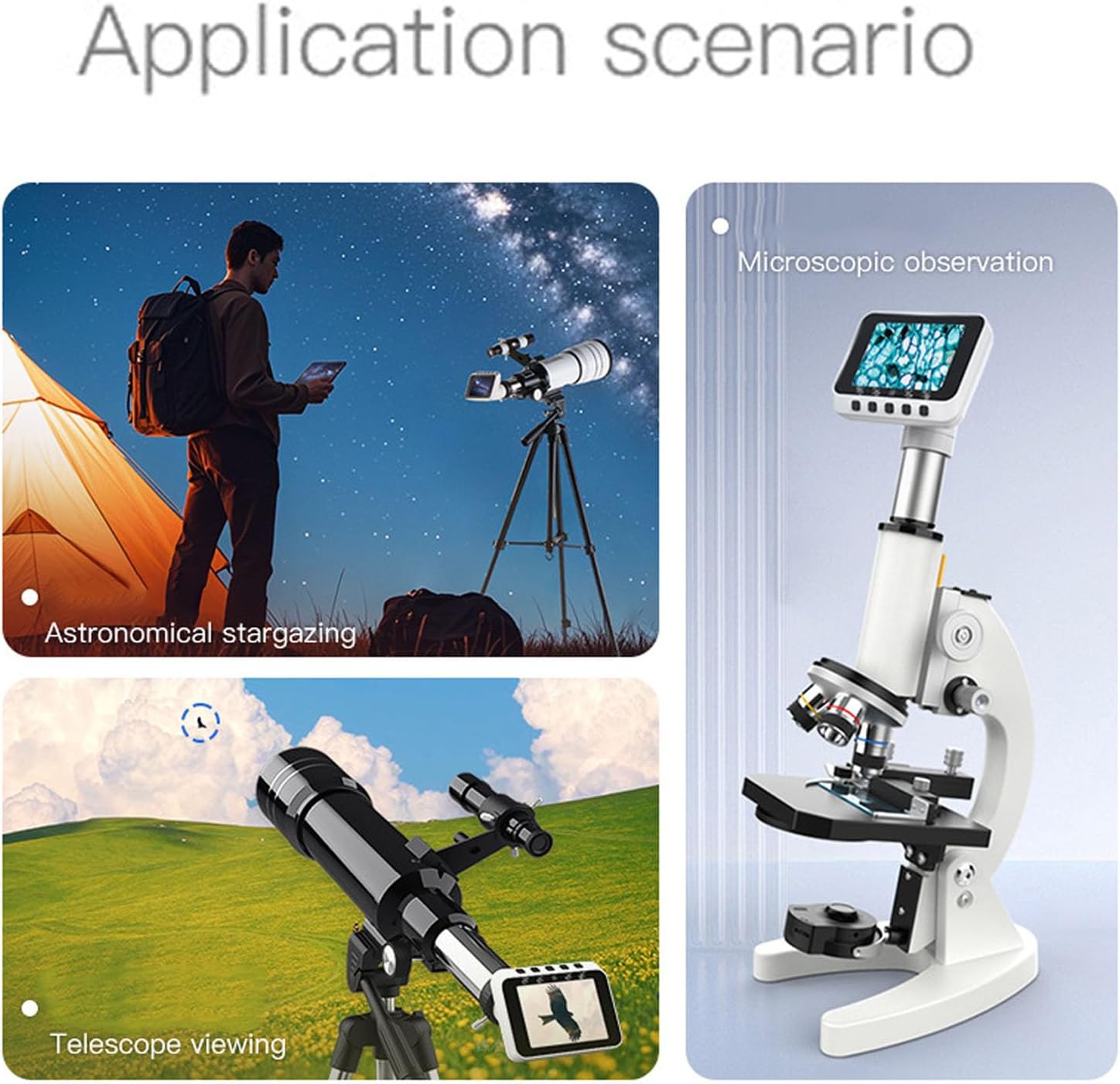
Key features include a 2.8-inch LCD display, 1080P video recording, a 650mAh rechargeable battery, and compatibility with 1.25-inch, 0.965-inch, and 23.2mm interfaces.
Package Contents
- 1 x Electronic Eyepiece
- 2 x Adapters (for 1.25in and 0.965in interfaces)
- 1 x USB Cable
- 1 x User Manual
Setup
- Unpacking: Carefully remove all components from the packaging.
- Power On: Press and hold the power key to turn on the electronic eyepiece. Ensure the battery is charged.
- Select Adapter: Choose the appropriate adapter (1.25-inch, 0.965-inch, or 23.2mm) for your telescope or microscope.
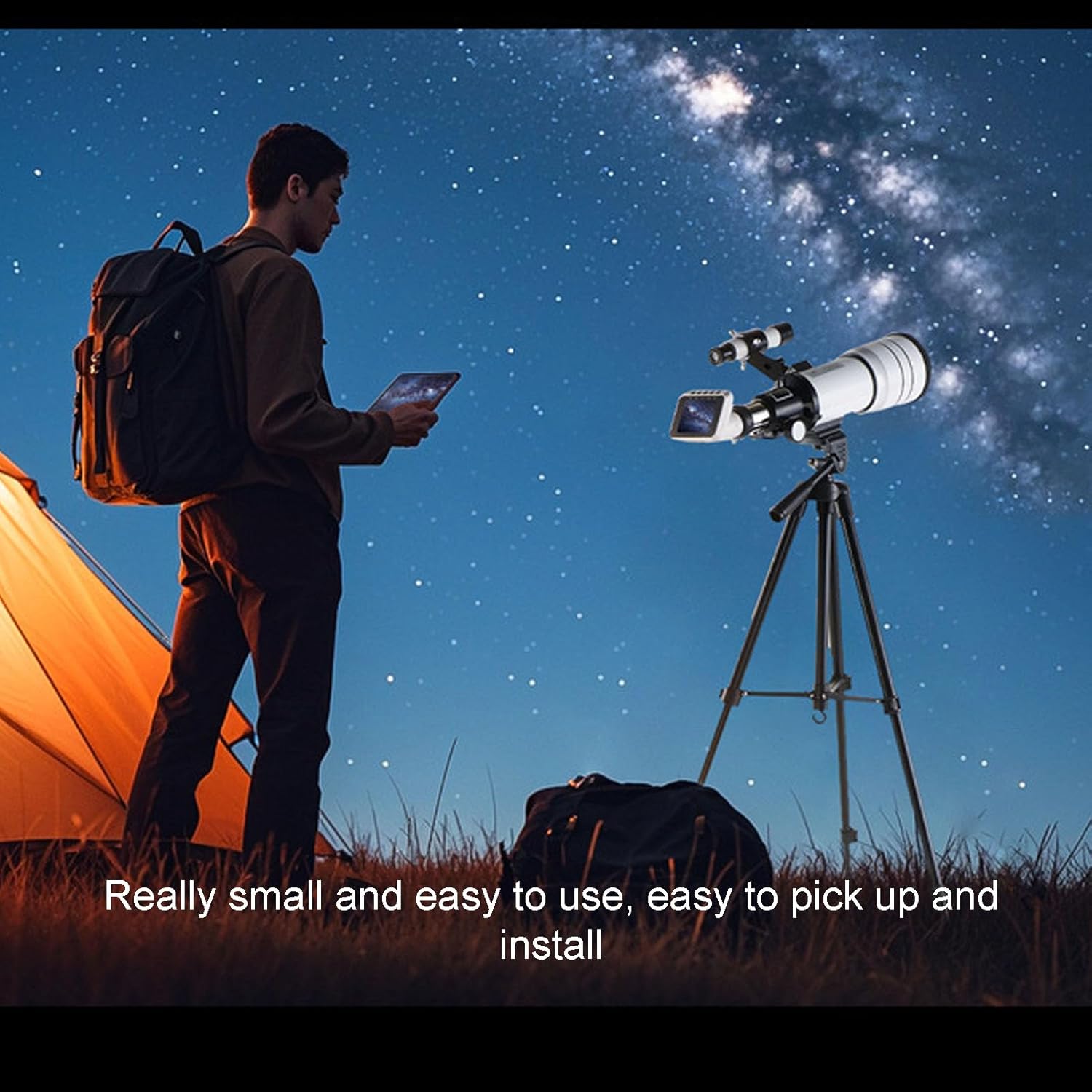
- Attach to Device: Insert the selected adapter into your telescope's or microscope's eyepiece holder. Then, securely attach the Diyeeni WiFi Telescope Camera Eyepiece to the adapter.

Operating Instructions
Basic Operation
- Power On/Off: Press and hold the power button located on the device to turn it on or off.
- Adjust Eyepiece Angle: The eyepiece angle is adjustable up to 75 degrees for comfortable viewing.
- LCD Display: View live footage directly on the integrated 2.8-inch LCD screen.
- Capture Photos/Videos: Use the dedicated buttons on the device to capture still photos or record videos at up to 1080P resolution.
WiFi Connectivity and App Usage
The device features built-in WiFi for seamless connection to your mobile device (Android operating system supported). This allows for live streaming, remote control, and advanced features via a dedicated application.
- Download App: Search for the compatible application (e.g., "T Cam" as mentioned in product description) on your Android device's app store and install it.
- Enable WiFi: Ensure WiFi is enabled on the electronic eyepiece.
- Connect to Device: On your mobile device, go to WiFi settings and connect to the network broadcast by the Diyeeni eyepiece.
- Launch App: Open the installed application. You should now see the live feed from the eyepiece on your phone or tablet.
- App Features: Utilize the app for features such as taking pictures, recording videos, digital magnification (zoom in/out), and multi-screen interaction.

Maintenance
- Cleaning: Use a soft, dry, lint-free cloth to clean the exterior of the device. For the screen and lens, use a specialized optical cleaning cloth and solution if necessary. Avoid abrasive materials or harsh chemicals.
- Battery Charging: Charge the built-in 650mAh lithium-ion battery using the provided USB-C cable. The device supports pass-through charging, allowing use while plugged in. A full charge provides up to 4 hours of continuous use.
- Storage: Store the eyepiece in a cool, dry place away from direct sunlight and extreme temperatures when not in use.
Troubleshooting
| Problem | Possible Cause | Solution |
|---|---|---|
| Device does not power on. | Low or depleted battery. | Charge the device using the USB-C cable. |
| Cannot connect via WiFi. | WiFi not enabled on device; incorrect network selected; app issue. | Ensure device WiFi is on. Select the correct WiFi network on your phone. Restart the app and device. |
| Image is blurry or unclear. | Improper focus; dirty lens/screen; incorrect adapter fit. | Adjust the focus of your telescope/microscope. Clean the eyepiece lens and screen. Ensure the adapter is securely fitted. |
| App not displaying live feed. | WiFi connection lost; app permissions; device not transmitting. | Verify WiFi connection. Check app permissions on your phone. Restart the eyepiece and app. |
Specifications
| Feature | Detail |
|---|---|
| Item Type | WiFi Telescope Camera Eyepiece |
| Material | ABS |
| Color | White |
| Battery | Li-ion battery (built-in), Capacity: 650mAh |
| Screen | 2.8 inch LCD |
| Image Sensor | CMOS |
| Photo Resolution | Maximum 1080P |
| Video Resolution | Maximum 1080P |
| Video Format | Mp4 |
| Data Transfer Mode | WiFi |
| Power Port | USB C |
| Eyepiece Angle Adjustable | 75° |
| Operating System (App) | For Android |
| Adaptation Interfaces | 1.25in, 0.965in monocular or binocular telescope; Astronomical telescope and 23.2mm microscope |
| Product Dimensions | 3.94"D x 3.54"W x 2.36"H |
| Weight | Approximately 0.2 pounds (90g) |
Warranty Information
This product is covered by a manufacturer's warranty for 90 days from the date of purchase. Please retain your proof of purchase for warranty claims. The warranty covers defects in materials and workmanship under normal use.
Support
For technical assistance, troubleshooting beyond this manual, or warranty inquiries, please contact Diyeeni customer support. Refer to the product packaging or the official Diyeeni website for the most current contact information.