
1. Introduction
Thank you for choosing the Lamicall Ultra Mini Bike Pump Tire Inflator. This compact and powerful device is designed for convenient and efficient tire inflation for various bicycles and scooters. Please read this manual thoroughly before use to ensure proper operation and to maximize the product's lifespan.

Figure 1: Key features of the Lamicall Ultra Mini Inflator.
2. Safety Information
- Keep the device away from water and high temperatures.
- Do not disassemble or modify the device.
- Keep out of reach of children.
- Ensure the correct pressure is set for your tire to avoid over-inflation, which can cause damage or injury. Refer to your tire's recommended PSI.
- The pump may become warm during prolonged use. Allow it to cool down before recharging or continued operation.
- Operate within the safe certified pressure range of 0-120 PSI.
3. Package Contents
Verify that all items are present in your package:
- Lamicall Ultra Mini Bike Pump Tire Inflator
- Air Hose
- Presta Valve Adapter
- Schrader Valve Adapter (often integrated or separate)
- Needle Valve (for sports balls)
- Type-C Charging Cable
- User Manual

Figure 2: Lamicall Mini Bike Pump and its accessories.
4. Product Overview
The Lamicall Ultra Mini Bike Pump features a compact design with an intuitive interface. It includes a digital display for real-time pressure readings and control buttons for easy operation.
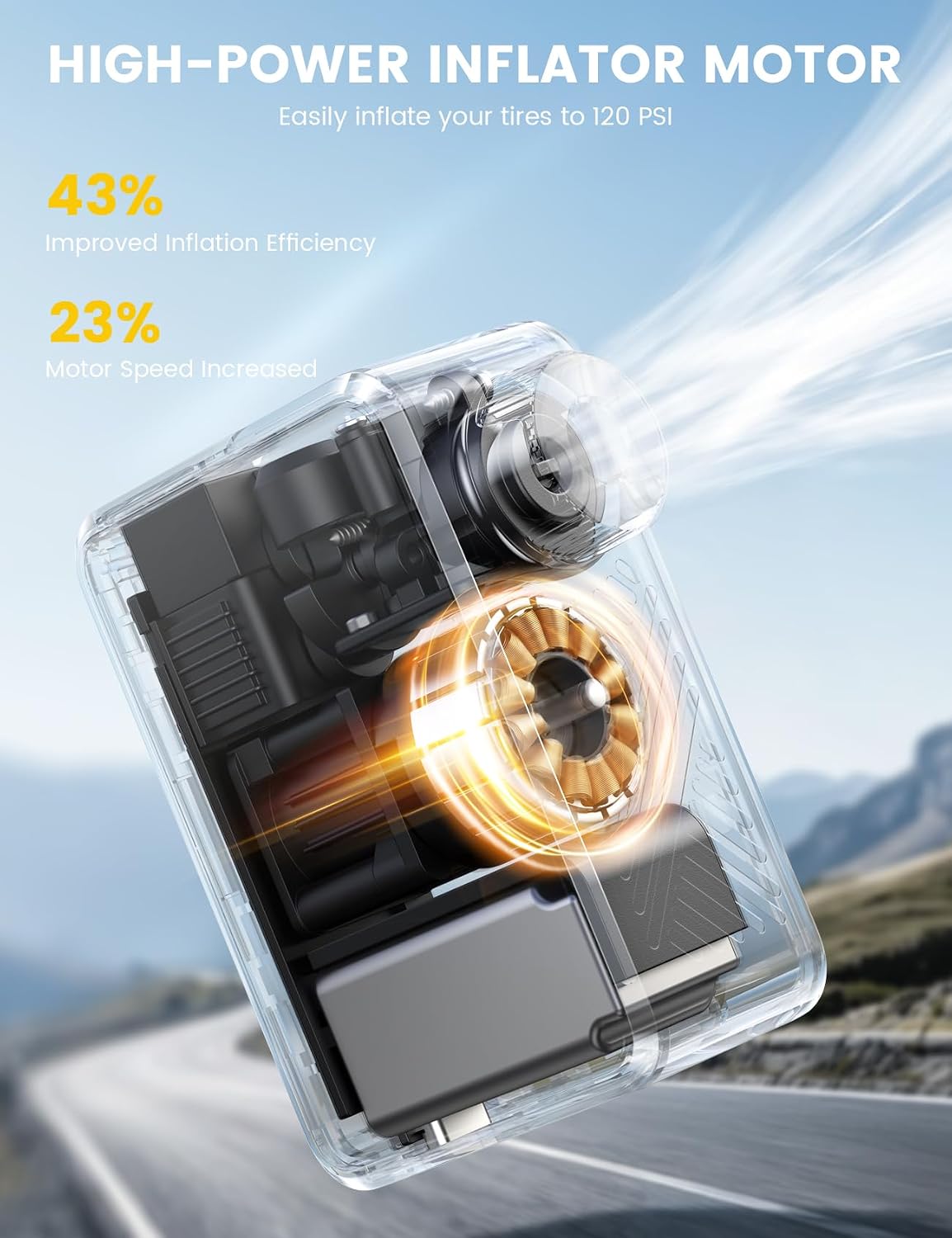
Figure 3: Front view of the pump with digital display and controls.
Its ultra-light design, weighing only 5 oz, makes it highly portable, fitting easily into a bike bag or jersey pocket.

Figure 4: Pump stored in a bike bag.
5. Setup
5.1 Initial Charge
Before first use, fully charge the pump using the provided Type-C cable. A full charge takes approximately 30 minutes.
5.2 Attaching the Air Hose and Adapters
- Screw the air hose securely onto the pump's inflation port.
- Depending on your tire valve type (Presta or Schrader), attach the appropriate adapter to the other end of the air hose. The pump supports direct connection for Presta and Schrader valves, or via the air hose for more flexibility.

Figure 5: Inflation methods and valve compatibility.
6. Operating Instructions
6.1 Power On/Off
Press and hold the power button to turn the pump on or off. The digital display will illuminate.
6.2 Setting Desired Pressure
- Once powered on, the display shows the current tire pressure.
- Use the '+' and '-' buttons to adjust the target pressure (PSI). The pump supports preset pressure values and remembers the last setting.
6.3 Connecting to Tire
Securely screw the valve connector (or adapter) onto your tire's valve stem. Ensure a tight seal to prevent air leakage.
6.4 Starting and Stopping Inflation
- Press the power button briefly to start inflation. The pump will begin to inflate the tire to the preset pressure.
- The pump features an automatic stop function. It will automatically cease inflation once the target pressure is reached.
- To manually stop inflation at any time, press the power button again.
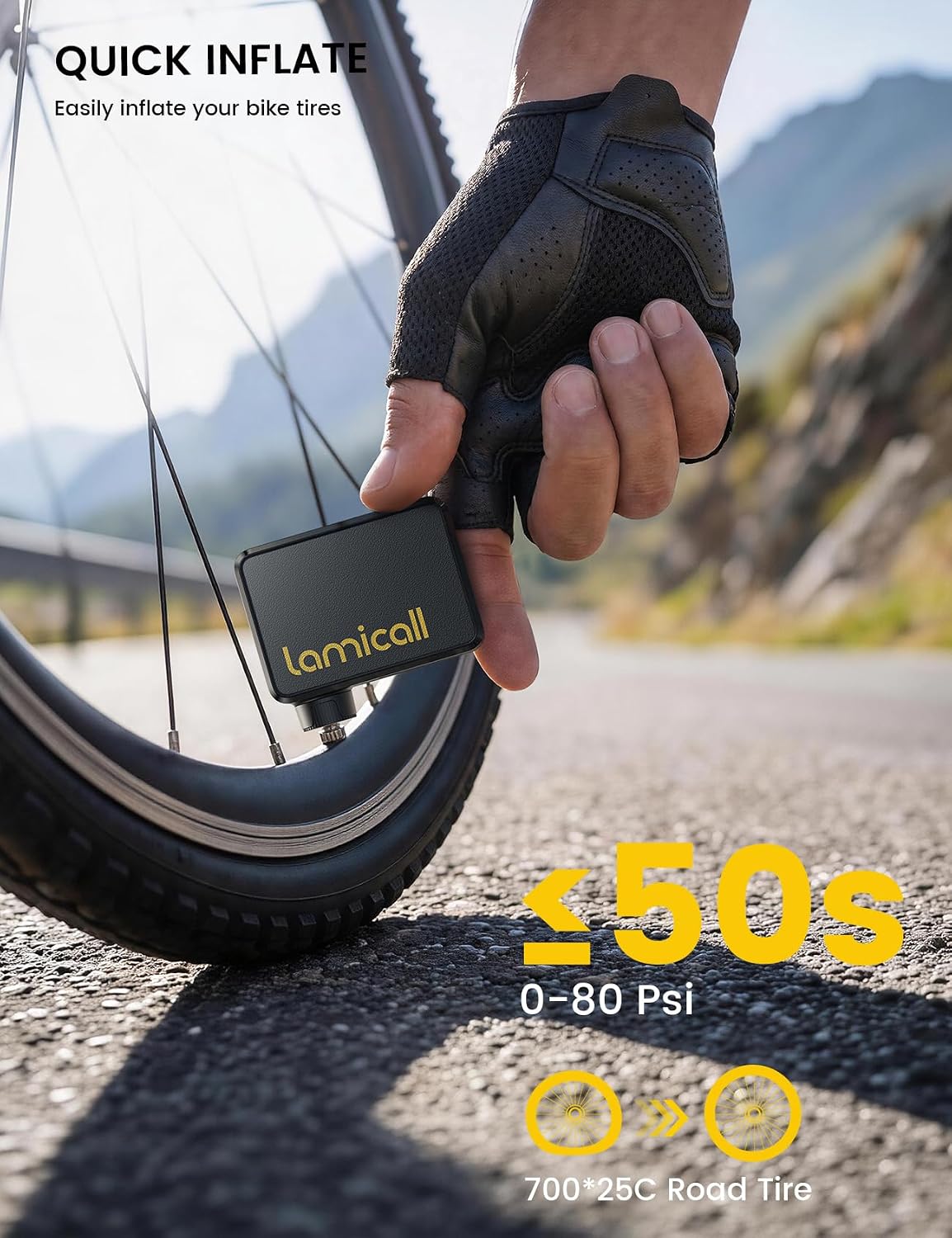
Figure 6: Pump inflating a bicycle tire.

Figure 7: Easy inflation process with the pump.
7. Charging
The pump is equipped with a Type-C fast charging port. Connect the provided Type-C cable to the pump and a compatible USB power source. The charging indicator will show the charging status.
- A full charge takes approximately 30 minutes.
- Once fully charged, the pump can inflate at least two 700*25C tires from 0 to 110 PSI.

Figure 8: Charging the Lamicall Mini Bike Pump.
8. Compatibility
This mini pump is compatible with a wide range of tires, including:
- Road Bikes
- MTB Bikes (Mountain Bikes)
- City Bikes
- E-bikes
- Scooters

Figure 9: Compatibility with various bikes and scooters.
9. Maintenance
- Battery Care: To maximize battery life, fully charge the pump before storing it after each use. For long-term storage, recharge every 6 months.
- Cleaning: Wipe the pump with a soft, dry cloth. Do not use harsh chemicals or immerse in water.
- Storage: Store the pump in a cool, dry place away from direct sunlight and extreme temperatures.
10. Troubleshooting
| Problem | Possible Cause | Solution |
|---|---|---|
| Pump does not turn on | Low battery | Charge the pump fully. |
| Pump does not inflate | Valve not securely connected | Ensure the valve connector is tightly screwed onto the tire valve. |
| Pump stops unexpectedly | Target pressure reached; Overheat protection activated | Check display for target pressure. If hot, allow to cool down before resuming. |
| Inaccurate pressure reading | Loose connection; Sensor issue | Ensure connection is tight. If problem persists, contact support. |
11. Specifications
| Feature | Specification |
|---|---|
| Brand | Lamicall |
| Model | B0H4LP42QG |
| Material | Alloy Steel, Plastic |
| Power Source | Battery Powered |
| Air Flow Capacity | 24 Liters Per Minute |
| Maximum Pressure | 120 PSI (Pound per Square Inch) |
| Connector Type | Type-C |
| Weight | Approximately 5 oz (155g) |
| Dimensions | Approximately 2.9" x 2.1" x 1.27" (7.4 cm x 5.3 cm x 3.2 cm) |
12. Warranty and Support
Lamicall products are designed for quality and reliability. For warranty information or technical support, please refer to the official Lamicall website or contact their customer service directly. Keep your purchase receipt as proof of purchase.
Online Support: Visit the Lamicall Store on Amazon
13. Video Resources
Note: No direct video URLs (m3u8 format) were provided in the product data. If available, official product videos from the seller would be embedded here to demonstrate setup and operation.
Example of where a video would be embedded:
Description: This video would typically demonstrate the unboxing, initial charging, and basic inflation steps for the Lamicall Ultra Mini Bike Pump.