
Product Overview
The AIPER Robotic Pool Cleaner Model 1 is designed to provide automated and efficient cleaning for your swimming pool. This device is battery-powered and controlled via an app, offering convenience and thorough cleaning performance.
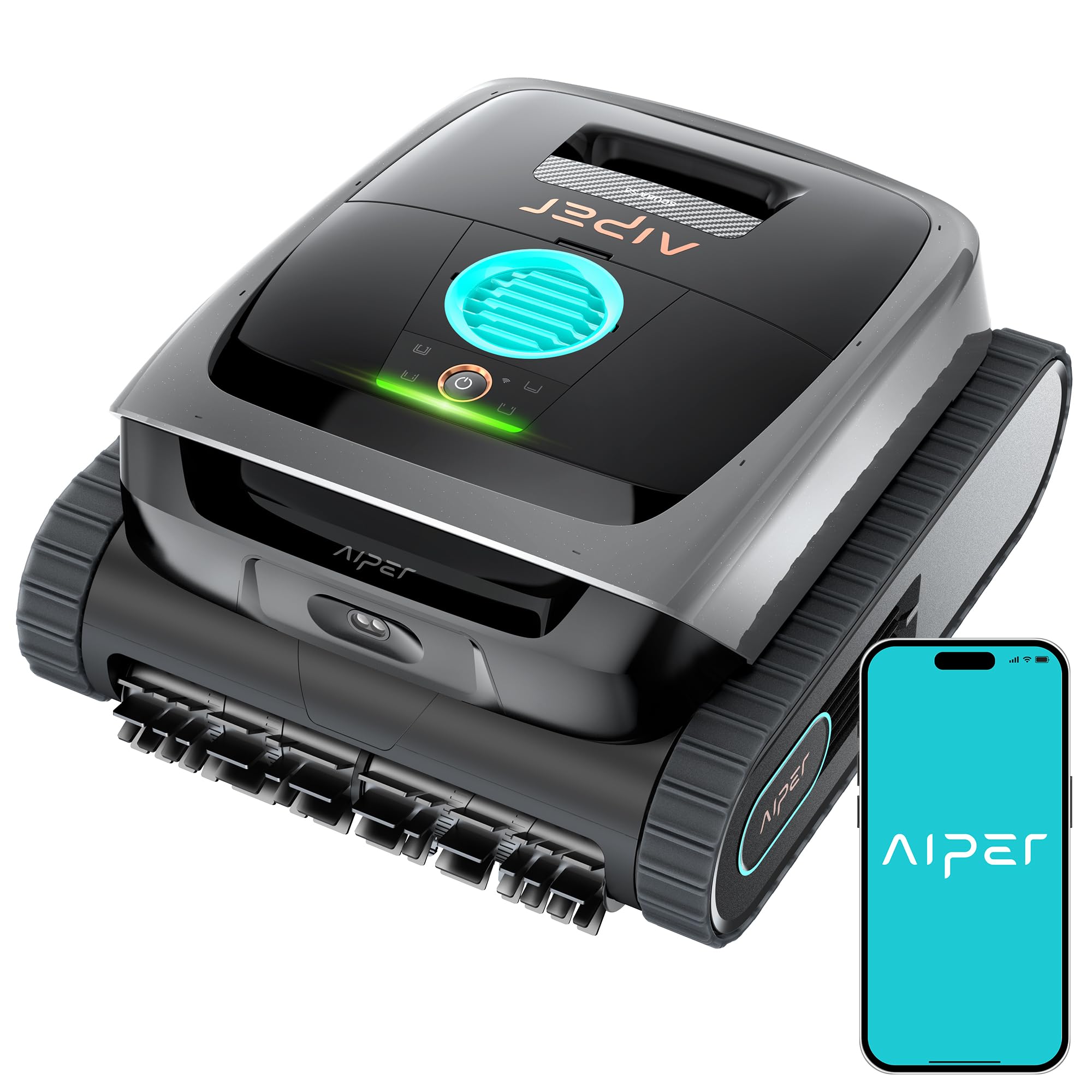
Image: The AIPER Robotic Pool Cleaner Model 1 operating in a pool.
Setup
1. Unboxing and Initial Inspection
Carefully remove all components from the packaging. Verify that all parts are present and undamaged. Refer to the packing list for a complete inventory.
2. Charging the Unit
Before first use, fully charge the robotic pool cleaner. Connect the charging cable to the unit and a power outlet. The indicator light will show charging status. A full charge is essential for optimal performance.
3. App Installation and Connection
Download the official AIPER app from your device's app store. Follow the in-app instructions to connect your robotic pool cleaner via Wi-Fi. This app allows for remote control and monitoring of the cleaning process.
4. First Use Placement
Gently lower the cleaner into the pool. Ensure it is fully submerged and free of air bubbles before initiating a cleaning cycle. The unit is designed for robotic installation.
Video: Demonstrating how to use the Aiper Scuba S3 Robot Vacuum Pool Cleaner, including initial setup and placement.
Operating Instructions
1. Starting a Cleaning Cycle
Once the cleaner is submerged and connected to the app, select your desired cleaning mode (e.g., Floor Mode, Wall Mode) and start the cycle. The cleaner will navigate the pool automatically.
2. Cleaning Modes
The AIPER Robotic Pool Cleaner offers various cleaning modes to suit different needs. Refer to the app for detailed descriptions and selection of each mode. The device features a 240-minute runtime on a full charge, providing ample time for thorough cleaning.
Video: Explanation of the four cleaning modes available on the Aiper Pool Robot Vacuum.
3. Retrieving the Cleaner
When the cleaning cycle is complete or the battery is low, the cleaner is designed to surface near a wall. Use the provided hook on a standard pool pole to retrieve the unit from the water. If the battery fully depletes before surfacing, it may sink to the bottom, requiring retrieval with the hook.
Maintenance
1. Filter Cleaning
After each cleaning cycle, remove and clean the filter basket. Rinse it thoroughly with a hose to remove debris such as leaves, sand, dirt, and other particles. Regular filter cleaning ensures optimal suction and cleaning efficiency.
2. General Unit Cleaning
Periodically inspect the brushes and wheels for any entangled debris. Clean the exterior of the unit with fresh water and a soft cloth. Do not use harsh chemicals.
3. Storage
When not in use for extended periods, store the cleaner in a cool, dry place away from direct sunlight. Ensure the battery is charged before storage.
Troubleshooting
- Cleaner not cleaning thoroughly: Ensure the filter basket is clean and not clogged. Check for any obstructions in the suction intake. Verify that the selected cleaning mode is appropriate for the pool's condition.
- Cleaner gets stuck or confused: The cleaner may occasionally encounter obstacles like steps or drains. It is designed to attempt to free itself. If it consistently gets stuck in the same area, manually reposition it or observe its behavior to understand the pattern.
- Cleaner does not surface or dies mid-pool: The unit is programmed to surface when the battery is low. If it fails to do so, ensure the battery is fully charged before each use. If the issue persists, there might be a communication or sensor problem. Use the retrieval hook to recover the unit.
- App notifications not received: Check your Wi-Fi connection and ensure the cleaner is within range. Verify app notification settings on your smartphone. If the issue persists, try re-pairing the device with the app.
Specifications
| Feature | Detail |
|---|---|
| Brand | AIPER |
| Model Name | 1 |
| Color | Black |
| Product Dimensions (L x W x H) | 8"L x 8"W x 8"H |
| Power Source | Battery Powered |
| Control Method | App |
| Lithium Battery Energy Content | 149.76 watt-hours |
| Number of Batteries | 1 Nonstandard Battery (included) |
| Installation Type | Robotic |
Warranty Information
This AIPER Robotic Pool Cleaner comes with a Limited Warranty. The manufacturer provides a 2-Year Warranty from the date of purchase. Please retain your proof of purchase for warranty claims. For detailed terms and conditions, refer to the warranty card included in your product packaging or visit the official AIPER website.
Customer Support
If you encounter any issues not covered in this manual or require further assistance, please contact AIPER customer support. You can find contact information on the official AIPER website or through the product app.


