
Introduction
The JBL EasySing Mic Mini Duo is a compact, versatile wireless microphone set designed for various audio applications, including karaoke, gaming, streaming, and video conferencing. It features AI vocal removal, seamless connectivity options, and intuitive controls, making it an ideal companion for enhancing your audio experience.

Image: A user enjoying the JBL EasySing Mic Mini Duo, demonstrating its ease of use.
What's in the Box
Verify that all components are present in your package:
- 2 x Small Wireless Microphones
- 1 x USB-C Dongle
- 1 x Charging Case
- 2 x Magnetic Clips
- 2 x Magnetic Handles

Image: All included accessories for the JBL EasySing Mic Mini Duo.
Setup
1. Initial Charging
Before first use, fully charge the microphones and the charging case. Place the microphones into the charging case. Connect the charging case to a power source using a USB-C cable (not included).
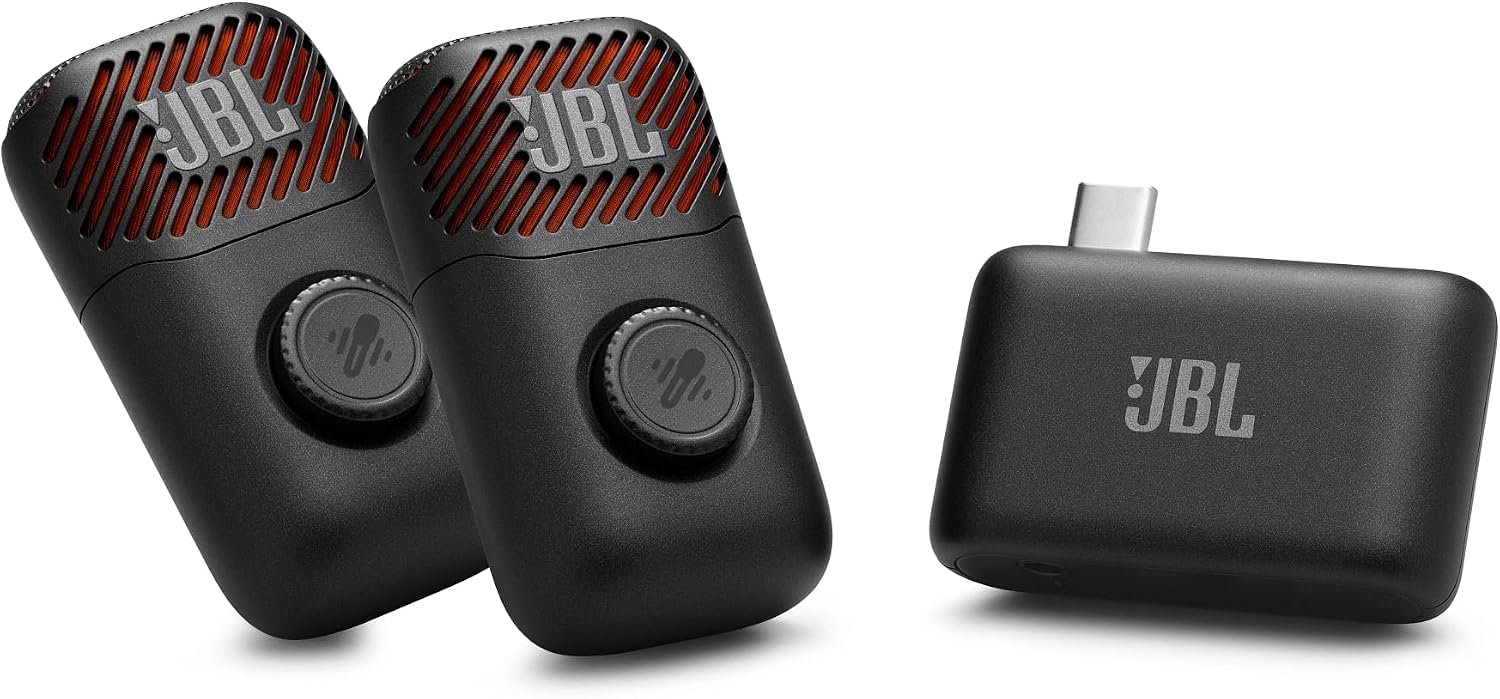
Image: The charging case for the JBL EasySing Mic Mini Duo.
2. Connecting to a Device
The JBL EasySing Mic Mini Duo offers multiple connection methods:
- Bluetooth: For compatible JBL Bluetooth speakers (e.g., BOOMBOX 4, XTREME5, CHARGE 6, FLIP 7, GRIP, GO5, PartyBox series). Ensure your speaker is in pairing mode, then power on the microphone. The microphone will automatically attempt to connect.
- USB-C Dongle: Insert the USB-C dongle into a compatible device (smartphone, tablet, laptop, or speaker with a USB-C port). Power on the microphone, and it will connect to the dongle.
- AUX Connection: For devices with an AUX input, connect the USB-C dongle to the device using an appropriate AUX cable (not included).

Image: The USB-C dongle connected to a JBL speaker.
For detailed connection diagrams and compatibility, refer to the JBL One app or the official JBL website.
Operating Instructions
1. Power On/Off
Press and hold the power button on each microphone to turn it on or off. An indicator light will confirm the status.
2. AI Vocal Removal
The microphone features an AI vocal removal function. Press the dedicated button on the microphone to toggle vocal separation on or off. This allows you to easily convert any song into a karaoke track.
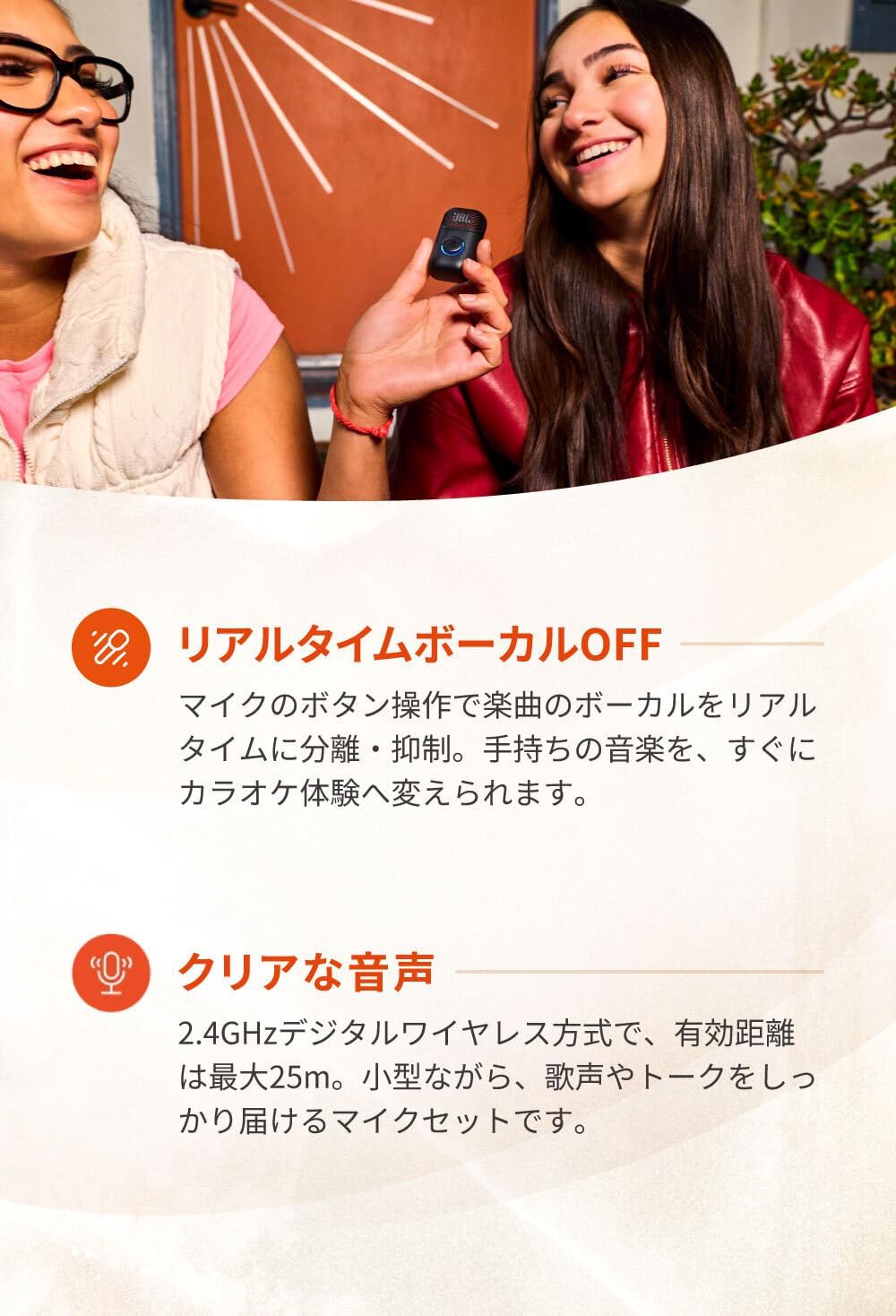
Image: Using the JBL EasySing Mic Mini Duo for singing.
3. Microphone Volume Control
Adjust the microphone volume using the knob located on the microphone body.
4. Usage Modes: Pin Mic and Handheld
The JBL EasySing Mic Mini Duo can be used in two ways:
- Pin Microphone: Attach the strong magnetic clip to your clothing, then secure the microphone to the clip.
- Handheld Microphone: Attach the microphone to the provided ring handle for comfortable handheld use.


5. JBL One App Integration
Download the JBL One app for advanced control and customization. The app allows you to adjust EQ settings, echo levels, and pitch changes to optimize your sound for different scenarios.

Image: The JBL EasySing Mic Mini Duo with JBL One app compatibility.
Maintenance
1. Cleaning
Wipe the microphones and charging case with a soft, dry cloth. Do not use abrasive cleaners or immerse the devices in water.
2. Battery Care
The microphones provide up to 6 hours of battery life. For optimal battery longevity, avoid fully discharging the battery frequently and store the device in a cool, dry place when not in use for extended periods.

Image: The USB-C dongle can be used for charging compatible devices.
Troubleshooting
No Sound or Low Volume
- Ensure the microphones are powered on and fully charged.
- Check that the microphone volume knob is turned up.
- Verify that the microphone is correctly connected to your playback device via Bluetooth, USB-C dongle, or AUX.
- Adjust the volume settings on your connected speaker or device.
Connection Issues
- For Bluetooth connections, ensure both the microphone and the receiving device are in pairing mode and within range (up to 25m).
- If using the USB-C dongle, ensure it is securely inserted into the device.
- Try restarting both the microphone and the connected device.
Sound Quality Concerns (e.g., Robotic Sound, Volume Fluctuations)
- Ensure the microphone is positioned correctly and not too close or too far from the sound source.
- Check for environmental interference that might affect wireless signal quality.
- Use the JBL One app to adjust EQ settings or disable/reduce echo effects, which can sometimes affect perceived sound clarity.
- Ensure the vocal removal feature is set to your desired level, as aggressive vocal removal can sometimes impact overall sound.
Specifications
| Brand | JBL |
| Model Name | JBL EasySing Mic Mini Duo |
| Manufacturer Model Number | JBLESMICMINIDUO |
| Connectivity Technology | AUX, Bluetooth, USB-C |
| Connector Type | 3.5mm Jack, USB Type-C |
| Features | Echo Control, Clip, Pitch Change, Vocal Removal, Mic EQ Customization |
| Compatible Devices | PA System, Speaker, Smartphone, Laptop, Headphones |
| Color | Black |
| Product Weight | 37 grams |
| Microphone Form Factor | Pin Microphone, Handheld Microphone |
| Power Type | Battery Powered |
| S/N Ratio | 59 dB |
| Number of Channels | 2 |
| Frequency Response | 15 KHz |
| Product Dimensions | 24 x 34 x 61 mm |
| Product Exterior Material | Recycled Plastic |
| Recommended Uses | Karaoke, Gaming, Streaming, Video Conferencing, Singing |
Warranty and Support
Warranty Information
This product is warranted for one year from the date of delivery for new items purchased from authorized domestic retailers. Proof of purchase (delivery note) is required. The warranty is limited to use within the country of purchase. For second-hand or resold items, repairs will be handled at the actual cost.
Customer Support
For further assistance, technical support, or warranty claims, please visit the official JBL website or contact your local JBL customer service center. You can find contact information and FAQs on the JBL support page.
JBL Official Website: www.jbl.com


