
Introduction
Thank you for choosing the PSOS PS-01SG Dehumidifier. This appliance is designed to efficiently remove excess moisture from the air, creating a more comfortable and healthier indoor environment. It features dual semiconductor condensation technology for quiet operation, two dehumidifier modes, washable filters, real-time humidity monitoring, 7-color ambient lighting, auto shut-off, and auto defrost capabilities. Please read this manual thoroughly before operation to ensure proper use and maintenance.
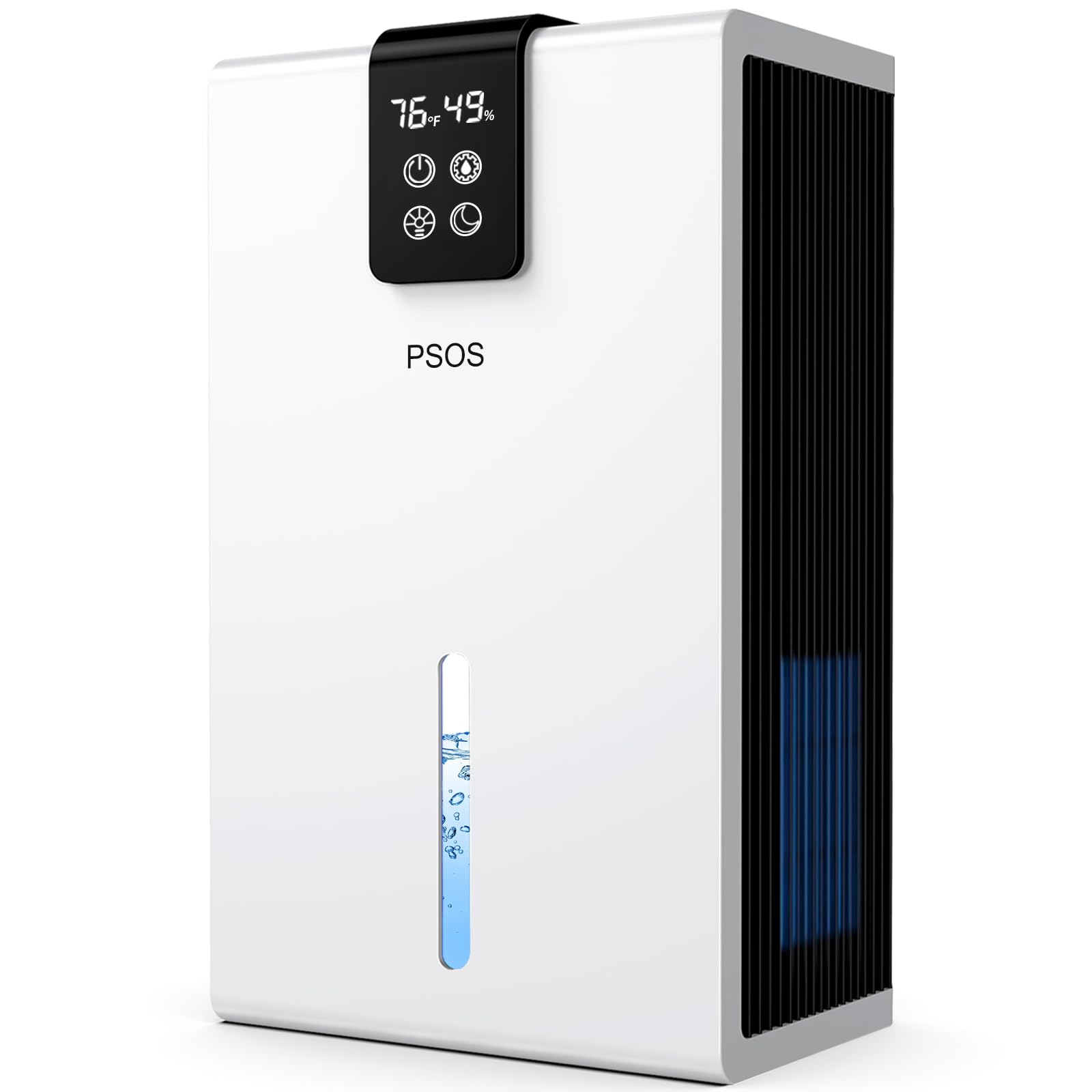
Image: Front view of the PSOS PS-01SG Dehumidifier.
Safety Instructions
- Always place the dehumidifier on a stable, level surface.
- Ensure adequate clearance around the unit for proper airflow (at least 8 inches from walls or furniture).
- Do not block the air inlet or outlet.
- Do not operate the unit near water or in excessively wet environments.
- Unplug the unit before cleaning or performing any maintenance.
- Keep out of reach of children and pets.
- Use only the provided power adapter.
Product Components
Familiarize yourself with the main parts of your PSOS PS-01SG Dehumidifier:
- Control Panel: Digital display for humidity and temperature, and touch buttons for various functions.
- Air Inlet: Located on the back/sides, where humid air enters.
- Air Outlet: Located on the top/front, where dry air exits.
- Water Tank: Removable tank for collecting condensed water.
- Washable Filter: Located at the air inlet to capture dust and particles.
- Ambient Light Strip: Integrated LED strip for customizable lighting.

Image: Internal view of the dehumidifier, highlighting the dual semiconductor condensation technology and the large water tank.
Setup
- Unpacking: Carefully remove the dehumidifier from its packaging. Retain packaging for future storage or transport.
- Placement: Place the unit upright on a firm, level surface in the desired location. Ensure there is at least 8 inches (20 cm) of space around the air inlet and outlet for optimal performance. Avoid placing it in direct sunlight or near heat sources.
- Power Connection: Insert the power plug into a suitable electrical outlet (110V).
- Water Tank: Ensure the water tank is correctly inserted into the unit. The unit will not operate if the tank is not properly seated.
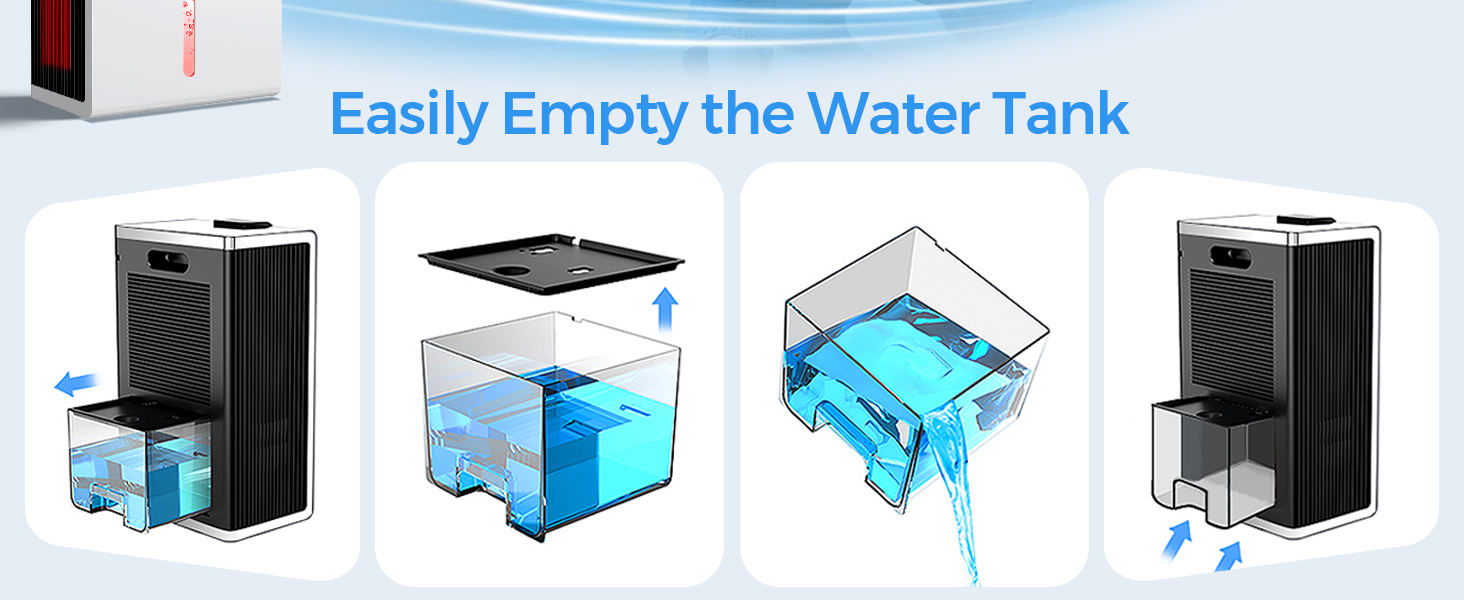
Image: Examples of suitable placement areas for the dehumidifier, including a cloakroom, bathroom, bedroom, and RV.
Operating Instructions
The PSOS PS-01SG Dehumidifier features an intuitive control panel for easy operation.
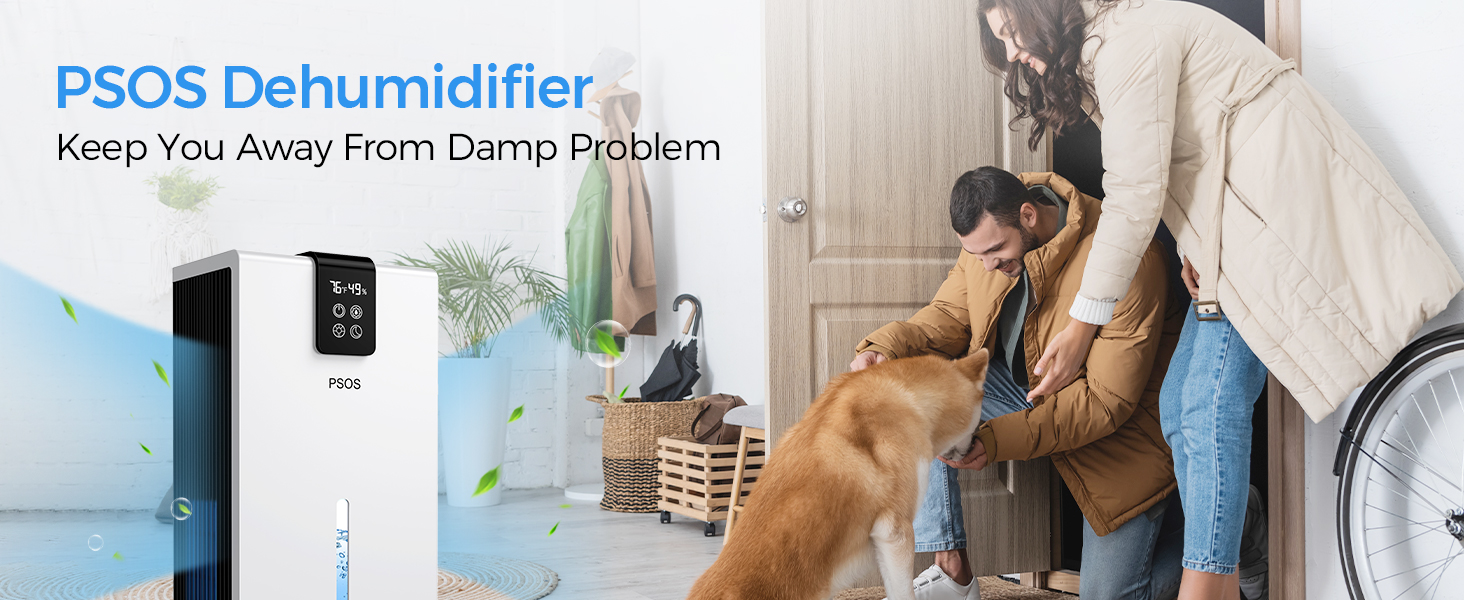
Image: Detailed view of the control panel with humidity and temperature display, and function buttons.
- Power On/Off: Press the Power button (circular icon with a vertical line and a half-circle over it) to turn the unit on or off. The digital display will show the current humidity and temperature.
- Dehumidifier Modes: Press the Mode button (gear icon) to switch between modes:
- Powerful Mode: For rapid and efficient moisture removal.
- Sleep Mode: Operates quietly (below 30 dBA) with the display lights off for undisturbed sleep.
- Ambient Light Control: Press the Light button (light bulb icon) to cycle through 7 different ambient colors or to lock a specific color. This can also serve as a night light.
- Humidity Monitoring: The digital display continuously shows the current room humidity and temperature.

Image: Illustration of the dehumidifier operating in Day Mode (faster dehumidification) and Night Mode (light off, quiet operation).
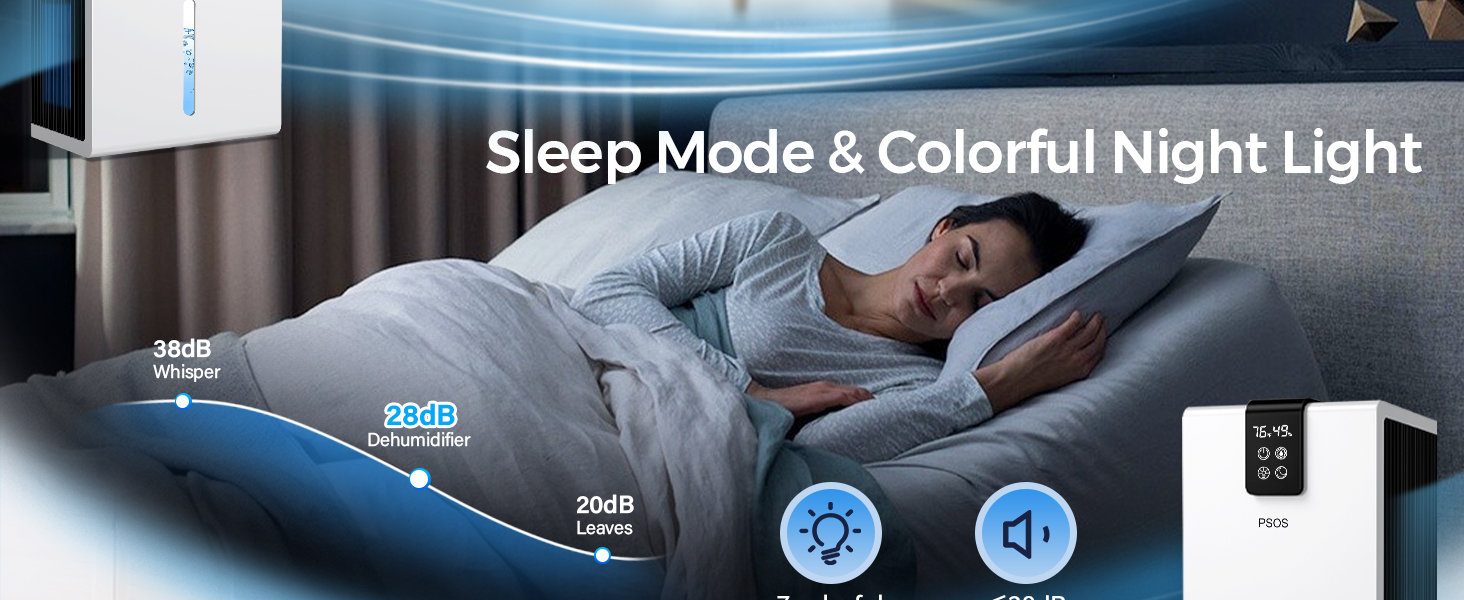
Image: The dehumidifier showcasing its 7-color ambient light options (Red, Purple, Blue, Cyan, Green, Yellow, Orange).
Automatic Features
- Auto Shut-Off: The unit will automatically power down when the water tank is full to prevent spills. A red indicator light may illuminate.
- Auto Defrost: The dehumidifier operates smoothly even at low temperatures (down to 41°F / 5°C). The intelligent power management system includes an auto-defrost function to prevent ice buildup on the cooling coils.

Image: Visual representation of the automatic protection features, including auto shut-off and a red light indicator when the water tank is full.
Maintenance
Regular maintenance ensures optimal performance and longevity of your dehumidifier.
- Emptying the Water Tank:
- When the water tank is full, the unit will automatically shut off and a red light will indicate.
- Carefully pull out the water tank from the front of the unit.
- Pour out the collected water.
- Slide the empty water tank back into the unit until it clicks into place. The unit will resume operation.
- Cleaning the Washable Filter:
- It is recommended to clean the air filter every 2-4 weeks, or more frequently depending on usage and air quality.
- Unplug the dehumidifier from the power outlet.
- Remove the air filter from the back of the unit.
- Wash the filter with mild soap and warm water.
- Rinse thoroughly and allow it to air dry completely before reinserting.
- Do not operate the dehumidifier without the filter.

Image: Step-by-step visual guide on how to remove, empty, and reinsert the water tank.
Troubleshooting
If you encounter issues with your dehumidifier, please refer to the following common problems and solutions:
- Q: Why is the dehumidification effect not obvious?
- Doors and Windows: Ensure all doors and windows in the operating area are closed to prevent humid air from entering.
- Airflow Blockage: Check that the front air inlet and back outlet are not blocked by objects.
- Ambient Humidity: The dehumidifier is most effective in environments with humidity levels above 42%RH. Its efficiency may be less noticeable in drier conditions.
- Room Size: This dehumidifier is designed for spaces up to 1000 sq.ft. It may be less effective in larger areas.
- Q: Why does the dehumidifier stop working after a period of use?
- Full Water Tank: Check if the water tank is full. The unit automatically shuts off when the tank is full. Empty the tank and reinsert it.
- Overheating Protection: The dehumidifier may have an internal safety mechanism that temporarily shuts it off to prevent overheating. Allow it to cool down.
- 48-Hour Operation Limit: To prolong its lifespan, the dehumidifier will automatically stop running after 48 hours of continuous operation. You can restart it manually.
Specifications
| Feature | Detail |
|---|---|
| Brand | PSOS |
| Model Name | PS-01SG |
| Floor Area Coverage | Up to 1000 Square Feet |
| Water Tank Capacity | 98 Fluid Ounces |
| Dehumidification Capacity | 40 Pints per Day (under laboratory conditions: 86°F and 80%RH) |
| Color | White |
| Product Dimensions (D x W x H) | 8.25"D x 5.5"W x 13.75"H |
| Material | Acrylonitrile Butadiene Styrene (ABS) |
| Wattage | 60 watts |
| Voltage | 110 Volts |
| Special Features | Powerful Mode, Sleep Mode, Quiet Operation, 7 Color Ambient Light, Removable Tank, Automatic Shut-off, Air Filter, Automatic Defrost, Ergonomic Handle, Digital Display, Anti-Spill, Portable |
Official Product Video
Watch this official video for a visual guide on the PSOS Dehumidifier's features and operation.
Video: An official product video demonstrating the PSOS Dehumidifier, its features, and how it operates.
Warranty and Support
For warranty information or technical support, please refer to the warranty card included with your purchase or contact PSOS customer service. Keep your purchase receipt as proof of purchase.
Customer Service: Please visit the official PSOS website or contact the retailer where you purchased the product for support.