
1. Introduction
The SKYROVER X1 Fly More Combo is a high-performance, lightweight drone designed for aerial photography and videography. Weighing under 249g, it offers advanced features such as 4K/60fps HDR video, 8K photo capabilities, 360° obstacle sensing, and extended flight time. This manual provides essential information for safe operation, setup, and maintenance of your drone.

The SKYROVER X1 drone is designed to be compact and portable, easily fitting into a pocket or small bag.

The Fly More Combo provides an extended flight time of up to 96 minutes with multiple batteries, compared to 32 minutes for the standard combo.
2. Package Contents
Verify that all items listed below are included in your SKYROVER X1 Fly More Combo package:
- Skyrover Remote Controller x 1
- Skyrover X1 Gimbal Protector x 1
- Skyrover X1 Shoulder Bag x 1
- Skyrover X1 Propeller pair x 3
- Propeller Screw x 18
- Screwdriver x 1
- Skyrover X1 Smart Flight Battery x 3
- Skyrover X1 Battery Hub x 1
- USB-C Data Cable x 1
- Lightning Adapter Cable x 1
- Type-C Adapter Cable x 1
- Quick Guide x 1

Visual representation of the items included in the SKYROVER X1 Fly More Combo.
Video demonstrating the unboxing process of the SKYROVER X1 Mini Drone.
3. Product Overview
3.1 Key Features
- Cinematic 4K/60fps HDR Video & 48MP Photos: Captures smooth 4K/60FPS HDR video and detailed 48MP photos with a 1/1.32" CMOS sensor and f/1.7 aperture.
- Under 249g & Travel Ready: Lightweight design for easy portability and no FAA registration required in many regions.
- 360° Obstacle Avoidance: Provides safer flights with comprehensive obstacle sensing.
- Stable 9.32-Mile Long-Range Transmission: Enjoy responsive 1080p/60fps live view with SkyBridge transmission up to 9.32 miles (15KM).
- Clearer Night and Dusk Shots: AI Night Mode enhances low-light photography.
- Smart Creative Modes: Includes AI Auto Track, Smart Spotlight, Dual Tracking, and vertical shooting for dynamic content.
- Extended Flight Time: Up to 96 minutes with the included three batteries.
- 4K/100fps Slow Motion & Timelapse Modes: For creative video capture.
Video highlighting the intelligent features and capabilities of the SKYROVER X1 drone.
Short video demonstrating the robust performance and agility of the SKYROVER X1 drone.
3.2 Obstacle Avoidance
The SKYROVER X1 features 360° obstacle sensing, providing an enhanced layer of safety during flight. This system helps the drone detect and avoid obstacles in various directions, reducing the risk of collisions. Always maintain visual line of sight and be aware of your surroundings.
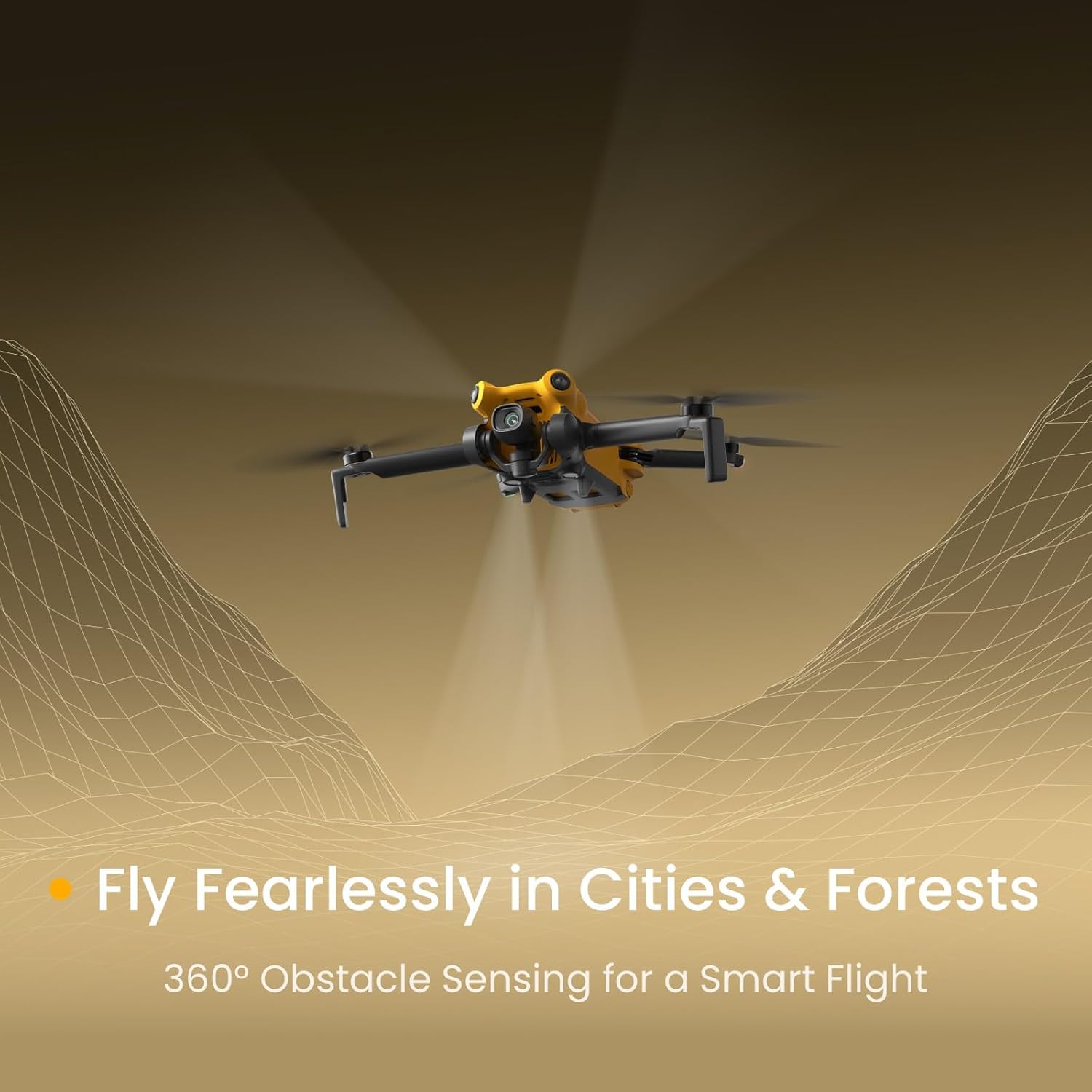
The drone's 360° obstacle sensing allows for safer navigation in complex environments.
4. Getting Started
4.1 Charging Batteries
Before first use, fully charge all flight batteries and the remote controller. Use the provided USB-C cable and battery hub for efficient charging.
- Insert the Smart Flight Batteries into the X1 Battery Hub.
- Connect the USB-C Data Cable to the battery hub and a compatible USB power adapter (not included).
- Connect the USB-C Data Cable to the remote controller and a compatible USB power adapter.
- Charging indicators on the batteries and controller will show charging status. Ensure all are fully charged before flight.


SKYROVER X1 Smart Battery and Charging Hub.
4.2 Propeller Installation
Install propellers according to the markings on the propellers and motor arms. Ensure correct propeller types (A and B) are matched to the corresponding motor arms.
- Unfold the drone arms.
- Match the propellers with the corresponding motor arms (e.g., 'A' propeller to 'A' motor arm).
- Place the propeller onto the motor shaft and secure it with the provided screws using the screwdriver.
- Ensure all propellers are firmly attached and can rotate freely without obstruction.
4.3 App Download and Connection
Download the official SKYROVER app to your smartphone for full control and live view functionality.
- Scan the QR code in the Quick Guide or search for the SKYROVER app in your device's app store.
- Install and open the app.
- Power on the drone and the remote controller.
- Connect your smartphone to the remote controller using the appropriate adapter cable (USB-C, Lightning, or Type-C).
- Follow the on-screen instructions in the app to connect to the drone.
5. Flight Operations
5.1 Basic Flight Controls
Familiarize yourself with the remote controller and basic flight movements before attempting advanced maneuvers.
- Takeoff/Landing: Use the dedicated takeoff/landing button on the remote controller or within the app for automated procedures.
- Throttle (Left Stick Up/Down): Controls altitude.
- Yaw (Left Stick Left/Right): Rotates the drone horizontally.
- Pitch (Right Stick Up/Down): Moves the drone forward/backward.
- Roll (Right Stick Left/Right): Moves the drone left/right.
Detailed video guide on how to operate the SKYROVER X1 Drone, covering various functions and flight modes.
5.2 Smart Flight Modes
The SKYROVER X1 offers several intelligent flight modes to assist with capturing dynamic footage:
- AI Auto Track: The drone automatically follows a designated subject.
- Smart Spotlight: Keeps the camera focused on a subject while you control the drone's movement.
- Dual Tracking: Tracks two subjects simultaneously.
- Return to Home (RTH): Automatically brings the drone back to its takeoff point.

AI-powered tracking features allow the drone to follow subjects automatically.
5.3 Transmission System
The SkyBridge transmission system provides a stable and clear live view from the drone to your connected smartphone, with a range of up to 9.32 miles (15KM).
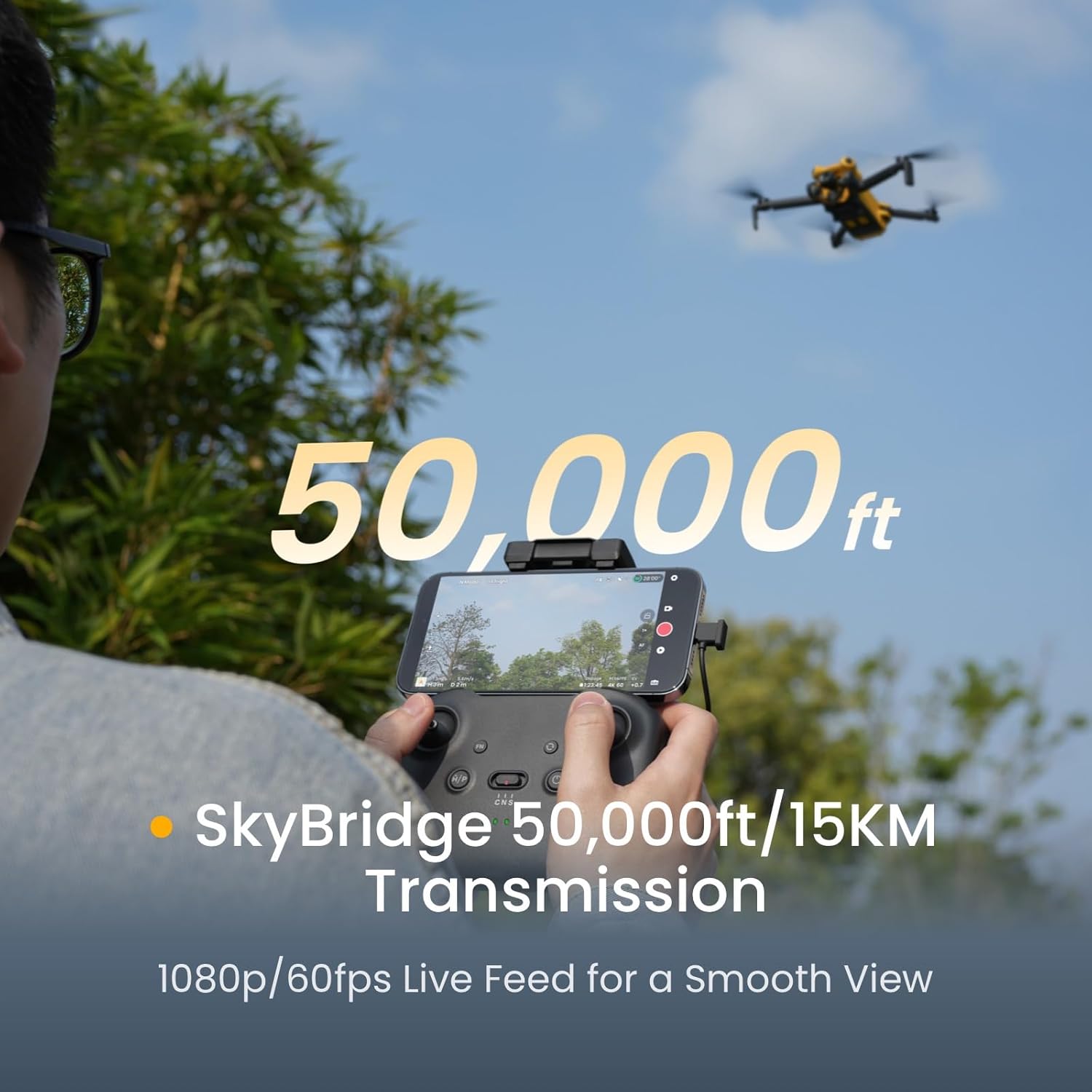
Experience a clear 1080p/60fps live feed from the drone up to 9.32 miles away.
6. Camera and Video
The SKYROVER X1 is equipped with a high-resolution camera for capturing stunning aerial content.
- Video Resolution: 4K/60fps HDR, 4K/100fps Slow Motion.
- Photo Resolution: 48MP (8K Photo).
- Sensor: 1/1.32" CMOS with f/1.7 aperture.
- AI Night Mode: Improves image quality in low-light conditions.
- Timelapse Modes: For creative time-lapse videos.

The drone captures images with true 8K clarity and 4K/60fps video.
Video showcasing the high-quality video recording performance of the SKYROVER X1 drone.
Video focusing on the 4K camera capabilities and aerial footage captured by the SKYROVER X1 drone.
7. Maintenance and Care
7.1 Battery Care
- Always use original SKYROVER chargers and battery hubs.
- Do not overcharge or over-discharge batteries.
- Store batteries in a cool, dry place away from direct sunlight and extreme temperatures.
- If a battery is not used for an extended period, charge and discharge it periodically to maintain its health.
7.2 Propeller Inspection
- Before each flight, inspect propellers for any cracks, bends, or damage.
- Replace damaged propellers immediately to ensure safe flight.
- Ensure propeller screws are tight before flight.
7.3 Cleaning
- Use a soft, dry cloth to clean the drone body and camera lens.
- Avoid using liquid cleaners or solvents that may damage components.
- Keep the gimbal area free from dust and debris.
8. Troubleshooting
| Issue | Possible Cause | Solution |
|---|---|---|
| Drone does not power on | Battery not charged or improperly inserted. | Ensure battery is fully charged and correctly inserted. Press power button firmly. |
| No live video feed | Phone not connected to controller, app not open, or poor signal. | Check cable connection, restart app, ensure drone and controller are paired and within range. |
| Drone drifts during flight | GPS signal weak, compass not calibrated, or strong winds. | Fly in an open area with strong GPS signal. Calibrate compass before flight. Avoid flying in strong winds. |
| Propellers not spinning | Propellers obstructed, motor issue, or drone not armed. | Check for obstructions. Ensure drone is armed (refer to Quick Guide for arming procedure). Contact support if motor issue suspected. |
9. Specifications
| Feature | Detail |
|---|---|
| Brand | SKYROVER |
| Model Name | SKYROVER X1 |
| Item Weight | 249 g |
| Item Dimensions (L x W x H) | 5.9"L x 3.66"W x 2.6"H |
| Video Capture Resolution | 4K (4K/60fps HDR, 4K/100fps Slow Motion) |
| Effective Still Resolution | 48 MP (8K Photo) |
| Optical Sensor Technology | CMOS (1/1.32" CMOS sensor, f/1.7 aperture) |
| Maximum Range | 9.32 miles (15 KM) |
| Flight Time (per battery) | Up to 36 minutes (96 minutes with 3 batteries in Fly More Combo) |
| Obstacle Avoidance | 360° Obstacle Sensing |
| Connectivity Technology | USB |
| Battery Cell Composition | Lithium Polymer |
| Skill Level | All |
10. Warranty and Support
SKYROVER is committed to providing high-quality products and customer satisfaction.
- Warranty: A 12-month warranty is provided for manufacturing defects.
- Customer Service: Timely customer service is available via a local service team.
- Aftersales Support Email: after-sales@skyroverdrone.com

SKYROVER is dedicated to making advanced technology accessible for exploration and creativity.

