
Introduction
Thank you for choosing the Jogwell Walking Pad Ares 11-Full Deck. This manual provides essential information for the safe and effective use, setup, operation, and maintenance of your walking pad. Please read this manual thoroughly before first use and retain it for future reference.
The Jogwell Walking Pad Ares 11-Full Deck is designed for home office and daily fitness, offering a convenient way to incorporate walking into your routine with features like automatic incline, a quiet brushless motor, and a compact, portable design.
Important Safety Instructions
WARNING: To reduce the risk of burns, fire, electric shock, or injury to persons, read all instructions before operating the walking pad.
- Always place the walking pad on a solid, level surface with adequate clearance around it.
- Keep children and pets away from the walking pad during operation.
- Do not operate the walking pad if it has a damaged cord or plug, if it is not working properly, or if it has been dropped or damaged.
- Wear appropriate athletic footwear and clothing during use.
- Do not exceed the maximum user weight of 330 pounds (150 kg).
- Consult a physician before starting any exercise program, especially if you have pre-existing health conditions.
- Use the emergency stop feature if you feel unwell or need to stop the machine immediately.
- Ensure the power cord is not pinched or damaged.
- Unplug the walking pad from the power outlet when not in use, before cleaning, or before performing maintenance.
What's Included
Your Jogwell Walking Pad Ares 11-Full Deck package includes the following components:
- Jogwell Walking Pad Ares 11-Full Deck
- Remote Control
- Power Cord
- Tool Kit (includes Multi-Wrench and Built-In Hex Tool)
- User Manual (this document)

Image: Jogwell Walking Pad Ares 11-Full Deck with its remote control, power cord, and tool kit.
Setup Instructions
The Jogwell Walking Pad Ares 11-Full Deck requires no assembly. Follow these steps for initial setup:
- Unpack the Walking Pad: Carefully remove the walking pad and all accessories from its packaging.
- Choose a Location: Place the walking pad on a firm, level surface. Ensure there is at least 2 feet (0.6 meters) of clear space behind the walking pad and 1 foot (0.3 meters) on each side for safety.
- Connect Power: Plug the power cord into the walking pad's power inlet, then plug the other end into a grounded electrical outlet.
- Initial Inspection: Before first use, inspect the walking belt for any signs of damage or misalignment. Ensure all components are securely in place.

Image: The Jogwell Walking Pad Ares 11-Full Deck set up under a standing desk, ready for use.
Operating Instructions
Remote Control Functions
The walking pad is operated using the included remote control. Familiarize yourself with its buttons:
- Power Button: Turns the walking pad ON/OFF.
- Start/Stop Button: Starts or pauses the walking belt.
- Speed +/- Buttons: Adjusts the walking belt speed (0.6 to 4 MPH).
- Incline +/- Buttons: Adjusts the automatic incline level (0% to 15%, 15 levels).
- Mode Button: Cycles through display modes (e.g., time, distance, calories).
Starting a Workout
- Ensure the walking pad is plugged in and the power switch (if present) is ON.
- Press the Power button on the remote control to activate the display.
- Step onto the walking pad.
- Press the Start button. The belt will begin moving at a low speed after a short countdown.
- Use the Speed +/- buttons to adjust to your desired walking pace.
- Use the Incline +/- buttons to adjust the automatic incline for added challenge.
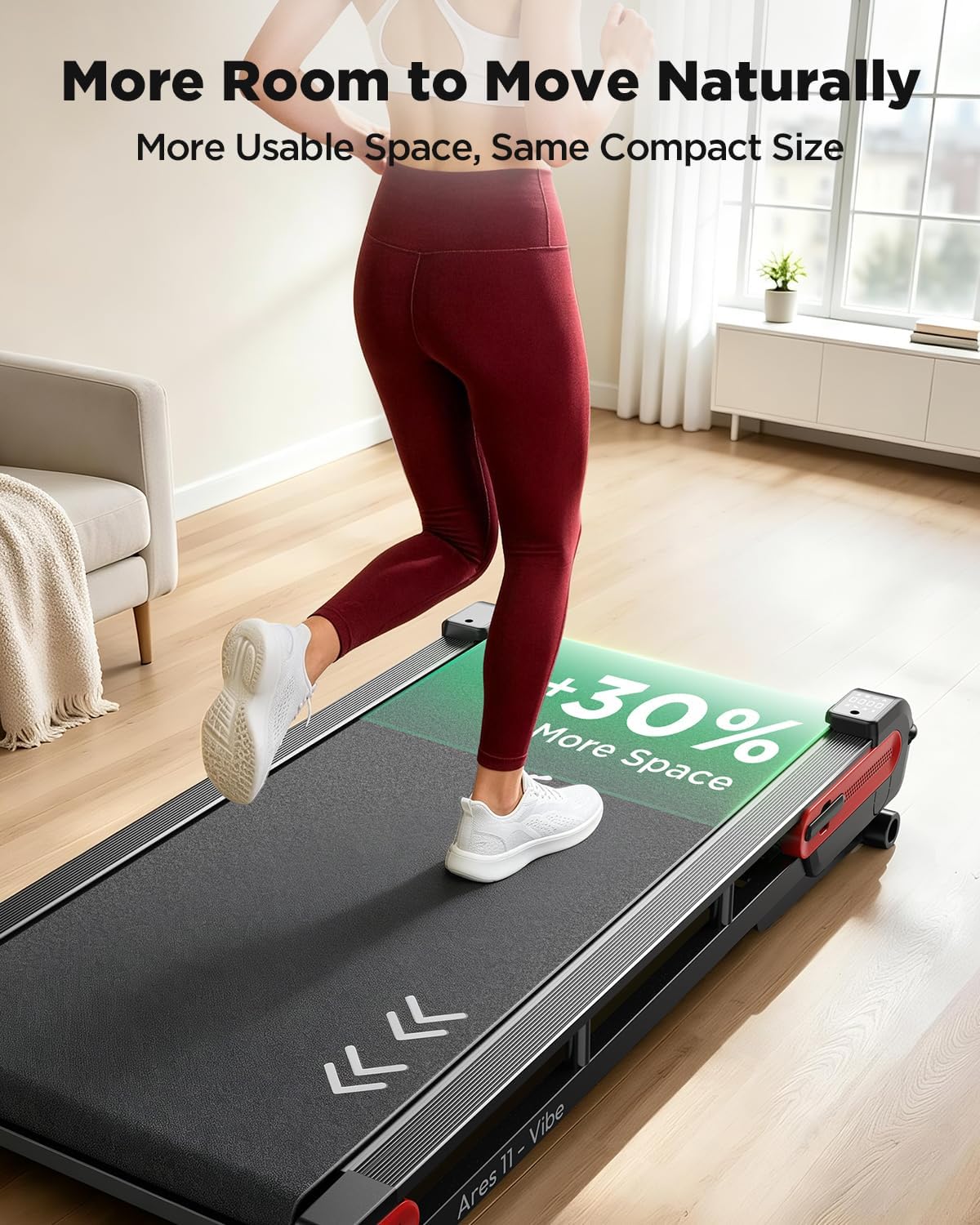
Image: A user actively walking on the Jogwell Walking Pad, illustrating typical operation.
Adjusting Incline
The Jogwell Walking Pad features 15 levels of automatic incline, up to 15%. This allows for varied workout intensity without increasing speed.
- While walking, press the Incline + button to increase the incline.
- Press the Incline - button to decrease the incline.
- The incline adjustment is automatic and will gradually change to the selected level.

Image: Visual representation of how different incline levels (0%, 8%, 15%) can affect calorie expenditure during a workout.
Using the FITSHOW App (Bluetooth Connectivity)
Connect your walking pad to the FITSHOW app via Bluetooth for enhanced tracking and motivation:
- Download the FITSHOW app from your device's app store.
- Ensure Bluetooth is enabled on your smartphone or tablet.
- Open the FITSHOW app and follow the on-screen instructions to pair with your Jogwell Walking Pad.
- The app allows you to control speed, incline, track workout data, and access various routes.

Image: A user enjoying a walk on the pad, demonstrating the integration with a smartphone for music or app control.
Quiet Operation and Full-Deck Design
The walking pad features a 3.0HP brushless motor, operating at a quiet 35dB, suitable for home and office environments. The Full-Deck design provides a more natural and comfortable walking surface compared to traditional walking pads with front motor covers.
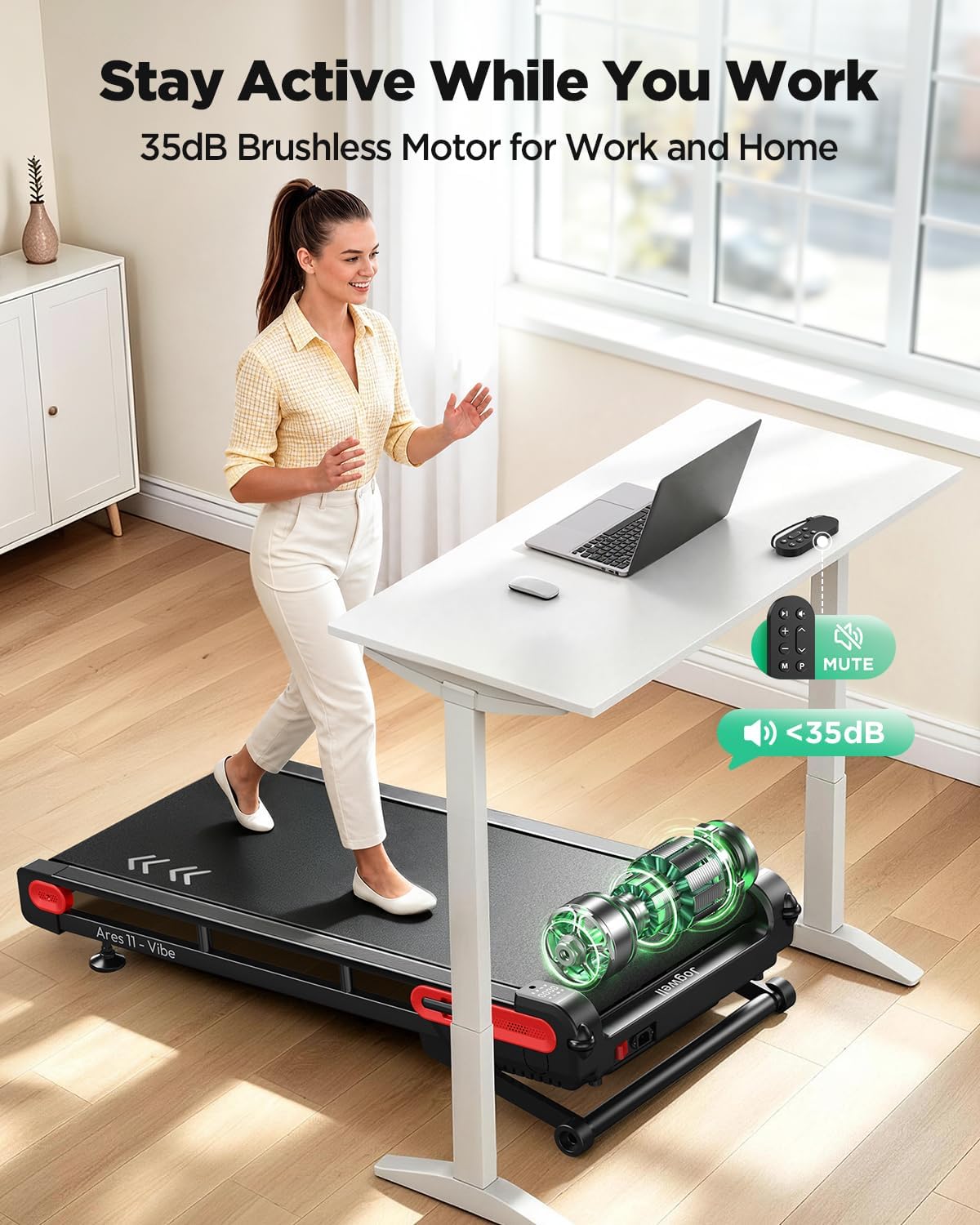
Image: A woman using the walking pad under a desk, emphasizing its quiet operation and suitability for a work environment.

Image: A visual comparison demonstrating the increased usable walking area provided by the Jogwell's Full-Deck design.
Gradual Soft-Stop
When you pause or stop your workout, the walking pad's belt will slow down gradually, providing a comfortable and controlled stop rather than an abrupt halt.
Storage
The Jogwell Walking Pad is designed for vertical storage, occupying minimal space.
- Vertical Storage: The walking pad can be stored upright, taking up approximately 1.0 sq.ft of floor space.
- 4-Wheel Mobility: With its lightweight design (46.5 lbs) and four wheels, the walking pad can be easily moved front-to-back or side-to-side for convenient placement and storage.

Image: The walking pad shown in both horizontal (in-use) and vertical (stored) positions, highlighting its space-saving design.
Maintenance
Regular maintenance ensures the longevity and optimal performance of your walking pad.
Cleaning
- Always unplug the walking pad before cleaning.
- Wipe down the walking pad's surfaces with a damp cloth after each use to remove sweat and dust.
- Do not use abrasive cleaners or solvents, as these can damage the finish.
Lubrication
The walking belt requires periodic lubrication to reduce friction and extend its lifespan. Refer to the specific instructions provided with your lubrication kit (if included) or contact customer support for guidance on proper lubrication frequency and procedure.
Belt Adjustment
Over time, the walking belt may become misaligned or loose. If the belt is slipping or drifting to one side, it may need adjustment. Use the hex tool from the tool kit to make small adjustments to the rear rollers. Consult the detailed instructions in the full user manual or contact customer support for precise adjustment procedures.
Troubleshooting
If you encounter issues with your Jogwell Walking Pad, refer to the following common problems and solutions:
| Problem | Possible Cause | Solution |
|---|---|---|
| Walking pad does not power on. | Power cord not fully plugged in; power outlet issue; main power switch off. | Check power cord connections; try a different outlet; ensure main power switch is ON. |
| Belt stops or slips during use. | Belt too loose; insufficient lubrication; motor overload. | Adjust belt tension (refer to maintenance); lubricate the belt; reduce user weight or speed. |
| Unusual noise during operation. | Loose components; belt misalignment; motor issue. | Check for loose screws; adjust belt alignment; contact customer support if noise persists. |
| Remote control not responding. | Low battery; remote not paired. | Replace remote control battery; re-pair remote control with walking pad (refer to full manual). |
If the problem persists after attempting these solutions, please contact Jogwell customer support.
Specifications
| Feature | Detail |
|---|---|
| Brand | JOGWELL |
| Model Name | Ares 11-Full Deck |
| Model Number | TM12GY |
| Product Dimensions (L x W x H) | 39.7" x 20.5" x 7.1" (100.8 cm x 52.1 cm x 18 cm) |
| Item Weight | 46.5 Pounds (21.1 kg) |
| Material | Alloy Steel |
| Maximum Speed | 4 Miles per Hour (6.4 km/h) |
| Minimum Speed | 0.6 Miles per Hour (1 km/h) |
| Maximum Incline Percentage | 15% (15 levels, automatic) |
| Motor Horsepower | 3.0 HP (Brushless) |
| Noise Level | Approximately 35dB |
| Maximum Weight Recommendation | 330 Pounds (150 kg) |
| Power Source | Corded Electric |
| Connectivity Technology | Bluetooth (for FITSHOW app) |
| Special Features | 15% Auto Incline, 3.0HP Brushless Motor, Full Deck Design, Vertical Storage, 4-Wheel Mobility, Gradual Soft-Stop |
Warranty and Support
Warranty Information
Your Jogwell Walking Pad Ares 11-Full Deck comes with a 1-year warranty from the date of purchase, covering manufacturing defects and major component failures under normal use.
Technical Support
Jogwell provides 10-year technical support for your walking pad. If you require assistance, have questions, or encounter any issues not covered in the troubleshooting section, please contact our support team.
How to Contact Support:
For prompt assistance, please navigate to your order details on the platform where you made your purchase (e.g., Amazon). Locate your order for the Jogwell Walking Pad and select the "Contact Seller" option. Our dedicated support team aims to respond to all inquiries within 24 hours.