
1. Product Overview
The DUMOS Home Office Chair (Model 5512BK-BF-54) is designed to provide ergonomic support and comfort for extended periods of sitting. It features a breathable mesh back, high-resilience foam seat, adjustable height, and a rocking function. This manual provides instructions for assembly, operation, maintenance, and troubleshooting to ensure optimal use of your chair.
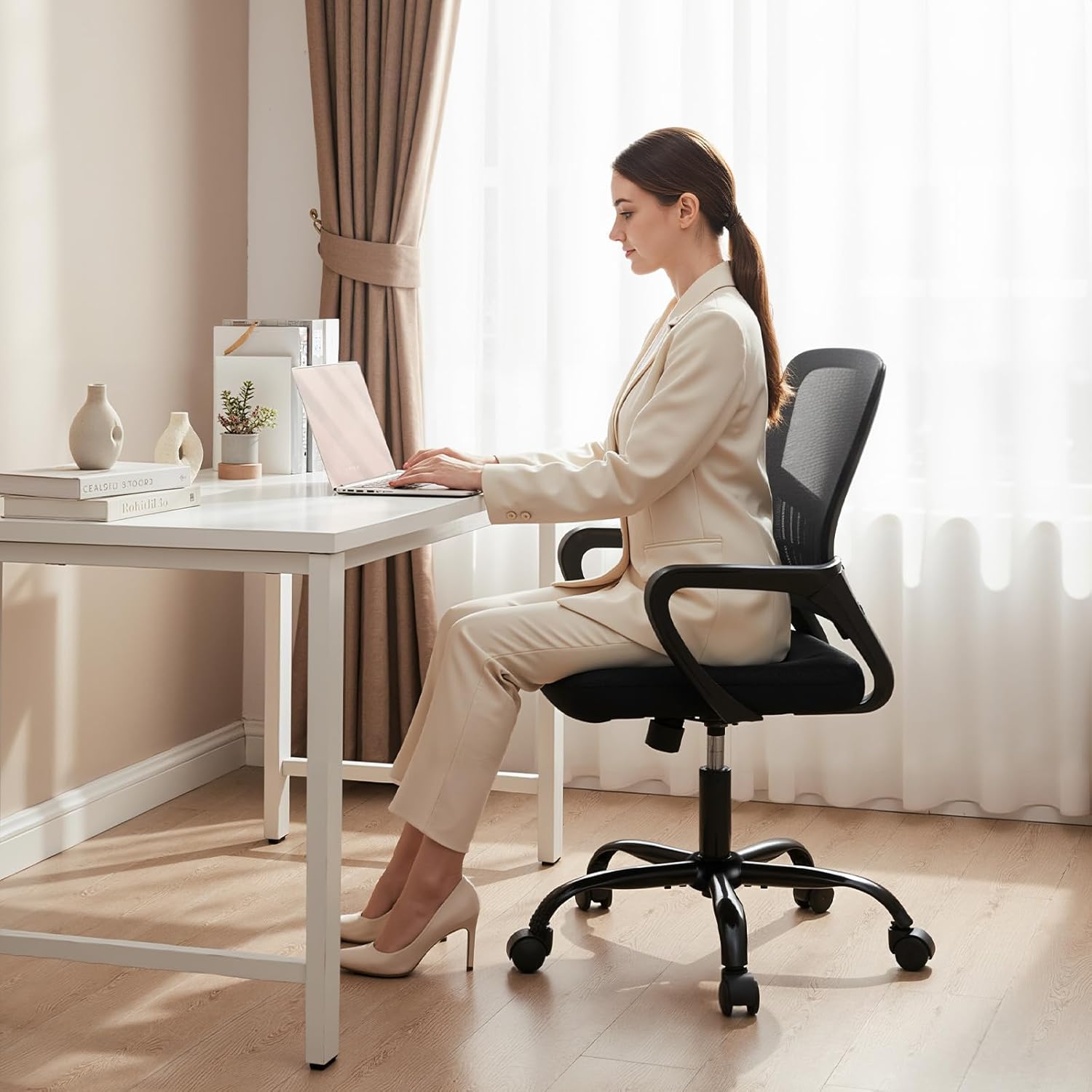
Image: The DUMOS Home Office Chair in use at a desk, demonstrating its ergonomic design and suitability for a home office environment.
2. Safety Information
- Ensure all components are securely fastened before use.
- Do not stand on the chair.
- Do not use the chair on uneven surfaces.
- Maximum weight capacity: 250 lbs (113.4 kg). Do not exceed this limit.
- Keep children away from moving parts during adjustment.
- Avoid leaning excessively backward or to the sides to prevent tipping.
3. Assembly Instructions
The DUMOS Home Office Chair is designed for quick and easy assembly. All necessary hardware and tools are included. Please follow these steps carefully.
- Unpack Components: Carefully remove all parts from the packaging and lay them out on a clean, flat surface. Verify all components are present according to the parts list (not provided in this manual, refer to packaging).
- Attach Casters to Base: Insert the five casters into the holes at the end of each leg of the chair base. Push firmly until they click into place.
- Insert Gas Lift: Place the gas lift cylinder into the center hole of the assembled chair base.
- Attach Seat Plate to Seat Cushion: Align the seat plate with the pre-drilled holes under the seat cushion. Secure it using the provided screws and hex wrench. Ensure the front of the seat plate faces the front of the seat cushion.
- Attach Backrest to Seat Cushion: Align the backrest with the mounting points on the seat cushion/seat plate assembly. Secure with screws.
- Attach Armrests: Secure the armrests to both the seat cushion and backrest using the provided screws.
- Connect Seat Assembly to Gas Lift: Carefully place the assembled seat and backrest onto the gas lift cylinder, ensuring it is centered and stable.
- Final Check: Once assembled, sit on the chair to engage the gas lift and ensure all connections are secure.

Image: A diagram illustrating the key dimensions of the DUMOS Home Office Chair, useful for assembly and space planning.
4. Operating Instructions
Your DUMOS Home Office Chair offers several adjustable features to customize your seating experience.
4.1. Height Adjustment
To adjust the seat height:
- To raise the seat: While standing, pull the lifting adjustment lever (labeled '2' in the image below) upwards. The seat will rise automatically. Release the lever at the desired height.
- To lower the seat: While seated, pull the lifting adjustment lever upwards. The seat will lower. Release the lever at the desired height.
4.2. Rocking Mode and Tilt Tension
The chair features a rocking mode (90°-120° tilt) and adjustable tilt tension.
- To activate/deactivate rocking: Pull the lifting adjustment lever (labeled '2') outwards to unlock the rocking function. Push it inwards to lock the chair in an upright position.
- To adjust tilt tension: Rotate the tension control knob (labeled '1' in the image below) located underneath the seat. Turn clockwise to increase tension (making it harder to recline) or counter-clockwise to decrease tension (making it easier to recline).

Image: A visual guide demonstrating the height adjustment lever and tension control knob for the rocking function, with indications for 360° swivel casters.
4.3. Lumbar Support and Breathable Mesh
The chair's design includes a contoured mid-back and lumbar support to align with the natural curve of your spine, reducing discomfort. The breathable mesh back promotes air circulation, keeping you cool.
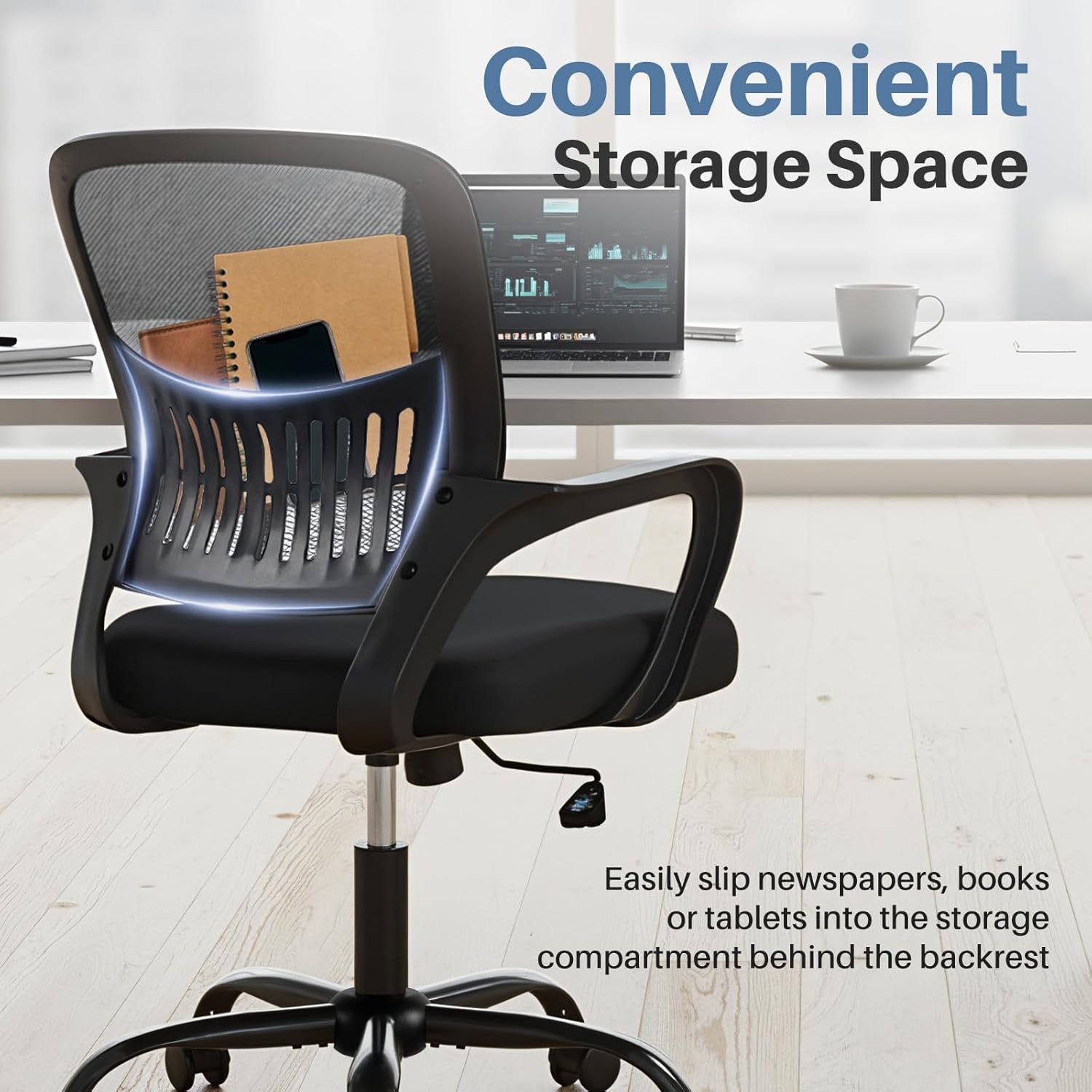
Image: An illustration of the ergonomic back and lumbar support system of the DUMOS chair, designed to provide comfort and reduce back pain.
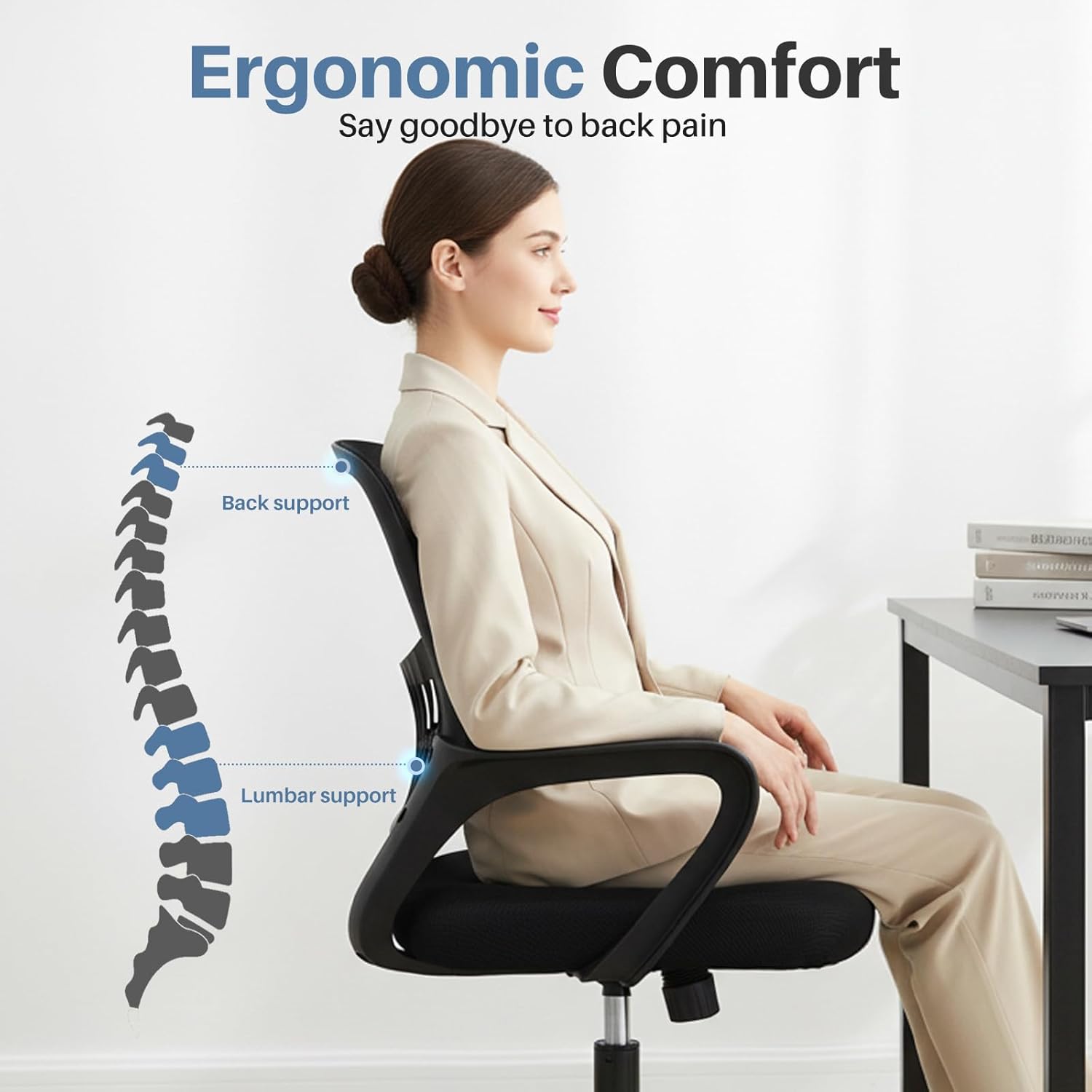
Image: A detailed view of the breathable mesh fabric used for the chair's backrest, emphasizing air circulation and comfort.
4.4. Convenient Storage Space
A storage compartment is integrated into the back of the chair, suitable for holding small items like books, newspapers, or tablets.

Image: The DUMOS chair featuring a convenient storage space located behind the backrest, ideal for keeping small items accessible.
5. Maintenance
Proper maintenance will extend the life and appearance of your DUMOS Home Office Chair.
- Cleaning:
- For mesh and fabric surfaces, use a soft cloth dampened with mild soap and water. Avoid abrasive cleaners.
- Wipe metal and plastic parts with a damp cloth.
- Do not saturate the chair with water.
- Inspection: Periodically check all screws and bolts to ensure they are tight. Re-tighten if necessary.
- Caster Care: Keep casters free of hair and debris to ensure smooth movement.
- Avoid Direct Sunlight: Prolonged exposure to direct sunlight can cause fading of fabric and degradation of plastic components.
6. Troubleshooting
If you encounter any issues with your DUMOS Home Office Chair, refer to the following common problems and solutions.
| Problem | Possible Cause | Solution |
|---|---|---|
| Chair does not adjust height. | Gas lift not engaged or faulty. | Ensure the lever is pulled up completely. If still not working, contact customer support. |
| Chair wobbles or feels unstable. | Loose screws or improper assembly. | Check all screws and bolts and tighten them securely. Ensure the gas lift is fully inserted into the base. |
| Casters do not roll smoothly. | Debris caught in casters. | Turn the chair over and remove any hair, dust, or debris from the caster wheels. |
| Rocking function is too stiff or too loose. | Tilt tension not adjusted correctly. | Adjust the tension control knob underneath the seat (clockwise for stiffer, counter-clockwise for looser). |
7. Specifications
| Feature | Detail |
|---|---|
| Model Number | 5512BK-BF-54 |
| Brand | DUMOS |
| Color | Black |
| Material | Mesh, Foam, Metal Frame |
| Product Dimensions (D x W x H) | 56.5D x 54.6W x 97H centimetres (21.6''D x 21.6''W x 38.3''H) |
| Item Weight | 9.8 kg (21.6 lbs) |
| Maximum Weight Recommendation | 113.4 kg (250 lbs) |
| Height Adjustment Range | 16.7'' to 19.7'' inches (seat height) |
| Rocking Angle | 90° - 120° |
| Special Features | Adjustable Height, Arm Rest, Back Support, Ergonomic, Rolling, Lumbar Support, Rocking Mode, Storage Space |
8. Warranty and Customer Support
DUMOS is committed to providing high-quality products. For any questions regarding assembly, operation, or if you experience any issues with your chair, please contact our customer service team. While specific warranty details are not provided in this manual, please refer to your purchase documentation or the retailer's website for warranty information.
We are always available to assist you.