
1. Safety Information
Before operating your ESKUTE M200F electric bike, please read this manual thoroughly. Adherence to safety guidelines is crucial for preventing accidents and ensuring a safe riding experience. Always wear a helmet and appropriate safety gear. Be aware of local traffic laws and regulations regarding electric bicycles.
Pre-Ride Safety Checks
- Brakes: Ensure both front and rear brakes are functioning correctly.
- Tires: Check tire pressure and inspect for any damage or wear.
- Battery: Verify the battery is securely locked in place and sufficiently charged.
- Lights & Reflectors: Confirm all lights and reflectors are clean and operational.
- Fasteners: Inspect all bolts, nuts, and quick-release levers for tightness.
- Handlebars & Seat: Ensure handlebars and seat are adjusted to a comfortable and secure position.
Always perform these checks before each ride.
2. Setup and Assembly
The ESKUTE M200F electric bike arrives approximately 90% pre-assembled. The package includes all necessary tools and clear instructions for the final assembly steps. These typically involve attaching the front wheel, handlebars, pedals, and seat post.
Initial Battery Charging
Before your first ride, fully charge the battery. It is recommended to charge the battery for 12 hours initially to optimize its lifespan and performance.

Figure 2.1: The ESKUTE M200F Electric Bike after full assembly.
Assembly Steps Overview
- Unpacking: Carefully remove the bike and all components from the packaging.
- Front Wheel Installation: Attach the front wheel, ensuring the quick-release skewer is properly secured.
- Handlebar Attachment: Mount the handlebars to the stem, aligning them correctly and tightening all bolts.
- Pedal Installation: Attach the pedals, noting that the left and right pedals are distinct (L for left, R for right).
- Seat Post Adjustment: Insert the seat post and adjust the seat height for comfortable riding, then secure it with the quick-release lever.
- Accessory Installation: Install any included accessories such as fenders or the rear rack.
3. Operating Instructions
Understanding the controls and functions of your ESKUTE M200F is essential for an enjoyable ride.
Powering On/Off
- NFC Card: The advanced NFC card offers keyless convenience. Tap the card to the designated area to power on the bike.
- Manual Power: Alternatively, press and hold the menu button on the display to power on the bike.
- Power Off: To power off, press and hold the menu button again until the display turns off.
Display Functions
The intuitive central display provides real-time riding information:
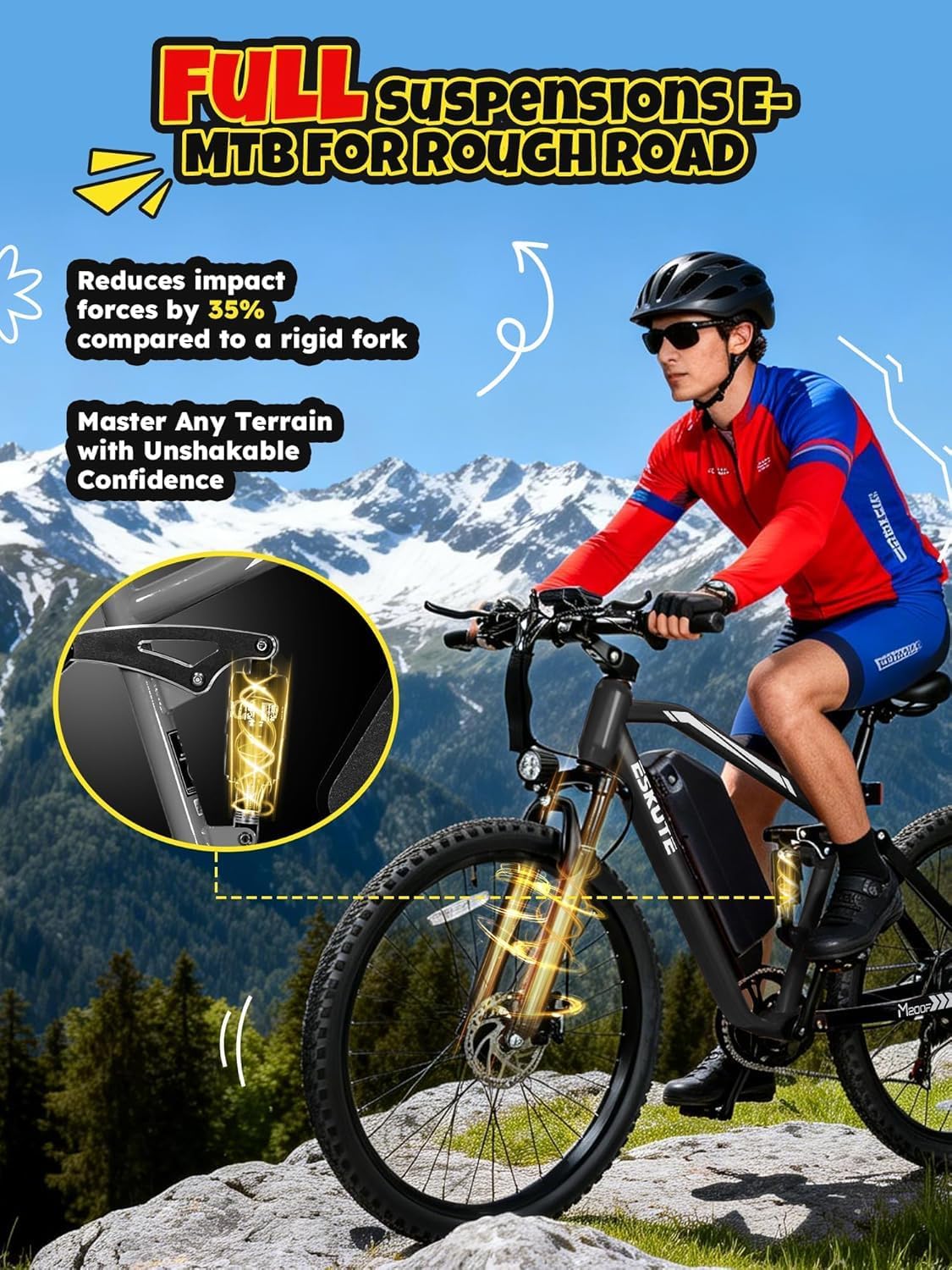
Figure 3.1: Central display unit showing key riding metrics.
- Speed: Current riding speed.
- Battery Level: Indicates remaining battery charge.
- Trip Distance: Distance covered during the current ride.
- PAS Level: Current Pedal Assist System level.
Pedal Assist System (PAS) and Throttle
- PAS: The bike features a pedal-assist system. Select your desired assist level (PAS1-PAS5) using the controls on the handlebar. Higher levels provide more motor assistance.
- Throttle: For immediate power without pedaling, use the thumb throttle. The throttle can propel the bike up to 31+ MPH.
Gear Shifting and Braking
- 7-Speed Gear: Use the gear shifter on the handlebar to change between the 7 available speeds, adapting to different terrains and inclines.
- Dual Disc Brakes: The ESKUTE M200F is equipped with dual disc brakes for reliable stopping power. Apply both brakes smoothly and evenly for optimal control.
Battery Removal and Charging
The 48V 20.8Ah battery is removable for convenient charging. To remove, unlock the battery with the provided key and slide it out from the frame. Charge the battery using the included charger. The charger typically has an indicator light (red for charging, green for fully charged).

Figure 3.2: Removable 48V 20.8Ah battery for flexible charging.
4. Maintenance
Regular maintenance ensures the longevity and safe operation of your ESKUTE M200F electric bike.
General Checks
- Tires: Check tire pressure weekly and inspect for punctures or excessive wear.
- Brakes: Regularly inspect brake pads for wear and ensure brake levers operate smoothly. Adjust as needed.
- Chain: Keep the chain clean and lubricated to prevent rust and ensure smooth gear changes.
- Fasteners: Periodically check all bolts and nuts for tightness, especially on critical components like wheels, handlebars, and seat post.
Battery Care
- Charging: Always use the original charger. Avoid overcharging or completely draining the battery.
- Storage: If storing the bike for an extended period, charge the battery to 50-70% and store it in a cool, dry place. Recharge every 1-2 months.
- Cleaning: Keep battery contacts clean and dry.
Cleaning and Storage
- Cleaning: Use a damp cloth to wipe down the bike. Avoid high-pressure washing directly on electrical components.
- Storage: Store the bike in a dry, sheltered area away from direct sunlight and extreme temperatures.
5. Troubleshooting
This section addresses common issues you might encounter with your ESKUTE M200F electric bike.
| Problem | Possible Cause | Solution |
|---|---|---|
| Bike does not power on | Battery not charged or not properly installed; loose connections; NFC card not detected. | Check battery charge level and ensure it is securely locked. Verify all electrical connections. Re-tap NFC card or use manual power button. |
| Motor not assisting | PAS level set to 0; brake levers engaged; motor cable disconnected; sensor issue. | Increase PAS level. Ensure brake levers are fully released. Check motor cable connection. If issue persists, contact support. |
| Brakes feel weak or noisy | Worn brake pads; contaminated rotors; loose brake calipers; air in hydraulic system (if applicable). | Inspect and replace worn brake pads. Clean rotors. Adjust brake calipers. For hydraulic systems, professional service may be required. |
| Difficulty changing gears | Derailleur out of adjustment; bent hanger; dirty or rusty chain. | Clean and lubricate the chain. Adjust derailleur limits and cable tension. If the hanger is bent, seek professional repair. |
| Battery range is lower than expected | High PAS level usage; frequent throttle use; riding uphill; low tire pressure; cold weather. | Utilize lower PAS levels. Maintain proper tire pressure. Avoid aggressive riding. Charge battery fully before each ride. |
For issues not listed here or if troubleshooting steps do not resolve the problem, please contact ESKUTE customer support.
6. Specifications
Detailed technical specifications for the ESKUTE M200F Electric Bike.
| Feature | Specification |
|---|---|
| Bike Type | Electric Bike, Mountain Bike |
| Motor | 1500W Peak Brushless Motor |
| Max Speed | 31+ MPH |
| Battery | 48V 20.8Ah (998.4 Wh) Removable Lithium Battery |
| Max Range | Up to 80 Miles (PAS1) |
| Wheel Size | 27.5 inches |
| Tire Size | 27.5 x 2.1 inches All-Terrain Tires |
| Frame Material | Carbon Steel |
| Suspension Type | Dual (Front & Rear Full Suspensions) |
| Number of Speeds | 7-Speed Gear |
| Brake Style | Dual Disc Brake |
| Max Load Capacity | 360 lbs |
| Recommended Rider Height | 5'3" - 6'5" |
| Bike Weight | 65.1 lbs |
| Special Features | Adjustable Handlebars, Digital Display, Quick Release Seat, NFC Card Keyless Start, LED Headlight & Rear Reflector |
| Included Components | Battery, Charger, Reflectors, Tool Kit, User Manual |
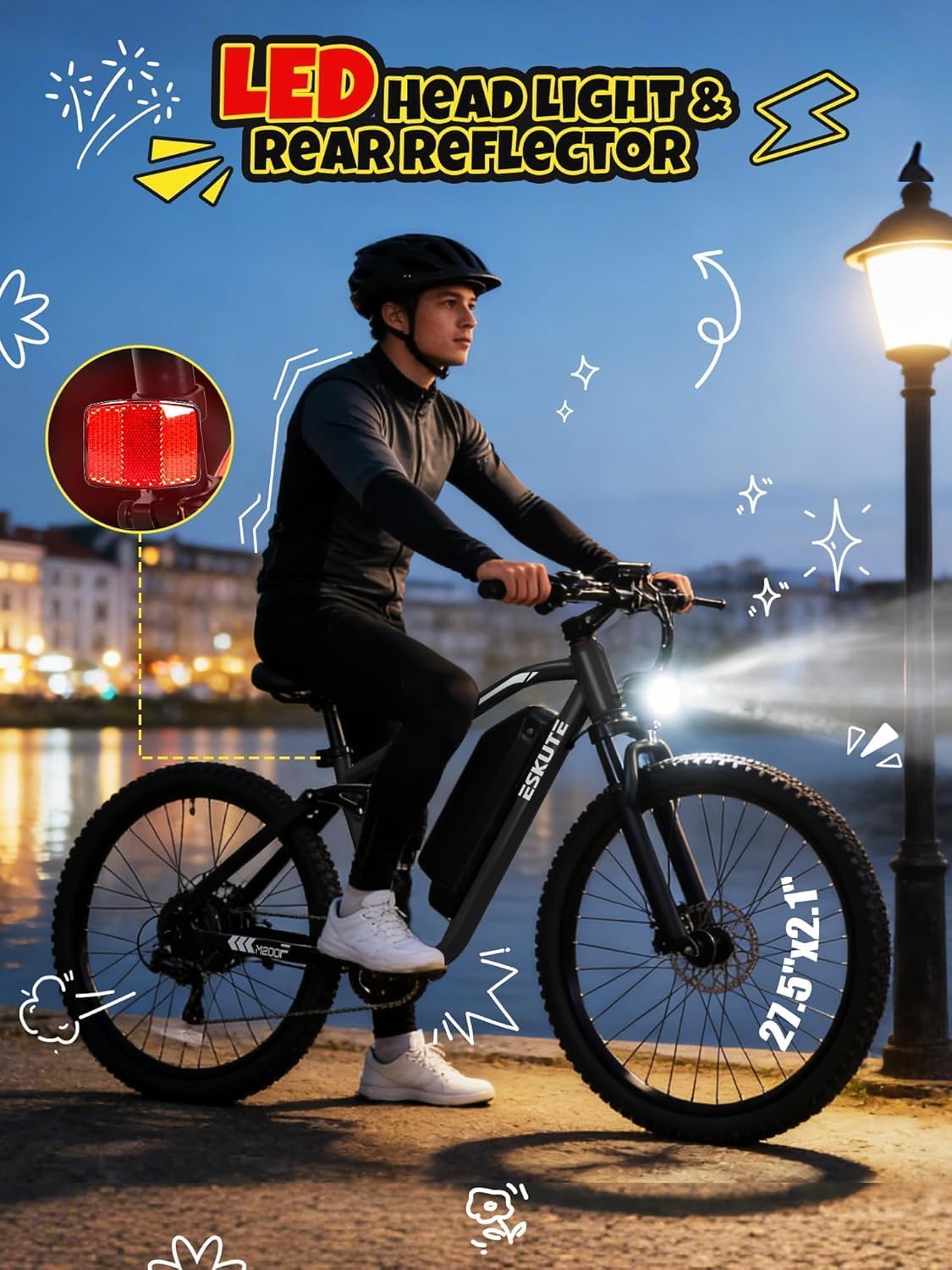
Figure 6.1: ESKUTE M200F dimensions and recommended rider height.
7. Warranty and Support
ESKUTE is committed to providing reliable products and excellent customer service.
Warranty Information
The ESKUTE M200F Electric Bike comes with a 12-month limited warranty from the date of purchase. This warranty covers manufacturing defects in materials and workmanship. Please retain your proof of purchase for warranty claims. The warranty does not cover normal wear and tear, misuse, accidents, or unauthorized modifications.
Customer Support
For any questions, technical assistance, or warranty claims, please contact ESKUTE customer support. Our responsive team is available to assist you.
- Email: support.us@eskute.com
- Pre-sales Phone: 1 888 886-2818 (Mon-Fri 9:00am-6:00pm EST)
- After-sales Phone: 1 240 332-0549 (Mon-Fri 9:00am-6:00pm EST)

Figure 7.1: ESKUTE dedicated customer support team.


