
Introduction
The Monster Sleep Ear200 Wireless Headphones are designed to provide a comfortable and undisturbed sleep experience. Featuring Bluetooth 6.0 connectivity and advanced Active Noise Cancellation (ANC), these in-ear headphones are specifically engineered for side sleepers, ensuring a secure and pressure-free fit throughout the night. With up to 30 hours of total playback time, you can enjoy continuous audio or silence for extended periods.
What's in the Box

Image: Contents of the Monster Sleep Ear200 package.
- Charging Case x1
- Sleep Earbuds x1 pair
- Sealed Ear Tips x4 (2 Pairs - various sizes)
- USB-C Charging Cable x1
- Instruction Manual x1
Setup
Charging the Earbuds and Case
Before first use, fully charge the earbuds and charging case. Connect the provided USB-C cable to the charging case and a compatible power source. A full charge takes approximately 1.5 hours. The digital display on the charging case indicates the battery level.
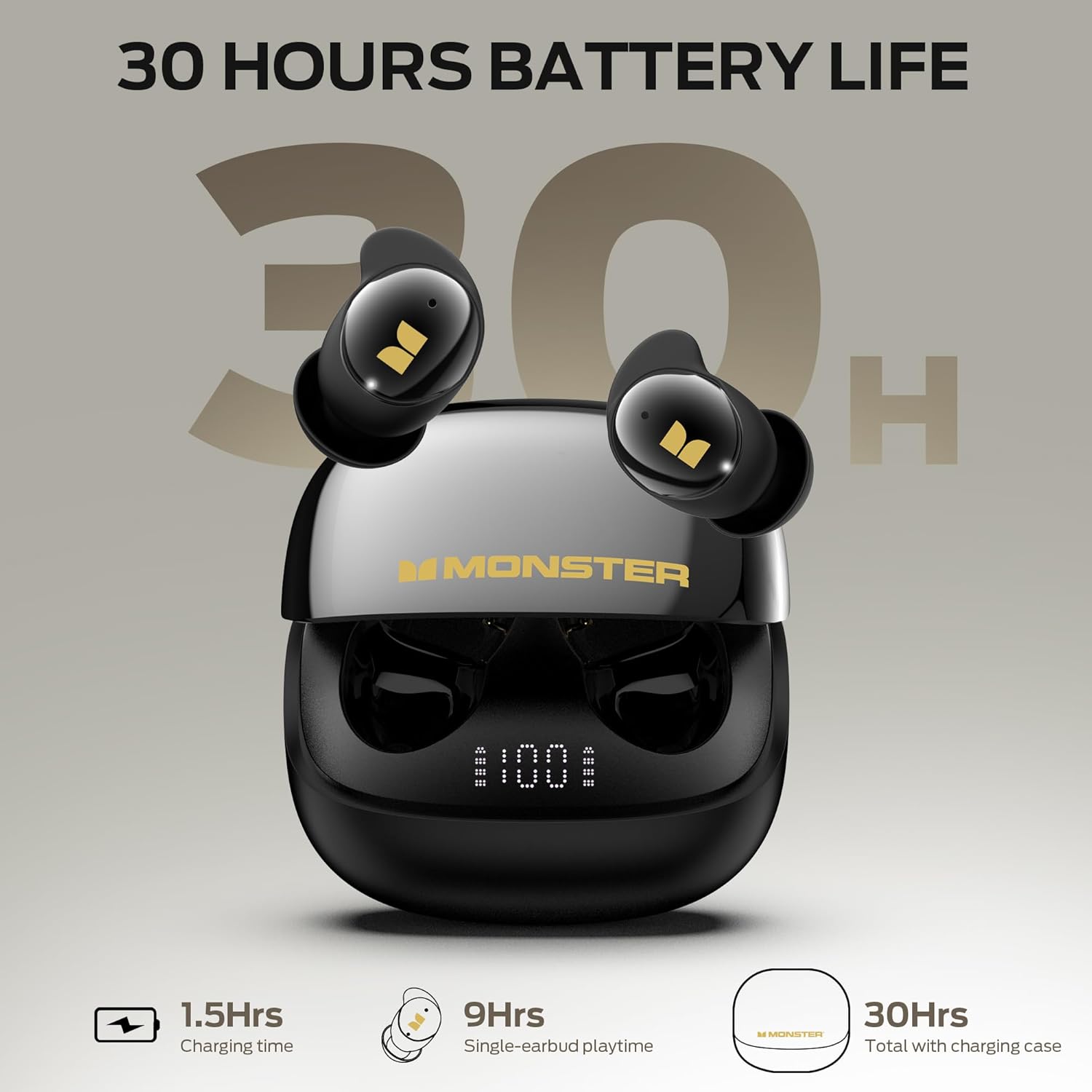
Image: Earbuds in charging case showing battery life.
Bluetooth Pairing
- Ensure the earbuds are charged and placed in the charging case.
- Open the charging case. The earbuds will automatically enter pairing mode, indicated by a flashing light (refer to LED indicator section in full manual for specific patterns).
- On your device (smartphone, tablet, etc.), enable Bluetooth and search for available devices.
- Select "Monster Sleep Ear200" from the list of found devices to connect.
- Once connected, the earbuds will indicate successful pairing (e.g., a voice prompt or solid light).
The Monster Sleep Ear200 utilizes Bluetooth 6.0 technology for a stable and low-latency connection.
How to Wear Earbuds Correctly

Image: Step-by-step guide on wearing the earbuds.
- Install Appropriate Ear Tips: Choose the ear tips that best fit your ear canal for comfort and optimal noise isolation.
- Insert Earbuds: Gently insert the earbuds into your ears at the angle shown in the diagram.
- Rotate for Secure Fit: Rotate the earbuds slightly until they feel comfortable and securely seated in your ear. The liquid silicone design is intended to be unobtrusive, especially for side sleepers.
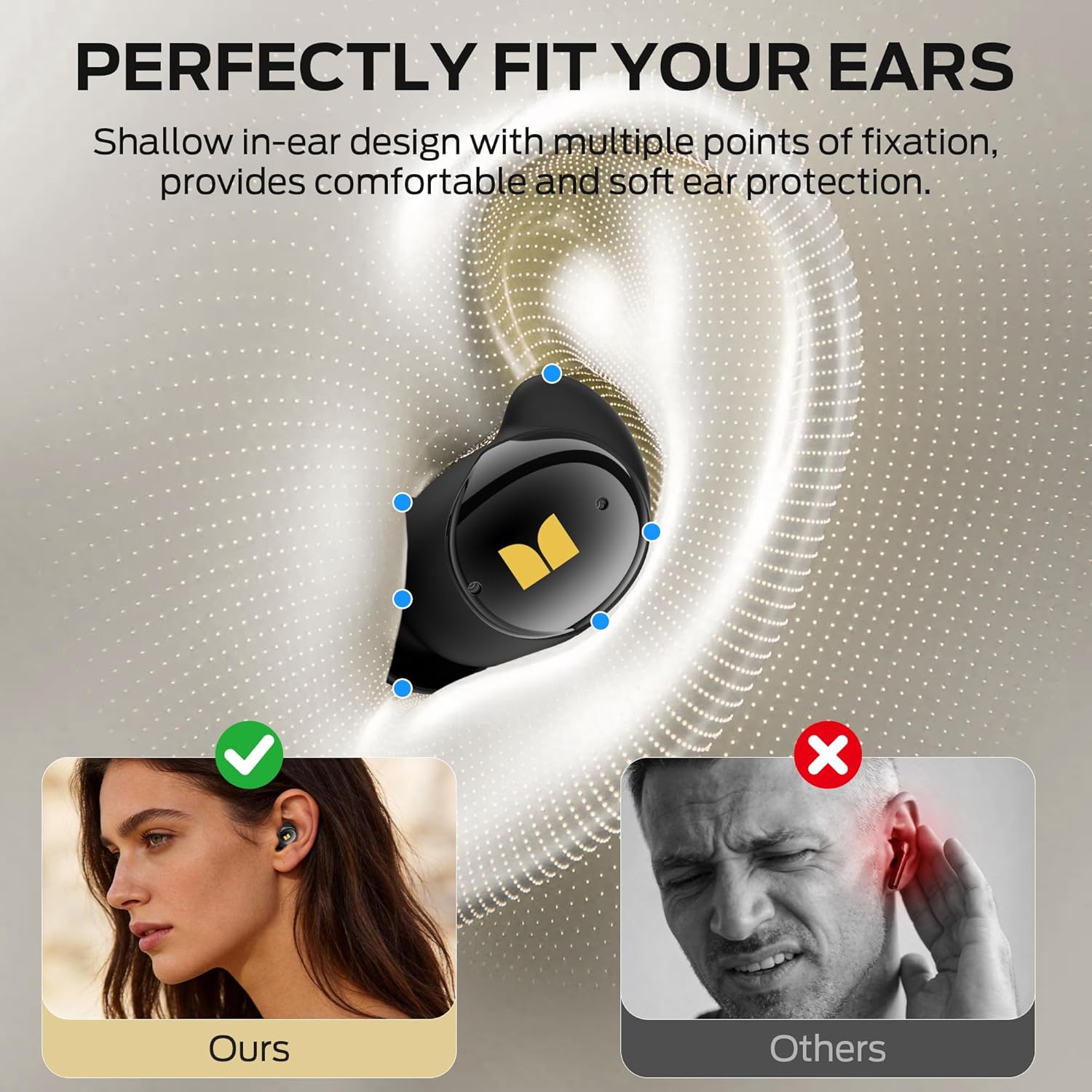
Image: Visual comparison of proper earbud fit.
Operating Instructions
Active Noise Cancellation (ANC)
The Monster Sleep Ear200 features an advanced ANC system with noise-canceling microphones. This system effectively blocks out ambient sounds such as snoring, pet movement, and electronic device noise, achieving noise reduction depths of up to -45dB. This helps create a quiet environment conducive to restful sleep.

Image: Earbud design highlighting noise reduction technology.
One-button activation of the sleep function engages the ANC system. The ANC can also reduce machine noise by up to 35% for general use.

Image: Noise Cancellation Mode in use.
Sleep Mode
To activate Sleep Mode, simply tap either earbud four times after audio playback has started. This mode initiates relaxing sleep sounds to help you unwind and drift into deep sleep. Sleep Mode offers up to 13 hours of playback for uninterrupted rest.

Image: Activating Sleep Mode.
Bluetooth Mode
You can switch between Sleep Mode and standard Bluetooth Mode. Bluetooth Mode provides a stable and smooth connection for streaming audio content. This mode offers approximately 10 hours of playback for pre-bedtime relaxation or general listening.

Image: Switching to Bluetooth Mode.
Battery Life & Charging
Each earbud provides approximately 9 hours of playback time on a single charge. The compact charging case extends the total battery life to 30 hours, ensuring consistent rest without frequent charging interruptions. The charging case features a digital display to easily monitor the battery level.
Image: Battery life details for earbuds and charging case.
Maintenance
- Cleaning: Regularly clean the earbuds and charging case with a soft, dry, lint-free cloth. Do not use harsh chemicals or abrasive materials.
- Ear Tips: Remove and clean ear tips periodically with mild soap and water. Ensure they are completely dry before reattaching.
- Storage: Store the earbuds in their charging case when not in use to protect them and keep them charged. Avoid storing in extreme temperatures or humid environments.
- Water Resistance: The earbuds are not waterproof. Avoid exposure to excessive moisture or submersion in water.
Troubleshooting
| Problem | Possible Solution |
|---|---|
| Earbuds not pairing | Ensure earbuds are charged. Place them back in the case, close, then reopen to re-enter pairing mode. Check your device's Bluetooth settings and try reconnecting. |
| No sound from earbuds | Check volume levels on both earbuds and your connected device. Ensure earbuds are properly paired. Try restarting your device. |
| ANC not working effectively | Ensure earbuds are properly seated in your ears with the correct size ear tips for a good seal. Verify ANC is activated (refer to operating instructions). |
| Charging issues | Check the USB-C cable and power adapter. Ensure charging contacts on earbuds and case are clean and dry. Verify the charging case has power. |
| Earbuds uncomfortable | Experiment with different ear tip sizes to find the most comfortable and secure fit. Ensure earbuds are inserted and rotated correctly as per the wearing instructions. |
Specifications
- Model: W67bk
- Brand: Monster
- Connectivity: Bluetooth 6.0
- Noise Cancellation: Active Noise Cancellation (ANC) up to -45dB
- Earbud Playback Time: Up to 9 hours
- Total Playback Time (with charging case): Up to 30 hours
- Charging Time: Approximately 1.5 hours (for full charge)
- Battery Requirement: 1 A battery required (integrated)
- Dimensions (Parcel): 10.2 x 9.9 x 3.9 cm
- Weight (Parcel): 60 g
- Color: Black
Warranty and Support
Monster is committed to customer satisfaction. For any inquiries, feedback, or support regarding your Monster Sleep Ear200 headphones, please refer to the warranty information provided with your purchase or contact Monster's dedicated after-sales support team. Contact details can typically be found on the official Monster website or within the product packaging.
Please retain your proof of purchase for warranty claims.


