
1. Introduction
The RENPHO MorphoScan Lite Body Composition Scale with Handle (Model R-MSC06) is an advanced digital scale designed to provide comprehensive insights into your body composition. Utilizing 8-electrode technology, it offers detailed measurements beyond basic weight, including body fat, muscle mass, and over 50 other health indicators. This manual provides instructions for setting up, operating, maintaining, and troubleshooting your device to ensure optimal performance and accurate readings.

The RENPHO MorphoScan Lite Body Composition Scale, featuring a clear display and handle for enhanced body composition analysis.
2. Setup
2.1 Unboxing and Initial Inspection
Carefully remove all components from the packaging. Ensure the scale, handle, instruction manual, and batteries are present. Inspect the scale for any visible damage. If any components are missing or damaged, contact customer support.
2.2 Battery Installation
The scale is powered by AAA batteries. Locate the battery compartment on the underside of the scale. Insert the AAA batteries, ensuring correct polarity (+/-). The scale will power on automatically once batteries are installed.
2.3 App Download and Pairing
To utilize the full features of your MorphoScan Lite scale, download the RENPHO Health App from your device's app store (available on Apple App Store and Google Play Store). Follow the in-app instructions to create an account and pair your scale via Wi-Fi or Bluetooth. The app will guide you through the initial setup process, including connecting the handle to the scale.

The RENPHO Health App provides detailed insights and tracking for your body composition data.
2.4 User Profile Creation
Within the RENPHO Health App, create individual user profiles for each person who will use the scale. The scale features auto-recognition, instantly displaying the user's name on screen and matching it to the correct profile in the app, eliminating the need for manual switching.
3. Operating Instructions
3.1 Taking a Measurement
- Place the scale on a hard, flat surface. Avoid carpets or uneven flooring.
- Step onto the scale barefoot. Ensure your feet are positioned on the electrode pads.
- Hold the handle firmly with both hands, ensuring your palms are in contact with the handle electrodes.
- Remain still until the measurement is complete. The scale's display will show key metrics, and the full data will sync to the RENPHO Health App.

A user demonstrating the correct posture for taking a measurement with the handle for comprehensive body analysis.
3.2 Understanding the Display
The scale's minimalistic display provides immediate access to key metrics such as weight, body fat, skeletal muscle, and BMI, along with 7-day trends. For a complete breakdown of over 50 health indicators, refer to the RENPHO Health App.

The scale provides more complete analysis of arms, trunk, and legs compared to standard scales.
3.3 Using the RENPHO Health App
The RENPHO Health App is your central hub for all body composition data. It visualizes trends, offers various analyses, and allows you to track progress over time. The app also connects to a broader RENPHO ecosystem, enabling tracking of caloric intake, hydration, activity levels, and more.
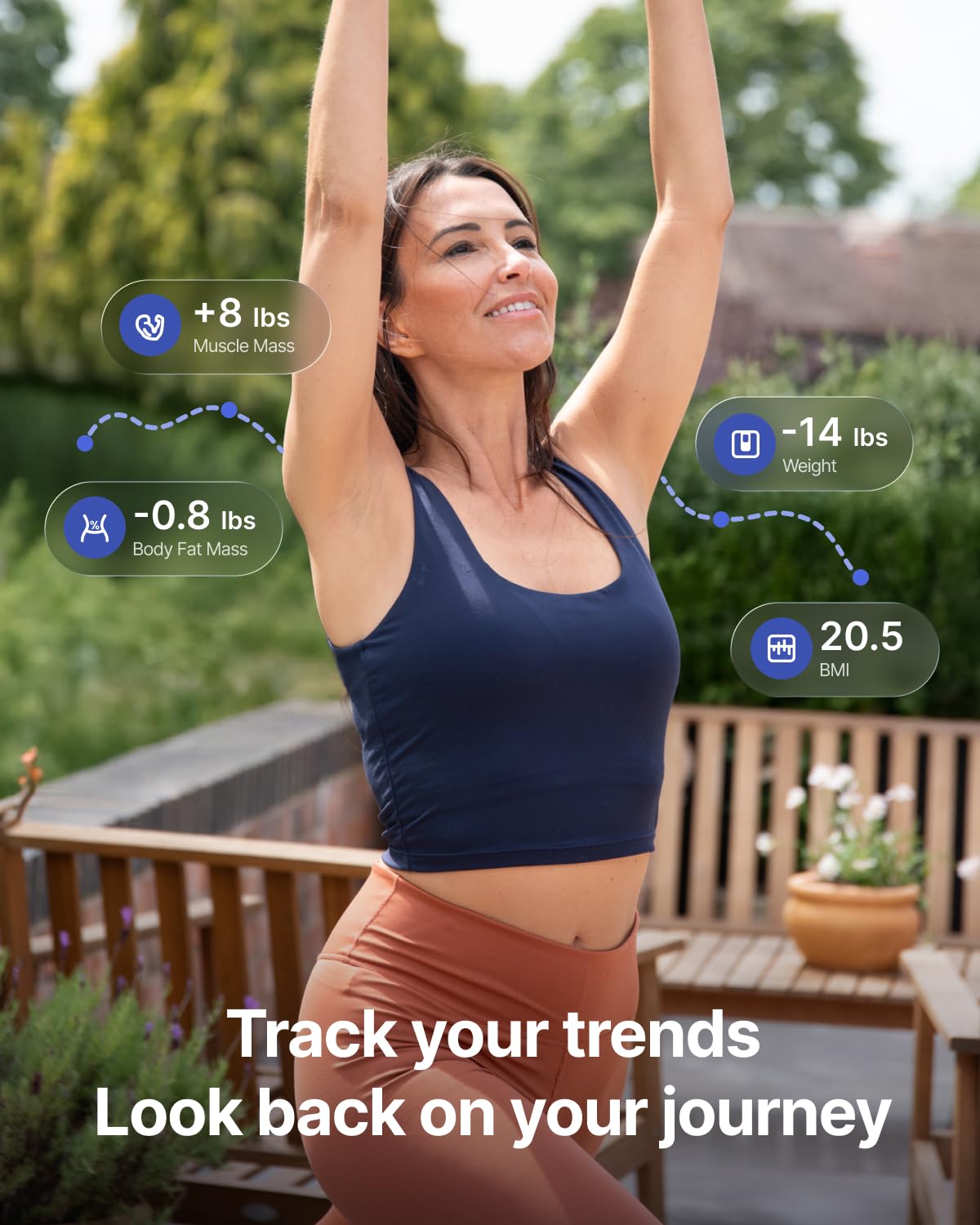
Track your body composition trends and progress directly within the RENPHO Health App.
Official video demonstrating the MorphoScan Lite Scale and its focus on important health metrics.
4. Maintenance
4.1 Cleaning
The scale features an easy-wipe, ITO-coated surface. To clean, use a soft, damp cloth. Avoid abrasive cleaners or harsh chemicals, as these can damage the surface and electrodes. Do not immerse the scale in water.

The scale's sleek design and ITO-coated surface make it easy to clean and maintain.
4.2 Battery Replacement
The scale is powered by AAA batteries and has a battery life of over 100 days. When the battery indicator on the display or in the app shows low power, replace the batteries with new AAA batteries to ensure continuous and accurate operation.
4.3 Storage
Store the scale in a cool, dry place away from direct sunlight and extreme temperatures. Do not place heavy objects on the scale when not in use.
5. Troubleshooting
- No Display/Power: Check if the batteries are correctly installed or need replacement.
- Inaccurate Readings: Ensure the scale is on a hard, flat surface. Make sure your feet and hands are clean and dry, and in full contact with the electrodes. Re-calibrate by stepping on and off the scale quickly.
- App Connectivity Issues: Ensure Bluetooth/Wi-Fi is enabled on your device and the scale is within range. Restart the app and the scale. Check for app updates.
- User Recognition Failure: Verify that your user profile is correctly set up in the app with accurate personal data.
For further assistance, refer to the help section within the RENPHO Health App or contact customer support.
6. Specifications
| Feature | Detail |
|---|---|
| Brand | RENPHO |
| Model | R-MSC06 |
| Color | Dark |
| Weight Capacity | Up to 180 kg (400 lb) |
| Display Type | LCD |
| Measurement Type | Digital, 8-Electrode BIA |
| Power Source | AAA Batteries |
| Special Features | Body Fat, BMI, Muscle Mass, Smart Connectivity (Wi-Fi & Bluetooth), Auto-Recognition |
| Included Components | Scale, Manual, Batteries |
7. Warranty & Support
7.1 Warranty Information
RENPHO products typically come with a standard manufacturer's warranty. Please refer to the warranty card included in your product packaging or visit the official RENPHO website for detailed warranty terms and conditions specific to your region. Keep your purchase receipt as proof of purchase for warranty claims.
7.2 Customer Support
If you encounter any issues or have questions regarding your RENPHO MorphoScan Lite Body Composition Scale, please contact RENPHO customer support. You can usually find contact information (email, phone, or live chat) on the official RENPHO website or within the RENPHO Health App's help section. When contacting support, please have your model number (R-MSC06) and purchase details ready.